Free • No signup Create Royal pet portrait · Free

AI Royal Pet Portrait Maker

Last updated

Turn your dog or cat into royalty with a majestic AI-painted portrait in seconds.
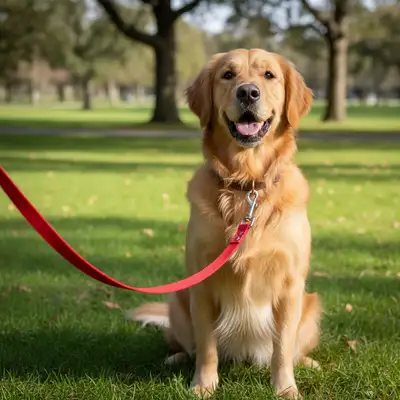
Original photo — Royal Pet Portrait (before editing) Result after Royal Pet Portrait — Turn your pet into royalty with our free AI royal pet portrait mak

Upload photo to create royal pet portrait

"Make an elegant queen in royal purple gown with pearl necklace and diamond tiara"

Release to upload

50,000+photos edited
<30stypical edit
1 freeedit weekly

1 free edit·then from $4.99

How it works

  1. Upload Your Pet Photo

    Choose a clear photo of your pet where their face is visible and well-lit. Front-facing or three-quarter angle works best for royal portraits.

    Expect: Takes 5-10 seconds to upload.
  2. Describe the Royal Portrait

    Tell the AI what kind of royal portrait you want. Specify the royal attire (king, queen, prince, knight), clothing details (golden armor, velvet robes, crown), and setting (throne room, castle, royal garden). Be specific about colors and style.

    Tip: Reference specific royal eras or styles for better results. For example: 'Renaissance queen with pearl necklace' or 'Medieval knight in silver armor' gives more authentic results than just 'make royal'.

    Copy one of these to get started:

    Transform into a golden king with Transform into a golden king with jeweled crown and red velvet cape in a grand throne room
    Make an elegant queen in royal Make an elegant queen in royal purple gown with pearl necklace and diamond tiara
    Create a medieval knight in shining Create a medieval knight in shining silver armor with red plume helmet
    Turn into Renaissance nobility with gold Turn into Renaissance nobility with gold embroidered doublet and feathered hat
    8 more prompts
    Transform into Victorian-era monarch ... Transform into Victorian-era monarch in military dress uniform with medals and sash
    Make a Baroque queen with powdered Make a Baroque queen with powdered wig, lace collar, and sapphire jewelry
    Create a royal duke in burgundy Create a royal duke in burgundy velvet robes with ermine fur trim and golden chain of office
    Transform into Tudor-era monarch with... Transform into Tudor-era monarch with jeweled collar, golden crown, and ornate throne
    Make a regal empress in emerald Make a regal empress in emerald silk gown with ruby crown and peacock feather fan
    Create French Sun King style with Create French Sun King style with elaborate wig, lace cravat, gold brocade coat, and royal scepter
    Transform into Byzantine emperor with... Transform into Byzantine emperor with purple and gold vestments, jeweled crown, and imperial orb
    Make a Mughal empress in silk Make a Mughal empress in silk sari with gold embroidery, jeweled nose ring, and elaborate headpiece
  3. Review and Regenerate

    Check the royal portrait. If you want adjustments (different crown, change armor color, add more jewels), describe the changes and regenerate. You can refine until perfect.

    Expect: Each generation takes 30-45 seconds.
  4. Download Your Portrait

    Download the final royal portrait in high resolution. No watermarks, no signup required. Perfect for printing, framing, or sharing on social media.

See it in action

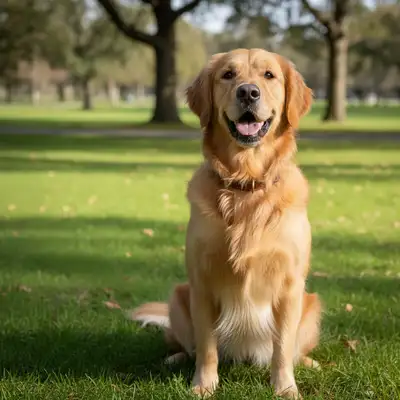
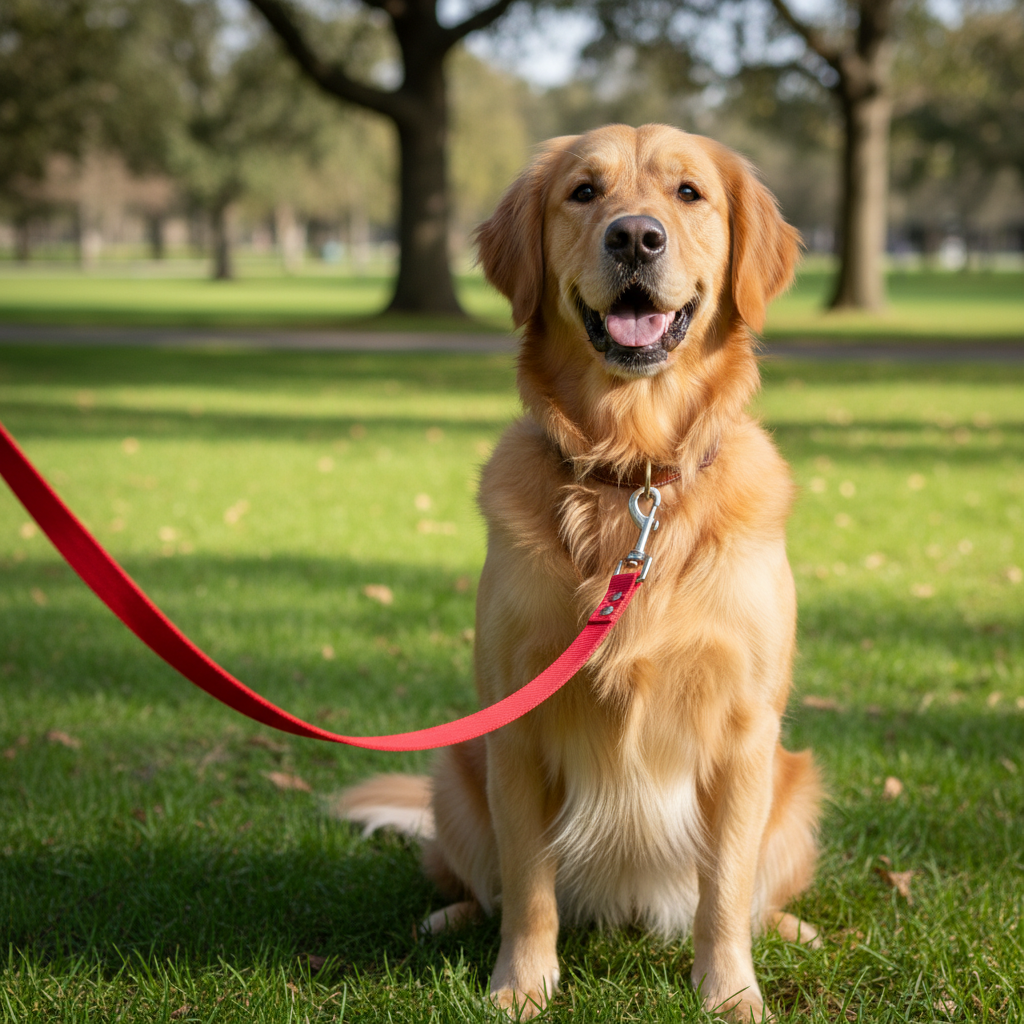
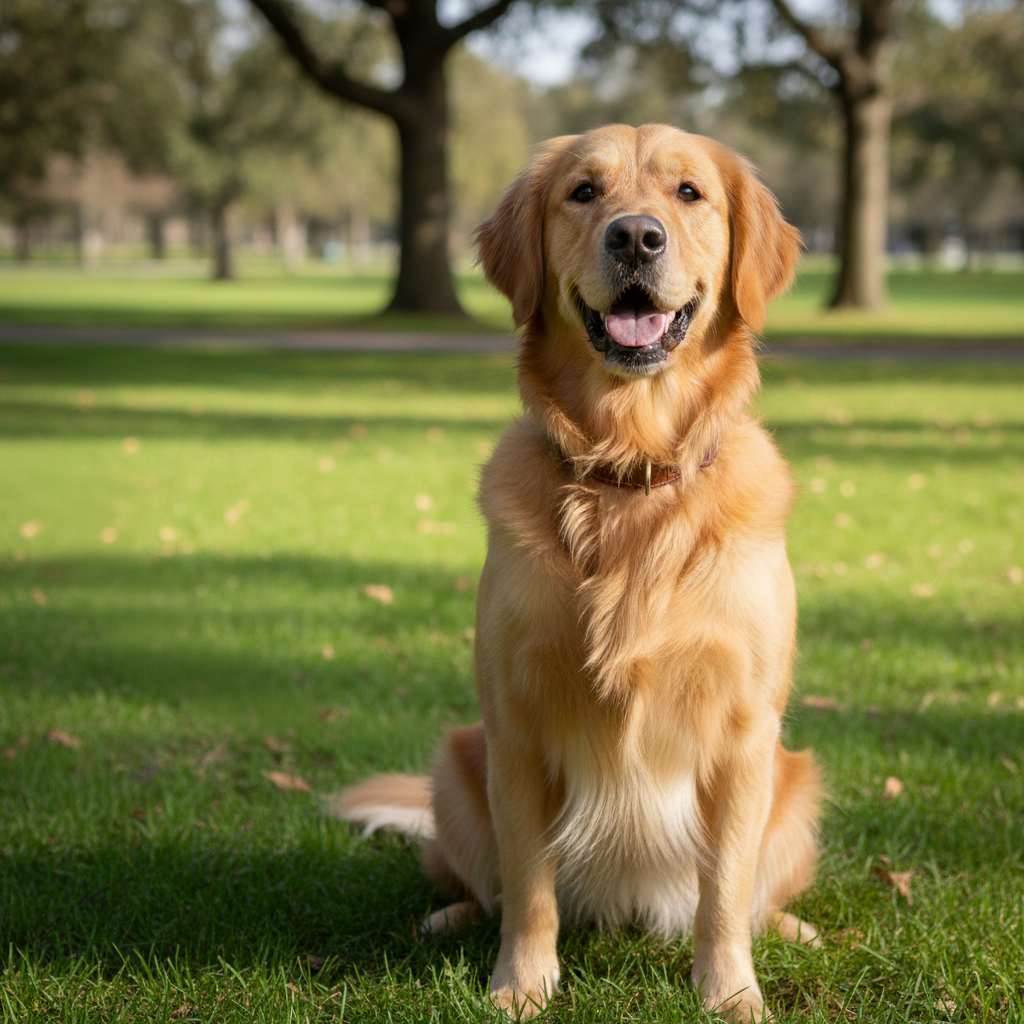
Original photo — Royal Pet Portrait (before editing)
Before
->
Result after Royal Pet Portrait — Turn your pet into royalty with our free AI royal pet portrait mak
After

Transformed into noble king in golden armor with ruby-studde...

Transformed into noble king in golden armor with ruby-studded crown

Prompt: Transform into a majestic king with golden armor, red velvet cape, and jeweled crown in royal throne room
Original photo — Royal Pet Portrait (before editing)
Before
->
Result after Royal Pet Portrait — Turn your pet into royalty with our free AI royal pet portrait mak
After

Became elegant Renaissance queen with pearl necklace and orn...

Became elegant Renaissance queen with pearl necklace and ornate tiara

Prompt: Make a Renaissance queen with royal purple gown, pearl necklace, diamond tiara, and velvet backdrop

Quick answers

Do I need to mark or select my pet before creating the royal portrait?

No! Just upload your pet photo and describe the royal portrait you want. The AI automatically recognizes your pet and transforms them into royalty.

What's the difference between this and regular AI pet portrait makers?

Royal pet portraits are specifically styled as historical nobility with period-accurate clothing, crowns, and regal settings. Regular pet portrait makers typically do generic artistic styles like watercolor or cartoon. This tool specializes in transforming pets into kings, queens, knights, and nobility with authentic royal fashion and backgrounds.

Can I create royal portraits for cats, dogs, and other pets?

Yes! Royal portraits work for any pet - dogs, cats, rabbits, birds, hamsters, even reptiles. The AI adapts the royal styling to fit your pet's species while keeping their unique features recognizable.

What photo of my pet works best for royal portraits?

Use a clear, well-lit photo where your pet's face is visible and in focus. Front-facing or three-quarter angles work best. Avoid photos where the pet is very small in the frame, backlit, or blurry. Think 'passport photo quality' for best results.

Can I print the royal portrait for framing?

Absolutely! The output is high-resolution with no watermarks, perfect for printing. Many users print 8x10 or 11x14 sizes for framing. The portrait quality is designed to look great printed and displayed.

How do I get different royal styles - king vs queen vs knight?

Specify the exact royal role and style in your prompt. Say 'transform into a king with crown and royal robes' or 'make a medieval knight in armor' or 'create a queen with tiara and gown'. The AI follows your specific royal character description.

Is EditThisPic's AI royal pet portrait creator really free?

Yes — you get 1 free edit per week, no account needed. Plans start at $4.99/month for 15 edits.

Can I create royal pet portrait on my phone?

Yes. EditThisPic works in any mobile browser — iPhone, Android, tablet. No app download needed.

How much does EditThisPic cost?

You get 1 free edit per week — no account needed. After that, credit packs start at $1.99 for 3 edits. Monthly plans start at $4.99/mo for 20 edits with unused credits rolling over. All edits are full resolution with no watermark.

Ready to create your photos?

Free to try. No signup required.

1 free edit included·Credit packs from $4.99