Free β€’ No signup Change Pet fur color Β· Free

AI Pet Fur Color Changer

Change your pet's coat color while keeping natural texture and markings intact.
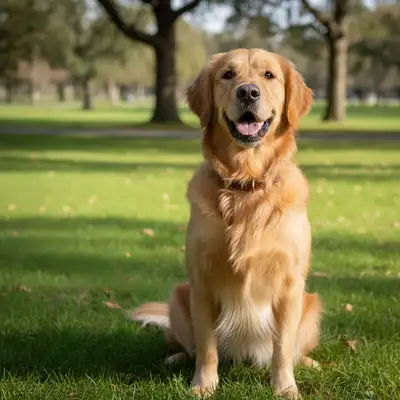
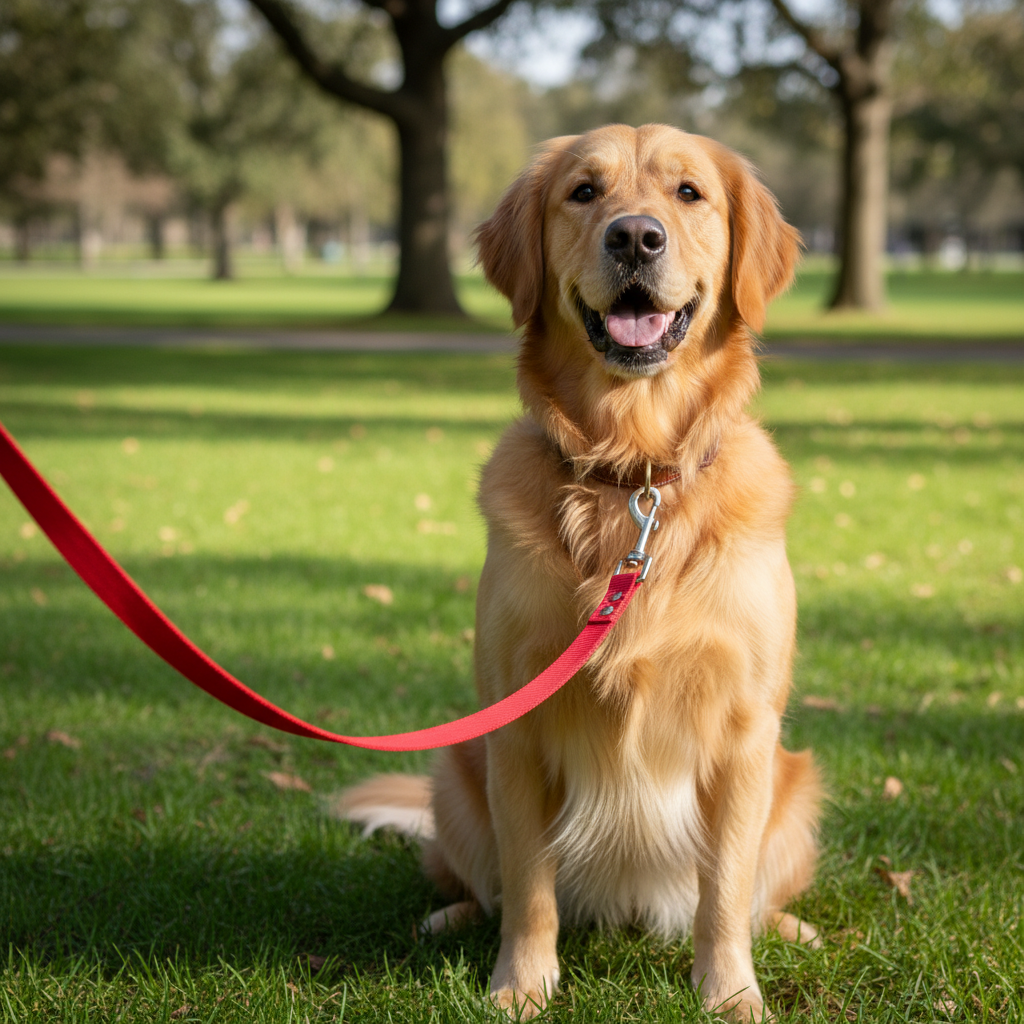
Original photo before AI Pet Fur Color Changer
Before
β†’
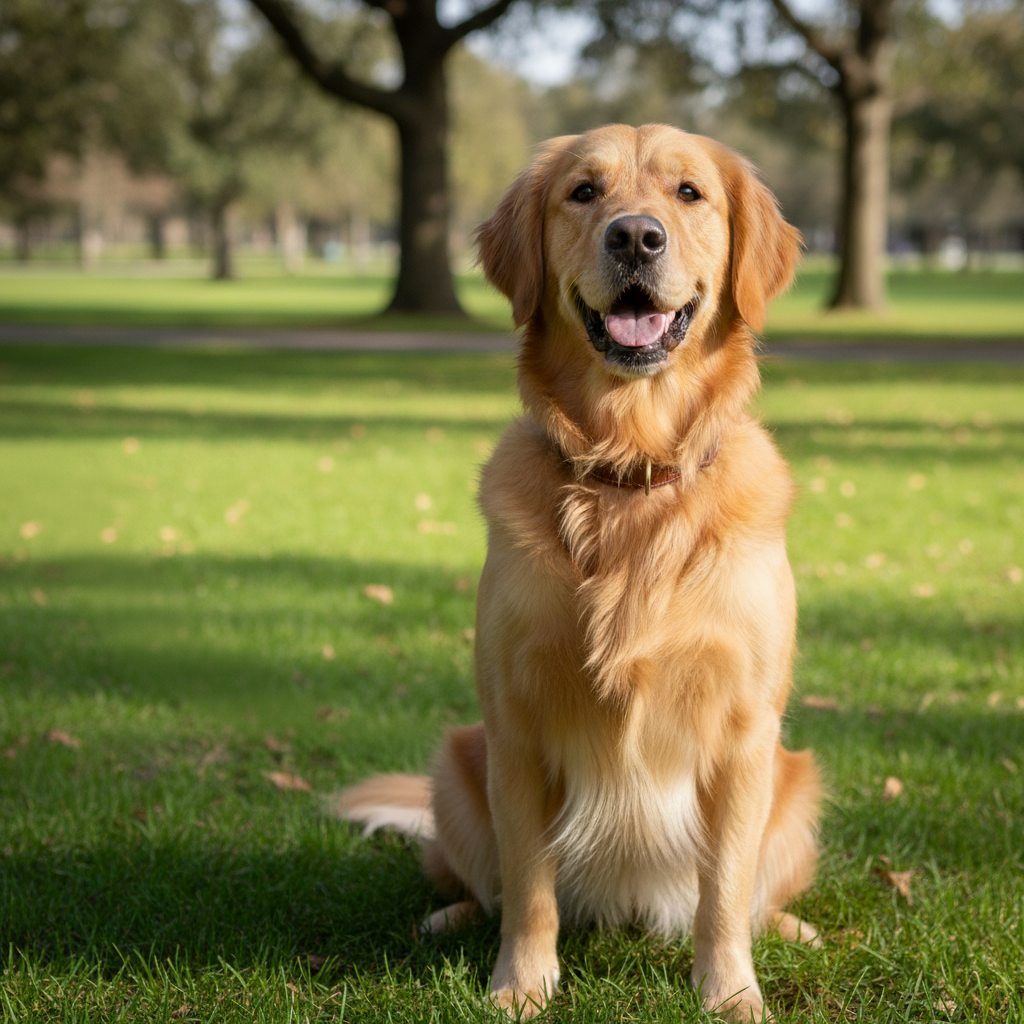
Result after AI Pet Fur Color Changer with EditThisPic
After

Free AI Pet Fur Color Changer

Upload photo to change pet fur color

Free β€’ Results in 30 seconds β€’ No signup

Release to upload

FreeNo signupNo watermark

Cost
Free No signup required
Time
Instant results in 15-30 seconds
Works on
Any device - browser, phone, tablet, desktop
Powered by
AI-powered photo editing

How it works

  1. Upload Your Pet Photo

    Choose the photo of your dog, cat, or other pet whose fur color you want to change. Works with any pet coat color or pattern.

    Expect: Simple change: 20-30 seconds. Complex change: 30-45 seconds and may need refinements.
  2. Describe the New Fur Color

    Tell the AI what color you want the fur to be. Specify whether to change entire coat or specific areas. The AI preserves fur texture and patterns while changing colors naturally.

    Copy one of these to get started:

    change Change the dog's brown fur to bright white fur while keeping the same texture and natural shading throughout the coat
    change Transform the cat's orange tabby fur to gray tabby fur maintaining all the striped markings and patterns in the new gray color
    change Change the dog's black fur to golden retriever blonde fur color while preserving the fluffy texture and natural highlights
    change Transform the cat's all-white fur to calico coloring with patches of orange and black creating a natural tricolor pattern
    3 more prompts
    change Change just the dog's body fur from tan to chocolate brown while keeping the white chest and paws unchanged
    change Transform the cat from solid gray to silver-tipped fur where each hair appears darker at the base and silver at the tips creating a shimmering effect
    change Change the dog's brindle pattern from brown and black stripes to blue merle coloring with mottled gray, black, and silver patches maintaining the pattern complexity
  3. Review the Color Change

    Check that the new fur color looks natural and realistic. Verify that fur texture, markings, and shading are preserved while the color has transformed as requested.

  4. Download Your Transformed Pet Photo

    Save your pet photo with new fur color in high resolution with no watermark. The realistic color change maintains natural pet appearance.

Try it free ↓

Free AI Pet Fur Color Changer

Upload photo to change pet fur color

Free β€’ Results in 30 seconds β€’ No signup

Release to upload

Free β€’ No signup

"So much better than I expected from a free tool." via App Store

See it in action

Original photo before AI Pet Fur Color Changer
Before
->
Result after AI Pet Fur Color Changer with EditThisPic
After

Full Coat Color Change

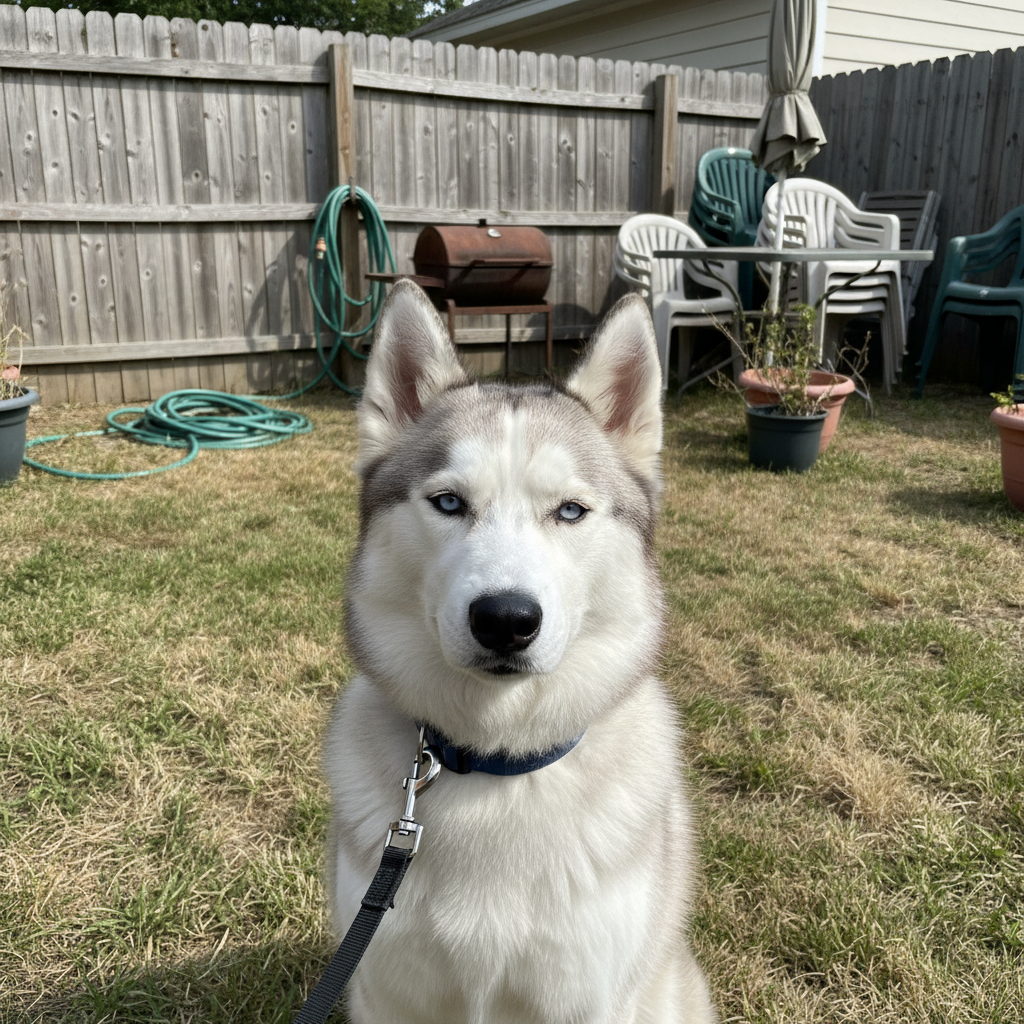
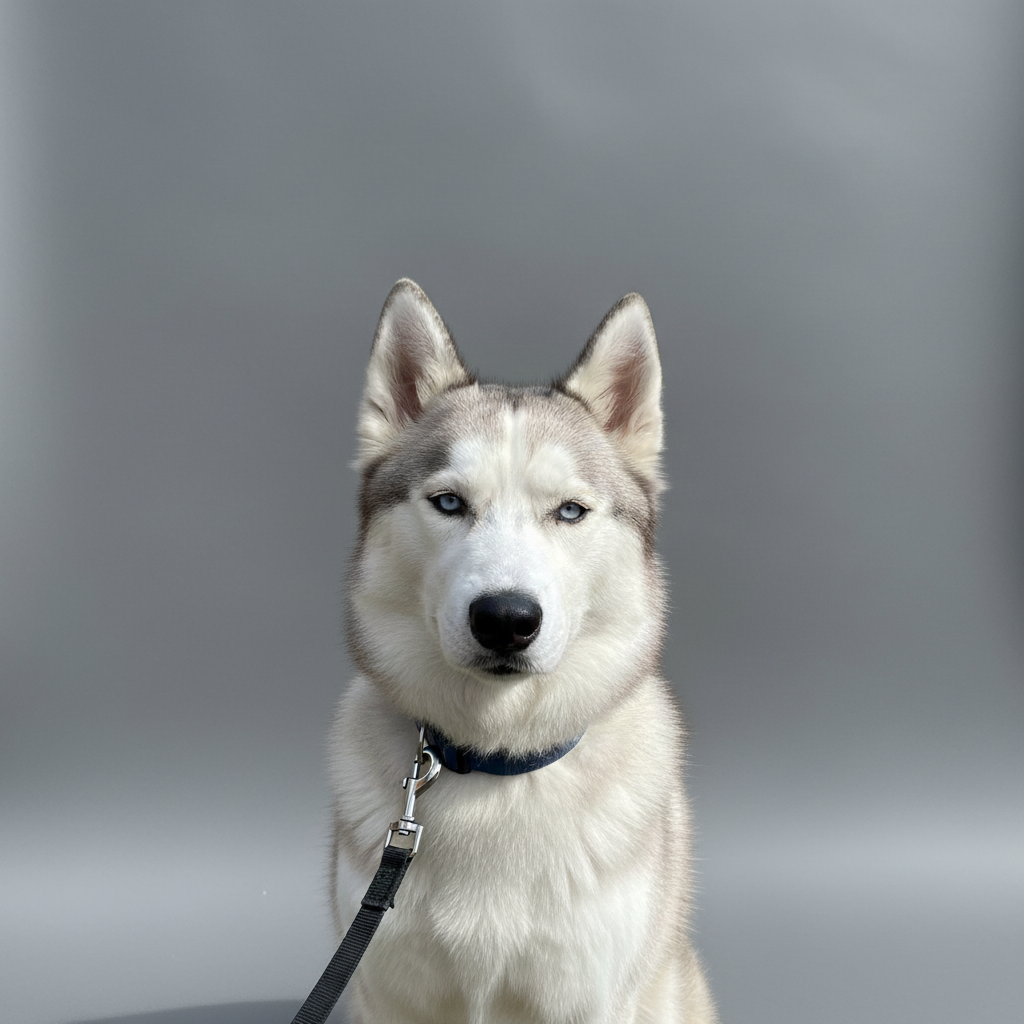
Change the golden retriever's yellow fur to pure white fluffy coat while maintaining the same long fur texture, natural shading, and highlights throughout
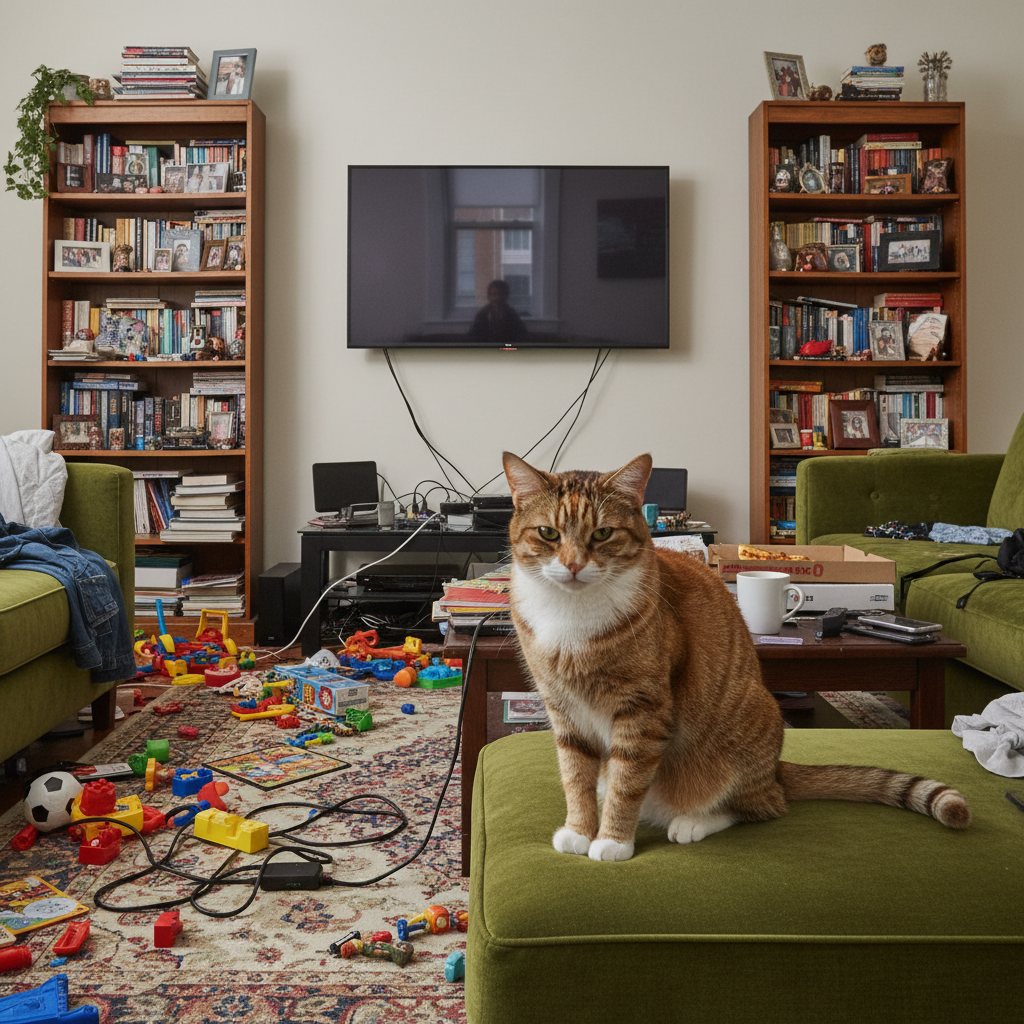
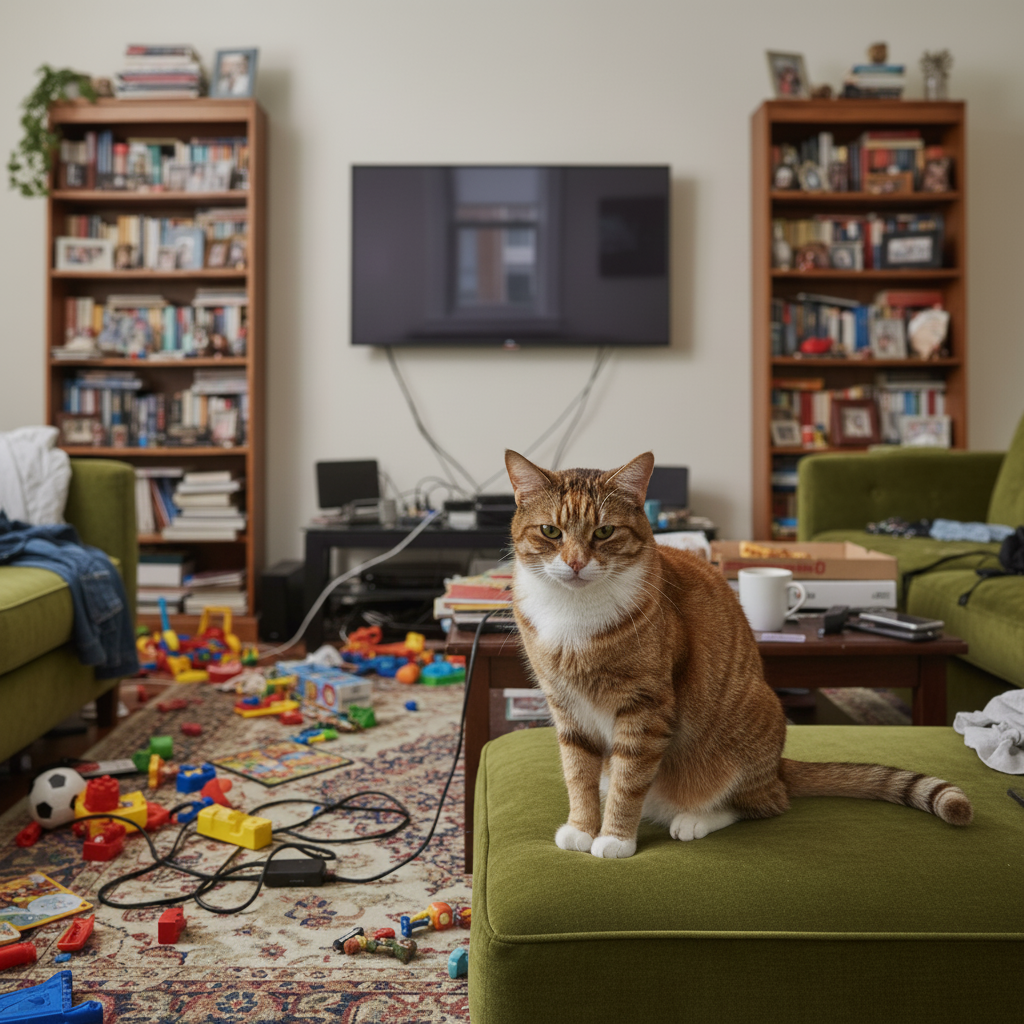
Prompt: Change the golden retriever's yellow fur to pure white fluffy coat while maintaining the same long fur texture, natural shading, and highlights throughout
Original photo before AI Pet Fur Color Changer
Before
->
Result after AI Pet Fur Color Changer with EditThisPic
After

Pattern Color Transformation

Transform the cat's orange and black tabby pattern to cream and gray tabby coloring, changing the base colors while preserving all the distinctive striped markings and swirls
Prompt: Transform the cat's orange and black tabby pattern to cream and gray tabby coloring, changing the base colors while preserving all the distinctive striped markings and swirls
Original photo before AI Pet Fur Color Changer
Before
->
Result after AI Pet Fur Color Changer with EditThisPic
After

Partial Fur Color Change

Change only the black portions of the border collie's coat to rich chocolate brown while keeping the white markings exactly as they are, maintaining the distinctive collie pattern

Prompt: Change only the black portions of the border collie's coat to rich chocolate brown while keeping the white markings exactly as they are, maintaining the distinctive collie pattern

Detailed Guides by Scenario

πŸ“·

Interior Design & Renovation

Visualize pet fur color changes before painting, reupholstering, or purchasing β€” saving time and money on design decisions.

Common Scenarios

  • Testing how a pet fur looks in navy, sage, or terracotta before committing
  • Showing clients multiple pet fur color options using the same room photo
  • Matching pet fur color to existing decor in a renovation plan

Best Practices

  • Upload a photo with even lighting so the AI can accurately map the color boundary
  • Tap directly on the pet fur to mark it, then specify the exact color you want
  • Try describing the finish too β€” 'matte charcoal' vs. 'glossy charcoal' gives different results
πŸ“·

Fashion & Style Preview

Try different pet fur colors digitally before purchasing or coordinating an outfit.

Common Scenarios

  • Previewing a pet fur in multiple colors before buying online
  • Coordinating pet fur color with the rest of an outfit for an event
  • Creating mood boards that show pet fur color variations for a stylist or client

Best Practices

  • Mark the pet fur precisely β€” if nearby items share a similar color, the AI may change them too
  • Specify the fabric look: 'change to burgundy silk' captures both color and material
  • Process the same photo with 3-4 colors to build a comparison grid
πŸ“·

Product & Marketing Visuals

Generate pet fur color variants from a single product photo β€” perfect for catalogs, ads, and e-commerce listings.

Common Scenarios

  • Creating all color variants of a pet fur from one studio shot
  • Matching pet fur to brand colors for marketing campaigns
  • Showing seasonal pet fur color options without reshooting

Best Practices

  • Start with a neutral, well-lit product photo on a plain background for cleanest results
  • Use exact color names or hex codes when precision matters β€” 'Pantone Classic Blue' or '#0F4C81'
  • After changing pet fur color, verify shadows and highlights still look natural

If something looks off

AI changed the wrong area or something I didn't want changed

Why: The AI couldn't determine exactly which area you meant from description alone.

Try: Tap a marker on the specific area you want to change, then regenerate with the same prompt

Tip: Markers tell the AI 'I mean THIS one specifically.' Use them when description alone is ambiguous.

New fur color looks flat or unnatural
Try: Request 'natural fur appearance with shading' in your prompt. Mention that the color should show depth, highlights, and shadows to maintain realistic three-dimensional fur texture.

Tip: Include 'keep natural texture and detail' in your prompt to avoid over-processing.

Fur texture or patterns disappeared
Try: Explicitly state 'preserve fur texture and patterns' or 'maintain all markings in the new color'. The AI should transform color while keeping physical fur characteristics.

Tip: Keep text edits short and simple β€” AI handles single words better than long phrases.

Changed colors that should have stayed the same
Try: Be specific about what to change: 'change only the brown fur, keep white markings', or 'transform body fur but leave face coloring unchanged'.

Tip: Specify the exact colors you want, like 'warm natural tones' or 'cool blue tint.'

New color doesn't look realistic for the breed
Try: Reference real breed colors: 'labrador chocolate brown', 'husky gray and white', 'siamese point coloring'. This helps create believable pet coloration.

Tip: Specify the exact colors you want, like 'warm natural tones' or 'cool blue tint.'

Color change affected eyes, nose, or other features
Try: Specify 'change fur color only, keep eyes and nose natural'. Request that non-fur features remain in their original colors.

Tip: Specify the exact colors you want, like 'warm natural tones' or 'cool blue tint.'

Multiple pets got changed when only one should
Try: Identify which pet: 'change the dog on the left', 'transform only the white cat, leave the tabby unchanged'. Describe position or appearance to target specific pet.

Tip: Add 'keep everything else exactly the same' to protect surrounding areas from changes.

Quick answers

Do I need to mark the fur to change its color?

No marking needed. Just describe which pet and what new fur color you want (white, black, orange, gray). The AI identifies the pet's fur automatically and transforms the color while preserving texture and patterns.

Can I change specific parts of the fur or just the whole coat?

Both options work. You can change the entire coat ('make the dog's fur all white') or specific areas ('change the body fur to brown but keep the white paws and chest'). Be specific about which parts to change.

Will fur patterns and markings be preserved?

Yes, when you request it. Specify 'maintain markings' or 'preserve stripe pattern' and the AI will keep patterns while changing colors. Example: tabby stripes stay but change from orange to gray.

What fur colors can I create?

Any realistic pet colors: white, black, brown, tan, golden, gray, cream, chocolate, ginger, calico patterns, brindle, merle, tabby colorations. Unrealistic colors (bright blue, purple) are possible but may look less natural.

Can this work on photos with multiple pets?

Yes, you can change all pets or specific ones. Identify which pet to change by position ('the cat on the left') or description ('the smaller dog'). Can specify different colors for different pets in one request.

Is EditThisPic's AI pet fur color changer really free?

Yes β€” you get 1 free edit per week, no account needed. For unlimited edits, plans start at $3.99/month.

Can I change pet fur color on my phone?

Yes. EditThisPic works in any mobile browser β€” iPhone, Android, tablet. No app download needed.

What photo formats does the AI pet fur color changer support?

JPG, PNG, WebP, and HEIC. Upload any common photo format and EditThisPic handles the rest.

Ready to edit your photo?

Free to try. No signup required.