Do I need to mark or select my pet first?
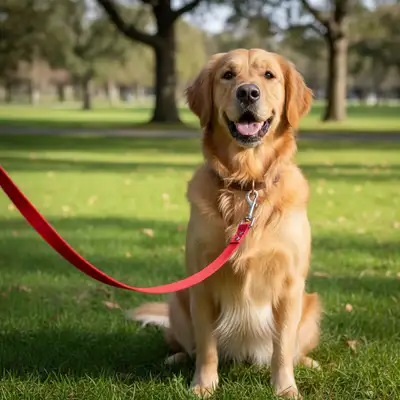
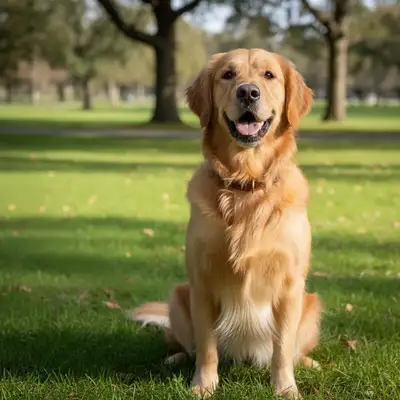
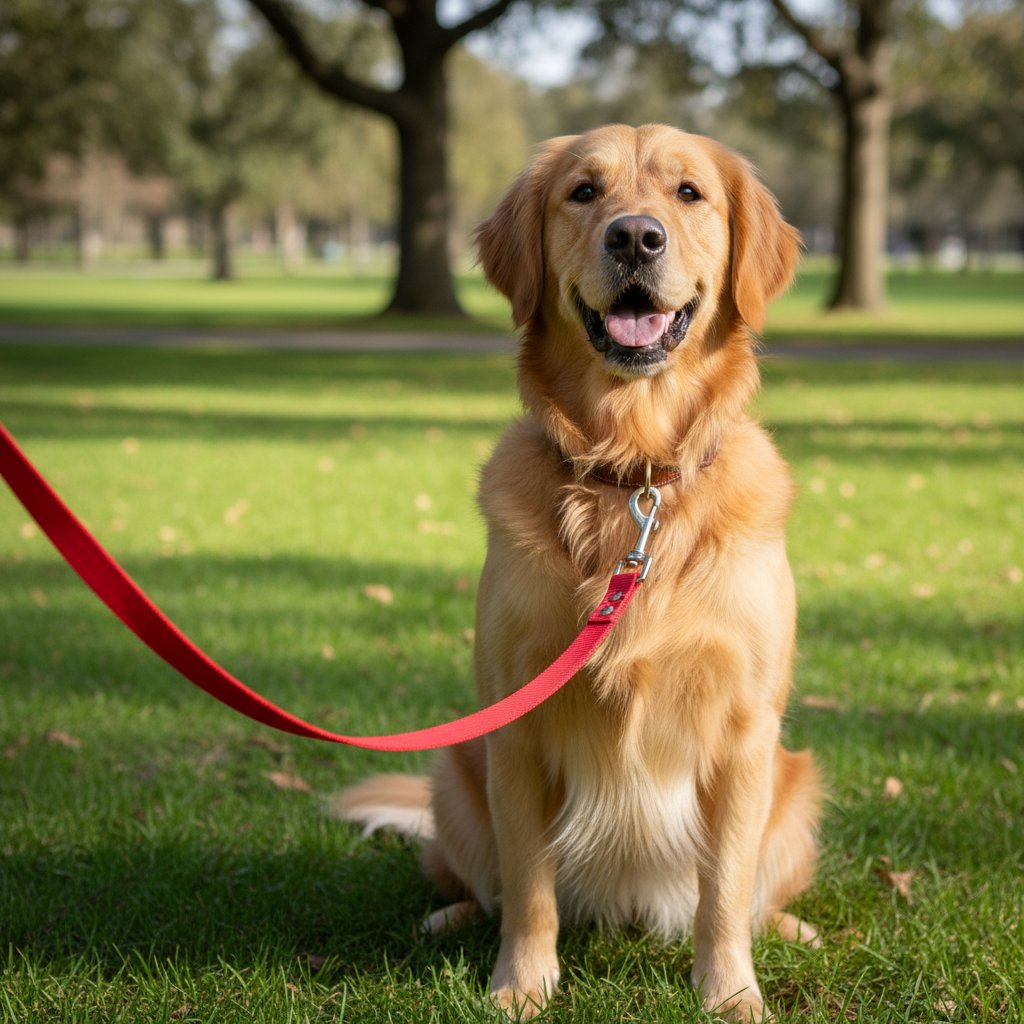
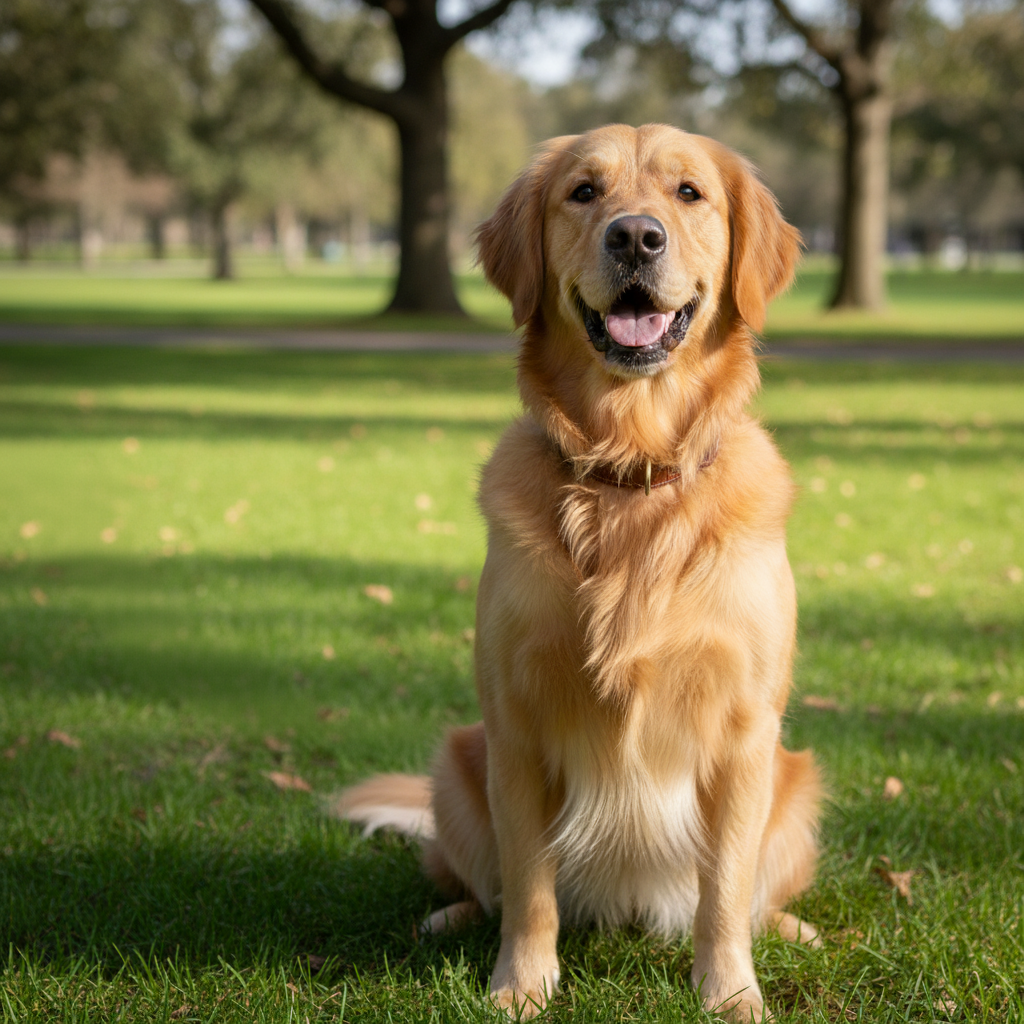
No! The AI automatically detects your pet and separates them from the background. Just describe the new background you want and the AI handles all the masking.
Is this really free with no watermark?
Yes, completely free with no watermark on your downloaded images. No account required, no hidden fees. You get full-resolution photos ready to share anywhere.
Can I make the background blurry like professional portraits?
Absolutely! Add 'bokeh' or 'blurred background' to your description. For example: 'change background to bokeh lights' or 'forest with blurred background'. This creates that professional shallow depth-of-field look.
What if my pet is the same color as the background?
The AI uses shape and context, not just color, to detect pets. However, photos with some contrast work best.
Can I use photos where my pet isn't centered?
Yes! The AI finds your pet anywhere in the photo and preserves their position while changing the background. Your pet doesn't need to be centered or posed any particular way.
Will the new background match my pet's lighting?
The AI attempts to match lighting automatically, but you can improve results by describing the lighting: 'beach at golden hour' or 'studio with soft diffused light'. This helps create more natural-looking results.
Is EditThisPic's AI pet photo background changer really free?
Yes — you get 1 free edit per week, no account needed. Plans start at $4.99/month for 15 edits.
Can I change pet photo background on my phone?
Yes. EditThisPic works in any mobile browser — iPhone, Android, tablet. No app download needed.
How much does EditThisPic cost?
You get 1 free edit per week — no account needed. After that, credit packs start at $1.99 for 3 edits. Monthly plans start at $4.99/mo for 20 edits with unused credits rolling over. All edits are full resolution with no watermark.