AI Superhero Maker
← Browse all creative effectsLast updated
Describe the superhero you want to become and AI transforms your photo instantly. No marking needed.
Upload photo to create superhero version
"make this person look like a tech superhero in sleek black and gold powered armor with glowing blue arc reactor on the chest"
Release to upload
50,000+photos edited
<30stypical edit
1 freeedit weekly
How it works
See it in action
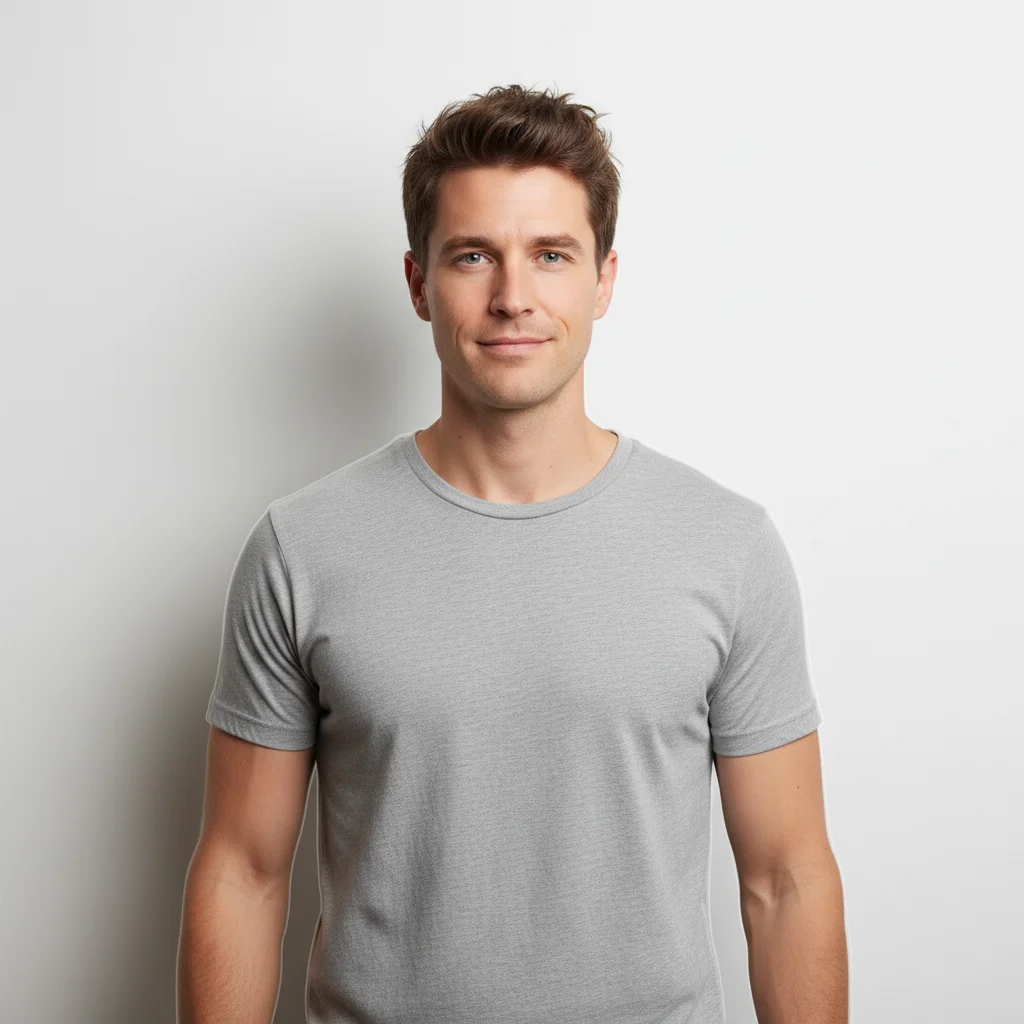
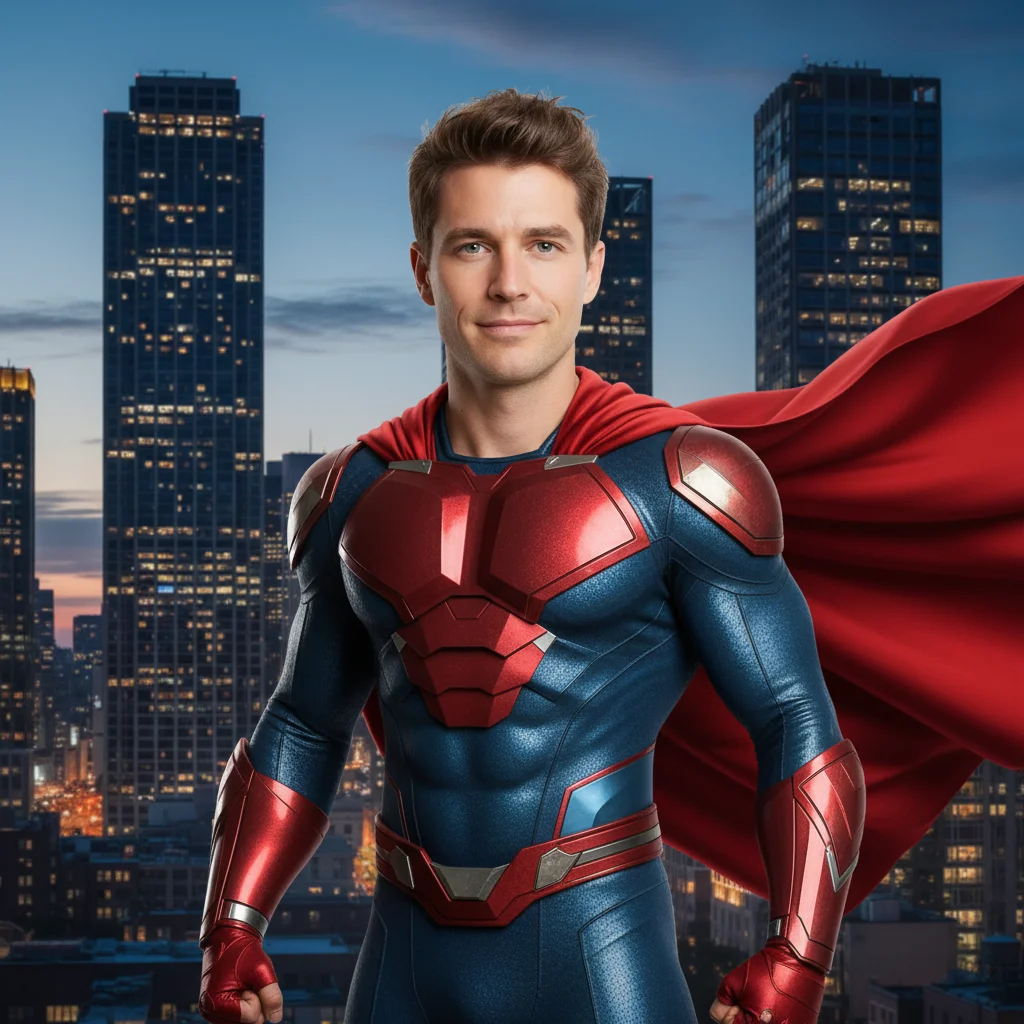
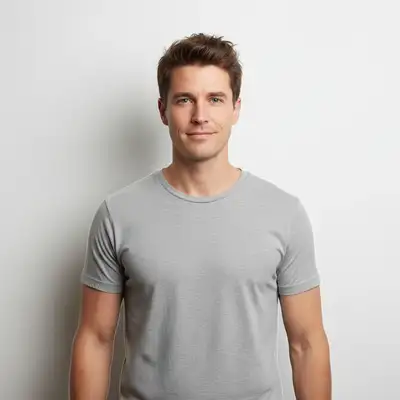
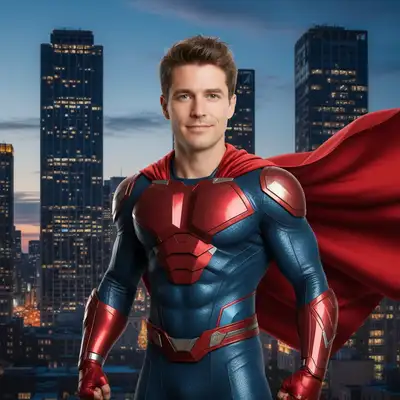
Regular guy to caped superhero
A casual portrait transformed into a classic superhero with metallic suit and flowing cape against a city skyline.
Prompt:
transform this person into a superhero wearing a metallic blue and red suit with a flowing red cape, heroic pose, city skyline background
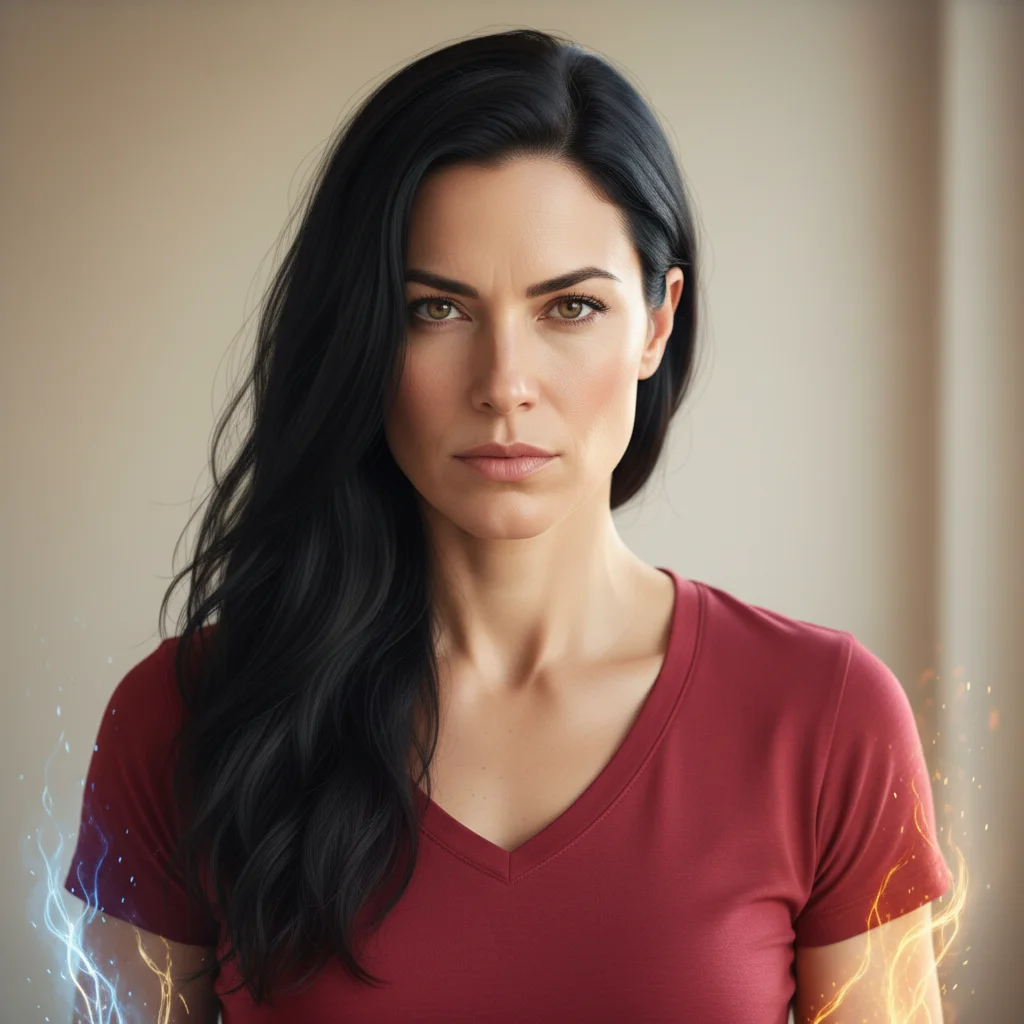
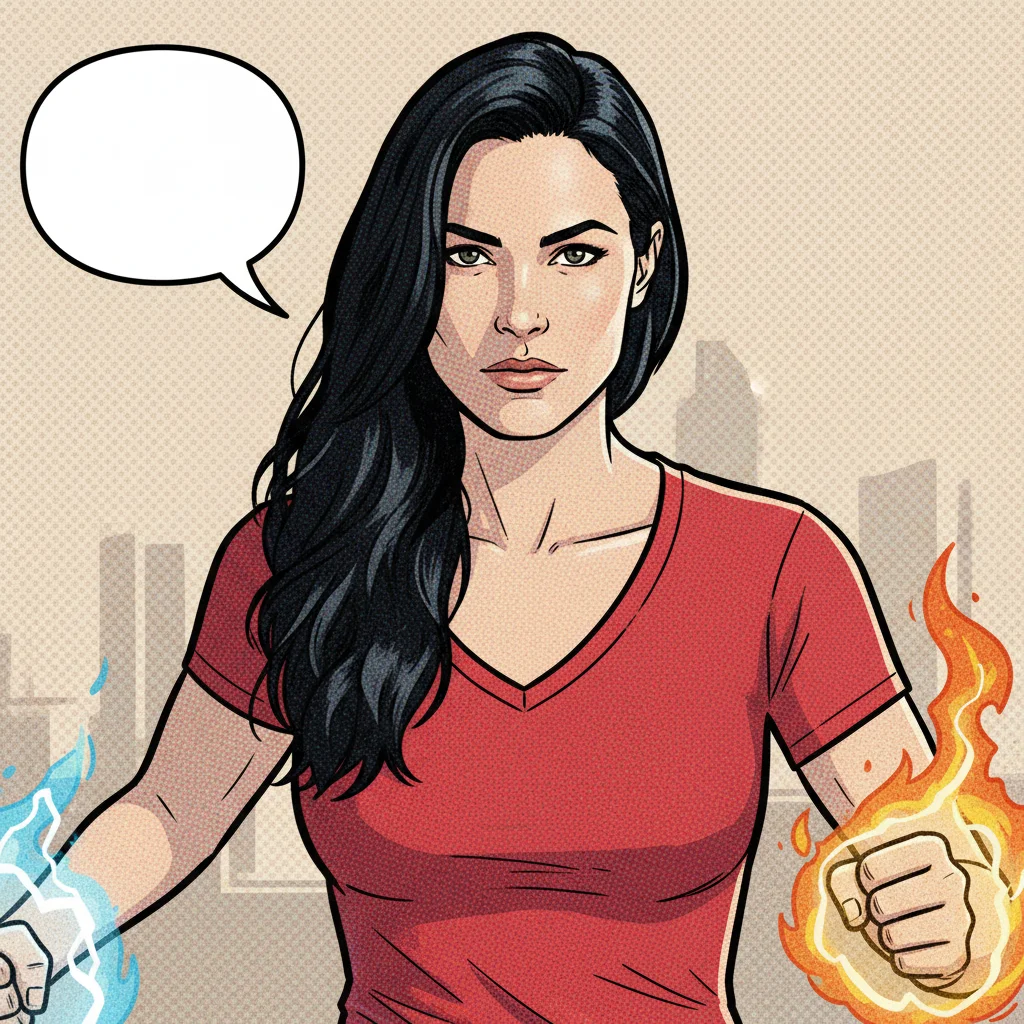
Woman to comic book hero
A woman's portrait transformed into a comic book superhero with bold outlines and dynamic styling.
Prompt:
make this person into a comic book superhero with bold outlines, halftone dots, dynamic action pose, and speech bubble ready
Quick answers
Popular use cases
Ready to become a superhero?
Free to try. No signup required.