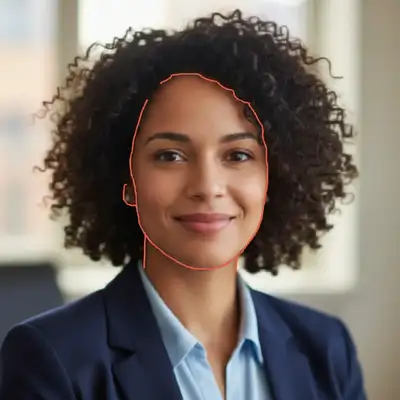
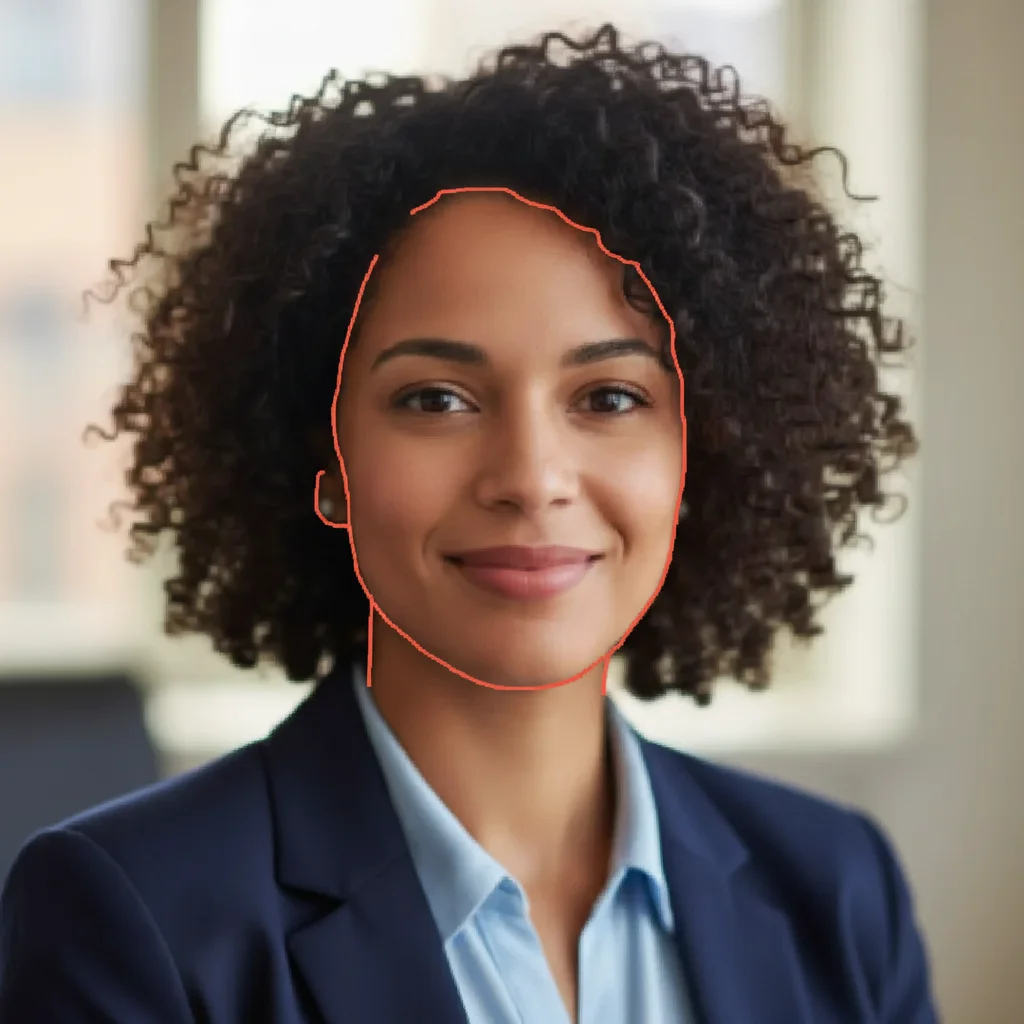
How specific should my prompt be to get a good Fix photos for print materials result on the first try?
One sentence is usually enough: 'Fix and improve this photo.' If the first result is off, refine with details — color, position, lighting, or what to keep. Each pass takes 20-45 seconds and runs separately, so you can compare. Free first edit per week, no signup.
What resolution do I need for printing?
Standard rule: 300 DPI (dots per inch) for close viewing (business cards, brochures, flyers). Large format (posters, banners) can be 150-200 DPI since they're viewed from distance. Business cards are tiny so they need high resolution. Banners are huge but viewed far away so lower resolution works. Your printer can advise on specific requirements.
Why do colors look different when printed?
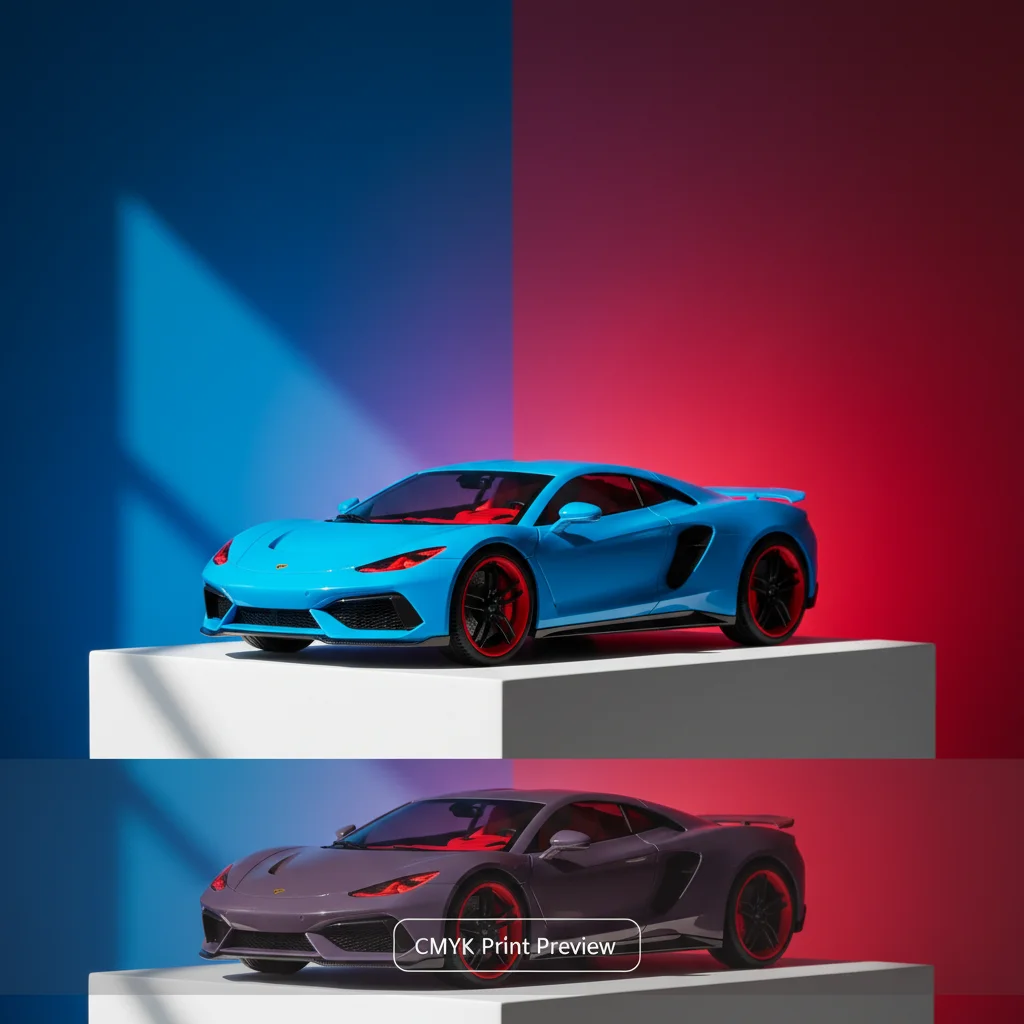
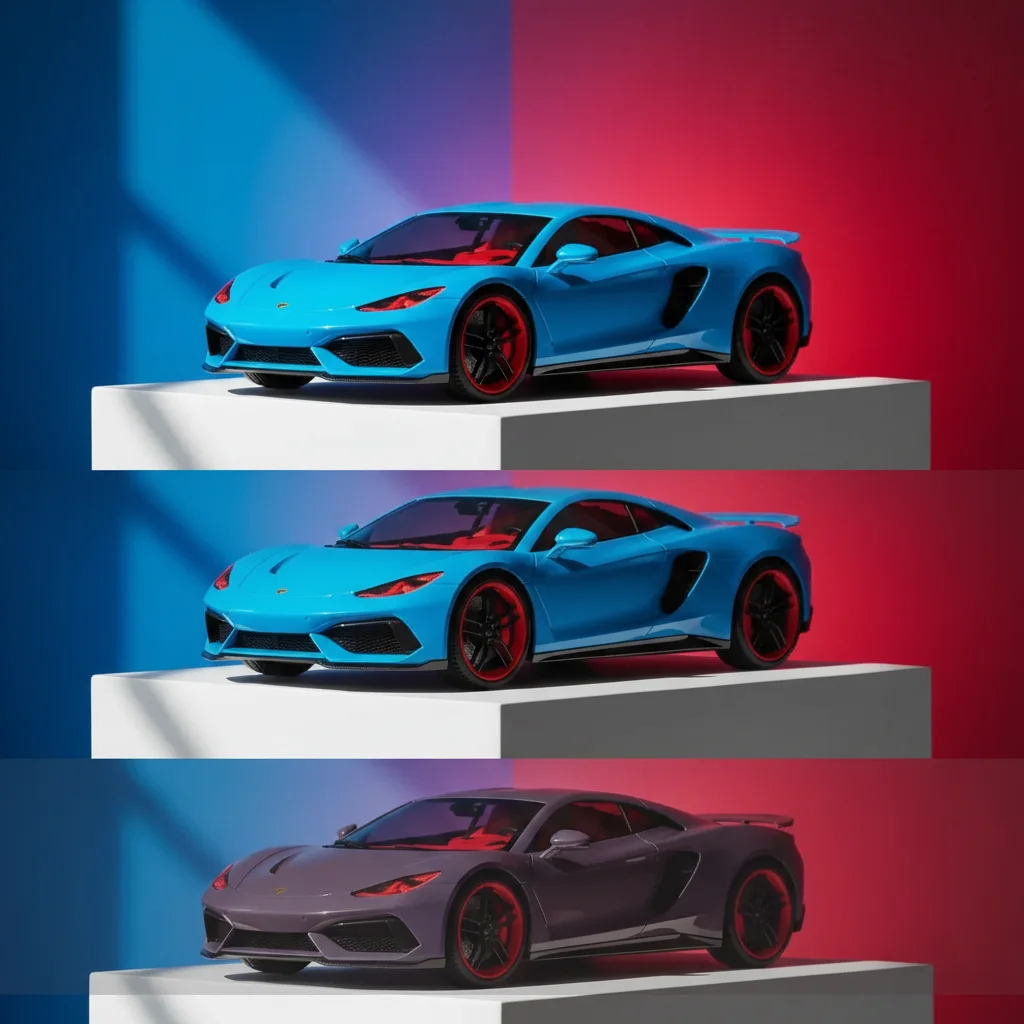
Screens use RGB (red, green, blue light) which has a wider color range. Printers use CMYK (cyan, magenta, yellow, black inks) with a smaller range. Bright blues, neons, and vivid colors shift the most. AI color adjustment compensates for this, but some colors (electric blue, neon pink) simply can't be printed as bright as they appear on screen. Always get a test print for color-critical projects.
Can AI really make a low-res photo print-quality?
AI can significantly improve quality but has limits. It works best when the original is somewhat decent (just web-sized). It can't create detail from nothing—a tiny thumbnail won't become poster-quality. Best results: start with the highest resolution photo you have, even if it's not print-quality yet. The AI enhances what's there.
Should I tell my printer I enhanced the photo with AI?
Not necessary. Printers only care about final file specs (resolution, color space, format). Whether you enhanced with AI, Photoshop, or took a new photo doesn't matter to them. Do mention if you adjusted colors—they may recommend a test print to verify CMYK conversion looks right.
Is EditThisPic's AI photos for print materials fixer really free?
Yes — you get 1 free edit per week, no account needed. Credit packs start at $4.99 for 10 edits.
Can I fix photos for print materials on my phone?
Yes. EditThisPic works in any mobile browser — iPhone, Android, tablet. No app download needed.
What photo formats does the AI photos for print materials fixer support?
JPG, PNG, WebP, and HEIC. Upload any common photo format and EditThisPic handles the rest.
How much does EditThisPic cost?
You get 1 free edit per week — no account needed. After that, one-time credit packs start at $4.99 for 10 edits, valid 12 months, no subscription. Power users who edit daily can pick Studio Membership, a monthly workspace at $49.99/mo for 300 edits. Purchased downloads are clean with no watermark.