Do I need to mark my face or background before describing?
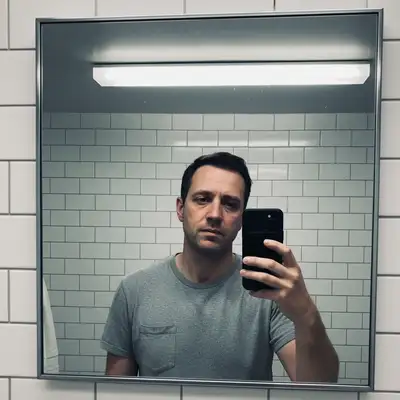
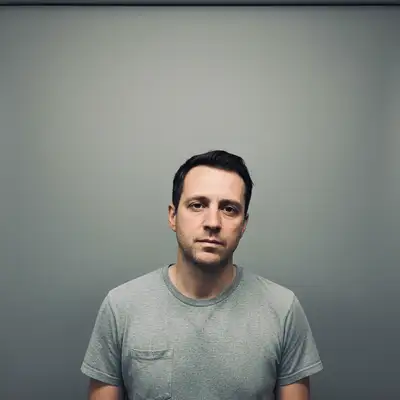
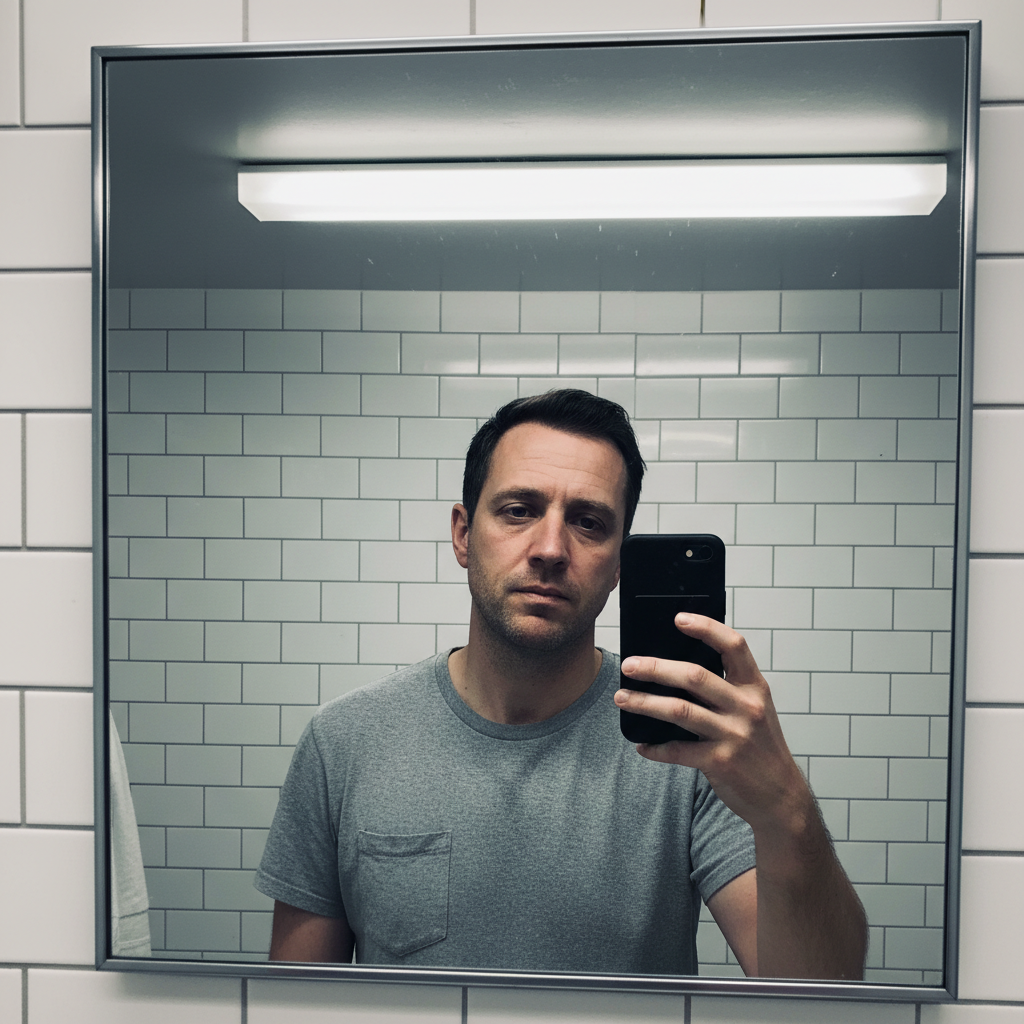
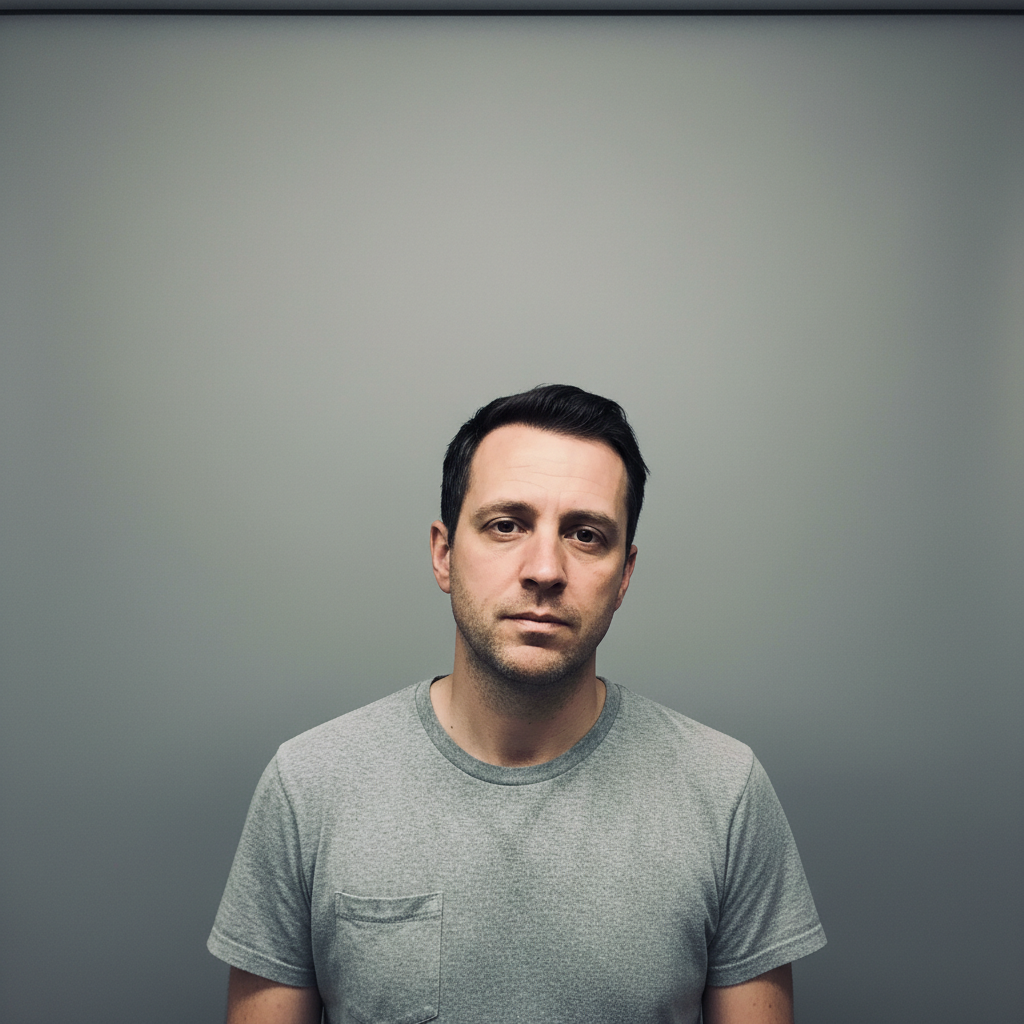
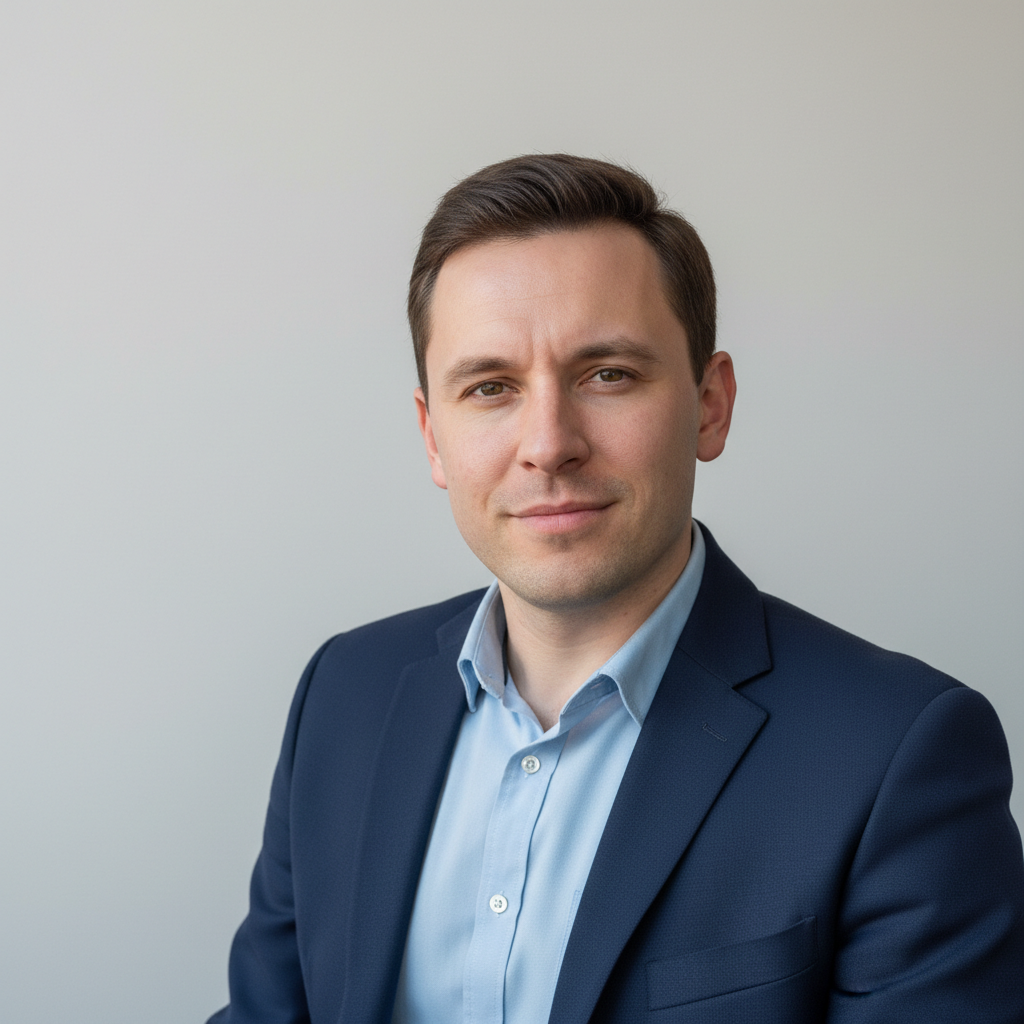
No! Just describe what you want: 'transform this selfie into a professional headshot.' The AI understands concepts like 'headshot,' 'background,' and 'lighting.' Only use markers when you need precision—like fixing specific edge areas or adjusting one part of the image.
How do I turn a selfie into a professional headshot for free?
Upload your selfie to EditThisPic and type 'transform this selfie into a professional headshot with studio lighting.' The AI enhances lighting, cleans up the background, and polishes the image for professional use. Free to try, no account needed, no watermark on your result.
Is there a free AI headshot generator that doesn't need an account?
Yes. EditThisPic transforms selfies into professional headshots without requiring signup or login. Just upload your photo, describe the headshot style you want, and download the result. No watermarks, no email required.
What's the best selfie angle for AI headshot conversion?
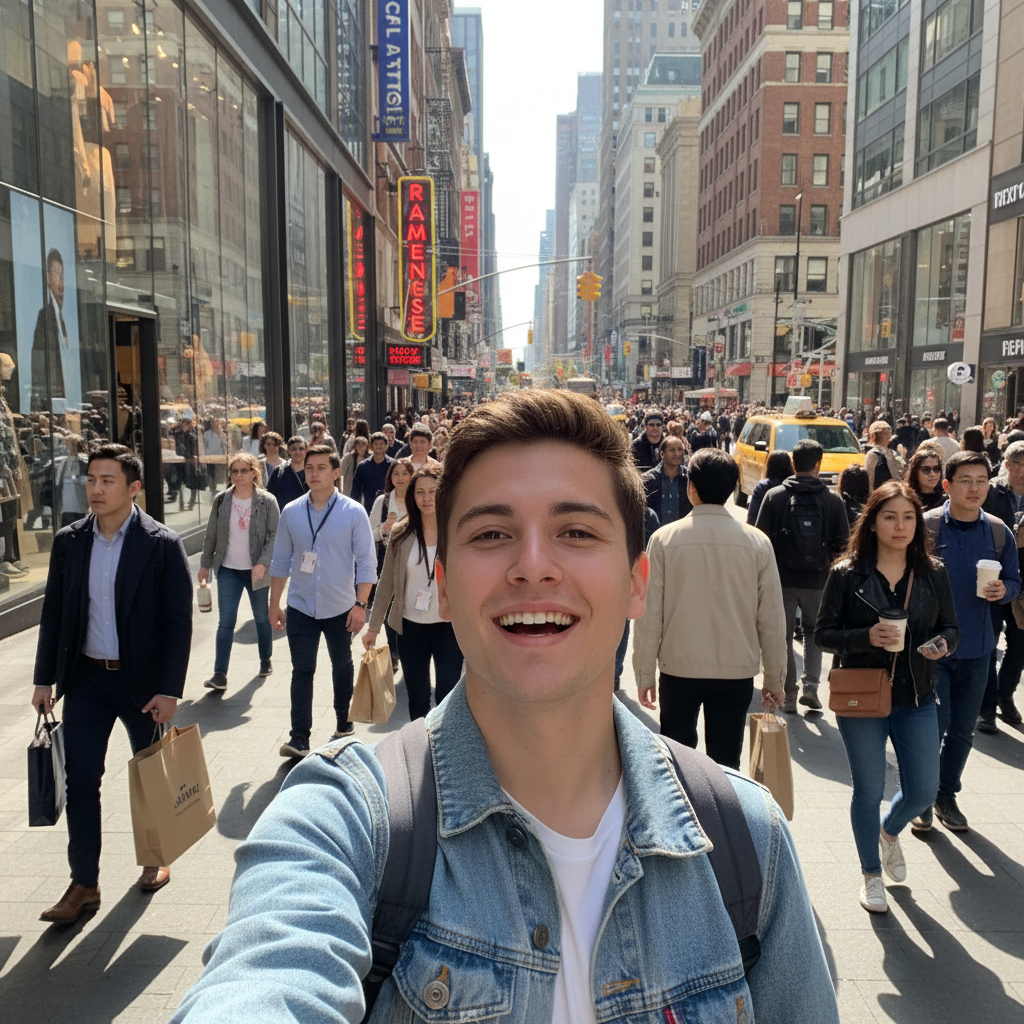
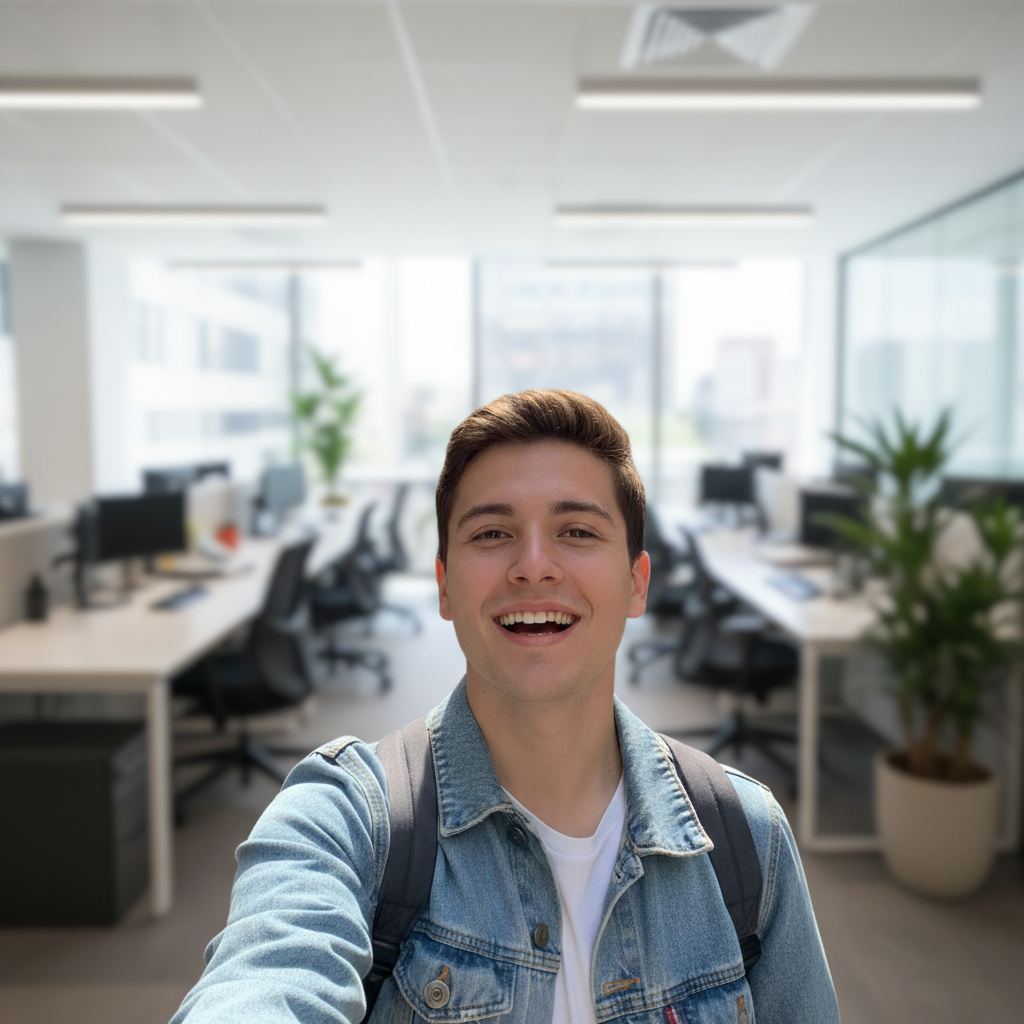
Front-facing selfies at eye level work best. Avoid extreme angles (looking up or down) as these are harder to convert to a traditional headshot perspective. Good lighting on your face—even smartphone flash—helps the AI produce better results.
Can I use an AI-converted headshot on LinkedIn?
Yes. Many professionals use AI-enhanced photos for LinkedIn. The key is ensuring the result still looks like you—same face, same features, just with better lighting and a cleaner background. Avoid over-processing that makes you unrecognizable.
Is EditThisPic's AI professional headshot converter really free?
Yes — you get 1 free edit per week, no account needed. For unlimited edits, plans start at $3.99/month.
Can I convert professional headshot on my phone?
Yes. EditThisPic works in any mobile browser — iPhone, Android, tablet. No app download needed.
What photo formats does the AI professional headshot converter support?
JPG, PNG, WebP, and HEIC. Upload any common photo format and EditThisPic handles the rest.