Free โ€ข No signup Create 90s yearbook photo ยท Free

Create 90s Yearbook Photo

Type what you want. Get that iconic laser background yearbook look in seconds.
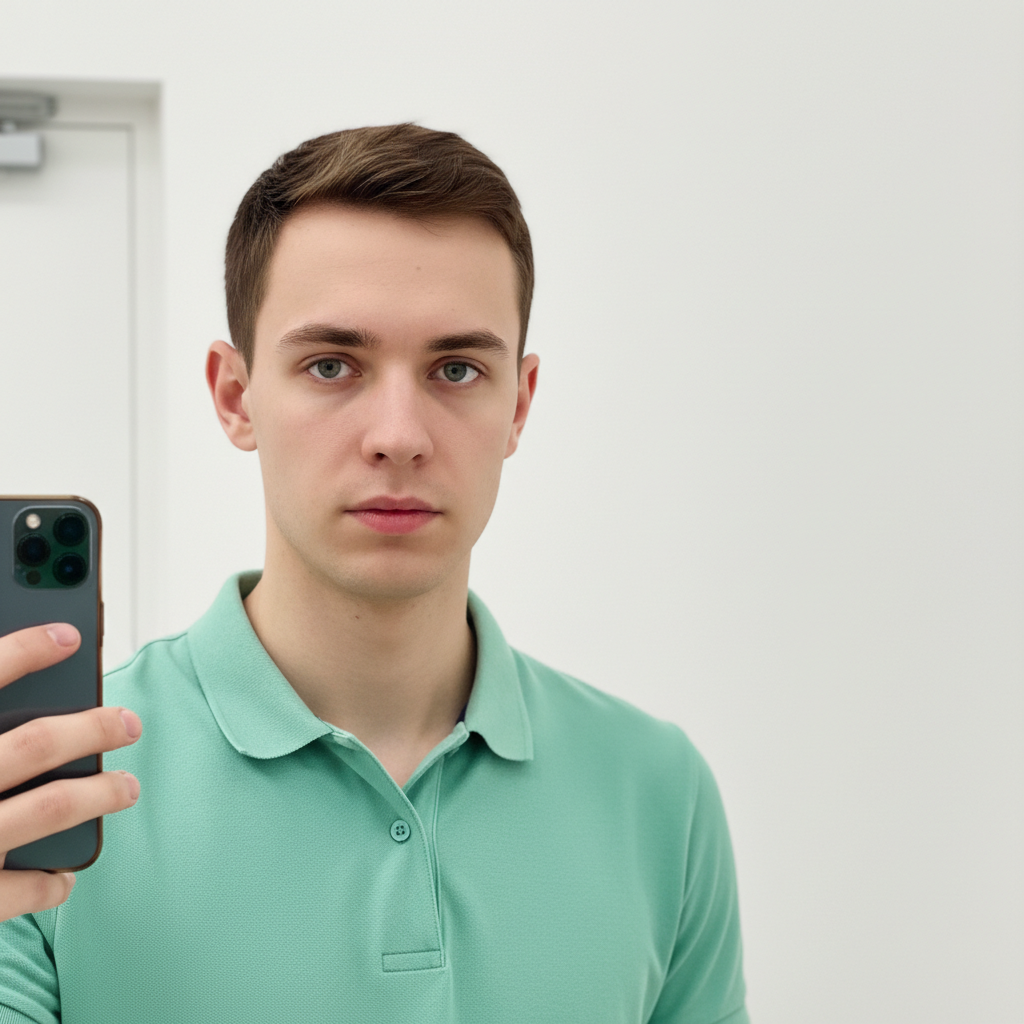
Modern portrait of young man in green polo
Before
โ†’
Same person with 90s laser background yearbook style
After

Create 90s Yearbook Photo

Drop your photo here

or click to browse

Release to upload

Free โ€ข No signup

Advertisement
Popular use cases:
  • Nostalgia content
  • Throwback posts
  • Social media trends
  • Office Slack profiles
  • Birthday party themes
  • Reunion invitations
  • Millennial humor

Cost
Free No signup required
Time
Instant results in 15-30 seconds
Works on
Any device - browser, phone, tablet, desktop
Powered by
AI-powered photo editing
Scenario Prompt Time
Laser background transform to 90s yearbook style with colorful laser background 20s
Cloud background convert to 90s school photo with dreamy cloud background 20s
Starfield background transform to 90s yearbook with cosmic starfield background 20s
Pet yearbook convert pet photo to 90s yearbook style with laser background 20s

How it works

  1. Upload your photo

    Drop your image into EditThisPic. JPG, PNG, and WebP up to 7MB work best. Portrait photos with clear faces work great for the yearbook transformation. The AI will handle the background replacement.

    Expect: Simple portraits: 15-25 seconds. Photos with complex backgrounds: may need 1-2 refinements.
  2. Describe the 90s yearbook style you want

    Type your instruction: 'transform this photo into 90s yearbook style with laser background' or 'convert to retro school portrait with colorful gradient background and soft focus.' The AI understands 90s yearbook aesthetics - laser beams, starfield backgrounds, cloud patterns, and that distinctive portrait look.

    Tip: Specify background type: 'laser background' for the iconic beams, 'cloud background' for dreamy look, or 'starfield' for cosmic vibes.

    Copy one of these to get started:

    Classic laser background yearbook transform this photo into 90s yearbook portrait style with colorful laser background, soft focus portrait glow, feathered edges, nostalgic retro school photo aesthetic
    Dreamy cloud background convert to 90s school photo style with soft blue and pink cloud background, gentle portrait lighting, vintage yearbook vignette, dreamy nostalgic feel
    Cosmic starfield background transform into 90s yearbook portrait with cosmic starfield and nebula background, soft glow effect, retro school photo style, space-themed nostalgic aesthetic
    Gradient sunset background convert to vintage 90s school portrait with orange and pink gradient sunset background, soft diffused lighting, feathered portrait edges, warm nostalgic colors
    3 more prompts
    Multi-pose yearbook collage create 90s yearbook style with multiple poses in collage layout, laser background, different angles of same person, classic yearbook package style
    Glamour shots style transform to 90s glamour shots portrait style with soft backlighting, feathered hair glow, misty atmospheric background, dramatic yet nostalgic studio aesthetic
    Pet yearbook portrait convert this pet photo to 90s yearbook style with laser background, soft portrait lighting, feathered edges around fur, nostalgic school photo aesthetic for pets
  3. Generate and review

    Tap generate and examine the result. Check that the background has authentic 90s vibes, the portrait has that soft nostalgic glow, and edges are properly feathered like real yearbook photos.

  4. Refine with markers if needed

    If the background doesn't hit the right nostalgic spot or edges need work, tap markers on problem areas and regenerate. Most 90s transformations capture the retro vibe on the first try.

    Tip: Markers are optional. The AI understands what '90s yearbook' means and applies the full aesthetic automatically.
Try it free โ†“

Create 90s Yearbook Photo

Drop your photo here

or click to browse

Release to upload

Free โ€ข No signup

"Made 90s yearbook photos for my entire team's Slack profiles. The laser backgrounds and soft focus are absolutely perfect. Pure nostalgia." @RetroVibesOnly

See it in action

Modern portrait of young man in green polo
Before
->
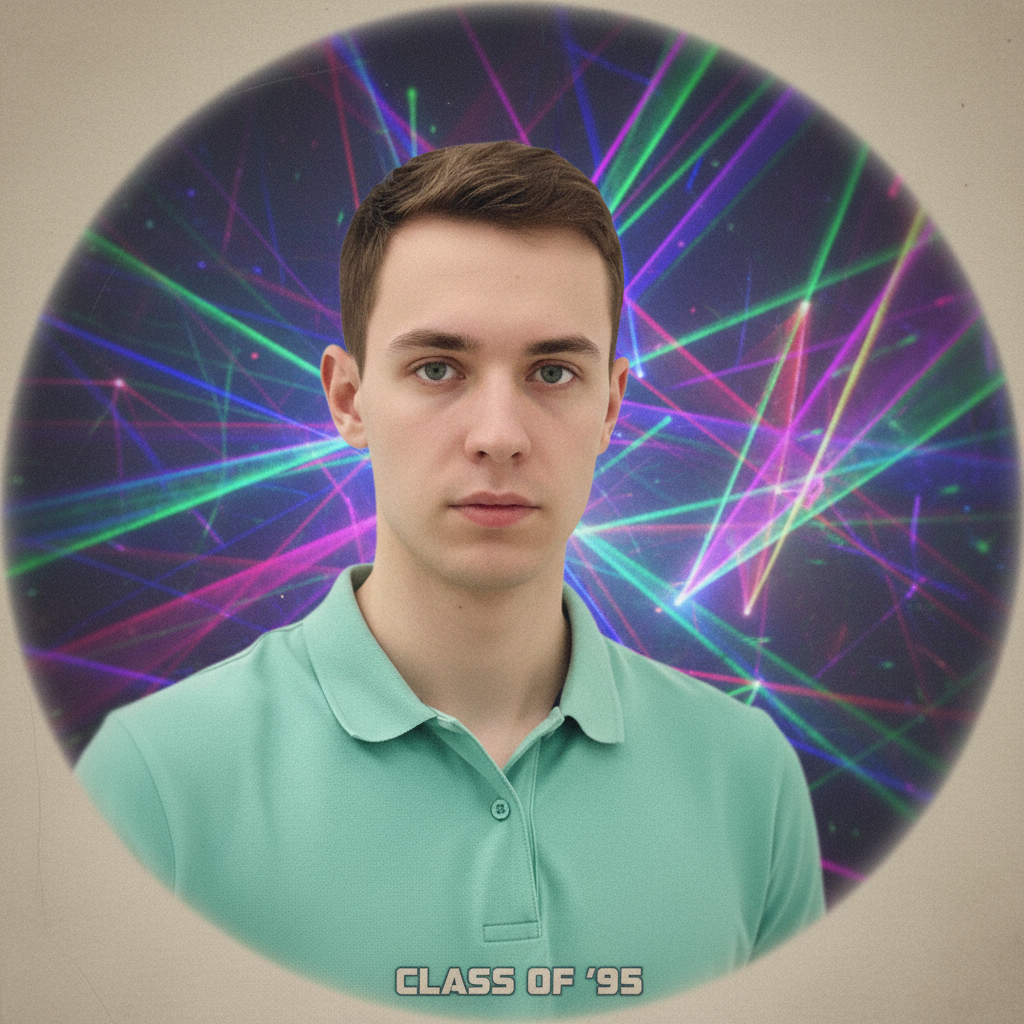
Same person with 90s laser background yearbook style
After

Modern selfie to laser yearbook

A contemporary portrait transformed into the iconic 90s laser background yearbook photo everyone remembers.

Prompt: transform this photo into 90s yearbook portrait style with colorful laser background, soft focus portrait glow, feathered edges, nostalgic retro school photo aesthetic
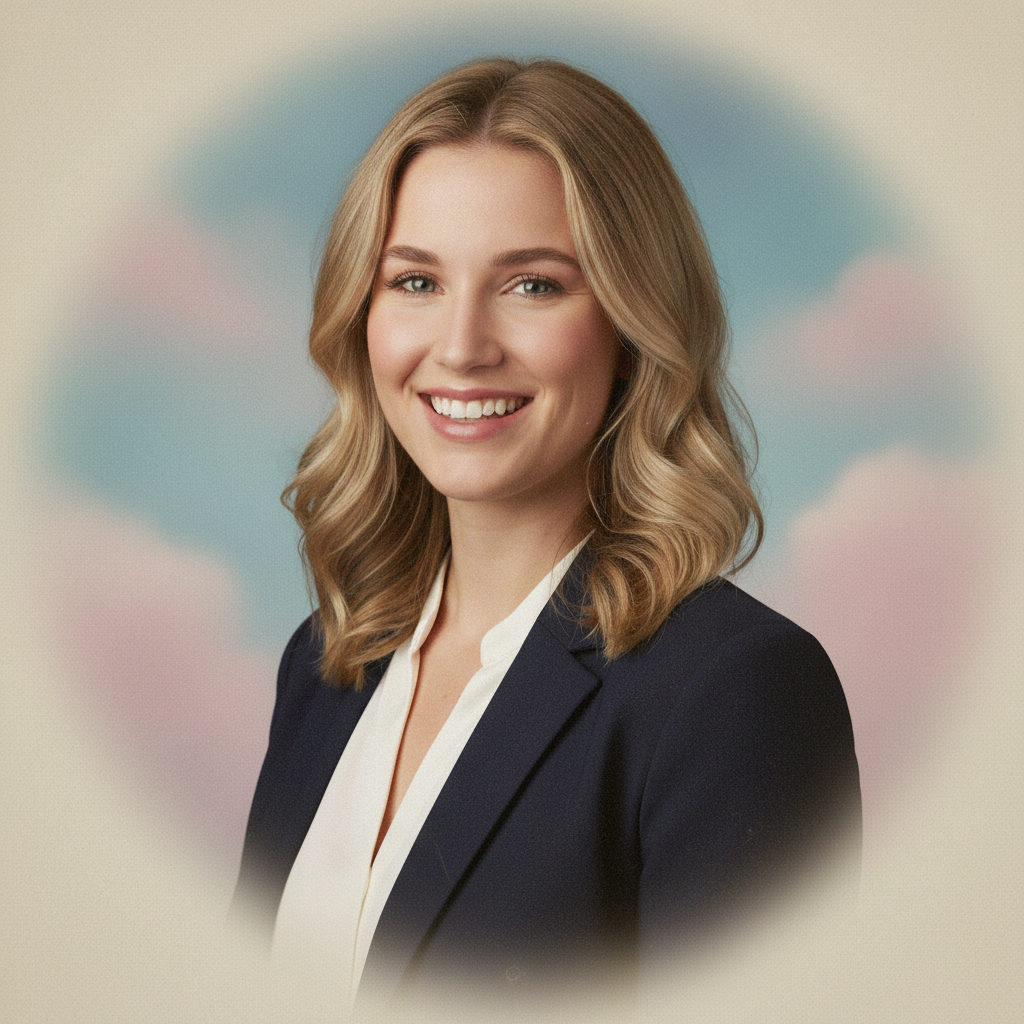
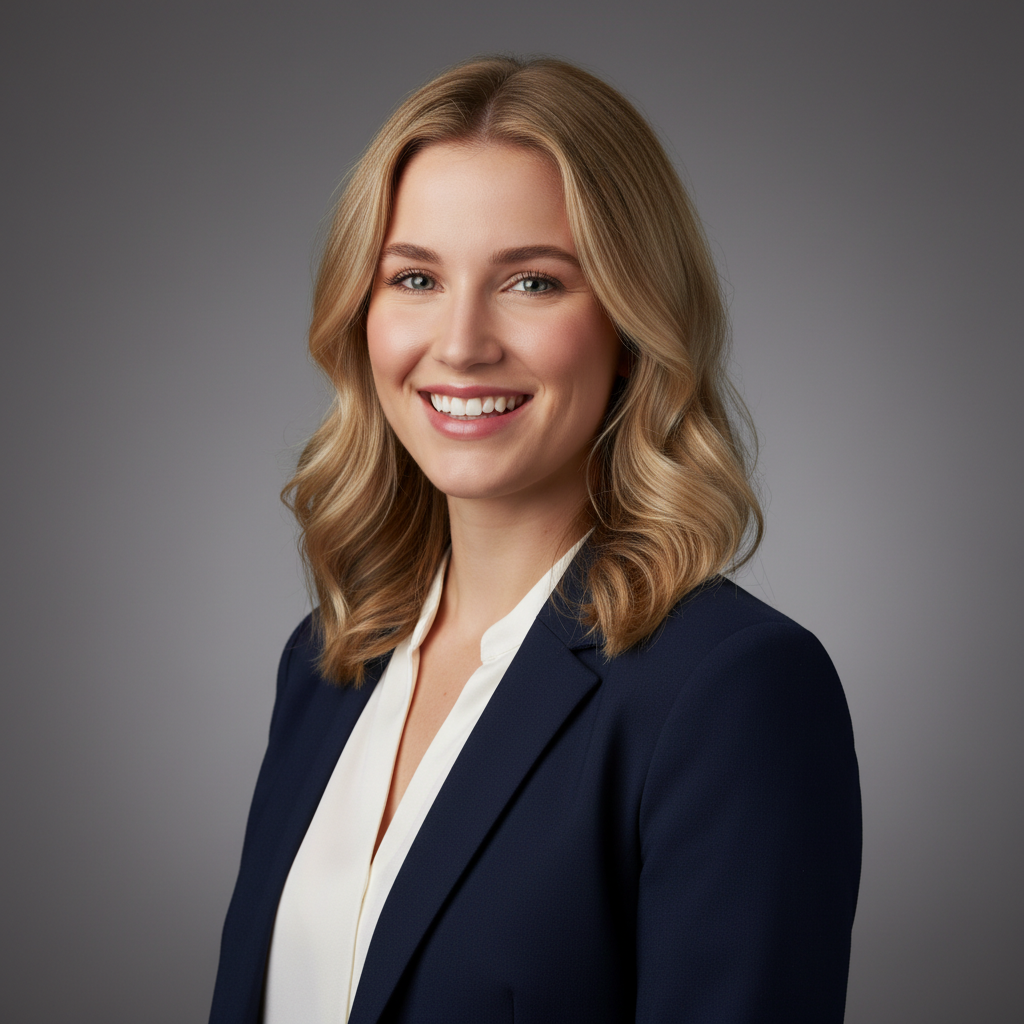
Professional headshot of woman in white blouse
Before
->
Same woman with dreamy 90s cloud background yearbook style
After

Professional headshot to retro yearbook

A corporate headshot given the full 90s yearbook treatment with dreamy cloud background.

Prompt: convert to 90s school photo style with soft blue and pink cloud background, gentle portrait lighting, vintage yearbook vignette, dreamy nostalgic feel
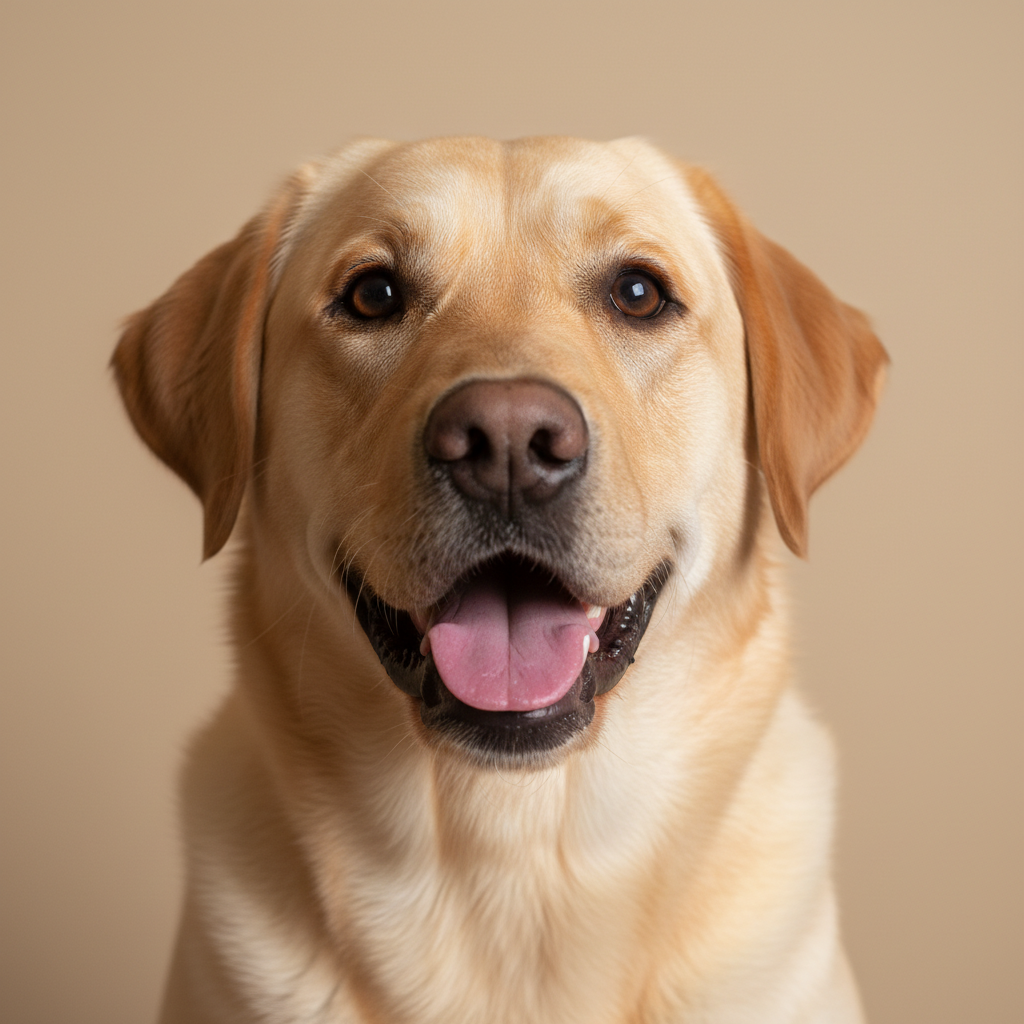
Labrador retriever portrait photo
Before
->
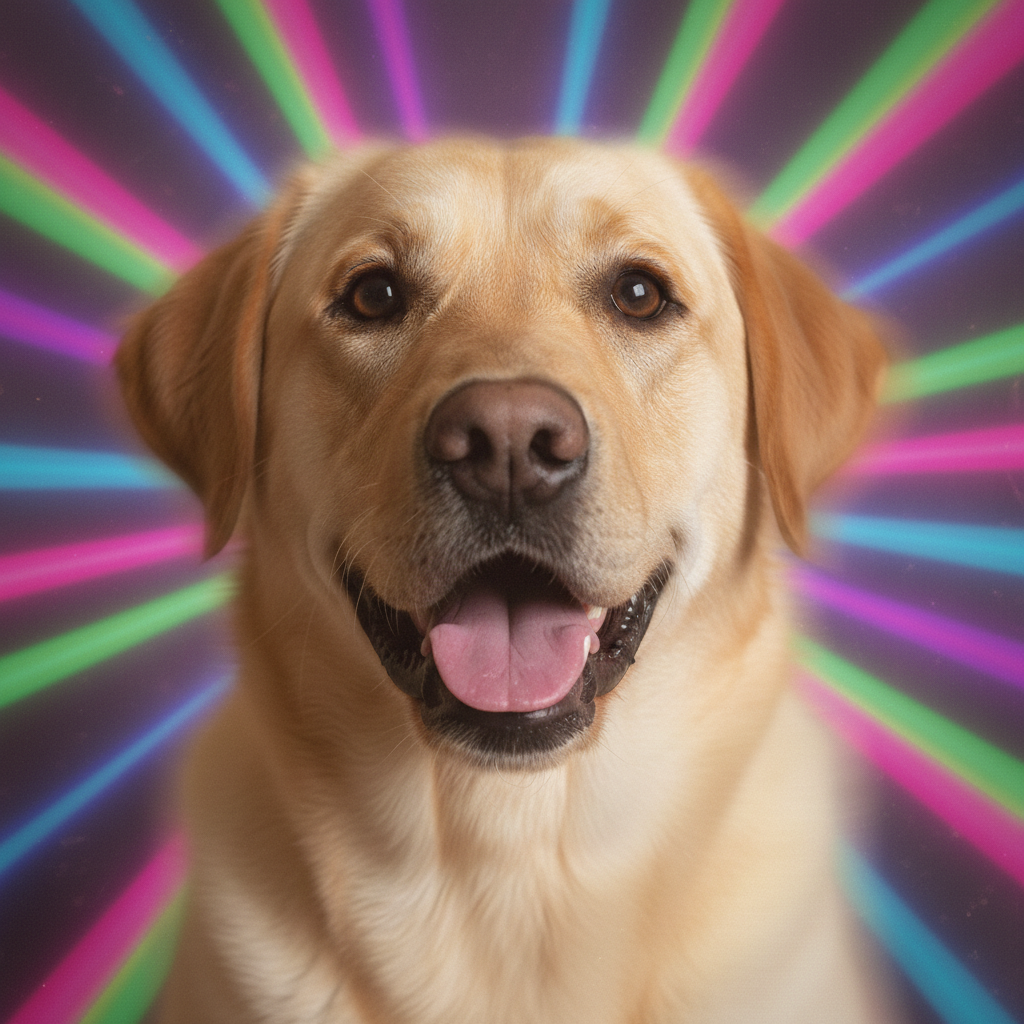
Same dog with 90s laser background yearbook style
After

Dog gets yearbook photo

A pet photo transformed into a hilarious 90s yearbook portrait complete with laser background.

Prompt: convert this pet photo to 90s yearbook style with laser background, soft portrait lighting, feathered edges around fur, nostalgic school photo aesthetic for pets
Advertisement

If something looks off

Laser background looks too modern or fake

Why: The AI may have created generic light effects instead of authentic 90s laser aesthetics.

Try: transform to authentic 1990s yearbook style with RETRO laser background - colorful geometric beams, teal and magenta colors, vintage school photo vibe, not modern neon

Tip: Mentioning 'teal and magenta' and '1990s' helps get the authentic vintage colors.

Portrait doesn't have the soft focus glow

Why: 90s yearbook photos had distinctive soft portrait lighting. The AI needs more guidance.

Try: create 90s yearbook portrait with SOFT FOCUS GLOW around face, diffused portrait lighting, slightly dreamy quality, feathered vignette edges like vintage school photos

Tip: Real 90s yearbook photos had soft focus from portrait lens diffusion filters.

AI changed the wrong area or something I didn't want changed

Why: The AI couldn't determine exactly which area you meant from description alone.

Try: Tap a marker on the specific area you want to keep unchanged, then regenerate with the same prompt

Tip: Markers tell the AI 'I mean THIS one specifically.' Use them when description alone is ambiguous.

Edges don't blend naturally with background

Why: 90s yearbook photos had distinctive feathered edges. More specific guidance helps.

Try: convert to 90s yearbook style with FEATHERED EDGES that blend smoothly into background, soft transition around hair and shoulders, no harsh cutout edges

Tip: The feathered edge look was achieved with soft-focus masks in real 90s portraits.

Colors are wrong for 90s aesthetic

Why: 90s yearbook photos had specific warm, slightly desaturated color palettes.

Try: transform to 90s yearbook with vintage color palette - warm skin tones, slightly muted colors, teal and coral accents, nostalgic 1990s photo processing look

Tip: 90s film had a specific color signature - warm but not too saturated.

Quick answers

Do I need to mark the background before adding the laser effect?

No. Just describe what you want: 'transform this photo into 90s yearbook style with laser background.' The AI replaces the background and applies the full retro effect automatically. Markers are only needed if edges need refinement after the first try.

How do I get the 90s yearbook laser filter for free?

Upload your photo to EditThisPic and type 'transform into 90s yearbook portrait with laser background.' The AI creates that nostalgic retro look in 15-30 seconds. No account, no login, no watermarks. Works on any portrait photo.

Is there a free 90s yearbook photo maker without signup?

Yes. EditThisPic transforms your photos into 90s yearbook style for free with no account required. Just upload, describe the retro style you want, and download. No watermarks added to your images.

What is the best AI tool for 90s yearbook photos?

EditThisPic is a free option that creates authentic 90s yearbook looks. Unlike preset filters, you can choose different backgrounds - laser beams, clouds, starfields, or gradients. The AI understands the full nostalgic aesthetic including soft focus and feathered edges.

Can I use any photo for the 90s yearbook effect?

Yes. Modern selfies, professional headshots, and even pet photos work great. The AI handles background replacement and adds the vintage portrait treatment. Best results come from clear face shots with good lighting.

Ready for your 90s yearbook moment?

Free to try. No signup required.

Try it free โ†’