Free • No signup Make Green card photo · Free

AI Green Card Photo Maker

Turn any photo into a USCIS-compliant green card photo with white background and correct framing. No marking needed.
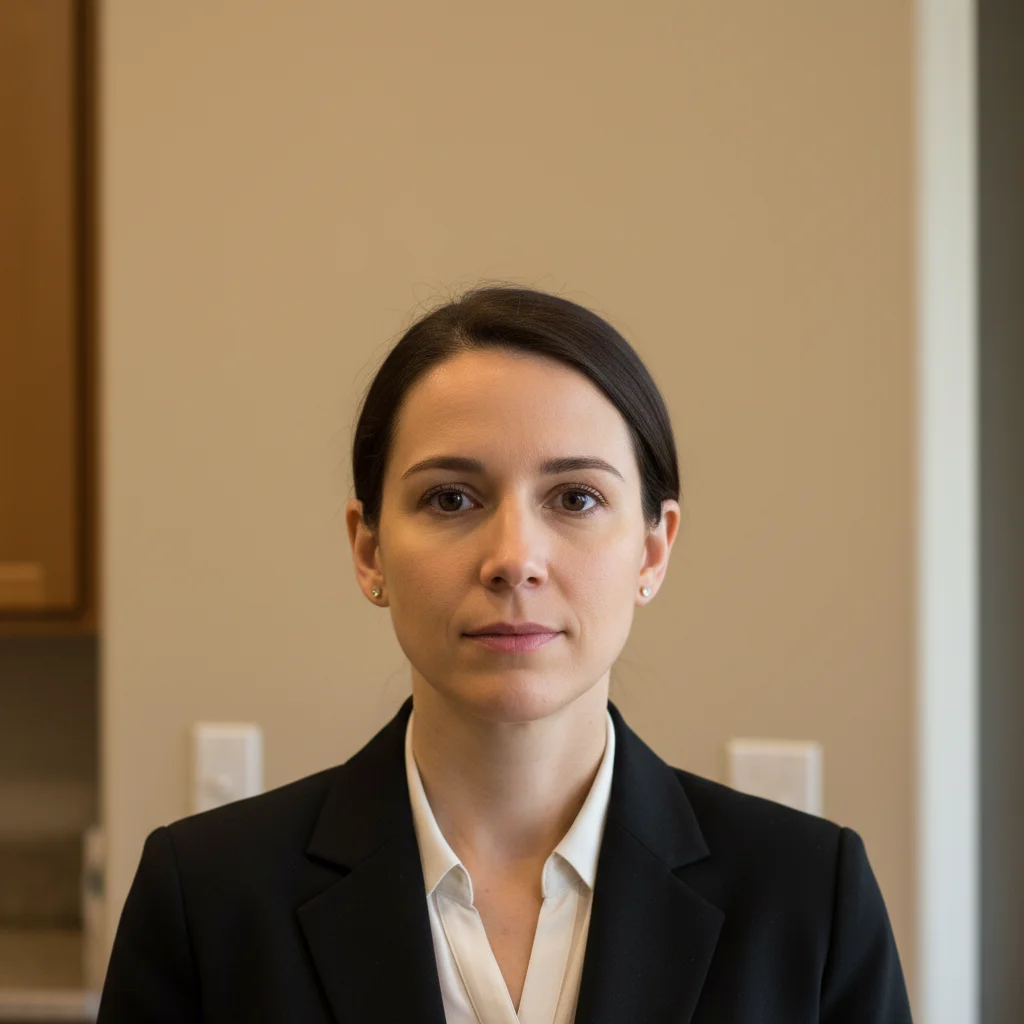
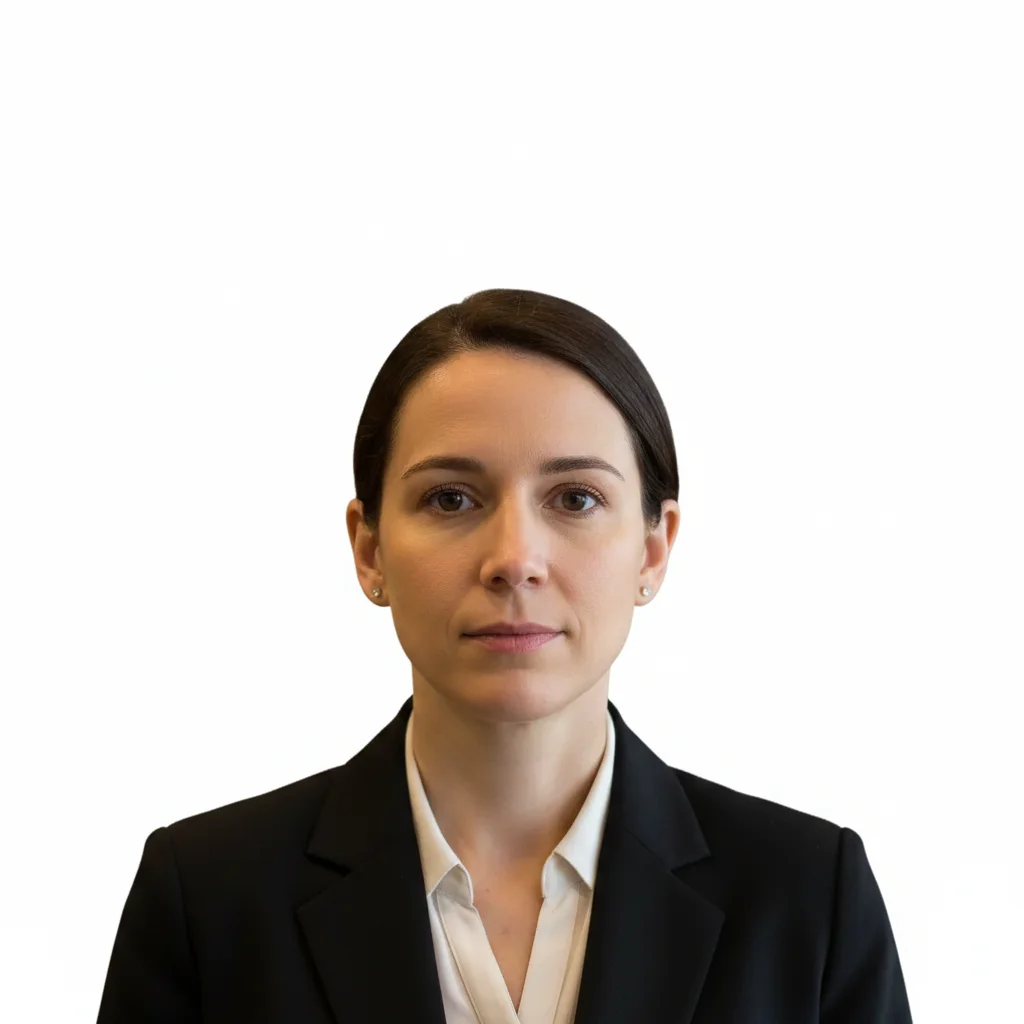
Man in white shirt photographed in office setting
Before
Same man with clean white background in green card photo format
After

AI Green Card Photo Maker

Drop your photo here

or click to browse

Release to upload

Free • No signup

Advertisement
Popular use cases:
  • green card application
  • USCIS immigration photo
  • permanent resident card
  • I-485 adjustment of status
  • DV lottery photo
  • immigration document photo
  • visa interview photo
  • naturalization application

Cost
Free No signup required
Time
Instant results in 15-30 seconds
Works on
Any device - browser, phone, tablet, desktop
Powered by
AI-powered photo editing
Scenario Prompt Time
Quick selfie conversion convert selfie to green card photo with white background 30s
USCIS compliant format USCIS green card photo, white background, 2x2 inch 35s
DV lottery submission DV lottery photo, 600x600px, white background 40s

How it works

  1. Upload your photo

    Drop your image into EditThisPic. JPG, PNG, WebP up to 7MB. Use a recent photo with your face clearly visible, front-facing, and taken within the last 6 months. Both ears should be visible.

    Expect: Standard green card photo conversion: 30-40 seconds. Photos with complex backgrounds or shadows: 45-60 seconds.
  2. Describe the green card photo format

    Type your instruction: 'make this a green card photo with plain white background, head centered, neutral expression' or 'convert to USCIS immigration photo with white backdrop, face filling 50-69% of frame height.' No marking needed—the AI understands 'green card photo' requirements.

    Tip: USCIS requires head height to be 1-1.375 inches in a 2x2 photo. Mention 'USCIS compliant' to trigger correct proportions.

    Copy one of these to get started:

    Standard USCIS green card photo make this a USCIS green card photo with plain white background, head centered, neutral expression, both ears visible
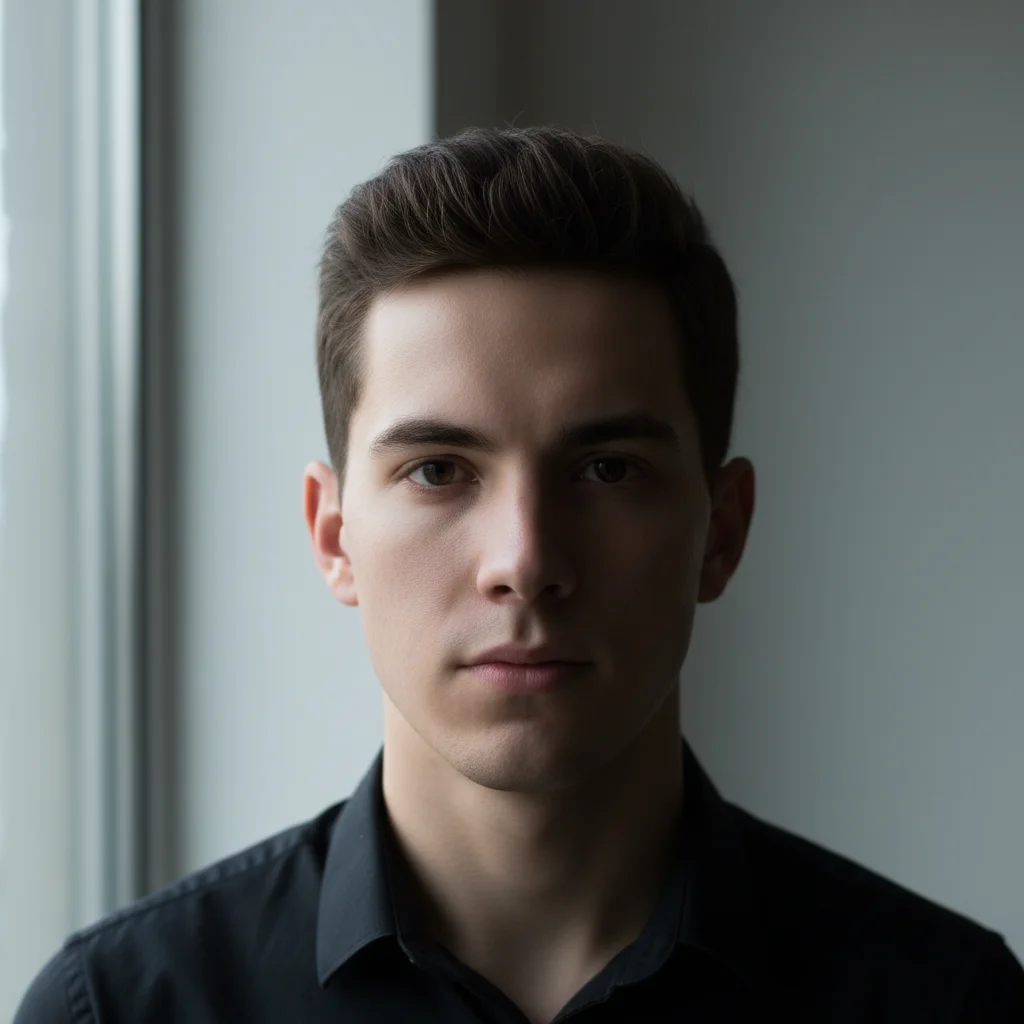
    Selfie to green card format convert this selfie into a 2x2 inch green card photo with clean white background showing head and top of shoulders
    Remove glasses for compliance make this a green card photo with white background, remove eyeglasses, keep natural expression and both ears visible
    Fix uneven lighting convert to green card photo with perfectly even white background, remove all shadows from face and behind head, even lighting
    3 more prompts
    Child green card photo make this a green card photo of the child with plain white background, face centered and clearly visible, no toys or hands in frame
    Religious headwear preserved make this a green card photo with white background, keep the religious head covering, face fully visible from forehead to chin
    DV lottery photo format make this a Diversity Visa lottery photo, 600x600 pixels, white background, head centered between 50-69% of frame height
  3. Verify USCIS requirements

    Check that the background is uniformly white with no shadows. Confirm your head is centered, both ears visible, and the photo shows head to just below shoulders. Eyes should be open and clearly visible.

  4. Refine with markers if needed

    If the background has slight grey patches near your hair or shoulders, tap markers on those spots and regenerate. Most green card photos look correct on the first attempt.

    Tip: Markers are for precision refinement only. Try without them first—you usually won't need them.
Try it free

AI Green Card Photo Maker

Drop your photo here

or click to browse

Release to upload

Free • No signup

"My immigration lawyer said the photos I made here looked better than what the photo studio gave me. Perfect white background, correct size. Used it for my entire family's applications." @NewCitizen_Priya

See it in action

Man in white shirt photographed in office setting
Before
->
Same man with clean white background in green card photo format
After

Office photo to green card format

A workplace headshot with an office background converted to a USCIS-compliant green card photo.

Prompt: make this a USCIS green card photo with plain white background, head centered, neutral expression, both ears visible

Woman taking selfie outdoors with brick building behind
Before
->
Same woman with white background green card photo formatting
After

Outdoor selfie to immigration photo

A sunny outdoor selfie transformed into a green card photo with uniform white background and proper framing.

Prompt: convert this selfie into a 2x2 inch green card photo with clean white background showing head and top of shoulders
Advertisement

If something looks off

AI changed the wrong area or something I didn't want changed

Why: The AI couldn't determine exactly which area you meant from description alone. This happens with complex clothing or accessories near the face.

Try: Tap a marker on the specific area you want to change, then regenerate with the same prompt

Tip: Markers tell the AI 'I mean THIS area specifically.' Use them when description alone is ambiguous.

Background has grey patches or isn't uniformly white

Why: Shadows from the original photo, especially near hair and shoulders, created uneven background tones.

Try: make this a green card photo with PURE WHITE background everywhere, no grey patches or shadows behind the head

Tip: Emphasizing 'pure white everywhere' forces the AI to aggressively clean up subtle shadow residue.

Head is too small or too large in the frame

Why: The AI estimated framing incorrectly for green card requirements, which specify head height of 1-1.375 inches in a 2x2 photo.

Try: make this a green card photo where the head fills 50-69% of the frame height, showing from top of hair to just below shoulders

Tip: USCIS publishes a photo composition template—check your result against it before printing.

Religious headwear was removed or altered

Why: The AI interpreted the head covering as a non-compliant accessory and tried to remove it.

Try: make this a green card photo, KEEP the religious head covering exactly as worn, only change the background to white

Tip: Be explicit: 'keep the religious head covering' overrides the AI's default accessory removal behavior.

Skin tone looks unnatural after conversion

Why: Color balance shifted when the background changed, especially if the original had warm or colored lighting.

Try: convert to green card photo with white background, maintain natural skin tones and original color balance

Tip: 'Maintain natural skin tones' prevents the AI from overcorrecting color when swapping backgrounds.

Quick answers

Do I need to mark the background before making a green card photo?

No! Just type 'make this a green card photo with white background' and the AI handles everything—background replacement, proper framing, and lighting adjustment. Only use markers if you see small grey patches or shadow remnants after the first result.

How do I make a USCIS-compliant green card photo for free?

Upload any portrait or selfie to EditThisPic and type 'make this a USCIS green card photo with white background, head centered.' The AI produces a photo with the correct white background, framing, and proportions. Free to try, no signup required.

Is there a free green card photo maker without login?

Yes, EditThisPic creates green card photos for free with no account needed. Upload your photo, describe the format, and download the result. No watermarks on outputs. Covers standard USCIS requirements including white background and proper head-to-frame ratio.

What are the exact USCIS green card photo requirements?

USCIS requires 2x2 inch photos, white background, front-facing with both ears visible, neutral expression, taken within the last 6 months. Head height must be 1 to 1-3/8 inches from chin to top of hair. No glasses glare, hats (except religious headwear), or headphones.

Ready to make your green card photo?

Free to try. No signup required.

Try it free