Free • No signup Make Passport photo · Free

AI Passport Photo Maker

Turn any selfie into a passport photo with white background and proper framing. No marking needed.

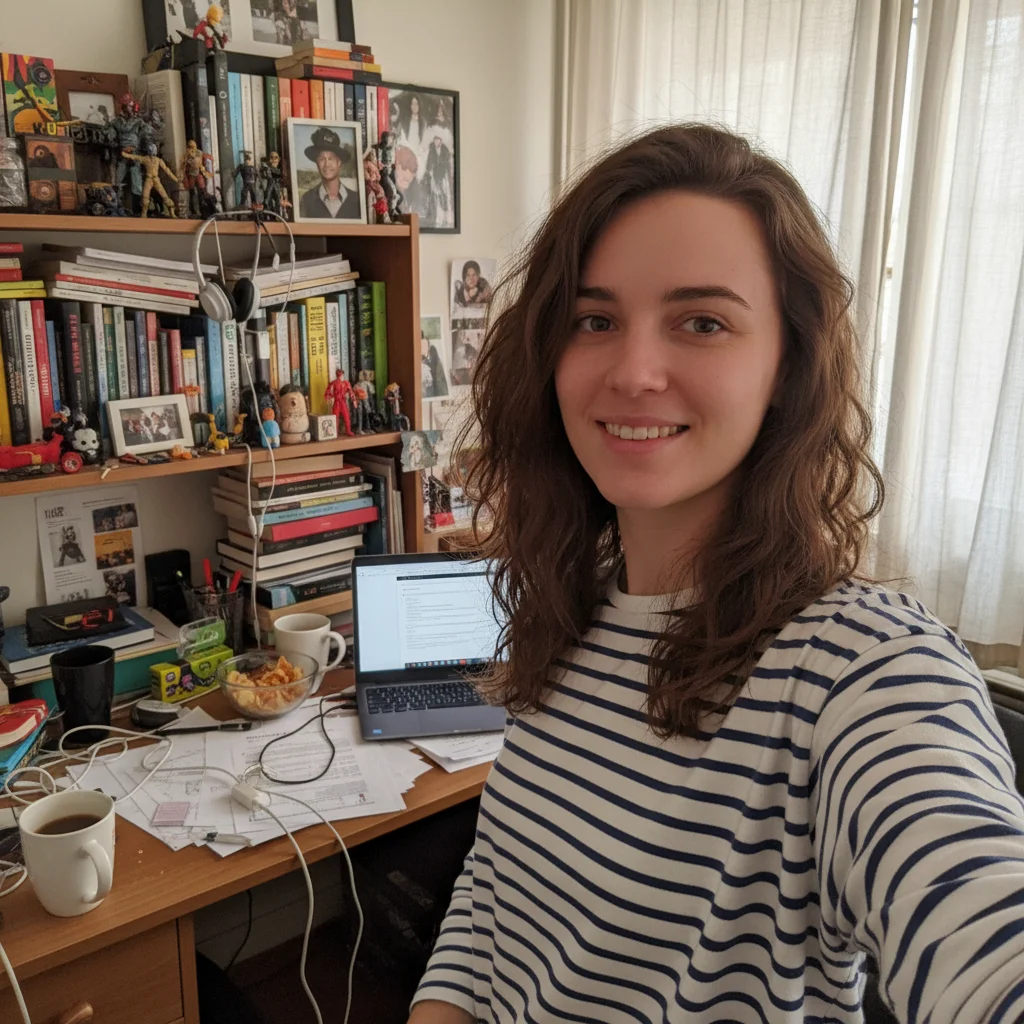
Woman taking selfie in kitchen with busy background
Before
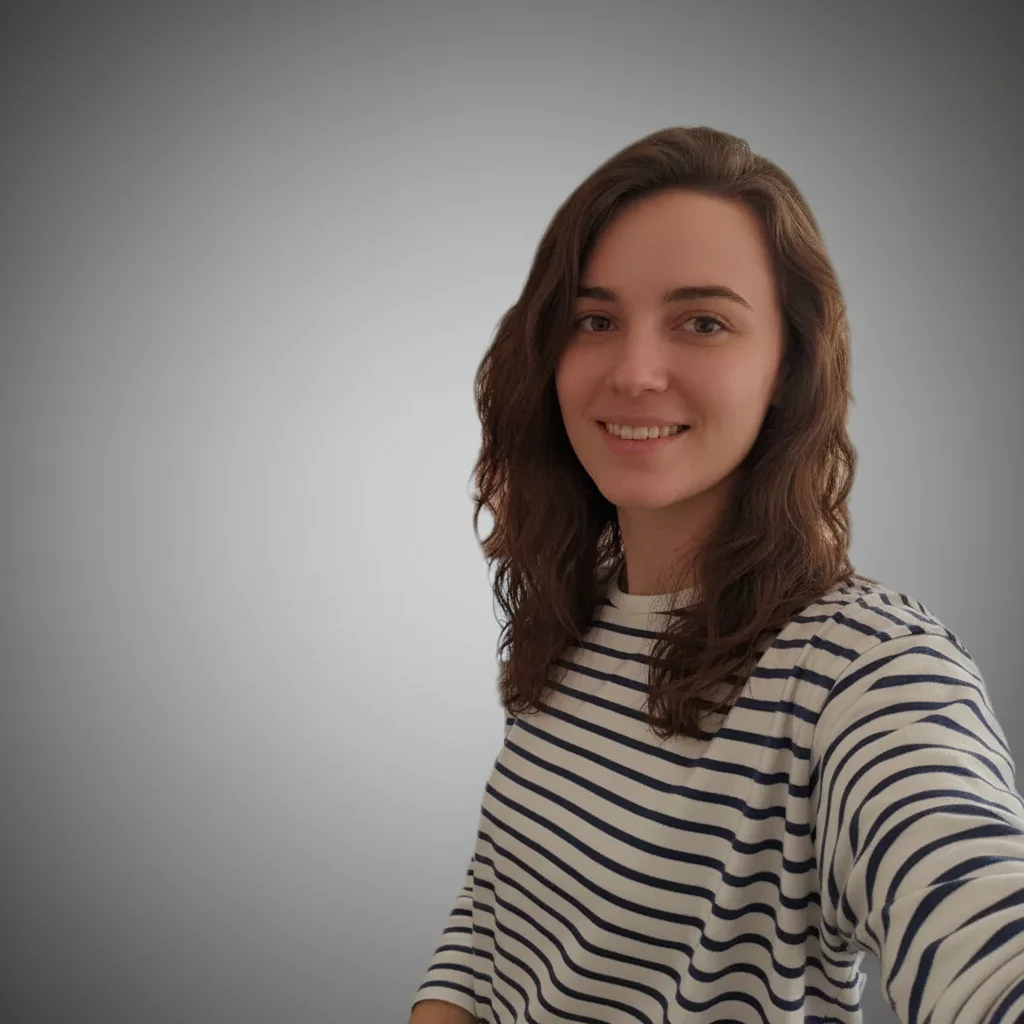
Same woman with clean white passport photo background and proper framing
After

AI Passport Photo Maker

Drop your photo here

or click to browse

Release to upload

Free • No signup

Advertisement
Popular use cases:
  • passport renewal
  • visa application
  • travel documents
  • ID photo compliance
  • DIY passport photo
  • emergency passport photo
  • baby passport photo
  • last-minute travel prep

Cost
Free No signup required
Time
Instant results in 15-30 seconds
Works on
Any device - browser, phone, tablet, desktop
Powered by
AI-powered photo editing
Scenario Prompt Time
Quick selfie conversion convert this selfie into a passport photo with white background 30s
Specific country format make this a US passport photo with proper framing 35s
Remove glasses + format passport photo, white background, remove glasses 45s

How it works

  1. Upload your photo

    Drop your image into EditThisPic. JPG, PNG, WebP up to 7MB. Use a photo with your face clearly visible, looking straight at the camera. Selfies and portrait shots both work well.

    Expect: Standard passport photo conversion: 30-40 seconds. Photos needing significant background cleanup: 45-60 seconds.
  2. Describe the passport photo you need

    Type your instruction: 'make this a passport photo with a plain white background, centered head, and shoulders visible' or 'convert to passport photo format with neutral expression and white backdrop.' Be specific about background color and framing. No marking needed—the AI understands 'passport photo' formatting.

    Tip: Mention the country if you need specific dimensions: 'US passport photo' or 'UK passport photo' helps the AI frame correctly.

    Copy one of these to get started:

    Standard US passport photo make this a US passport photo with plain white background, head centered, neutral expression, both ears visible
    Quick selfie conversion convert this selfie into a passport photo with clean white background and shoulders visible
    UK passport photo format make this a UK passport photo with light grey background, head filling 70% of frame, mouth closed
    Baby passport photo make this a passport photo of the baby with plain white background, face centered and clearly visible
    3 more prompts
    Remove glasses for passport make this a passport photo with white background and remove the eyeglasses, keep natural expression
    Fix lighting and shadows convert to passport photo with perfectly even white background, remove all shadows from face and behind head
    EU Schengen visa photo make this a Schengen visa photo with white background, 35x45mm framing, face taking up 70-80% of frame
  3. Check compliance details

    Verify the white background is uniform with no shadows. Check that your head is centered, eyes are at the correct height, and both ears are visible. Zoom in to confirm no background elements remain.

  4. Refine with markers if needed

    If shadows remain near your shoulders or the background has slight color variations, tap markers on those areas and regenerate. Most passport photos come out clean on the first try.

    Tip: Markers are for precision refinement only. Try without them first—you usually won't need them.
Try it free

AI Passport Photo Maker

Drop your photo here

or click to browse

Release to upload

Free • No signup

"Needed a passport photo at 11pm before my morning flight. Uploaded a selfie, got a perfect white-background photo in seconds. Saved me a trip to CVS." @TravelReady_Chris

See it in action

Woman taking selfie in kitchen with busy background
Before
->
Same woman with clean white passport photo background and proper framing
After

Kitchen selfie to passport photo

A casual kitchen selfie transformed into a compliant passport photo with proper white background and framing.

Prompt: make this a US passport photo with plain white background, head centered, neutral expression, both ears visible
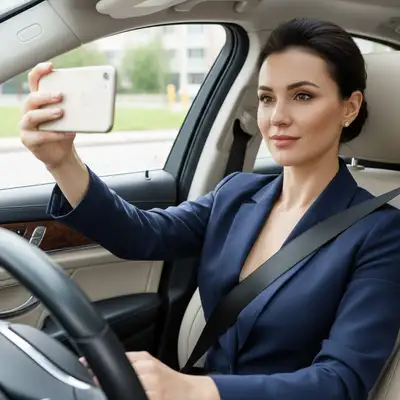
Man in suit photographed outdoors at a park
Before
->
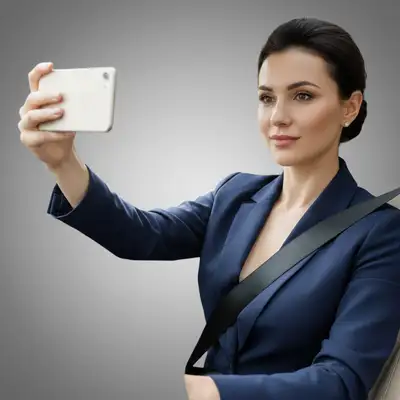
Same man with white background passport photo formatting
After

Outdoor portrait to passport format

A portrait taken at a park converted to a regulation passport photo with uniform white backdrop.

Prompt: convert this selfie into a passport photo with clean white background and shoulders visible
Advertisement

If something looks off

AI changed the wrong area or something I didn't want changed

Why: The AI couldn't determine exactly which area you meant from description alone. This happens when your photo has complex elements near the face.

Try: Tap a marker on the specific area you want to change, then regenerate with the same prompt

Tip: Markers tell the AI 'I mean THIS area specifically.' Use them when description alone is ambiguous.

Background isn't perfectly white—has grey patches or color tints

Why: Shadows from the original photo or hair edges created partial transparency that the AI interpreted as grey tones.

Try: make this a passport photo with PURE WHITE background, ensure no grey areas or shadow remnants anywhere

Tip: Adding 'pure white' and 'no grey areas' forces the AI to clean up subtle shadow remnants.

Face looks distorted or unnatural after conversion

Why: The original photo was taken at a very close distance or with a wide-angle lens, causing perspective distortion that the AI amplified.

Try: convert to passport photo, keep the face exactly as it appears naturally, only change the background to white

Tip: Start with a photo taken at arm's length or further—closer selfies create barrel distortion.

Hair edges look jagged against the white background

Why: Fine hair strands are difficult to separate from complex backgrounds, leaving rough edges.

Try: Tap markers on the hair edges that look rough and regenerate: smooth the hair edges against the white background

Tip: Hair edge refinement is the most common adjustment for passport photos—one marker pass usually fixes it.

Shoulders are cropped too tight or too loose

Why: The AI estimated the framing incorrectly for the specific passport standard you need.

Try: make this a passport photo showing head and top of shoulders, head should fill about 70% of the frame height

Tip: Specifying '70% of frame' gives the AI a clear ratio to match official requirements.

Quick answers

Do I need to mark the background before making a passport photo?

No! Just type 'make this a passport photo with white background' and the AI handles everything—background removal, reframing, and color correction. Only use markers if small shadow areas or hair edges need touching up after the first result.

How do I make a passport photo from a selfie for free?

Upload your selfie to EditThisPic, type 'convert this selfie into a passport photo with white background and shoulders visible,' and download the result. The AI reframes your selfie to passport dimensions with a compliant white backdrop. Free to try, no account needed.

Is there a free passport photo maker that doesn't require login?

Yes, EditThisPic makes passport photos for free with no account needed. Upload any portrait or selfie, describe the passport format you need, and download the result. No watermarks on outputs. Works for US, UK, EU, and other passport standards.

Will AI-generated passport photos be accepted at official agencies?

The AI produces photos that match standard passport dimensions, white backgrounds, and neutral expression requirements. However, always verify against your specific country's official requirements before submitting. Print at the correct size (2x2 inches for US) on photo-quality paper for best results.

Ready to make your passport photo?

Free to try. No signup required.

Try it free