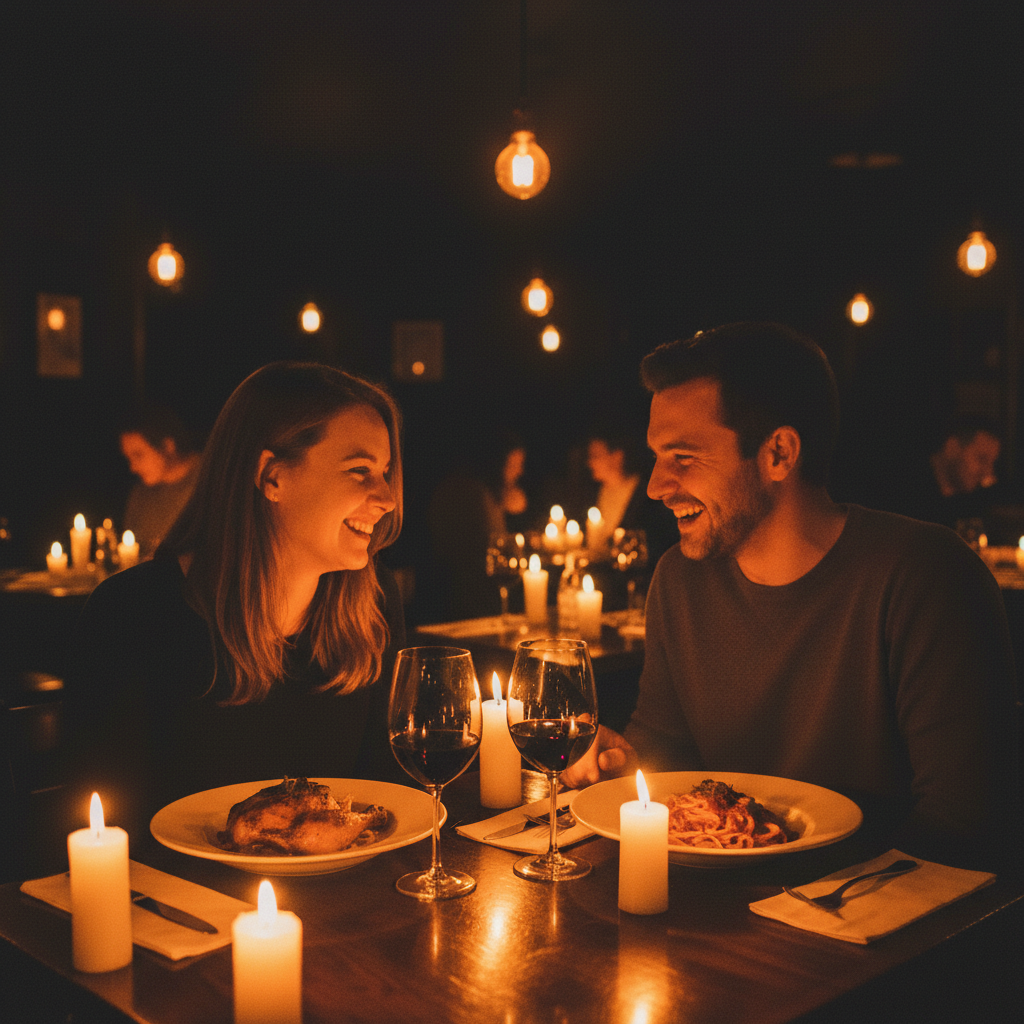
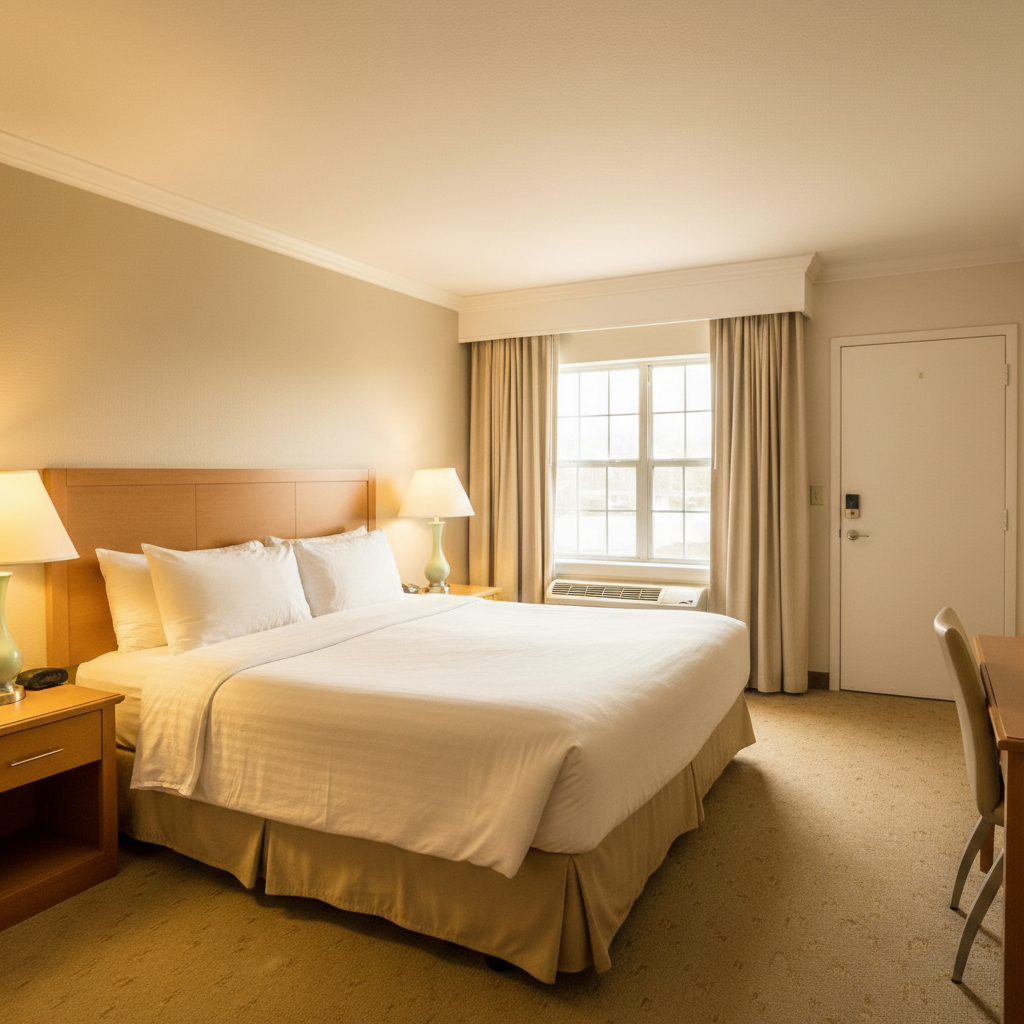
Free • No signup Fix White balance · Free

AI White Balance Corrector

Describe the color issue and AI corrects white balance naturally.
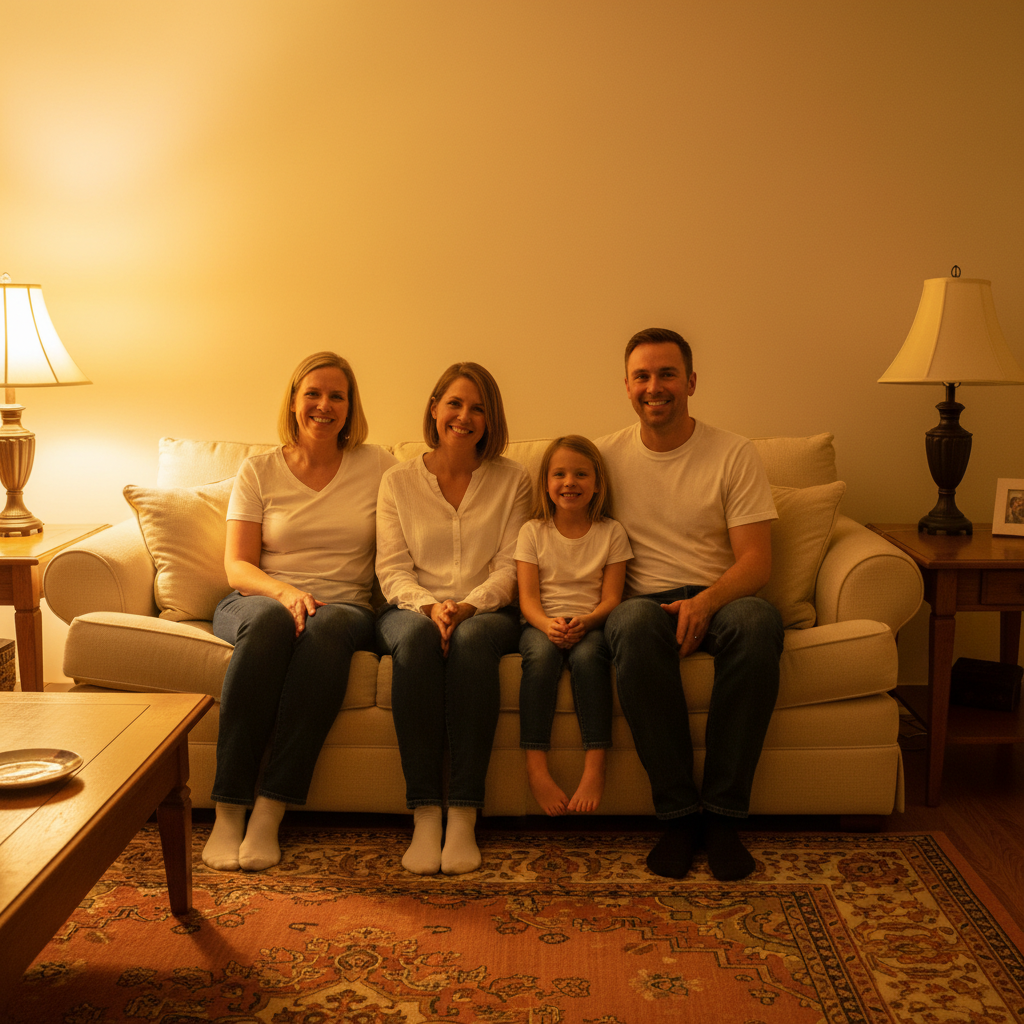
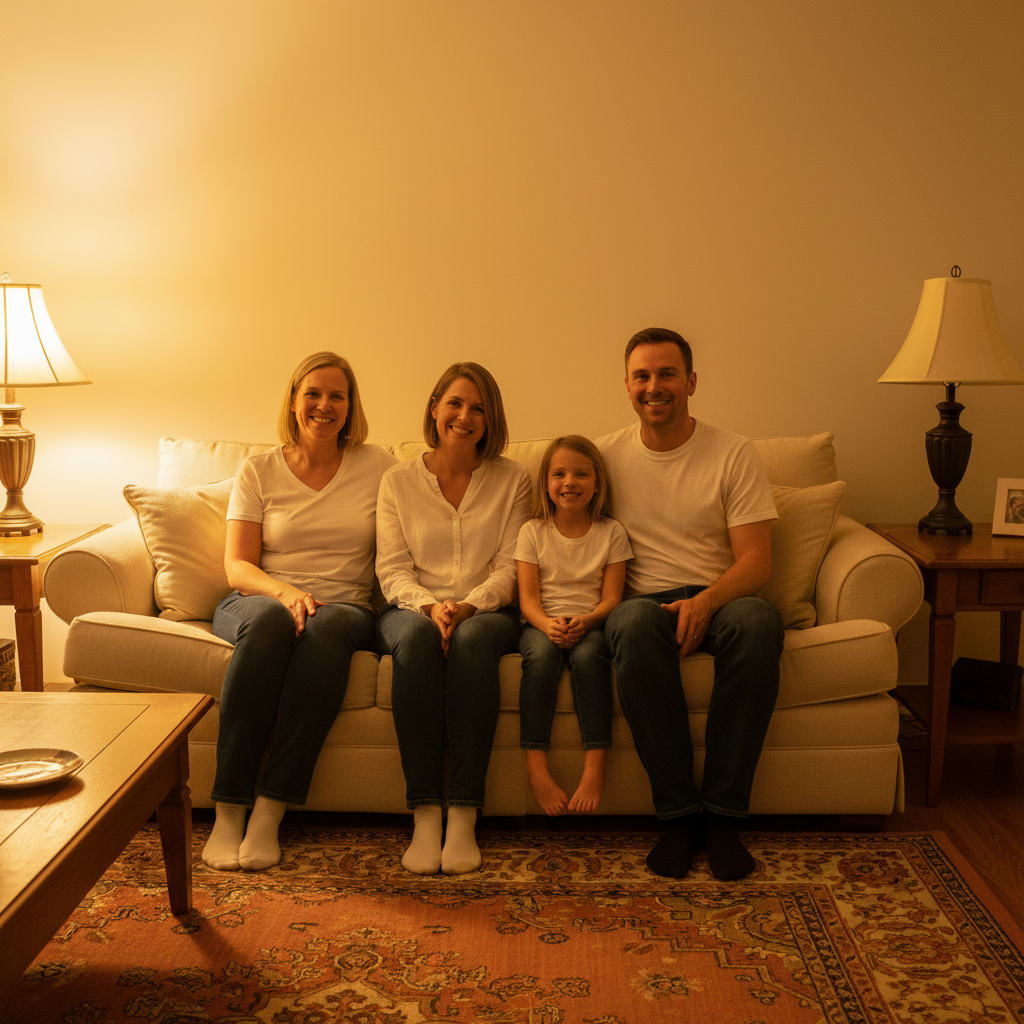
Photo with yellow indoor lighting color cast
Before
Photo with corrected neutral white balance
After

Fix White Balance in Photo

Drop your photo here

or click to browse

Release to upload

Free • No signup

Advertisement
Popular use cases:
  • product photography
  • real estate photos
  • portrait photography
  • indoor photography
  • professional headshots

Cost
Free No signup required
Time
Instant results in 15-30 seconds
Works on
Any device - browser, phone, tablet, desktop
Powered by
AI-powered photo editing
Scenario Prompt Time
Yellow indoor cast fix white balance and remove yellow color cast from indoor lighting 25s
Blue outdoor cast fix white balance and remove blue color cast, warm up the photo 25s
Green fluorescent correct white balance and remove green tint from fluorescent lights 30s

How it works

  1. Upload your photo

    Drop your image into EditThisPic. Works on any photo with color cast issues - indoor lighting, sunset tints, fluorescent green cast, etc. JPG, PNG, WebP up to 7MB.

    Expect: Simple color casts: 20-25 seconds. Mixed lighting may need one refinement.
  2. Describe what you want

    Type your instruction: 'fix white balance and remove yellow color cast' or 'correct white balance to neutral tones.' Be specific about the color problem. No marking needed—the AI understands color temperature and tint correction.

    Tip: Name the color cast you see: yellow, blue, green, orange for precise correction

    Copy one of these to get started:

    Remove yellow indoor lighting cast fix white balance and remove yellow color cast from indoor lighting
    Correct to neutral white balance correct white balance to neutral, natural colors
    Remove blue/cool color cast fix white balance and remove blue color cast, warm up the photo
    Fix fluorescent green tint correct white balance and remove green tint from fluorescent lights
    3 more prompts
    Remove orange sunset cast fix white balance and reduce orange sunset tint while keeping some warmth
    Correct skin tones specifically fix white balance to make skin tones look natural and accurate
    Cool down overly warm photo correct white balance and cool down the overall color temperature
  3. Generate and review

    Click Generate and watch AI correct color temperature and remove unwanted tints. Check skin tones, whites, and overall color accuracy at full zoom. Colors should look natural and balanced.

  4. Refine with markers if needed

    If certain areas need different white balance (mixed lighting), tap markers on those zones and regenerate. This is optional—most edits work without markers.

    Tip: Markers are for precision refinement, not required. Try without them first.
Try it free

Fix White Balance in Photo

Drop your photo here

or click to browse

Release to upload

Free • No signup

"Fixed the awful yellow indoor lighting in all my photos instantly. Colors look perfect now." @chris_p

See it in action

Photo with yellow indoor lighting color cast
Before
->
Photo with corrected neutral white balance
After

Yellow indoor lighting corrected

Removed heavy yellow cast from tungsten indoor lighting for neutral, natural colors.
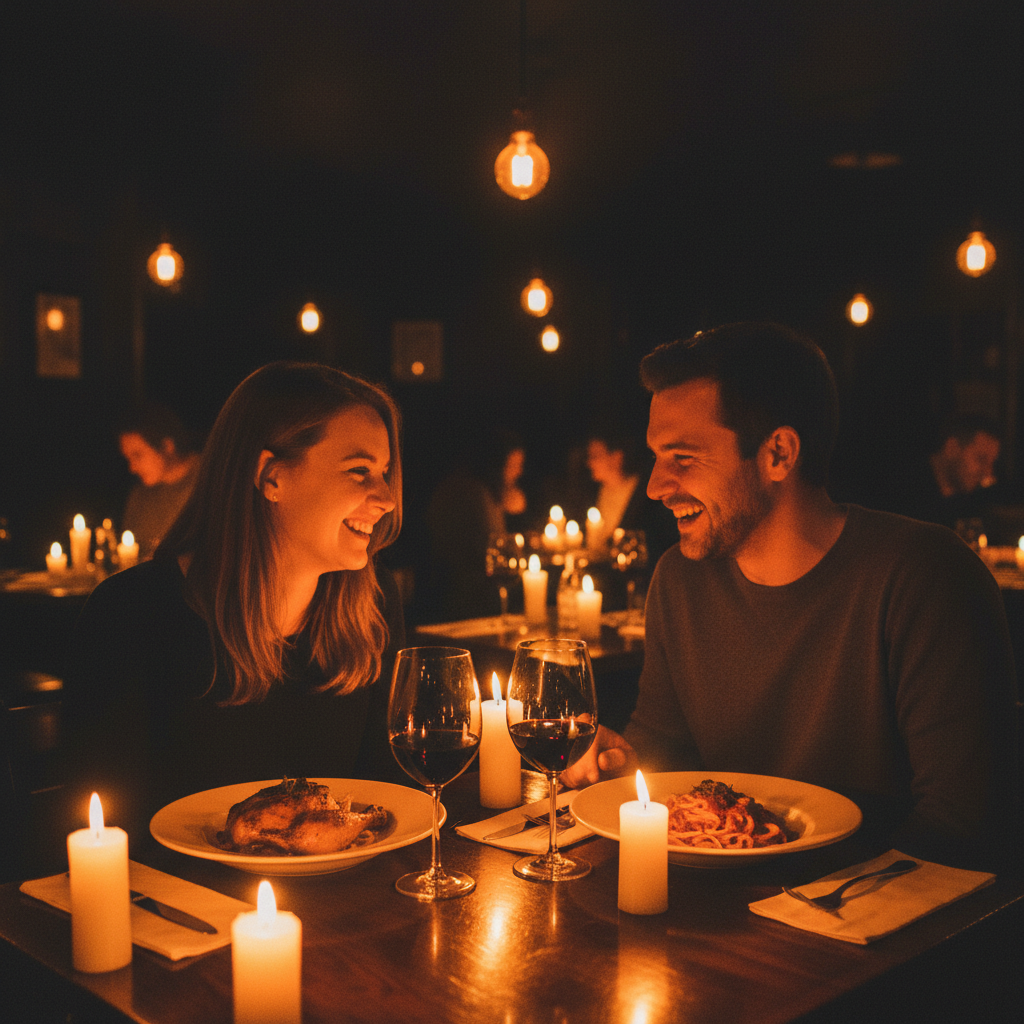
Prompt: fix white balance and remove yellow color cast from indoor lighting
Photo with blue cool color cast
Before
->
Photo with warmed corrected white balance
After

Blue outdoor cast removed

Corrected cool blue tint from overcast daylight for warmer, natural tones.
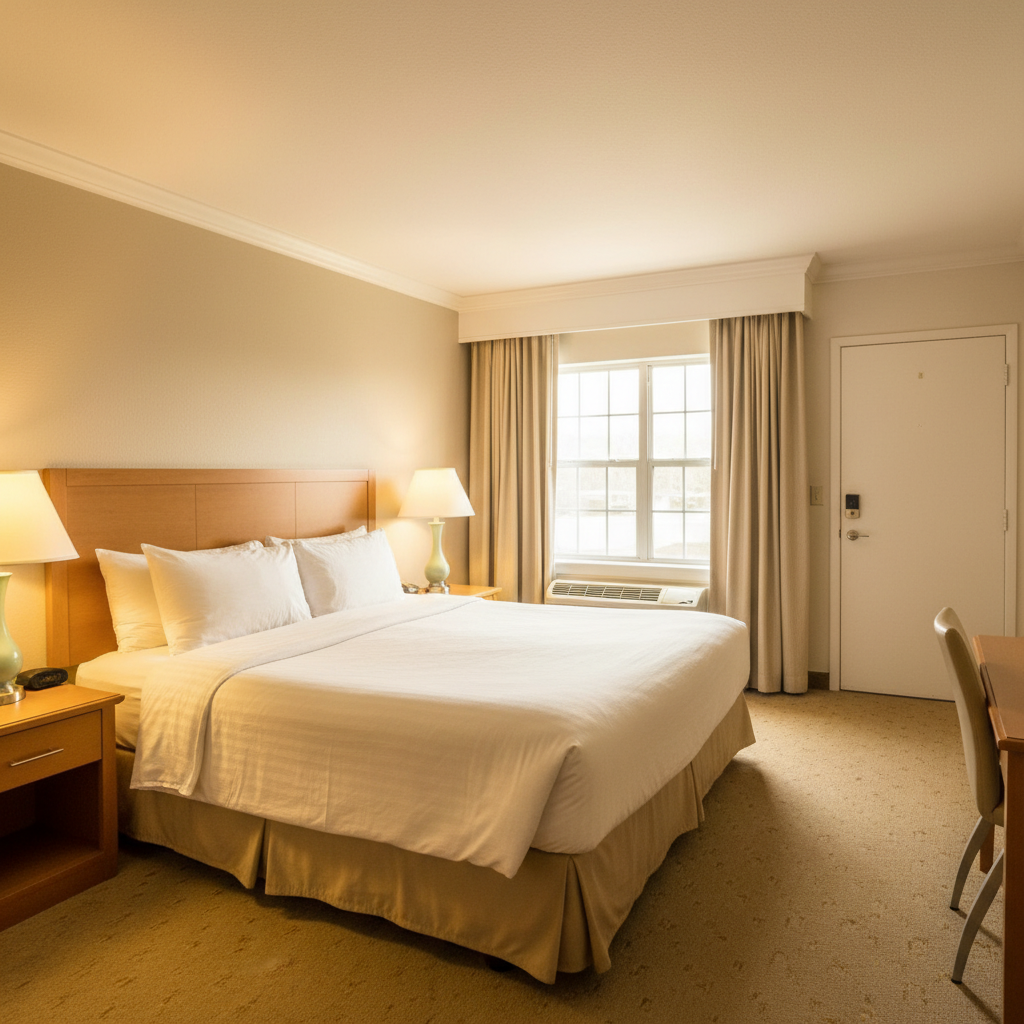
Prompt: fix white balance and remove blue color cast, warm up the photo
Photo with green fluorescent lighting cast
Before
->
Photo with corrected natural white balance
After

Fluorescent green tint fixed

Removed distinctive green cast from fluorescent office lighting.

Prompt: correct white balance and remove green tint from fluorescent lights
Advertisement

If something looks off

AI changed the wrong area or adjusted colors I didn't want changed

Why: The AI couldn't determine exactly which areas you meant from description alone. This happens with ambiguous requests or mixed lighting.

Try: Tap markers on the specific areas with color cast issues, then regenerate with the same prompt

Tip: Markers tell the AI 'I mean THIS area specifically.' Use them for mixed lighting scenes.

Colors look too cool/blue after correction

Why: AI overcorrected the warm color cast.

Try: Add 'while keeping slight warmth': 'fix white balance and remove yellow cast while keeping slight warmth'
Colors look too warm/yellow after correction

Why: AI overcorrected the cool color cast.

Try: Add 'to cool neutral': 'fix white balance and remove blue cast to cool neutral tones'
Skin tones look unnatural after white balance fix

Why: Global correction affected skin differently than other elements.

Try: Add 'prioritizing natural skin tones': 'fix white balance prioritizing natural skin tones'
Some areas still have color cast

Why: Mixed lighting sources in the photo need zone-specific correction.

Try: Use markers to define zones with different lighting and correct separately

Tip: Photos with multiple light sources may need multiple corrections

Entire mood of the photo changed

Why: Original color cast was intentional or artistic.

Try: Be more specific about preserving artistic intent: 'fix white balance subtly while keeping sunset warmth'

Quick answers

Do I need to mark areas before describing the white balance issue?

No! Just describe what you want: 'fix white balance and remove yellow cast' or 'correct white balance to neutral.' The AI understands color temperature globally. Only use markers for mixed lighting scenes where different areas need different corrections.

How do I fix white balance in a photo for free?

Upload your photo to EditThisPic and type 'fix white balance and remove yellow color cast' or name the color problem you see. The AI corrects color temperature in 20-30 seconds. Completely free, no signup required.

What color casts can the AI fix?

The AI corrects all common color casts: yellow/orange (tungsten), blue (daylight/shade), green (fluorescent), magenta, or any mixed lighting issues. Just name the color you want removed.

Will it preserve artistic color grading?

If you want to keep some color mood, specify it: 'fix white balance while keeping sunset warmth' or 'correct cast subtly.' The AI can distinguish between technical errors and intentional color.

Is there a free AI white balance tool that doesn't need manual adjustment?

Yes. EditThisPic fixes white balance with simple text descriptions like 'remove yellow cast' instead of manual sliders or color wheels. No color theory knowledge needed. Completely free with no signup required.

Ready to fix your photo's white balance?

Free to try. No signup required.

Try it free