Free • No signup Transform Photo into high fashion editorial · Free

AI High Fashion Photo Editor
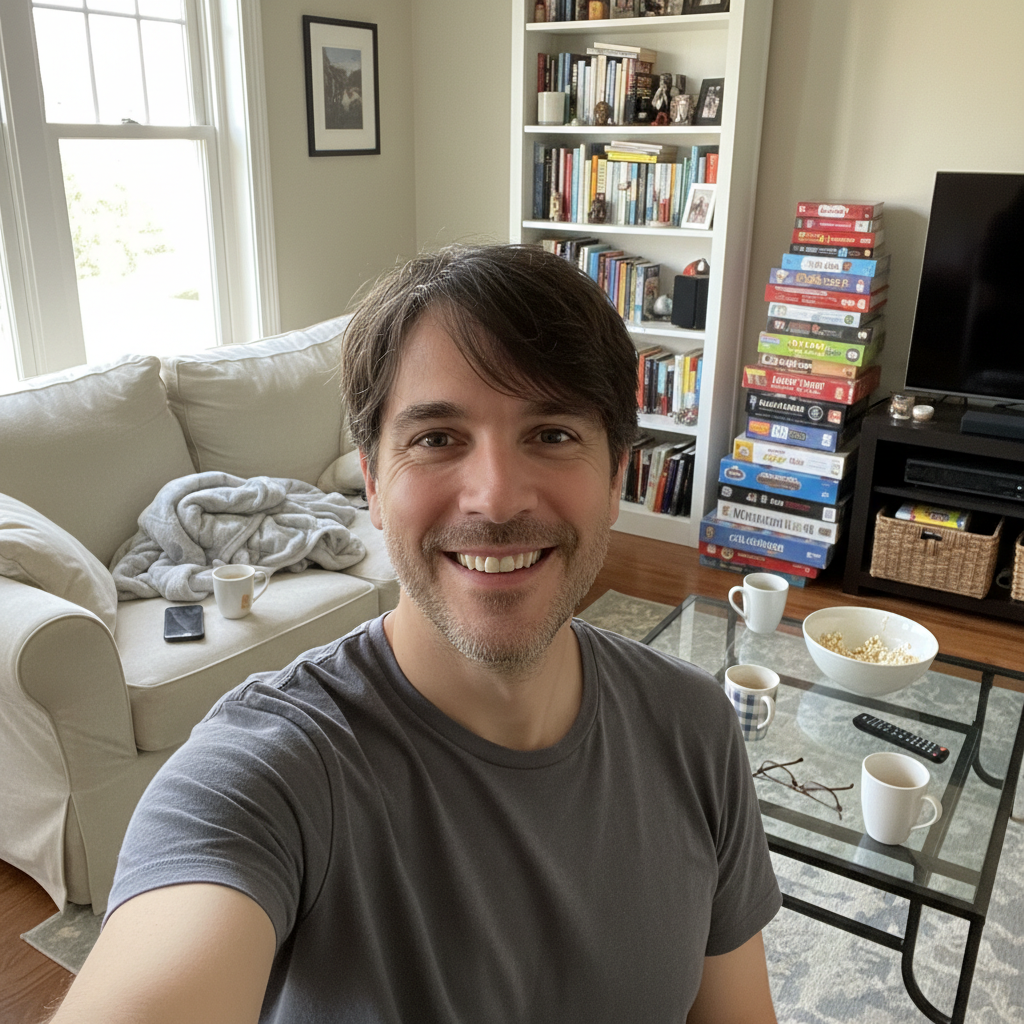
Before
Before
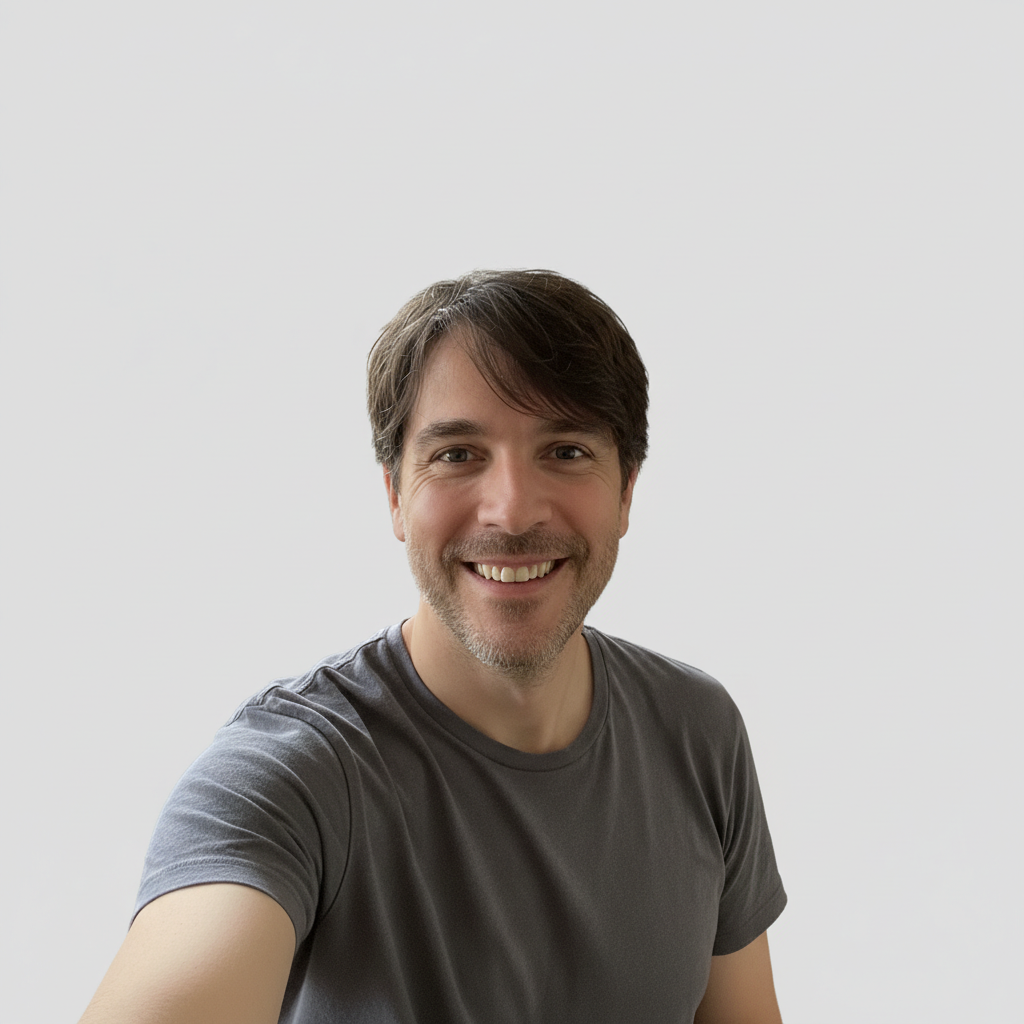
After
After

Free AI High Fashion Photo Editor

Drop your photo here

or click to browse

Release to upload

Free • No signup

Advertisement
Popular use cases:
  • high fashion photo
  • editorial photography
  • Vogue style photo
  • fashion magazine aesthetic
  • runway photography
  • editorial portrait
  • fashion photo editing
  • magazine cover style

Cost
Free No signup required
Time
Instant results in 15-30 seconds
Works on
Any device - browser, phone, tablet, desktop
Powered by
AI-powered photo editing
Scenario Prompt Time
Classic Vogue editorial 15-30s
Elegant sophistication 15-30s
Bold minimalist modern 15-30s

How it works

  1. Upload your photo

    Choose a photo you want to transform into high fashion editorial style. Works best with portraits, fashion shots, or any image where you want that polished magazine quality. Clear lighting and good composition help, but the AI can elevate even casual photos to editorial standards.

    Expect: Upload takes 30-45 seconds depending on file size and connection speed.
  2. Describe the high fashion look

    Tell the AI what editorial aesthetic you want—'transform into Vogue magazine editorial style', 'give it high fashion runway look with dramatic lighting', or 'make it look like Harper's Bazaar cover shoot'. You can specify details like bold makeup, editorial lighting, rich colors, fashion-forward styling, or reference specific magazines. The AI applies professional fashion photography and retouching techniques.

    Tip: Reference specific fashion magazines or aesthetics for more authentic results: 'Vogue Italia dramatic editorial', 'Harper's Bazaar elegant sophistication', 'i-D magazine creative fashion', or 'W Magazine bold minimalist editorial'.

    Copy one of these to get started:

    For that classic Vogue look—sophisticated, dramatic, and unmistakably editorial Transform into Vogue magazine editorial style with dramatic lighting and polished high fashion aesthetic
    General high fashion transformation when you want runway-ready editorial quality Give it high fashion editorial look with bold makeup, professional lighting, and magazine-quality polish
    For Harper's Bazaar's signature elegant, sophisticated, timeless editorial style Transform into Harper's Bazaar cover shoot aesthetic with elegant styling and rich colors
    For fashion week runway aesthetic—bold, dramatic, fashion-forward Make it look like high fashion runway photography with dramatic shadows and avant-garde styling
    3 more prompts
    For i-D's distinctive creative, youth-culture, cutting-edge fashion aesthetic Transform into i-D magazine creative editorial with bold colors, artistic lighting, and fashion innovation
    For W's signature bold, minimalist, art-forward editorial approach Give it W Magazine bold minimalist editorial style with clean lines, strong lighting, and modern sophistication
    For Vogue Italia's renowned artistic, boundary-pushing, dramatically styled editorials Transform into Vogue Italia avant-garde editorial with dramatic makeup, artistic lighting, and high fashion innovation
  3. Review the editorial result

    Check that your photo has been transformed into high fashion editorial quality. Look for polished skin, professional lighting, rich colors, editorial styling, and that unmistakable fashion magazine aesthetic. If you want more dramatic lighting, bolder makeup, or different editorial mood, regenerate with adjusted instructions.

  4. Download Your Fashion Editorial Photo

    Save your high fashion editorial photo. No watermark, ready for portfolio or social media.

Try it free

Free AI High Fashion Photo Editor

Drop your photo here

or click to browse

Release to upload

Free • No signup

See it in action

Before
Before
->
After
After

Prompt: Transform into Vogue magazine editorial style with dramatic lighting and polished high fashion aesthetic
Before
Before
->
After
After

Prompt: Transform into Harper's Bazaar cover shoot aesthetic with elegant styling and rich colors
Before
Before
->
After
After

Prompt: Give it W Magazine bold minimalist editorial style with clean lines, strong lighting, and modern sophistication
Advertisement

If something looks off

AI changed the wrong area or something I didn't want changed

Why: The AI couldn't determine exactly which area you meant from description alone.

Try: Tap a marker on the specific area you want to change, then regenerate with the same prompt

Tip: Markers tell the AI 'I mean THIS one specifically.' Use them when description alone is ambiguous.

The result looks over-edited or unrealistic

Why: High fashion retouching can be heavy-handed. The AI might have pushed skin smoothing or enhancements too far.

Try: Add 'natural' or 'subtle': 'Vogue editorial style with natural skin texture preserved' or 'high fashion look but keep realistic skin and features'

Tip: Modern high fashion editorials balance polish with authenticity. If it looks too airbrushed, specify 'maintain natural texture' or 'editorial polish without over-retouching'.

Colors became too saturated or unnatural

Why: Editorial color grading can be bold. Sometimes the AI pushes color intensity too far for the image.

Try: Specify color treatment: 'high fashion editorial with subtle color grading' or 'Vogue style with elegant muted colors, not oversaturated'

Tip: Different magazines have different color signatures. Vogue Italia goes bold, Harper's Bazaar is more refined, W is often minimalist. Name the specific aesthetic you want.

Lighting looks flat instead of dramatic

Why: Editorial lighting is a key element. If you don't specify lighting, the AI might focus on other aspects.

Try: Emphasize lighting: 'high fashion editorial with dramatic directional lighting and strong shadows' or 'Vogue style with professional fashion photography lighting'

Tip: Fashion editorial is as much about lighting as styling. Words like 'dramatic lighting', 'strong shadows', 'rim light', or 'high contrast lighting' help the AI understand the lighting mood you want.

The photo doesn't look editorial enough, still looks casual

Why: High fashion editorial is a specific aesthetic combining multiple elements: lighting, retouching, color, styling. The AI needs clear direction.

Try: Be more comprehensive: 'transform completely into high fashion magazine editorial—dramatic lighting, bold makeup, polished skin, rich colors, professional styling, Vogue quality'

Tip: Editorial isn't one thing—it's lighting + retouching + color + styling. If the result isn't editorial enough, list multiple aspects you want transformed, not just 'make it editorial'.

Quick answers

Do I need to mark or select anything before describing what I want?

No! Just describe what you want and the AI handles everything. Markers are only needed for precision refinements.

Is this really free with no watermark?

Yes, completely free with no watermark. No account creation or payment required.

Can I use this for professional modeling portfolio?

Absolutely! Many models, actors, and creatives use AI-enhanced editorial photos for portfolios, comp cards, social media, and submissions. The photos you create are yours to use professionally. They're especially useful for showing range or filling gaps in your book with different editorial styles.

What makes a photo look 'high fashion editorial' vs regular portrait?

High fashion editorial combines several elements: dramatic or artistic lighting, professional-level retouching (polished but not over-edited), rich color grading, editorial styling sensibility, and that intangible magazine-quality polish. It's the difference between a nice portrait and a Vogue spread—composition, lighting, and finish all work together to create editorial impact.

Will this work on selfies or casual photos?

Yes! The AI can transform casual photos into editorial style, though results depend on the starting image. Photos with clear subjects, decent lighting, and good composition transform most dramatically. Busy backgrounds, poor lighting, or blurry images are harder to elevate to true editorial quality—but the AI will still improve them significantly.

Ready to transform your photo into high fashion editorial?

Free to try. No signup required.

Try it free