Free • No signup Convert Roblox avatar · Free

Convert Photo to Roblox Avatar Style

Type what you want. Become a Roblox character in seconds.
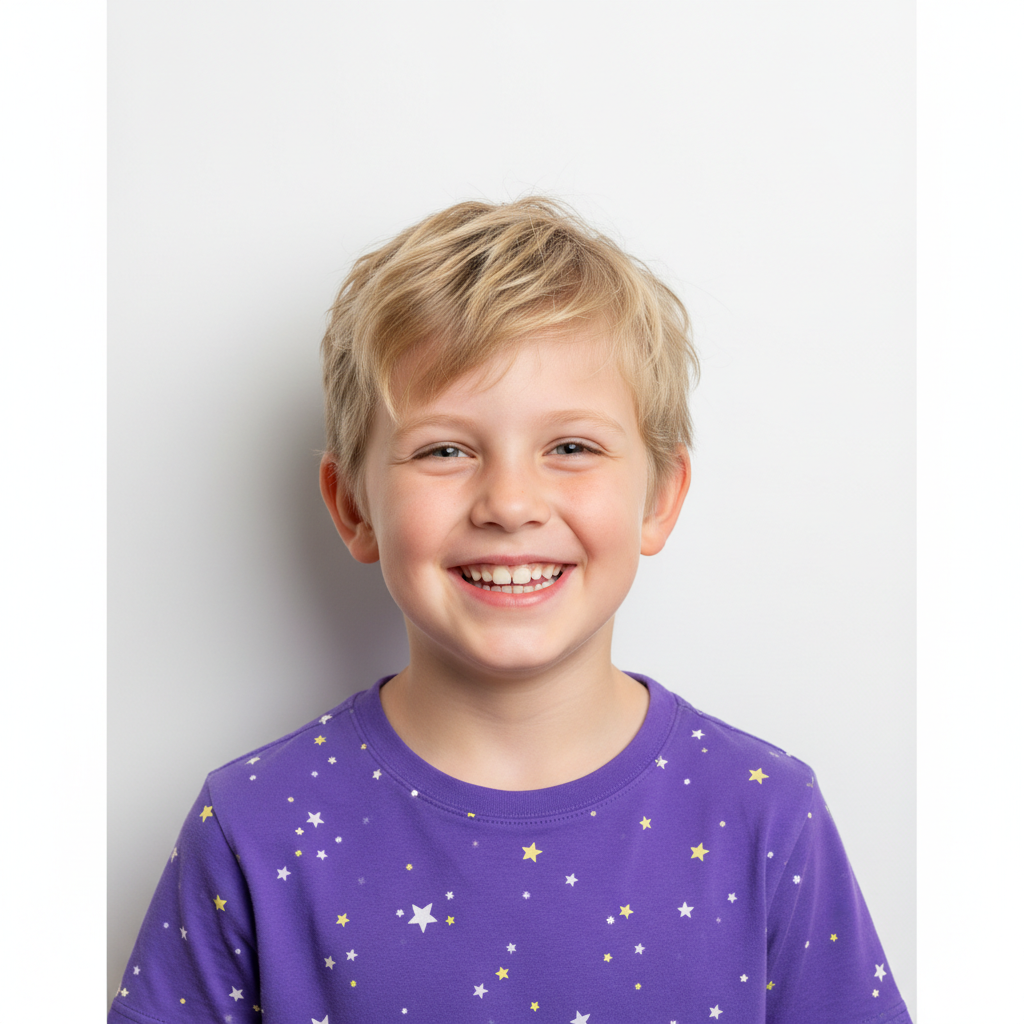
Portrait of smiling child in colorful shirt
Before
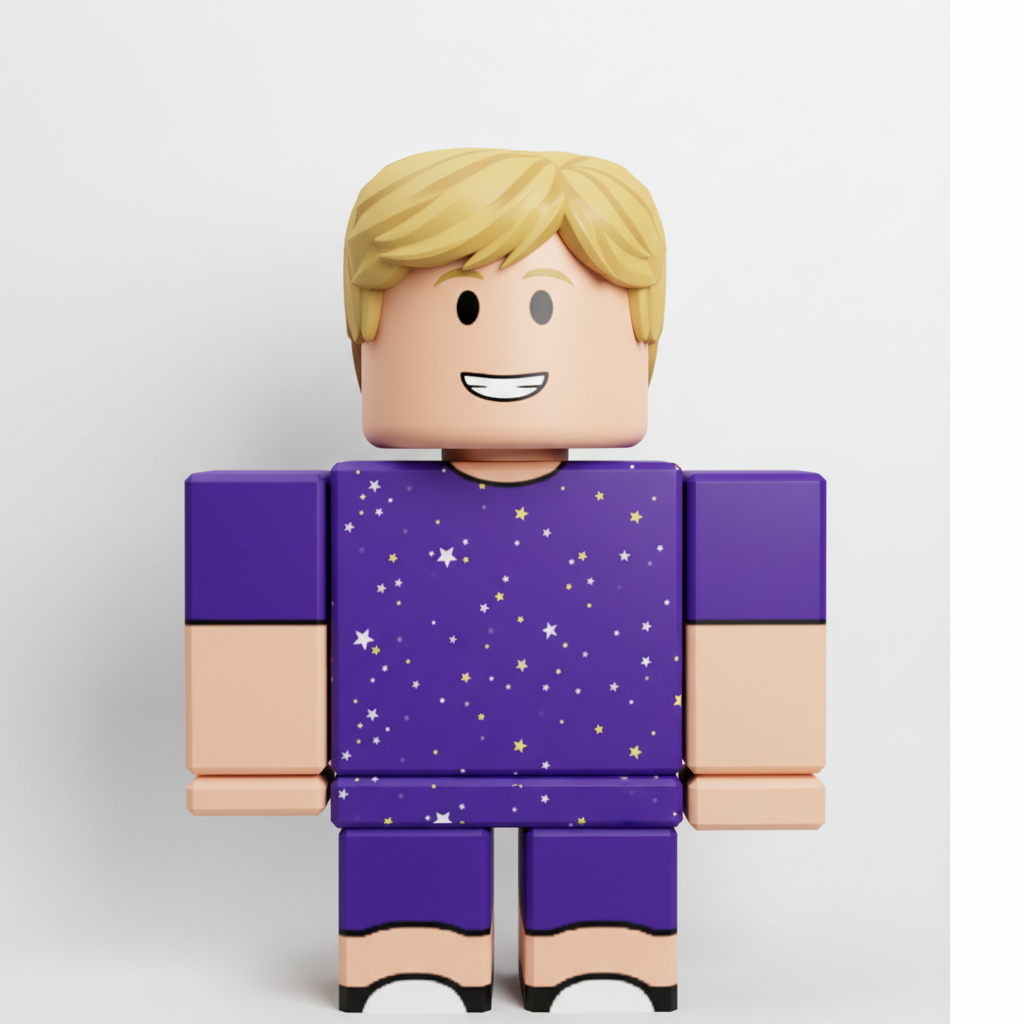
Same child as blocky Roblox avatar character
After

Convert Photo to Roblox Avatar Style

Drop your photo here

or click to browse

Release to upload

Free • No signup

Advertisement
Popular use cases:
  • Roblox profile pictures
  • Gaming avatars
  • Kid gaming profiles
  • Roblox fan art
  • Discord gaming avatars
  • YouTube gaming thumbnails
  • Birthday party decorations

Cost
Free No signup required
Time
Instant results in 15-30 seconds
Works on
Any device - browser, phone, tablet, desktop
Powered by
AI-powered photo editing
Scenario Prompt Time
Classic Roblox Roblox style with blocky body and cylinder limbs 15s
R6 style Classic R6 Roblox with six-part body 15s
With accessories Roblox avatar with hat and backpack 20s
Game scene Roblox character in colorful game world 25s

How it works

  1. Upload your photo

    Drop your image into EditThisPic. JPG, PNG, and WebP up to 7MB all work. Clear portraits with visible faces produce the best Roblox transformations - the AI needs to see your features to stylize them.

    Expect: Simple portraits: 15-25 seconds. Complex photos: may need refinement for proper proportions.
  2. Describe the Roblox style you want

    Type your instruction: 'convert this photo to Roblox avatar style with blocky body and cylindrical limbs' or 'transform into a Roblox character.' The AI understands Roblox's distinctive aesthetic - rectangular torso, cylinder arms and legs, simplified face. No selection or marking needed.

    Tip: Mention specific Roblox aesthetics like 'classic R6 avatar style' or 'smooth plastic look' for more authentic results.

    Copy one of these to get started:

    Classic Roblox avatar convert this photo to Roblox avatar style with blocky rectangular body, cylindrical arms and legs, simplified face, smooth plastic-like appearance
    R6 classic style transform into classic R6 Roblox character style - six-part blocky body, cylinder limbs, simple dot eyes and smile, vintage Roblox aesthetic
    Roblox with accessories convert to Roblox avatar style wearing cool hat and backpack accessories, blocky body, cylindrical limbs, Roblox game character look
    Roblox avatar portrait transform this face into Roblox character style - blocky head shape, simplified facial features, dot eyes, simple mouth, smooth plastic texture
    2 more prompts
    Roblox with outfit convert to Roblox character style keeping my current outfit colors, blocky proportions, cylindrical limbs, Roblox clothing style
    Roblox game scene transform into Roblox avatar standing in colorful Roblox game environment, blocky character with blocky world, gaming aesthetic
  3. Generate and review

    Tap generate and check that the distinctive Roblox features are present - blocky proportions, cylindrical limbs, simplified face with basic features. The character should look like it belongs in a Roblox game.

  4. Refine with markers if needed

    If specific features need adjustment - like outfit colors or accessory details - tap markers on those areas and regenerate. Most Roblox conversions capture the style perfectly on the first try.

    Tip: Markers help if you want specific outfit details translated into Roblox gear style.
Try it free

Convert Photo to Roblox Avatar Style

Drop your photo here

or click to browse

Release to upload

Free • No signup

"My kid wanted to look like their Roblox character for real. This turned them INTO the character instead - they loved it!" @RobloxDadGamer

See it in action

Portrait of smiling child in colorful shirt
Before
->
Same child as blocky Roblox avatar character
After

Kid to Roblox character

A child's portrait transformed into an adorable Roblox avatar with proper blocky proportions.

Prompt: convert this photo to Roblox avatar style with blocky rectangular body, cylindrical arms and legs, simplified face, smooth plastic-like appearance
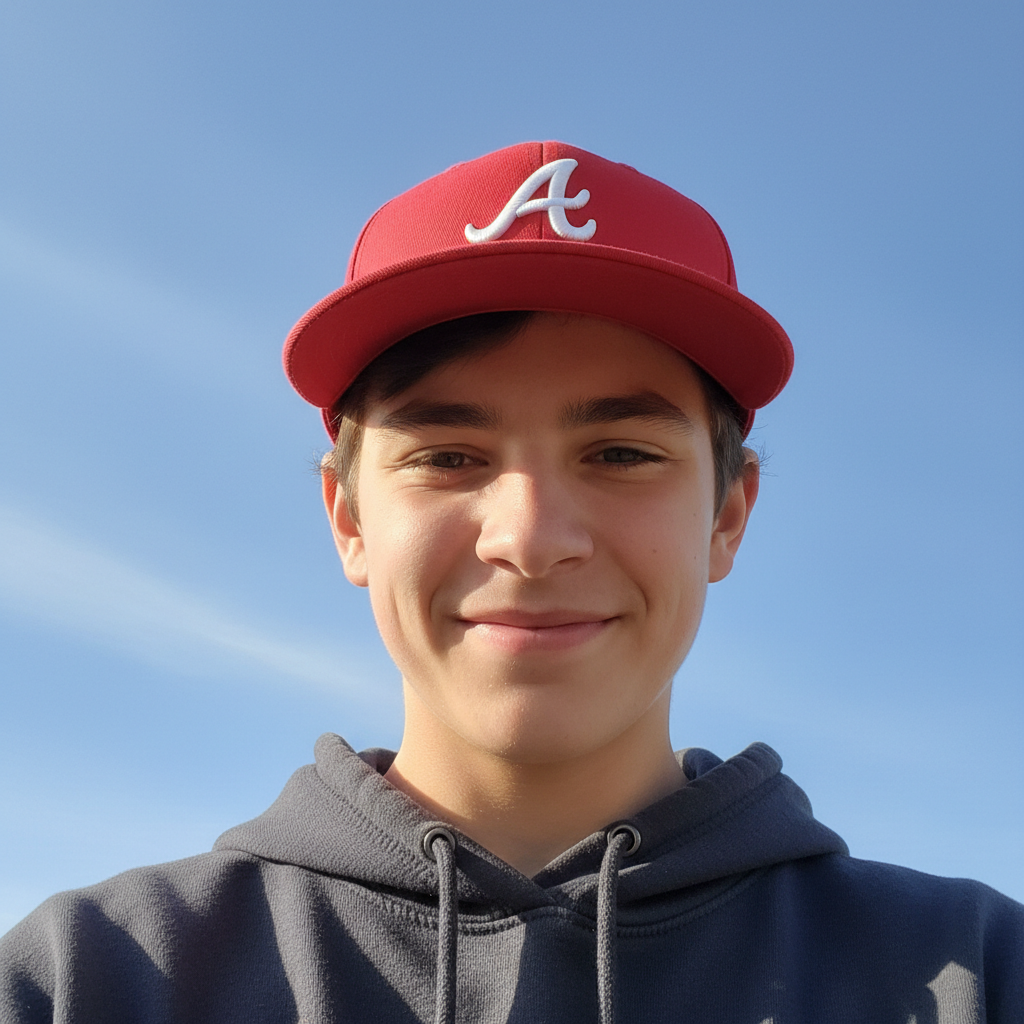
Teenage boy wearing baseball cap
Before
->
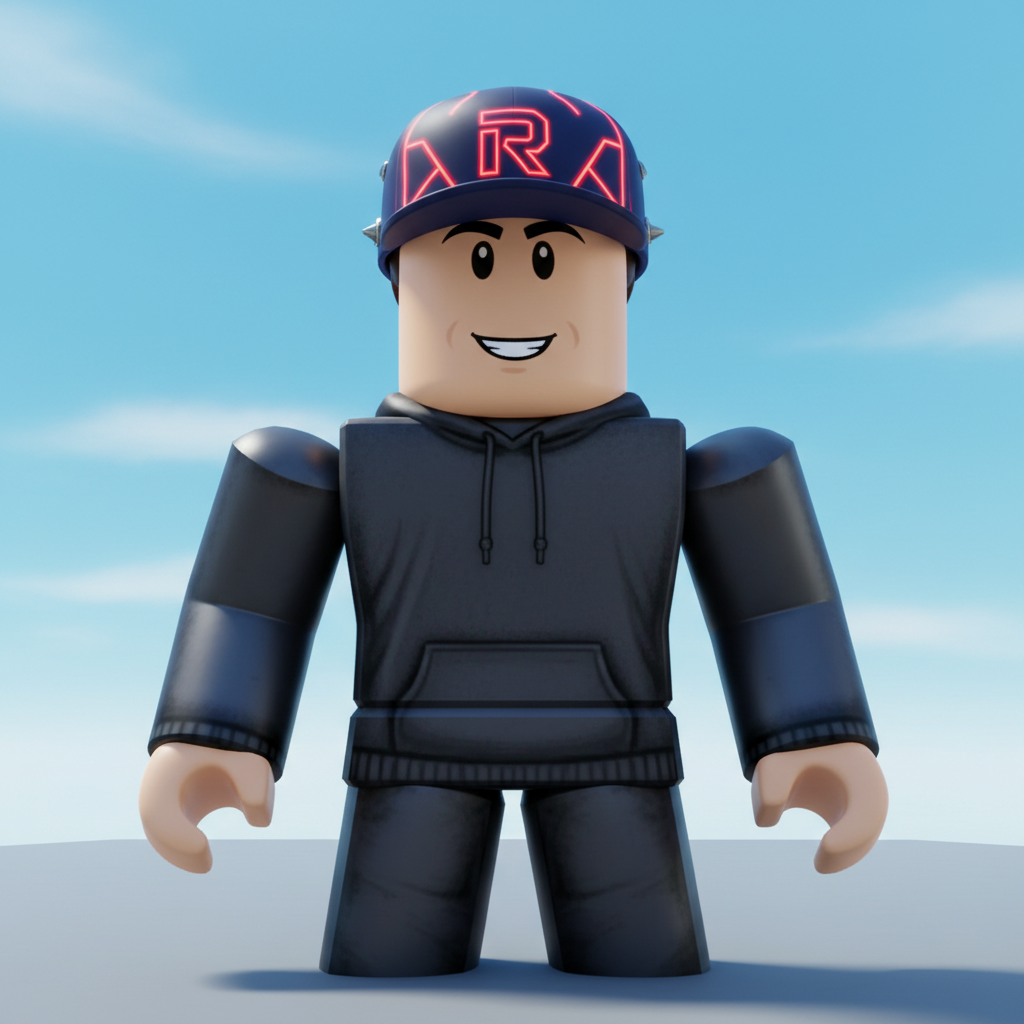
Same teen as Roblox character with hat accessory
After

Teen to Roblox gamer

A teenager's selfie converted into a Roblox-style avatar ready for adventures.

Prompt: convert to Roblox avatar style wearing cool hat accessory, blocky body, cylindrical limbs, Roblox game character look
Advertisement

If something looks off

AI changed the wrong area or something I didn't want changed

Why: The AI couldn't determine exactly which area you meant from description alone. This happens with ambiguous requests.

Try: Tap a marker on the specific area you want to change, then regenerate with the same prompt

Tip: Markers tell the AI 'I mean THIS one specifically.' Use them when description alone is ambiguous.

Character doesn't look blocky enough

Why: Roblox has very distinctive geometric proportions. The AI may have kept too much realism.

Try: convert to Roblox style with very blocky rectangular torso, cylinder arms, simplified geometric shapes, classic Robloxian proportions

Tip: Emphasizing 'geometric' and 'rectangular' helps achieve the proper Roblox blockiness.

Face is too detailed for Roblox

Why: Roblox faces are very simplified - usually just dots for eyes and a simple line mouth.

Try: transform to Roblox avatar with very simplified face - small dot eyes, simple smile line, no detailed features, classic Roblox face

Tip: Specifying 'dot eyes' and 'simple smile' captures the minimal Roblox face style.

Looks like Minecraft instead of Roblox

Why: Both are blocky, but Roblox has smoother surfaces, cylindrical limbs, and different proportions.

Try: convert to Roblox style specifically - smooth plastic surfaces, cylindrical arms and legs (not square), Roblox-specific proportions

Tip: Key Roblox differences: cylindrical limbs (not square) and smoother, plastic-like surface texture.

Quick answers

Do I need to mark anything before converting to Roblox style?

No. Just describe what you want: 'convert this photo to Roblox avatar style.' The AI understands Roblox's blocky aesthetic with cylindrical limbs and applies it automatically. Markers are only needed if you want specific areas handled differently.

How do I turn my photo into a Roblox character for free?

Upload your photo to EditThisPic and type 'convert to Roblox avatar style with blocky body.' The AI transforms your image in 15-30 seconds with that iconic Roblox look. No account, no login, no watermarks. Perfect for young gamers.

Is there a free Roblox avatar generator from photos?

Yes. EditThisPic converts photos to Roblox character style without requiring signup or login. Just upload, describe the style you want, and download your blocky avatar. No watermarks on results.

What's the difference between Roblox and Minecraft style?

Roblox characters have cylindrical arms and legs with smooth plastic-like surfaces, while Minecraft is all square pixels. Roblox faces are simplified with dot eyes. EditThisPic captures these specific Roblox characteristics, not generic blocky art.

Ready to become a Roblox character?

Free to try. No signup required.

Try it free