Create Consistent Weight Loss Progress Photos
Last updated
Side-by-side progress photos with different lighting kill your credibility. Make them match.
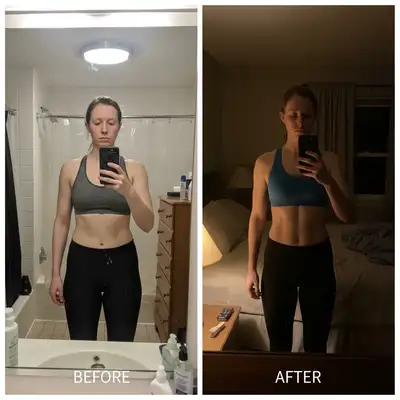
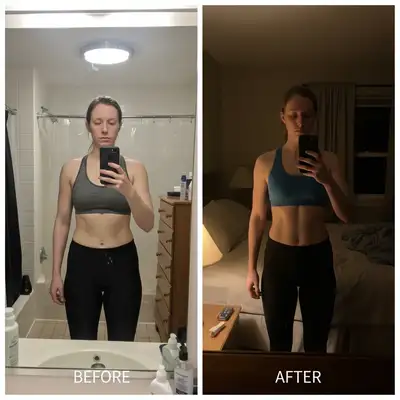
Upload photo to create weight loss progress photos
"combine both photos side-by-side and match the lighting so it's clear the difference is weight loss not lighting changes"
Free to try · no sign-up · photos are never shared
Release to upload
How it works
See it in action
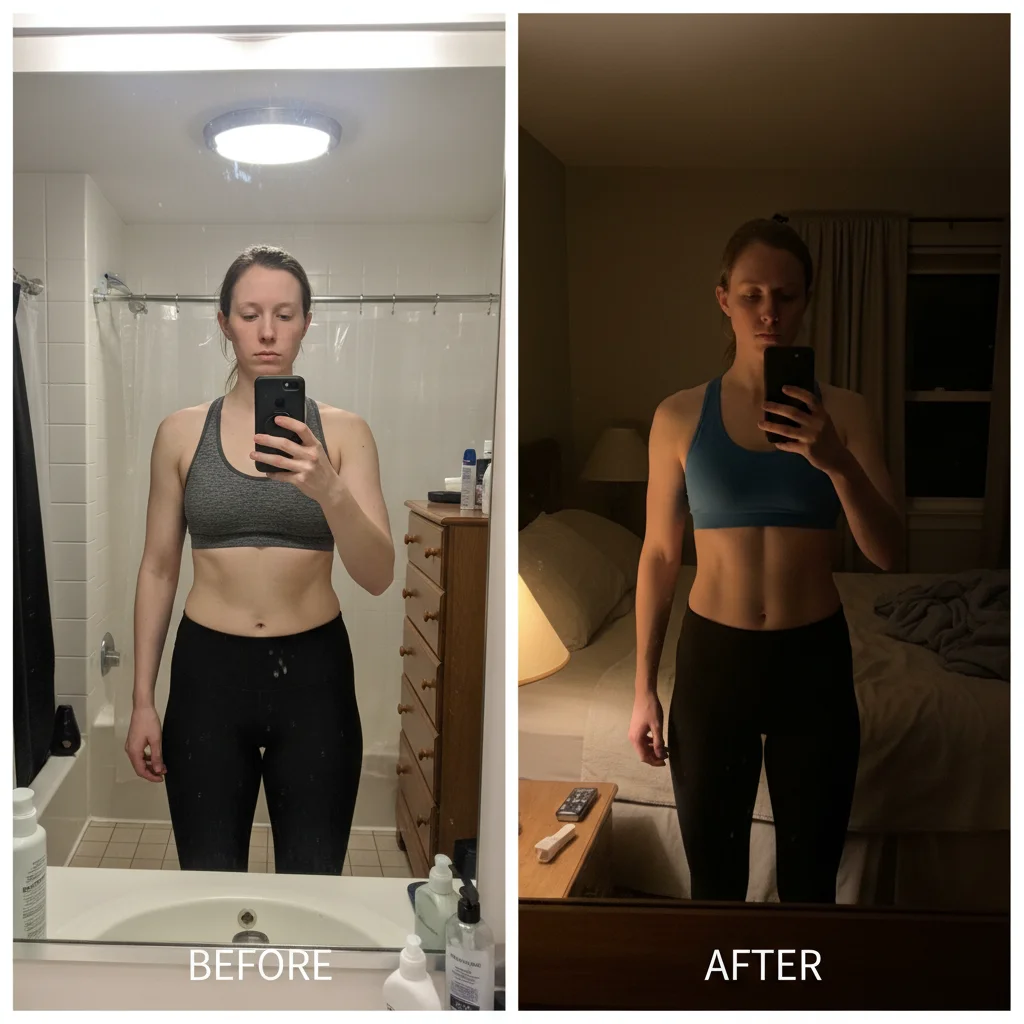
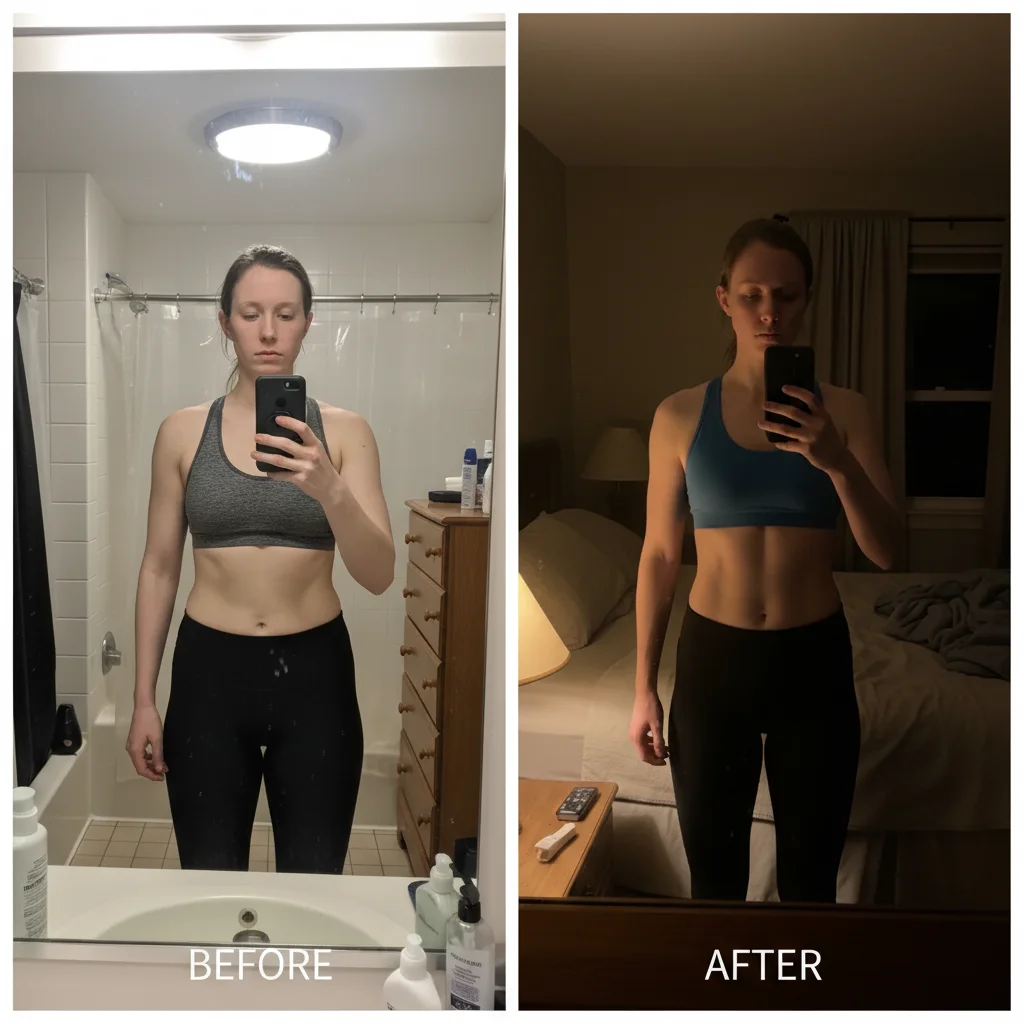
6-month weight loss with lighting consistency fixed
Before photo taken in bright bathroom light, after photo in dim bedroom. Matched lighting to prove 40-pound weight loss was real transformation, not photo tricks.
create side-by-side comparison with before on left and after on right, match lighting so both photos look consistent
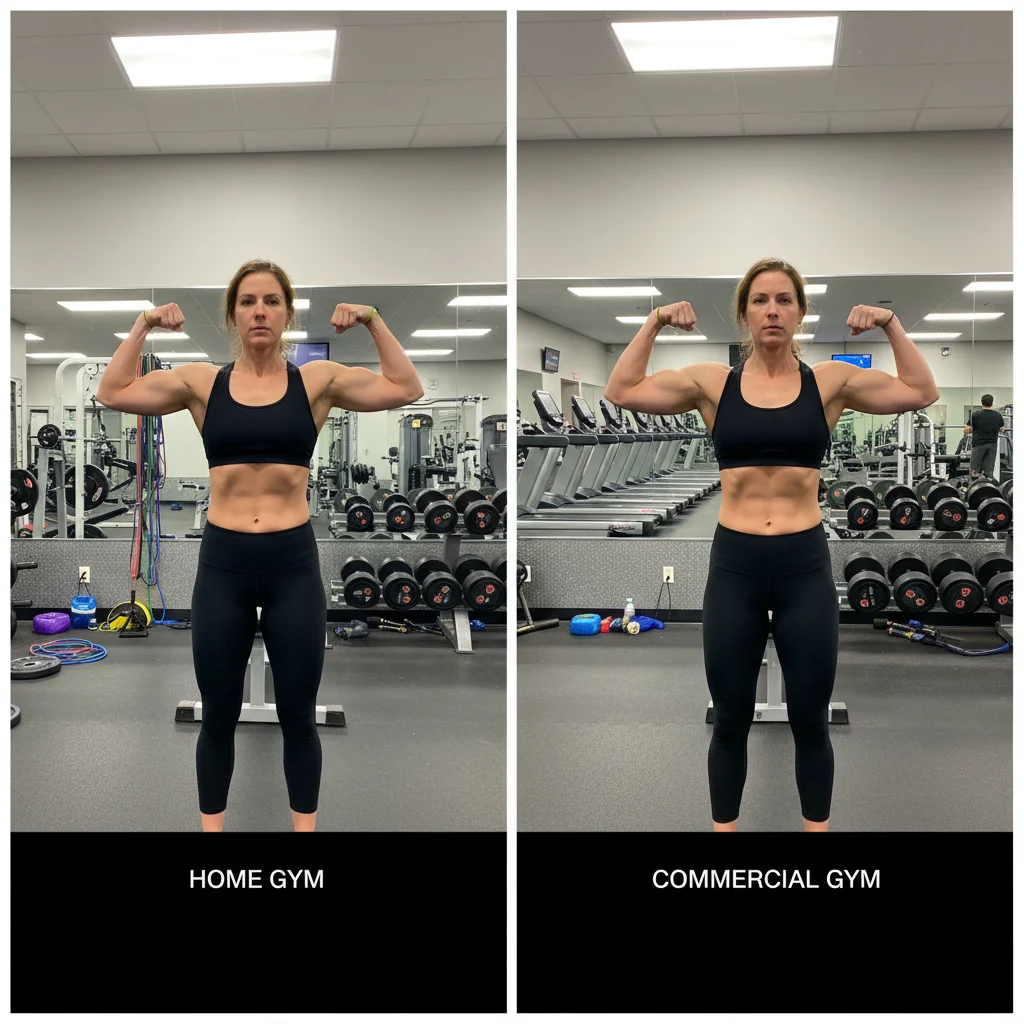
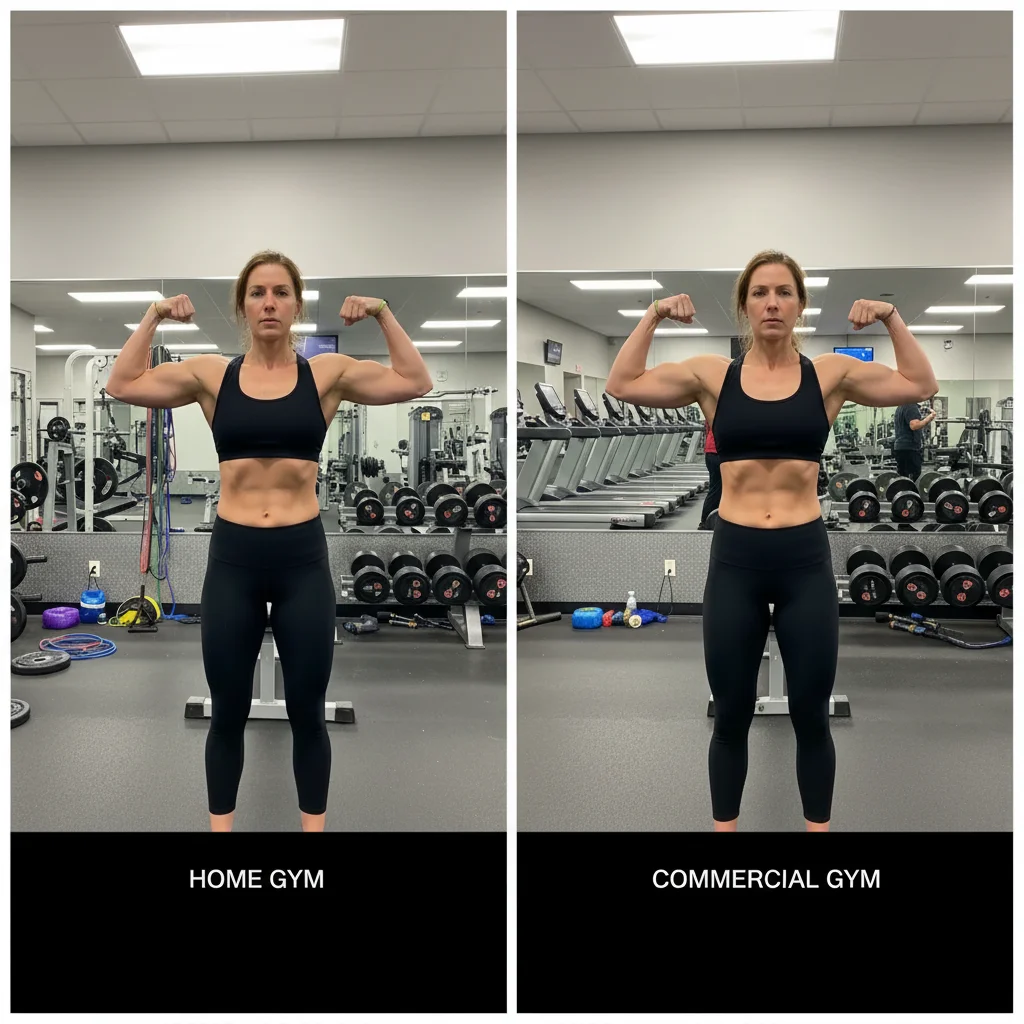
Gym progress photos from different locations aligned
Before at home gym with cluttered background, after at commercial gym with different equipment. Created clean comparison showing muscle gain and fat loss without location distraction.
create side-by-side progress photo, adjust both photos to have consistent lighting and similar background appearance
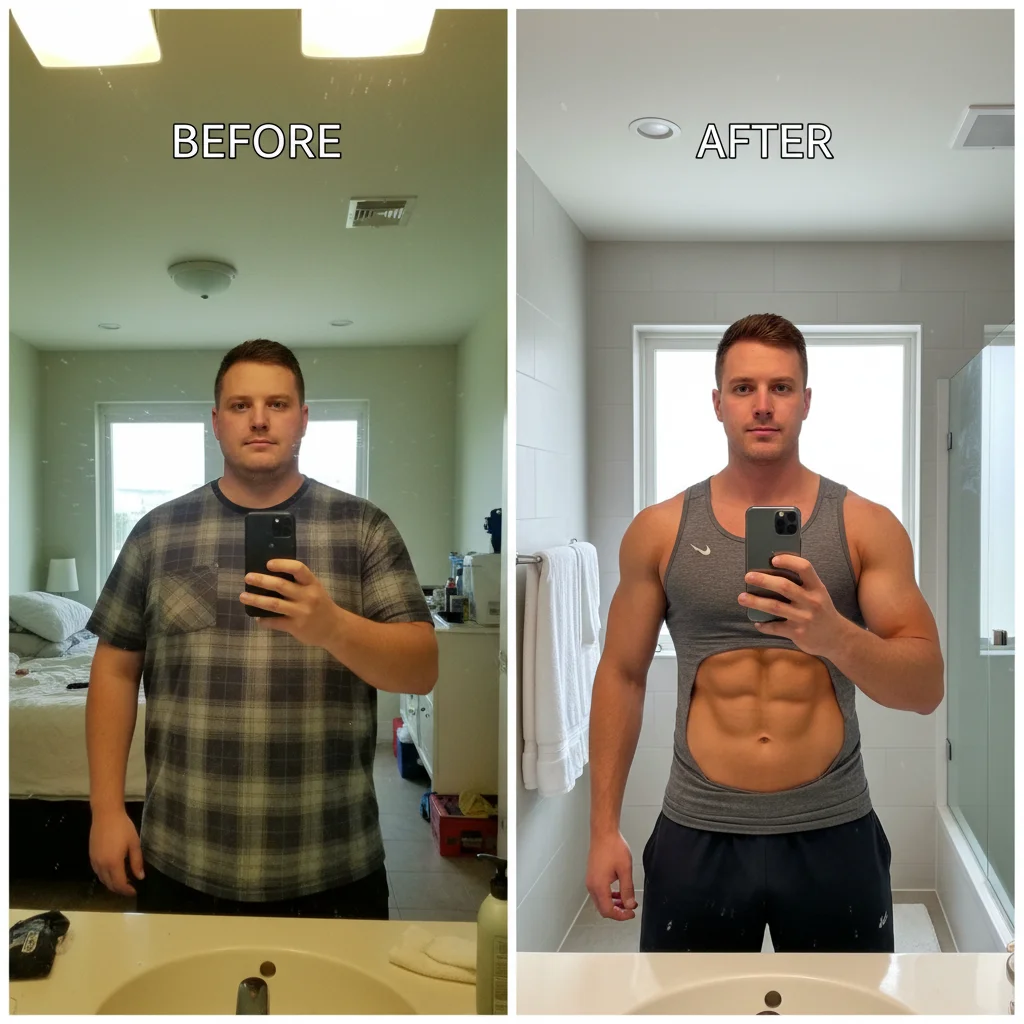
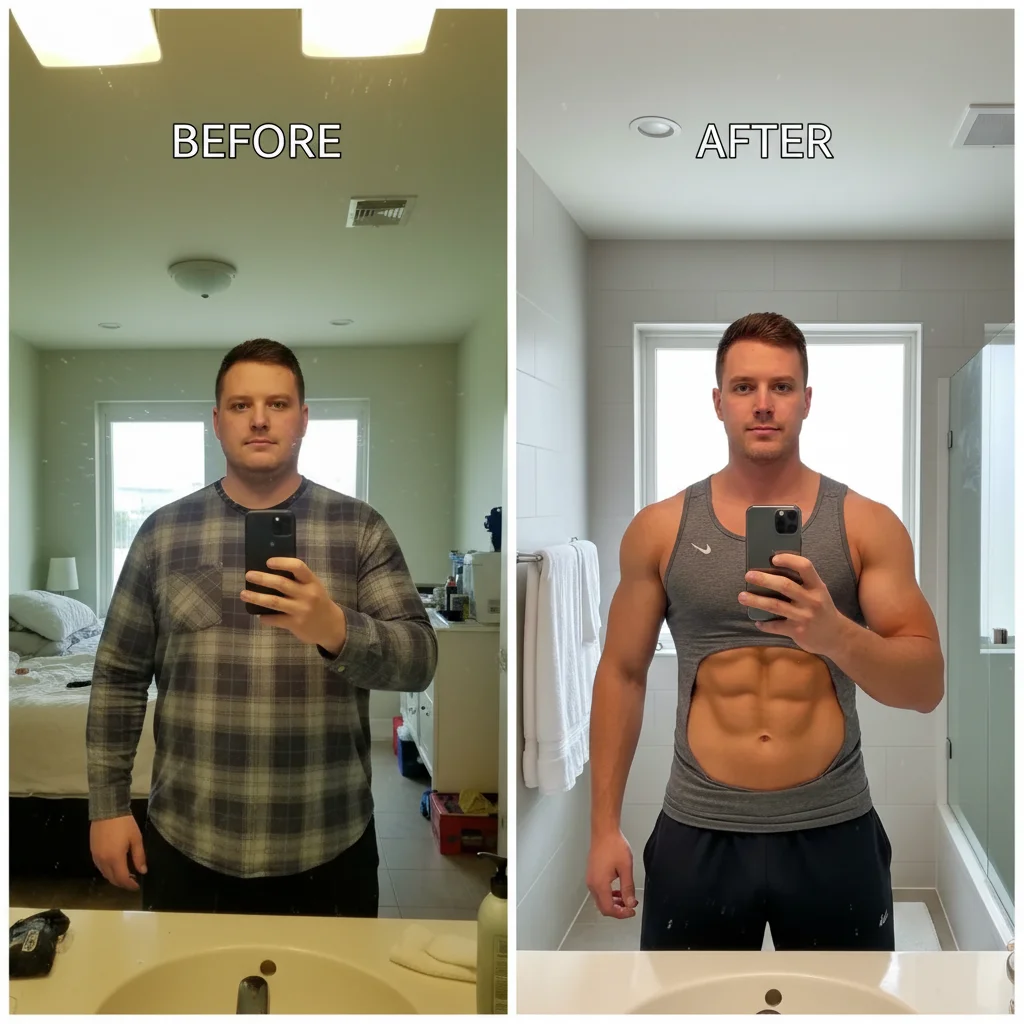
Quality mismatch fixed for Instagram post
Old before photo is low resolution from 2024, new after photo is high quality from latest iPhone. Matched quality and lighting for Instagram-ready transformation post.
combine both photos side-by-side, enhance the lower quality photo to match the better one, consistent lighting
Quick answers
Popular use cases
Ready to create consistent weight loss progress photos?
Free to try. No signup required.