Fix Inconsistent Fitness Transformation Photos
Last updated
Transformation photos with different lighting or angles kill credibility. Fix it in seconds.
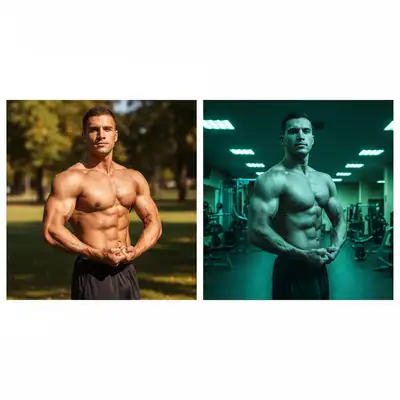
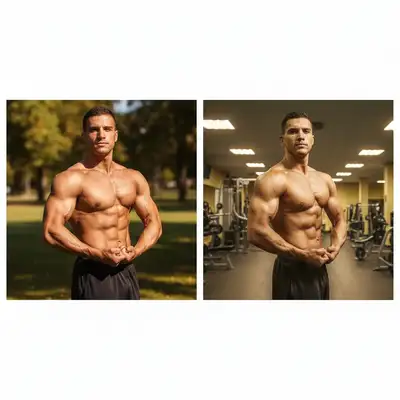
Upload photo to fix fitness transformation photo consistency
"match the camera angle and distance of the before photo, make the composition consistent"
Free to try · no sign-up · photos are never shared
Release to upload
How it works
See it in action
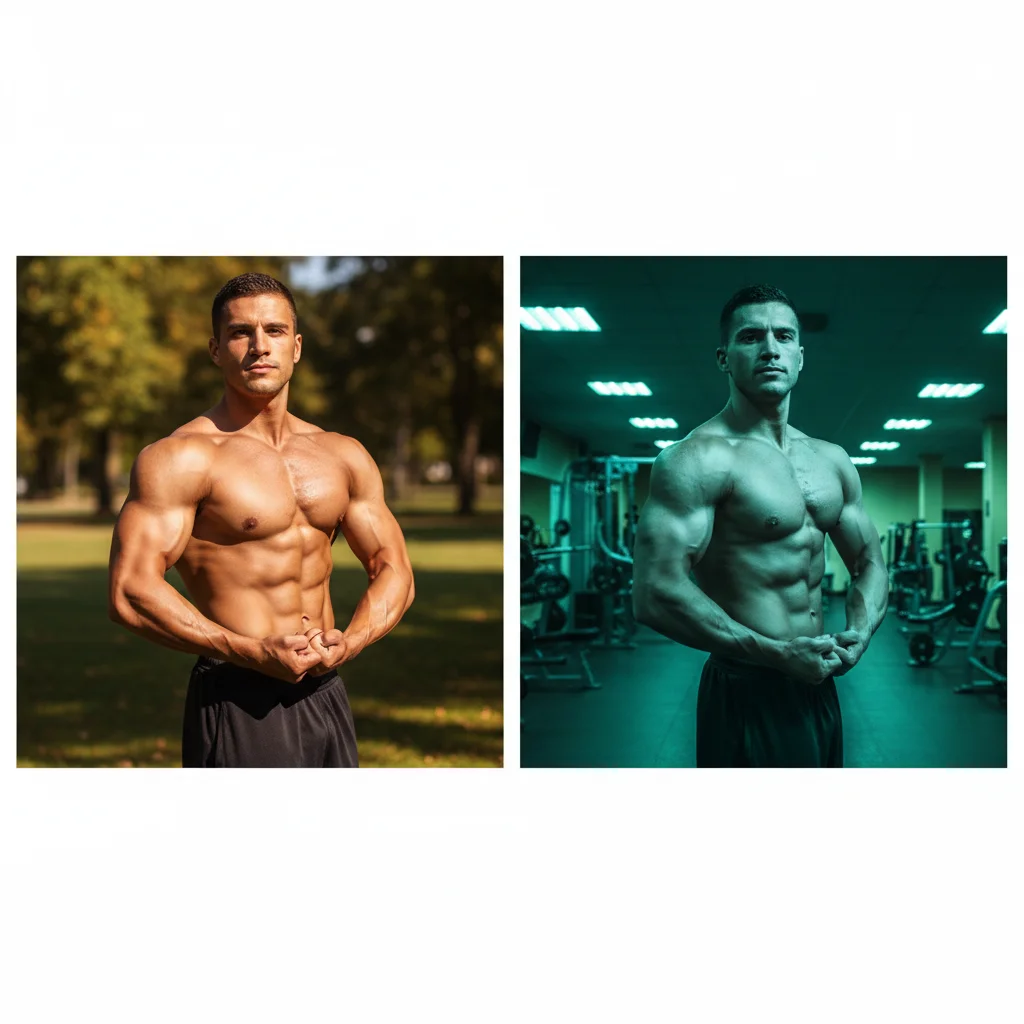
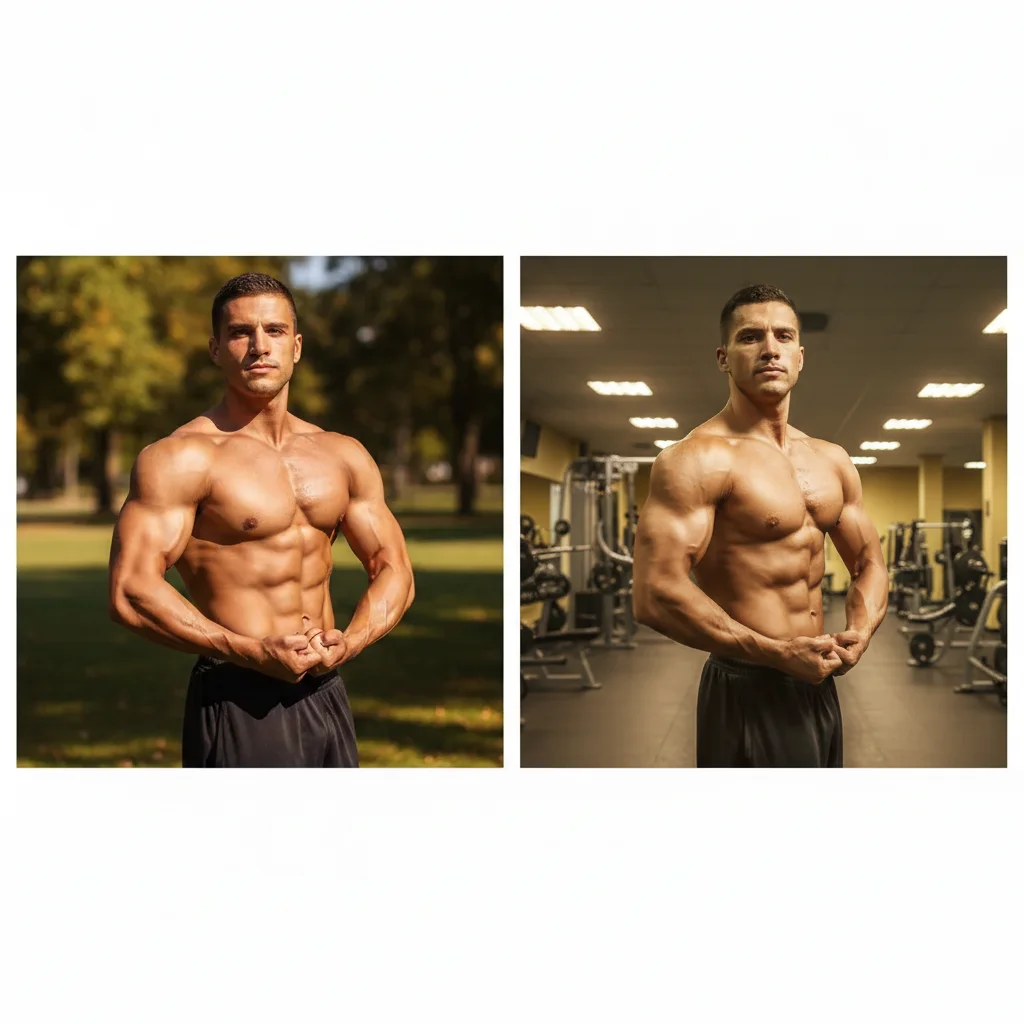
Natural light before, indoor light after - fixed
Fitness client took before photo outdoors in morning light, after photo 12 weeks later indoors at night. Made both match to prove the transformation is real, not different lighting tricks.
convert the indoor lighting of after photo to match the natural outdoor lighting of before photo
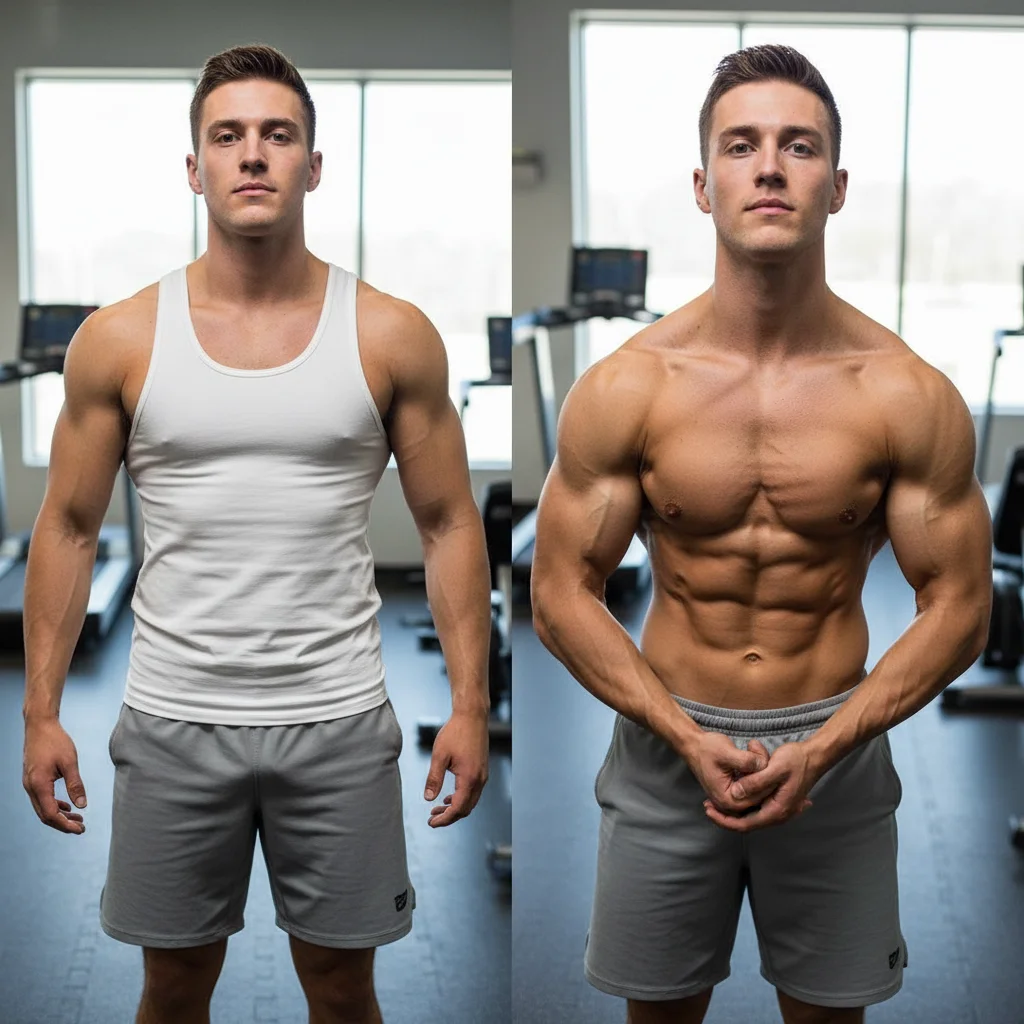
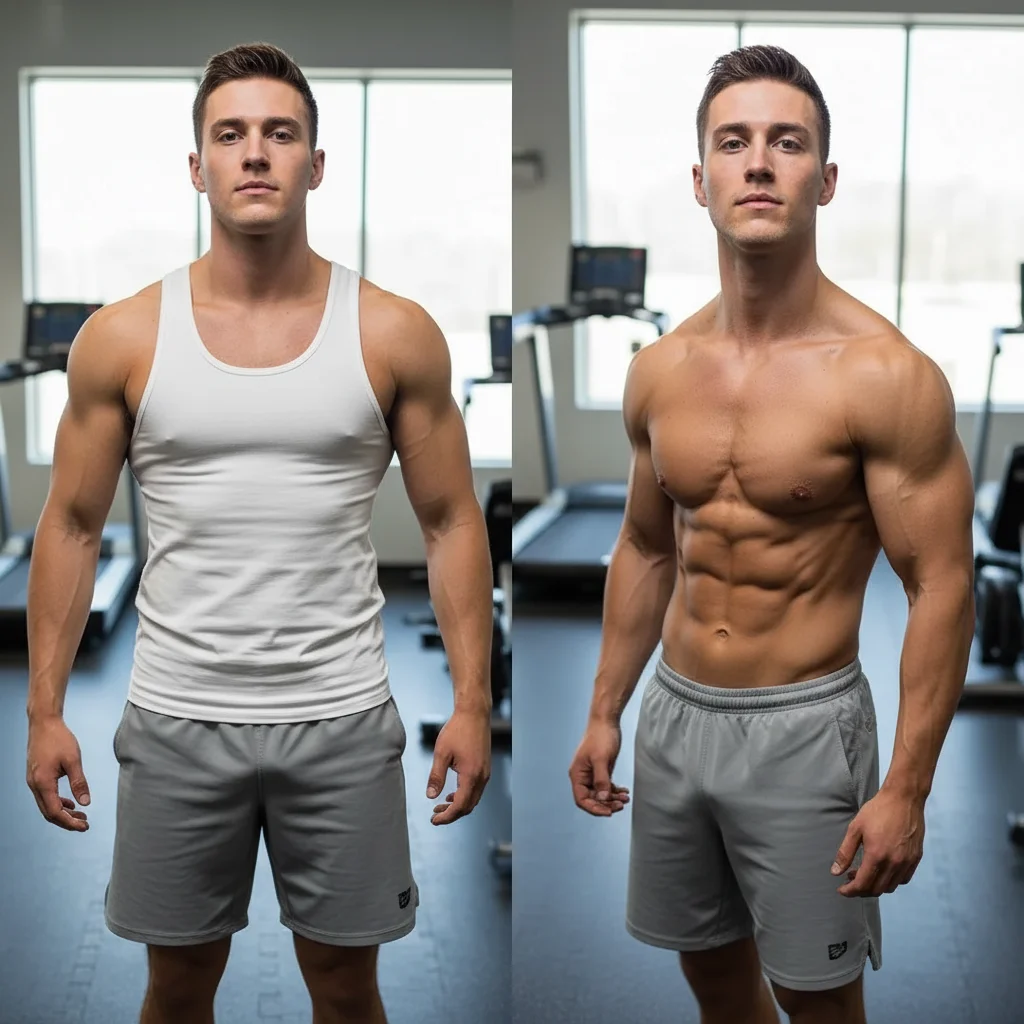
Camera angle inconsistency fixed for credibility
Before photo taken from straight-on, after photo from slightly higher angle. Different angles allow hiding body changes—matching them proves authenticity.
match the camera angle and distance of the before photo, make the composition consistent
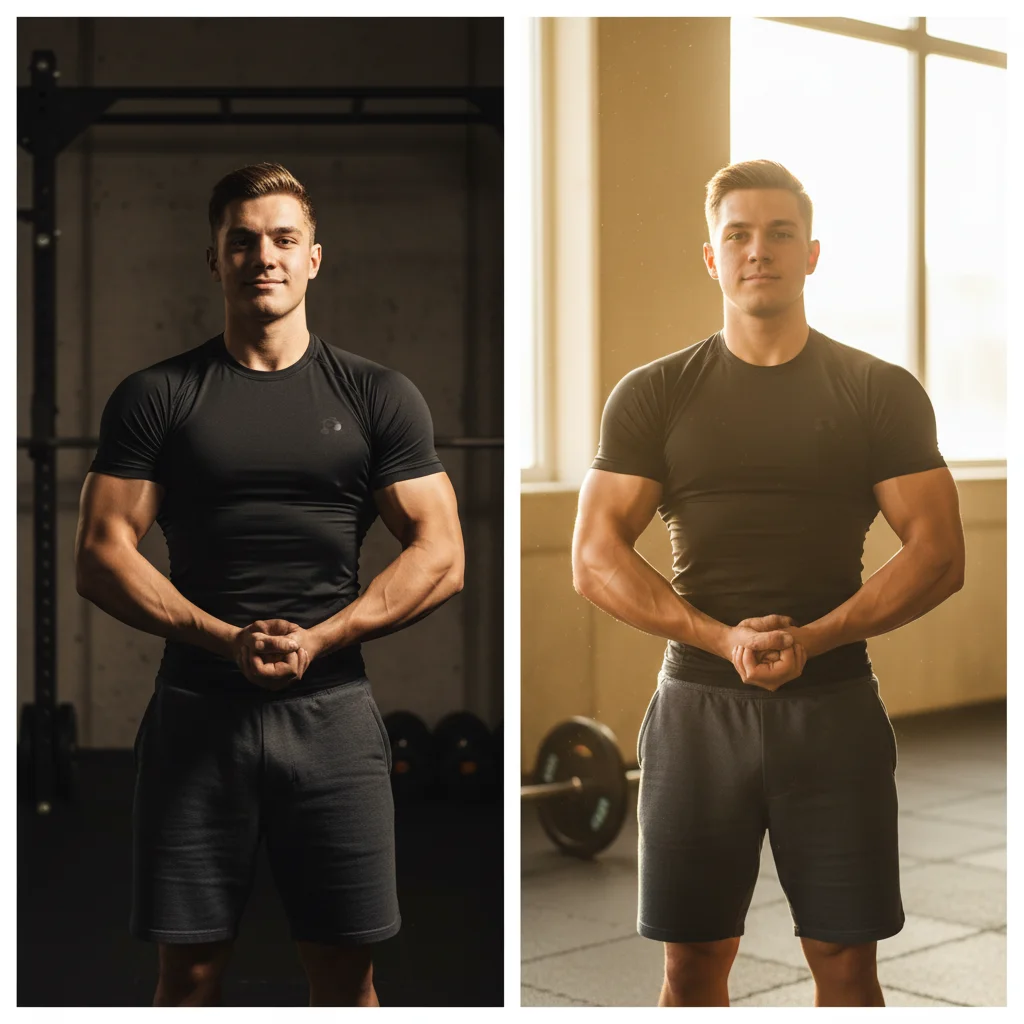
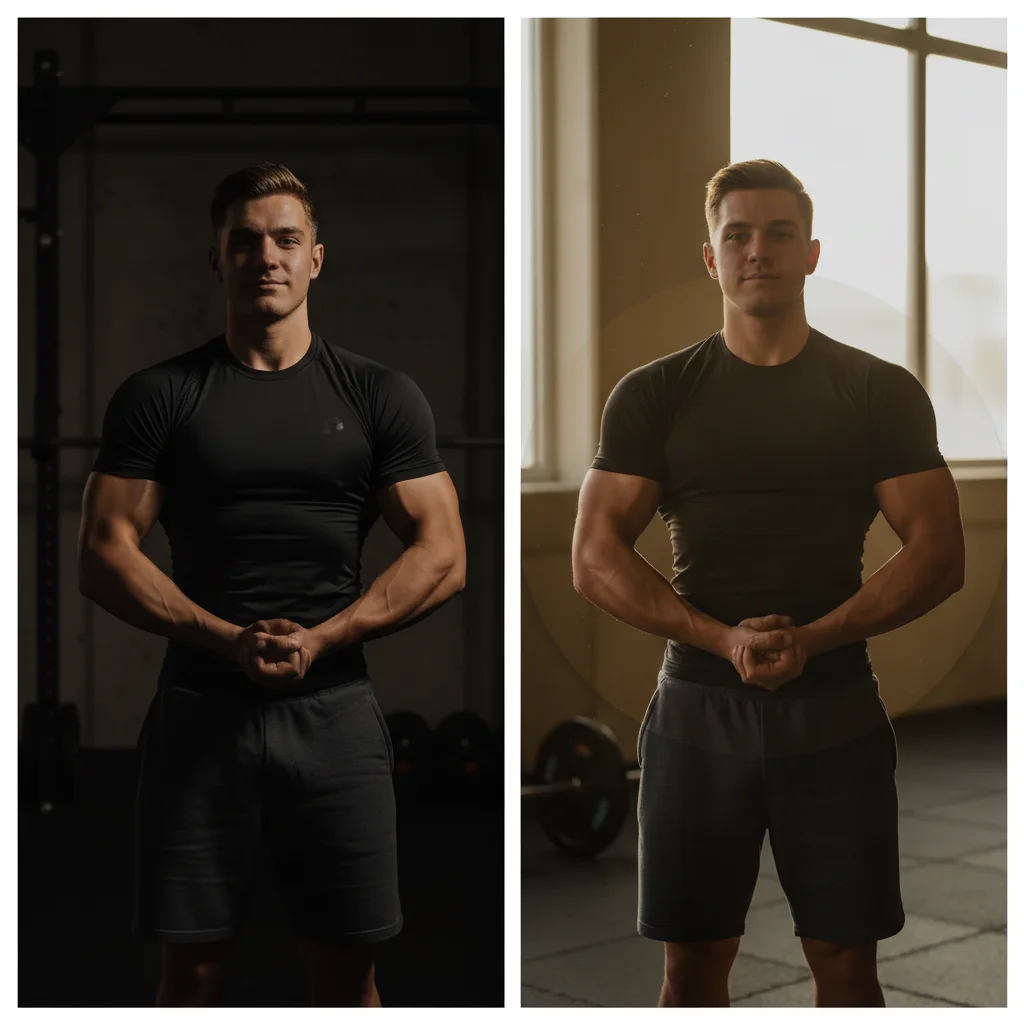
Brightness mismatch destroying transformation credibility
Personal trainer's client before photo is slightly underexposed, after photo is bright and vibrant. Made viewers question if it's the same person—matching them proved real results.
adjust lighting to match the before photo, make both photos look like they were taken in the same lighting conditions
Quick answers
Popular use cases
Ready to fix your transformation photo consistency?
Free to try. No signup required.