AI Photo Editor for Bridal Shower Photos
She deserves gorgeous shower photos. Make every shot look as beautiful as the bride.
Drop your photo here
or click to browse
Free • No signup
Release to upload
How to Edit Bridal Shower Photos
-
Upload your bridal shower photo
Drop your shower photo into EditThisPic. Group photos, candid moments, decoration shots, and gift-opening pics all work. JPG, PNG, WebP up to 7MB.
Lighting fixes: 15-20 seconds. Background cleanup: 25-35 seconds. -
Describe your edit
Type what you want: 'brighten everyone and soften the harsh overhead light' or 'make the decorations pop with vibrant colors' or 'remove the catering mess in the background.'
For group shots, mention 'all faces' so the AI enhances everyone, not just the bride. -
Review and download
Check that the edit captures the celebration beautifully. Download for sharing with the bridal party or printing for a scrapbook.
-
Refine if needed
Tap markers on specific areas for targeted fixes. Great for fixing one person's closed eyes or removing a specific item from the background.
Best Prompts for Bridal Shower Photos
soften the harsh lighting and add warm, flattering glow to all faces
Venues with fluorescent lights often cast unflattering shadows under eyes
fix the closed eyes on the person in the blue dress, make them look natural
Use markers on the closed eyes for better precision
enhance the colors of the decorations and flowers, make them vibrant and vivid
Works great for pastel decor that looks dull in phone photos
remove the wrapping paper and gift bags from the table, show a clean surface
Captures the gift-opening moment without the post-unwrap mess
Show more prompts
blur the background behind the group to hide the catering setup
Blurring is faster and more natural than trying to remove everything
smooth skin gently, brighten eyes, and add soft warm glow to the portrait
Light retouching keeps the photo looking natural while making the bride glow
Bridal Shower Photo Transformations
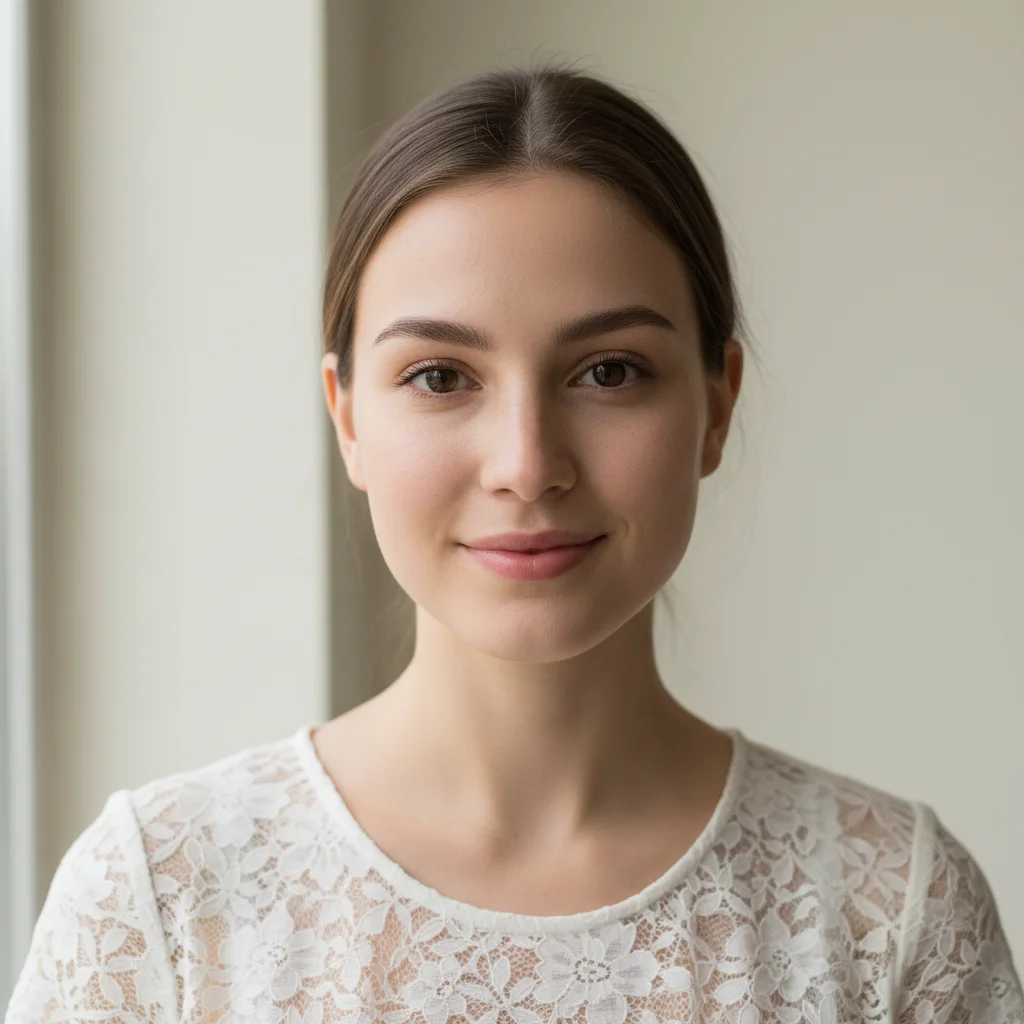
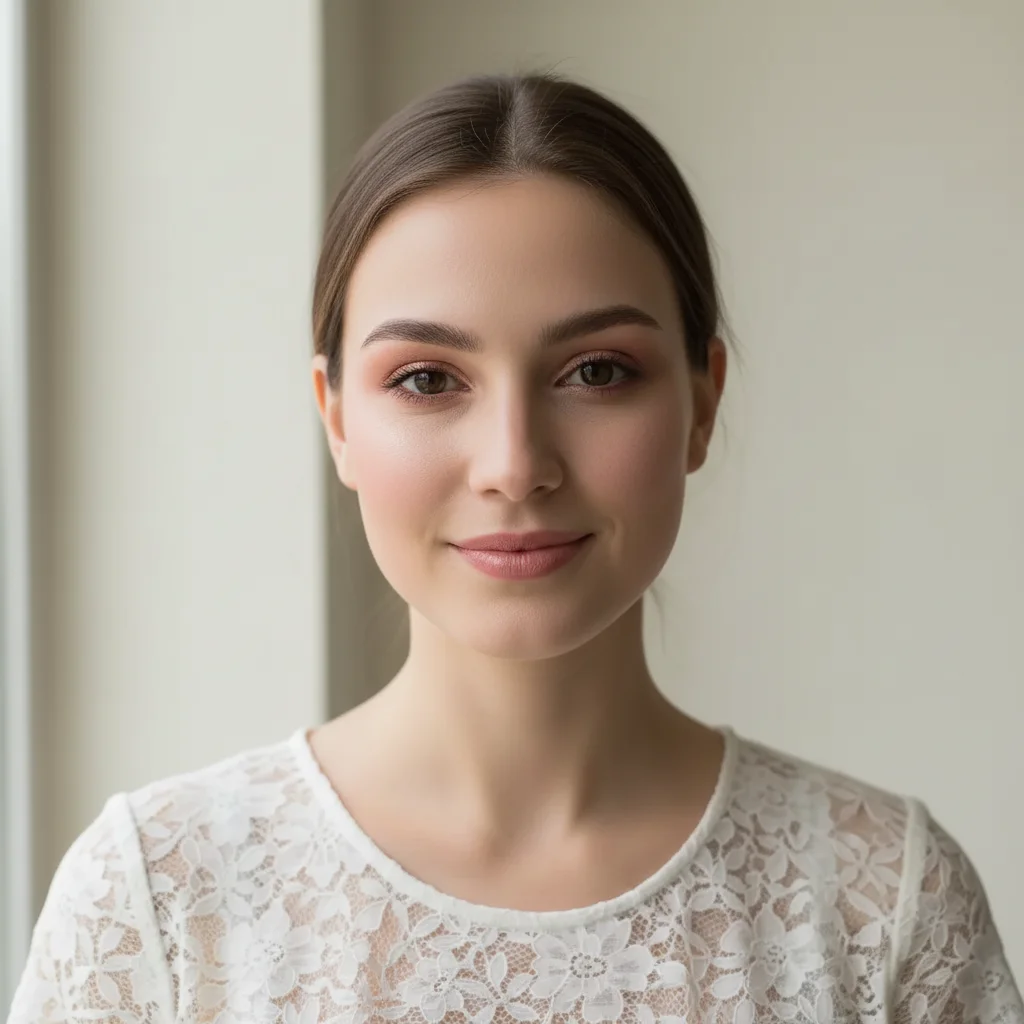
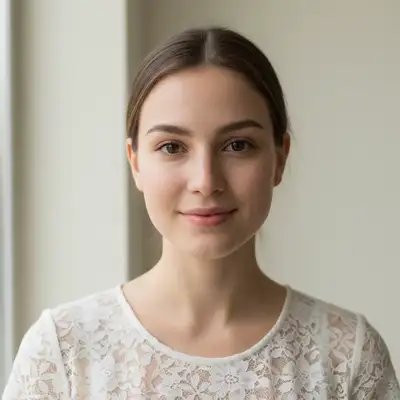
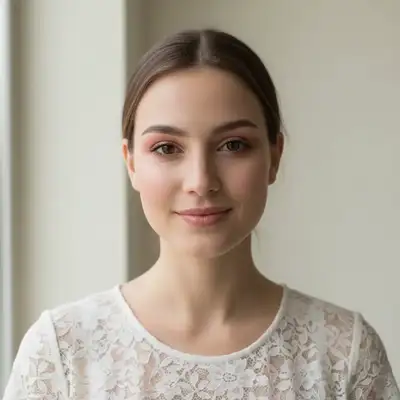
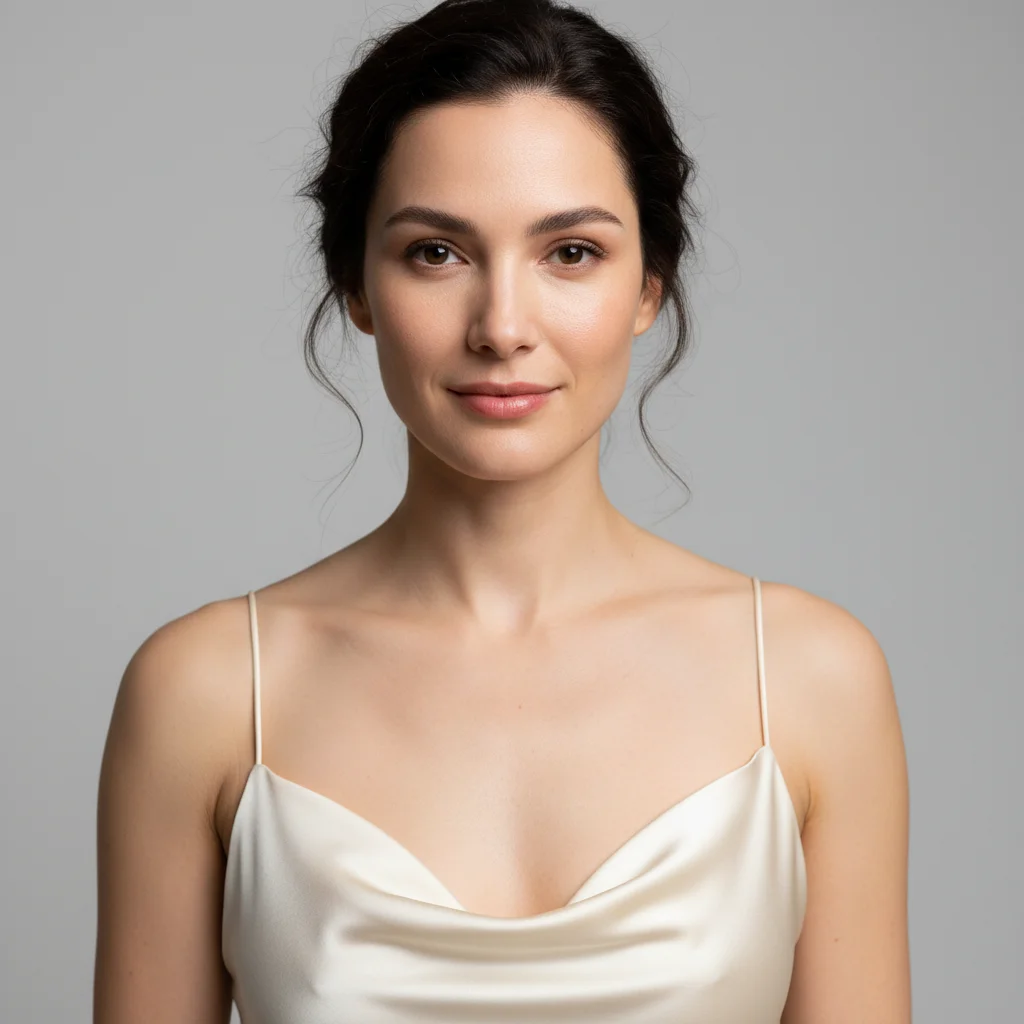
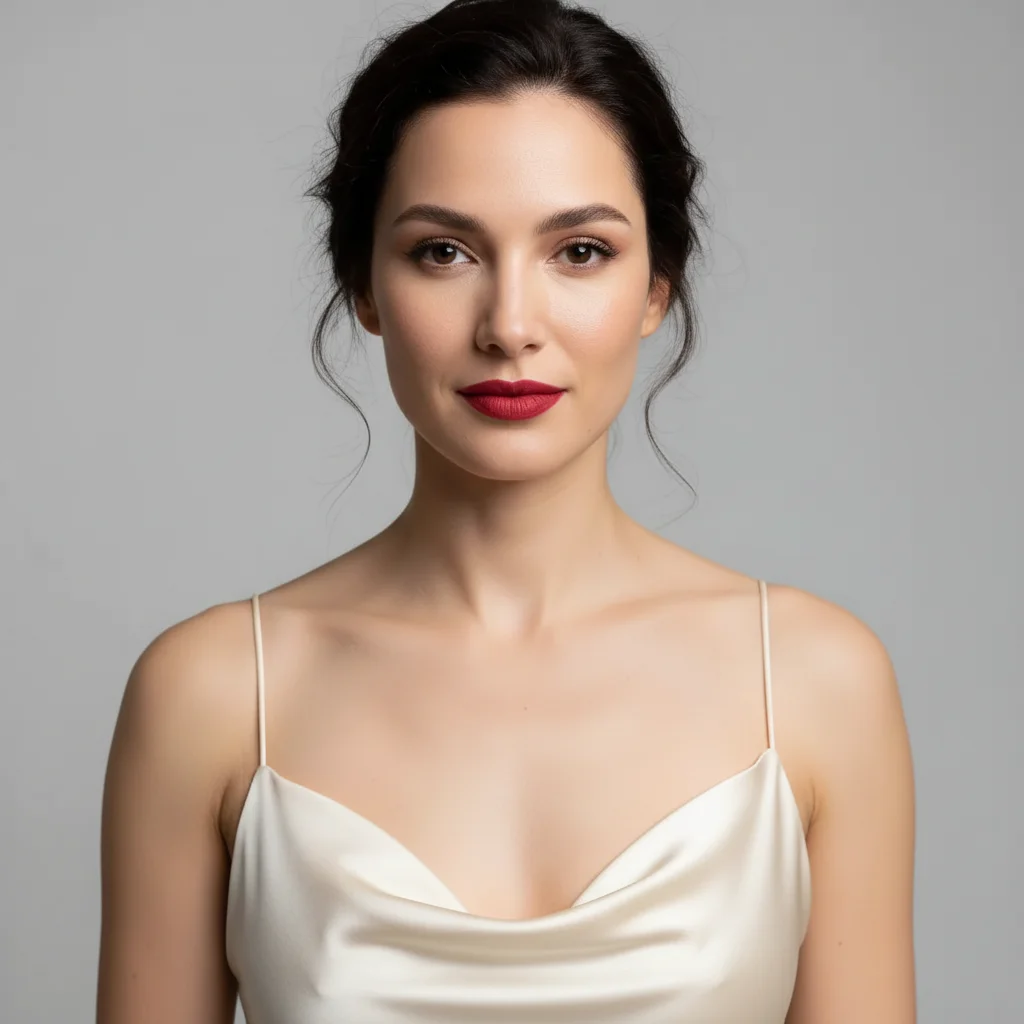
Group photo lighting fixed
Bridal shower group shot with harsh fluorescent venue lighting transformed into a warm, flattering photo.
Decoration colors enhanced
Pastel bridal shower decorations that looked dull on camera now pop with vibrant color.
Common Issues
Faces look too smooth or plastic after enhancement
Why: AI over-applied skin smoothing
Avoid words like 'retouch' or 'smooth' if you just want lighting fixes
Color enhancement made skin tones look orange
Why: Boosting warm colors affected skin tones too
Specifying 'natural skin tones' helps the AI limit color changes to decor
Background blur affected some people in the group
Why: AI misjudged depth and blurred edges of people
Tap markers on affected people and say 'keep these people sharp, only blur behind the group'
For large groups, describe the blur as 'behind the entire group' rather than just 'background'
Frequently Asked Questions
How do I fix bad venue lighting in bridal shower photos?
Type 'soften harsh lighting and add warm flattering glow to all faces.' The AI corrects fluorescent color casts and unflattering overhead shadows while keeping the celebration atmosphere.
Can I edit group bridal shower photos?
Yes! The AI handles group shots well. Specify 'all faces' in your prompt so every person gets enhanced, not just the bride. Works with groups of any size.
How do I make bridal shower decorations look better in photos?
Type 'enhance decoration colors and make them vibrant.' This brings out the pastel pinks, whites, and golds that often look washed out on phone cameras.
Can I remove gift wrapping mess from photos?
Yes! Type 'remove wrapping paper and gift bags from the table' or tap markers on specific items to remove them. Great for cleaning up post-gift-opening shots.
Is this bridal shower photo editor really free?
Yes - you get 1 free edit per week, no account needed. Plans start at $4.99/month for 15 edits.
Can I edit bridal shower photos on my phone?
Yes. EditThisPic works in any mobile browser - iPhone, Android, tablet. No app download needed.
Ready to perfect your bridal shower photos?
Free to try. No signup required. Beautiful results in seconds.
Upload Your PhotoTrusted by 15,000+ users