Free • No signup Extend Background · Free

AI Background Extender
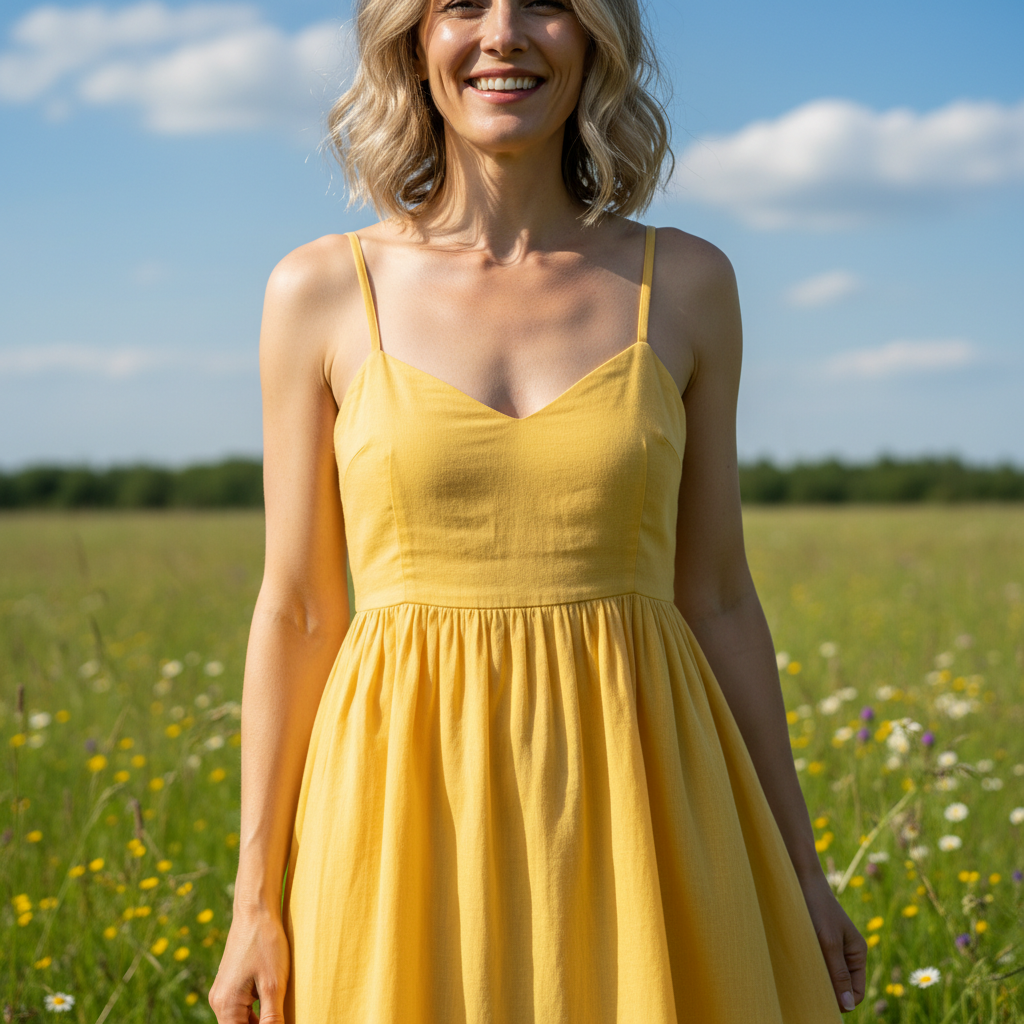
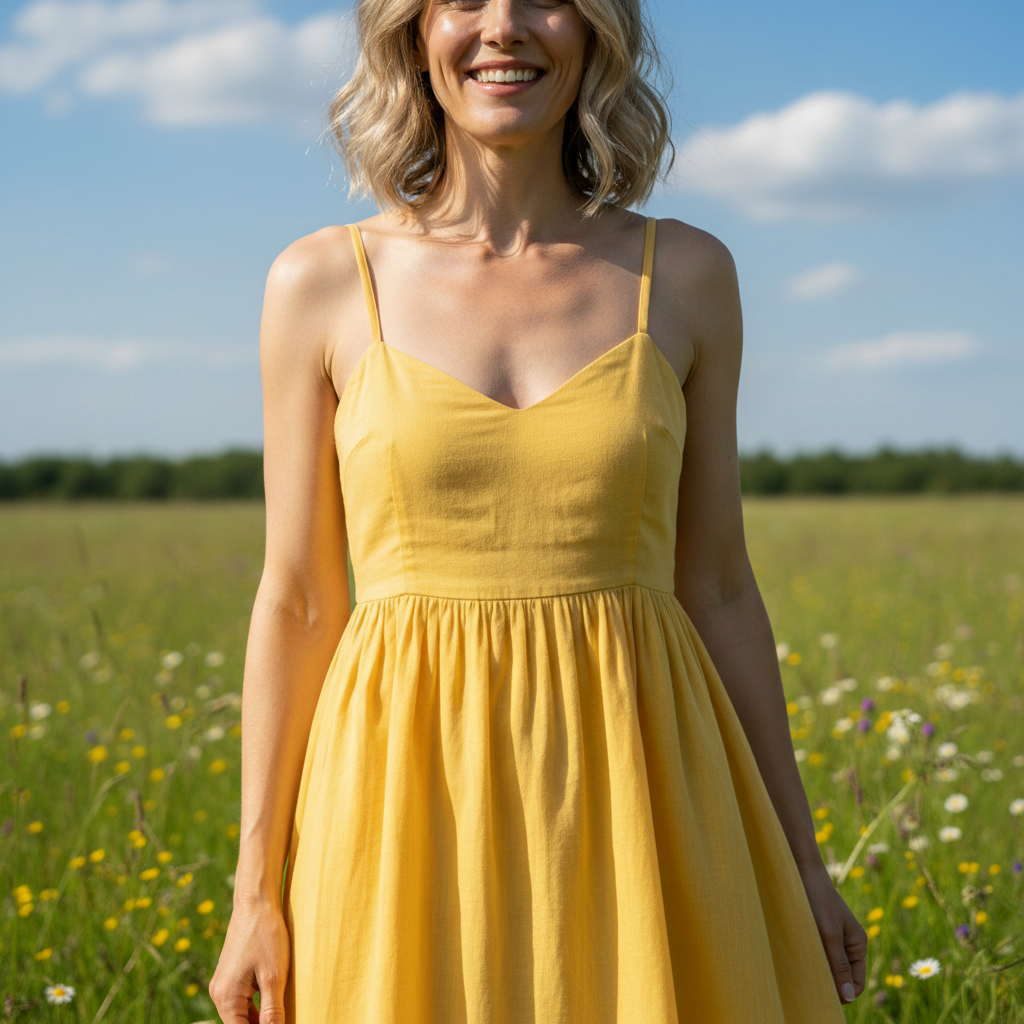
Before
Before
After
After

Free AI Background Extender

Drop your photo here

or click to browse

Release to upload

Free • No signup

Advertisement

Cost
Free No signup required
Time
Instant results in 15-30 seconds
Works on
Any device - browser, phone, tablet, desktop
Powered by
AI-powered photo editing

How it works

  1. Upload Your Image

    Choose the photo that needs background extension. Works best with images that have clear edge boundaries.

    Expect: Simple extend: 20-30 seconds. Complex extend: 30-45 seconds and may need refinements.
  2. Describe the Extension

    Tell the AI which direction to extend (top, bottom, left, right, all sides) and what should fill the new space. Be specific about matching the existing background style.

    Copy one of these to get started:

    extend Extend the background 200 pixels to the right, continuing the concrete wall texture with matching gray tones and subtle shadows
    extend Extend the background upward by 300 pixels, adding more blue sky with wispy white clouds matching the existing sky tone
    extend Extend all sides by 150 pixels, continuing the wooden floor pattern with matching brown planks and natural grain texture
    extend Extend the bottom edge 250 pixels downward, adding more grass field with matching green tones and natural ground texture
    3 more prompts
    extend Extend the left side 180 pixels, continuing the brick wall pattern with red bricks and matching mortar lines maintaining perspective
    extend Extend the top and sides by 200 pixels each, adding more forest background with matching green foliage and natural depth blur
    extend Extend the right side 300 pixels, continuing the ocean horizon with matching turquoise water and distant waves under the same lighting
  3. Review the Extension

    Check that the extended background matches the original in lighting, perspective, and style. Verify seamless blending at the edges.

  4. Download Your Extended Image

    Save your extended image in high resolution with no watermark. The extended canvas preserves original quality.

Try it free

Free AI Background Extender

Drop your photo here

or click to browse

Release to upload

Free • No signup

See it in action

Before
Before
->
After
After

Portrait Background Extension

Extend the left side 250 pixels, continuing the solid orange studio backdrop with matching brightness and even tone


Prompt:
Before
Before
->
After
After

Landscape Canvas Expansion

Extend the top 300 pixels upward, adding more magenta and purple sunset sky with matching gradient and wispy clouds
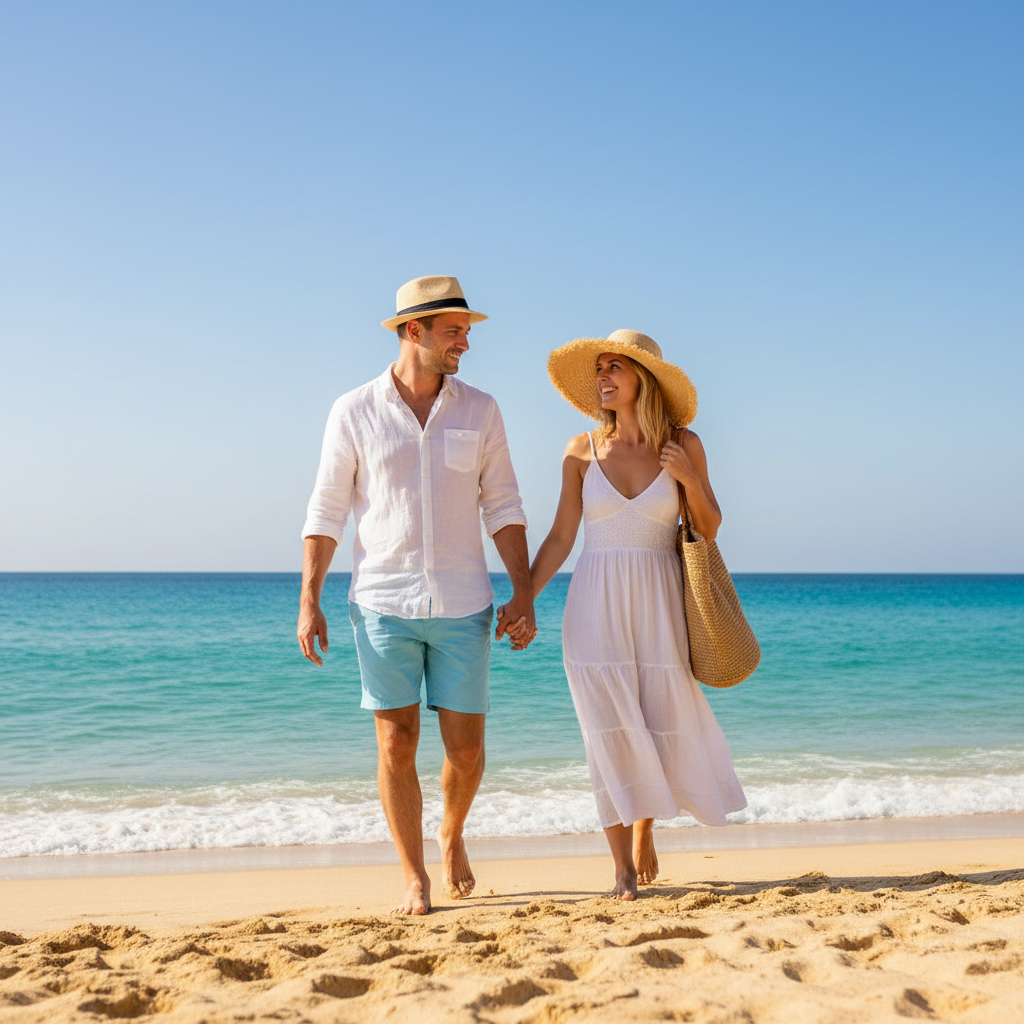
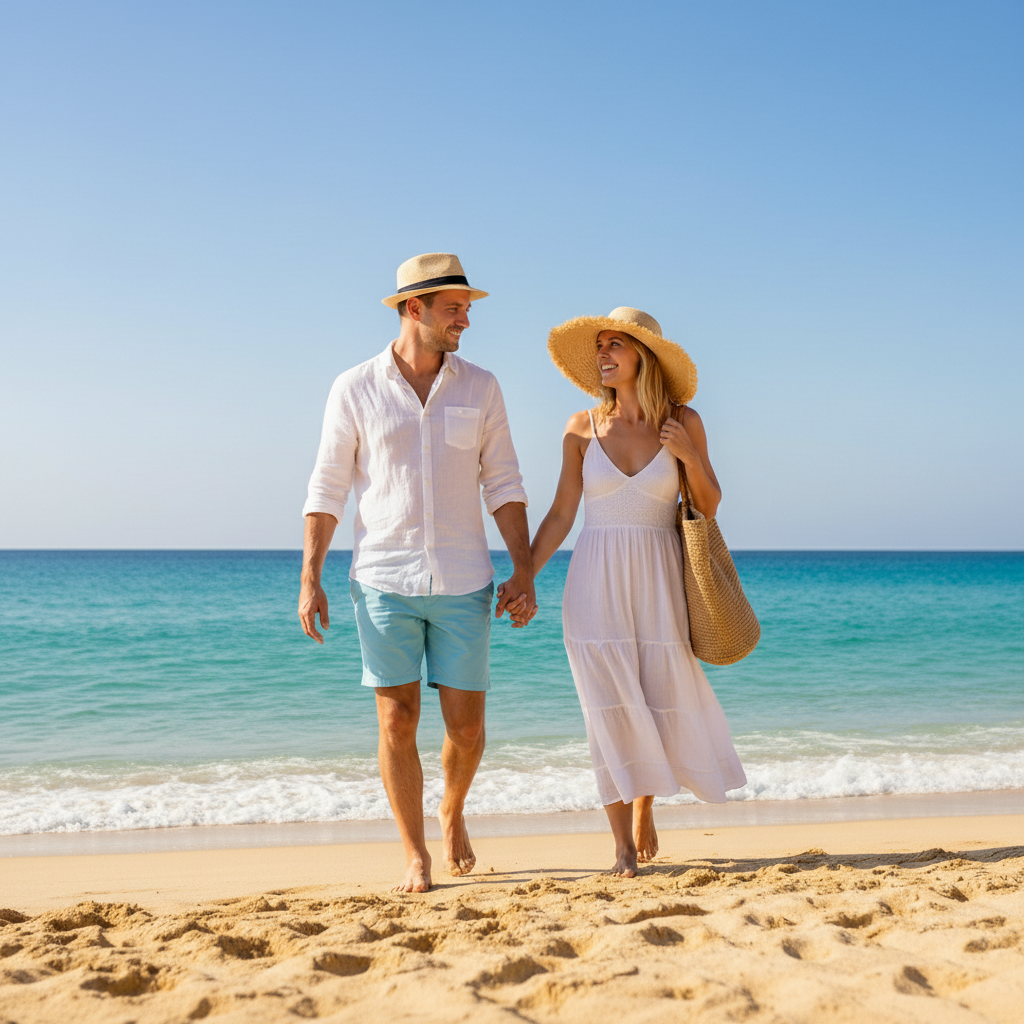
Prompt:
Before
Before
->
After
After

Product Photo Extension

Extend all sides by 200 pixels, continuing the smooth cyan-white gradient background maintaining the studio lighting falloff

Prompt:
Advertisement

If something looks off

AI changed the wrong area or something I didn't want changed

Why: The AI couldn't determine exactly which area you meant from description alone.

Try: Tap a marker on the specific area you want to change, then regenerate with the same prompt

Tip: Markers tell the AI 'I mean THIS one specifically.' Use them when description alone is ambiguous.

Quick answers

Do I need to mark or select the background area?

No marking required. Just describe which direction to extend (top, bottom, left, right, or all sides) and what the extension should contain. The AI handles boundary detection and seamless blending automatically.

How do I extend backgrounds in specific directions?

State the direction clearly (extend top, extend left side, extend bottom edge) and specify the amount in pixels if needed. Describe what should fill the new space to match your existing background.

Can I extend backgrounds that have complex patterns?

Yes, describe the pattern details in your request (brick texture, wood grain, wallpaper pattern, grass field). The AI will analyze the existing pattern and continue it seamlessly in the extended area.

What if the extension doesn't blend smoothly?

Request specific blending by describing texture flow and lighting continuity. Mention matching colors, shadows, and gradients from the original background for better seamless results.

Can I extend backgrounds for different aspect ratios?

Yes, specify which sides to extend to reach your target dimensions. Common uses: square Instagram crops, 16:9 YouTube thumbnails, or banner dimensions. State the direction and amount clearly.

Ready to edit your photo?

Free to try. No signup required.

Try it free