AI Photo Background Extender
← Browse all enhance toolsLast updated
AI outpainting expands your photo seamlessly. Just describe where you need more space.
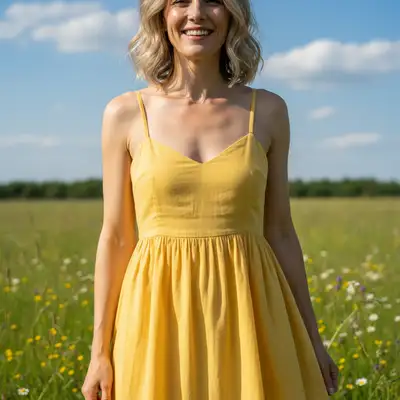
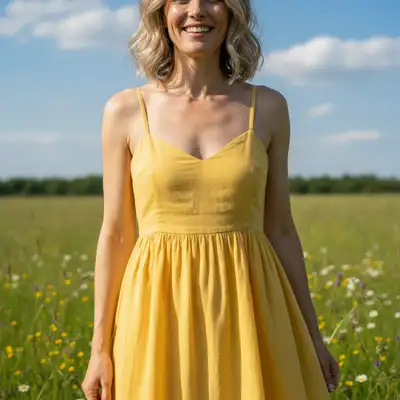
Upload photo to extend photo background
"extend the background on both left and right sides to create a 16:9 landscape crop for social media, seamlessly matching the scene"
Free to try · no sign-up · photos are never shared
Release to upload
<30stypical edit
1 freeedit weekly
Photo on your phone?
Scan to open this editor there — free edit works on your phone too.
How it works
See it in action
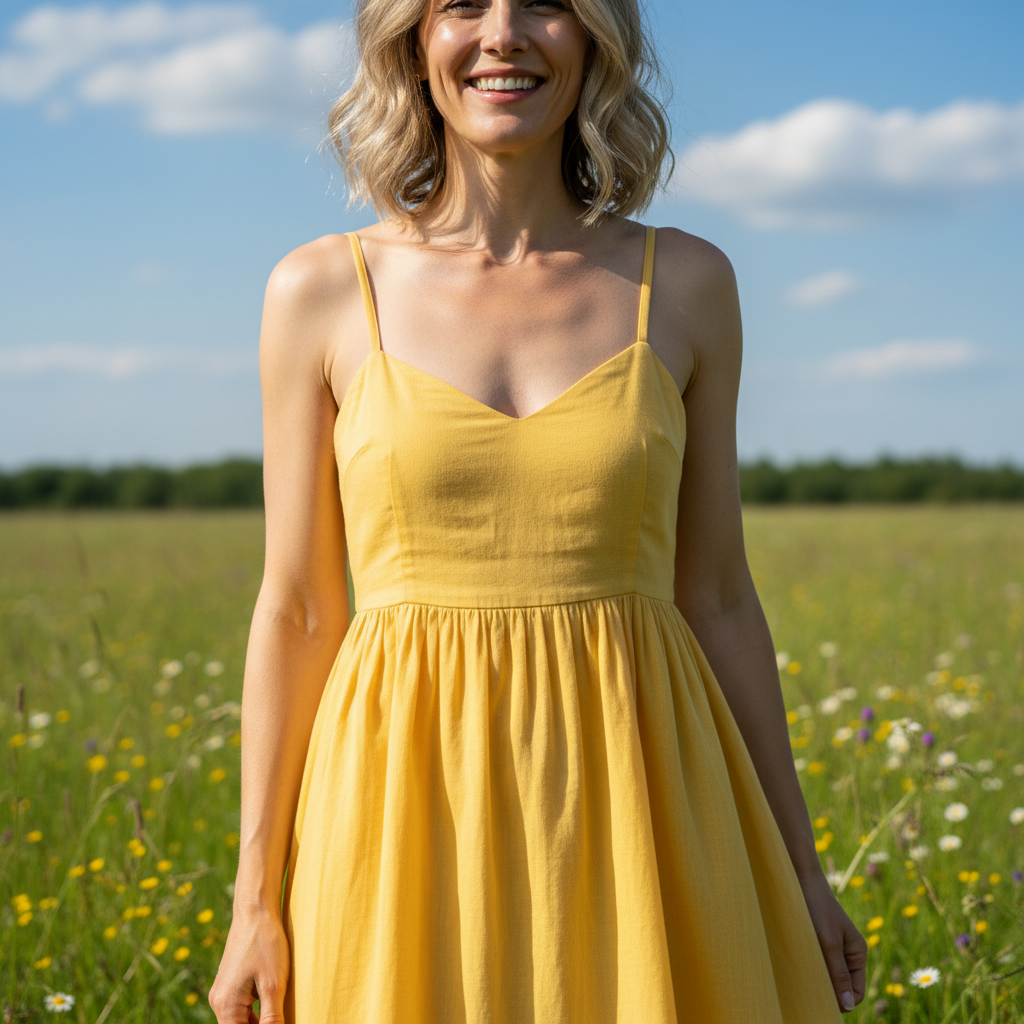
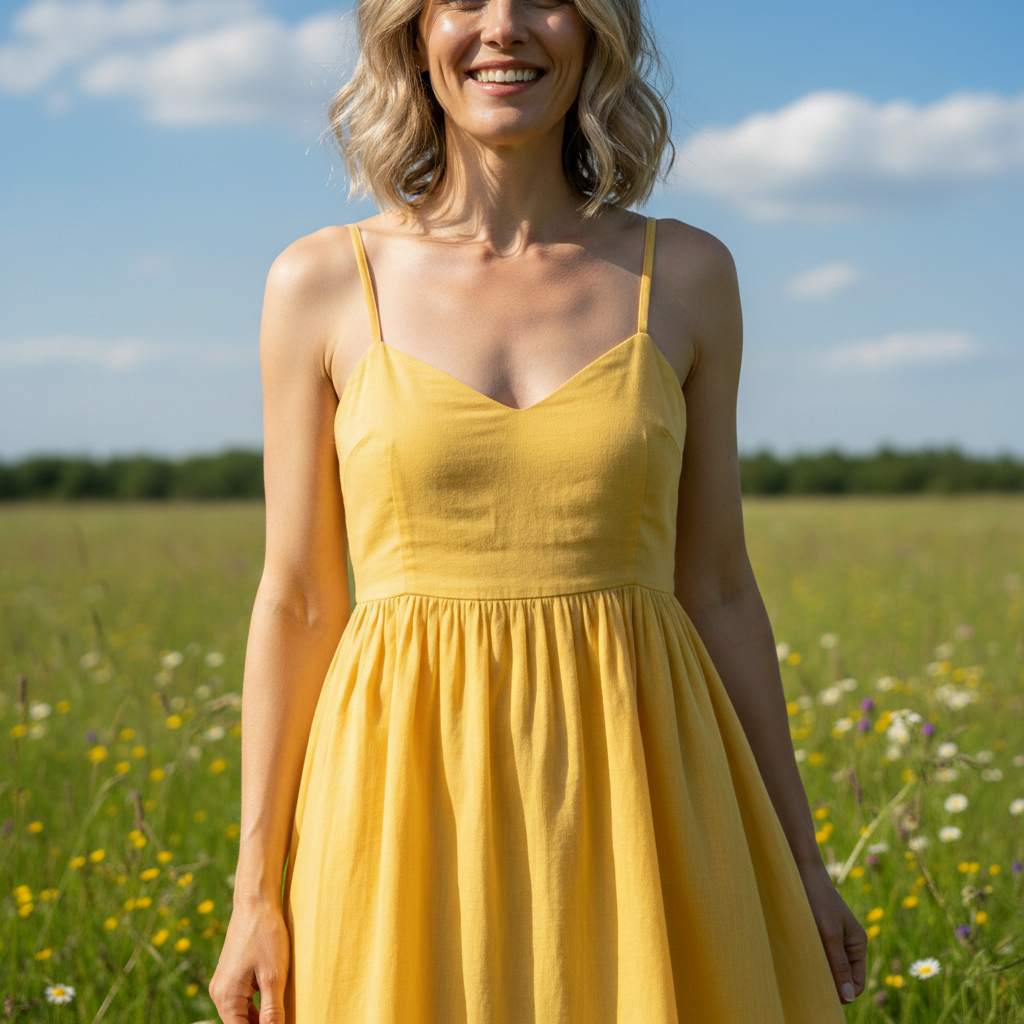
Sky extension for better composition
Outdoor portrait had the subject's head too close to the top. Extended upward to add breathing room with matching sky.
Prompt:
extend the background upward to add more sky above the subject, continuing the same blue sky and white clouds naturally


Portrait to landscape for YouTube thumbnail
Vertical portrait needed for YouTube. Extended both sides to create widescreen format while keeping the subject centered.
Prompt:
extend the background on both left and right sides to create a 16:9 landscape format, seamlessly matching the plain gray studio backdrop
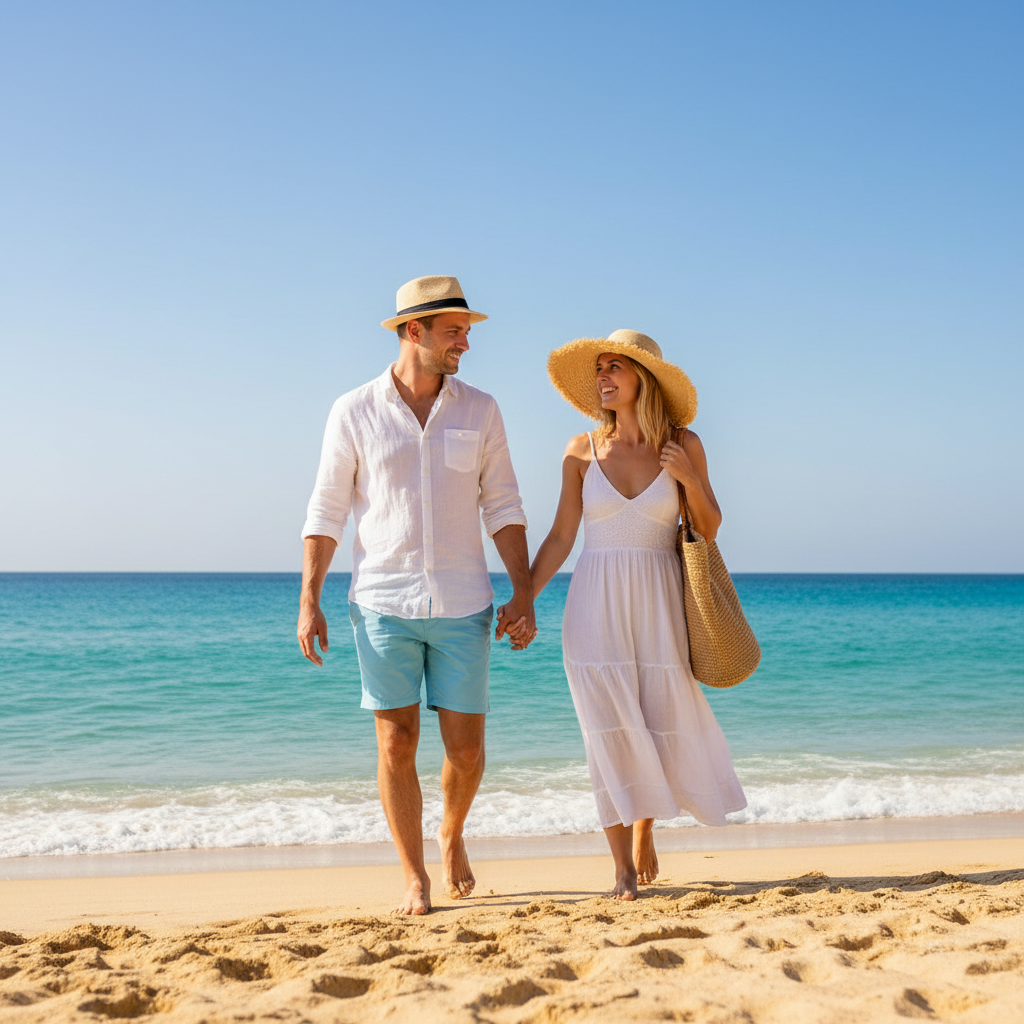
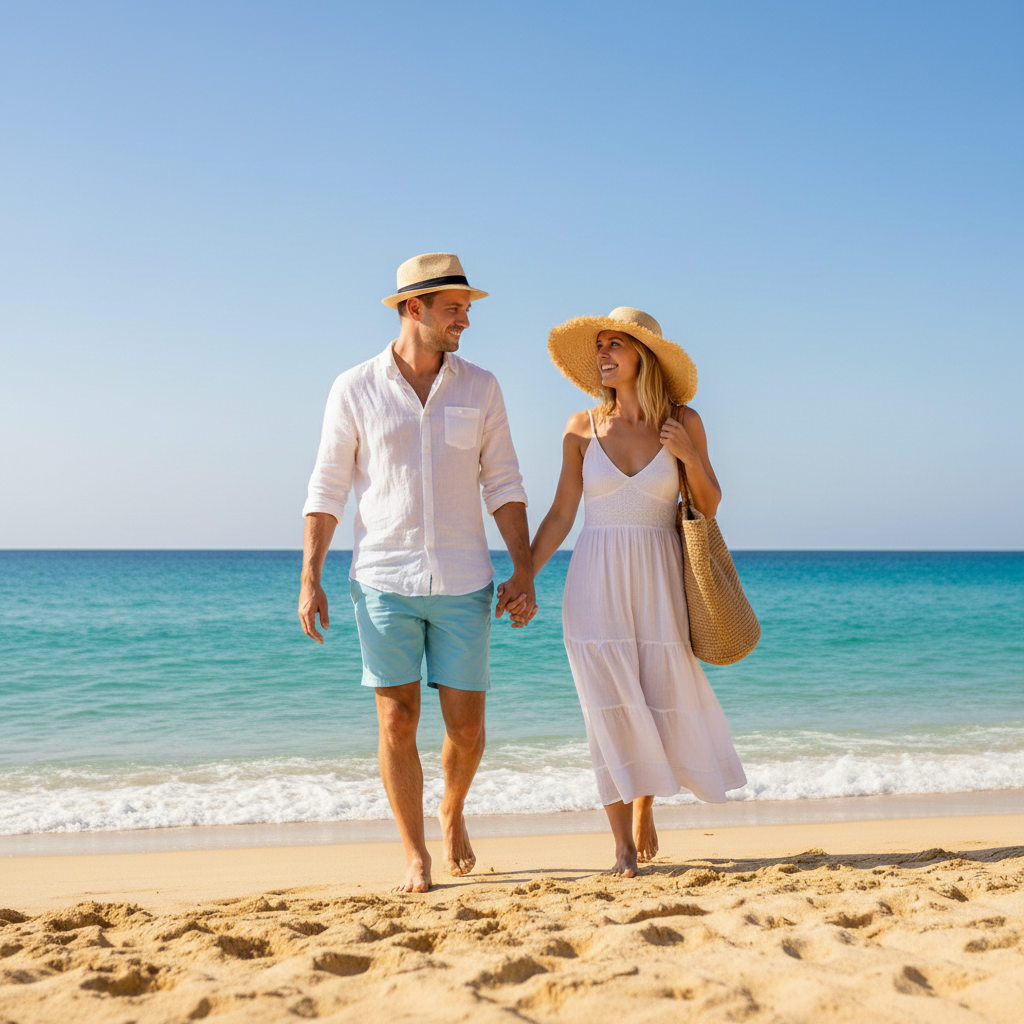
Beach photo expanded for print
Vacation photo cropped too tight for frame. Extended on all sides to add margins while continuing the beach scene naturally.
Prompt:
extend the background outward on all four sides to add print margins, continuing the sandy beach, ocean water, and blue sky seamlessly
Quick answers
You might also like
Popular use cases
Ready to extend your photo background?
Free to try. No signup required.