Free • No signup Fix Eye contact direction · Free

AI Eye Contact Fixer
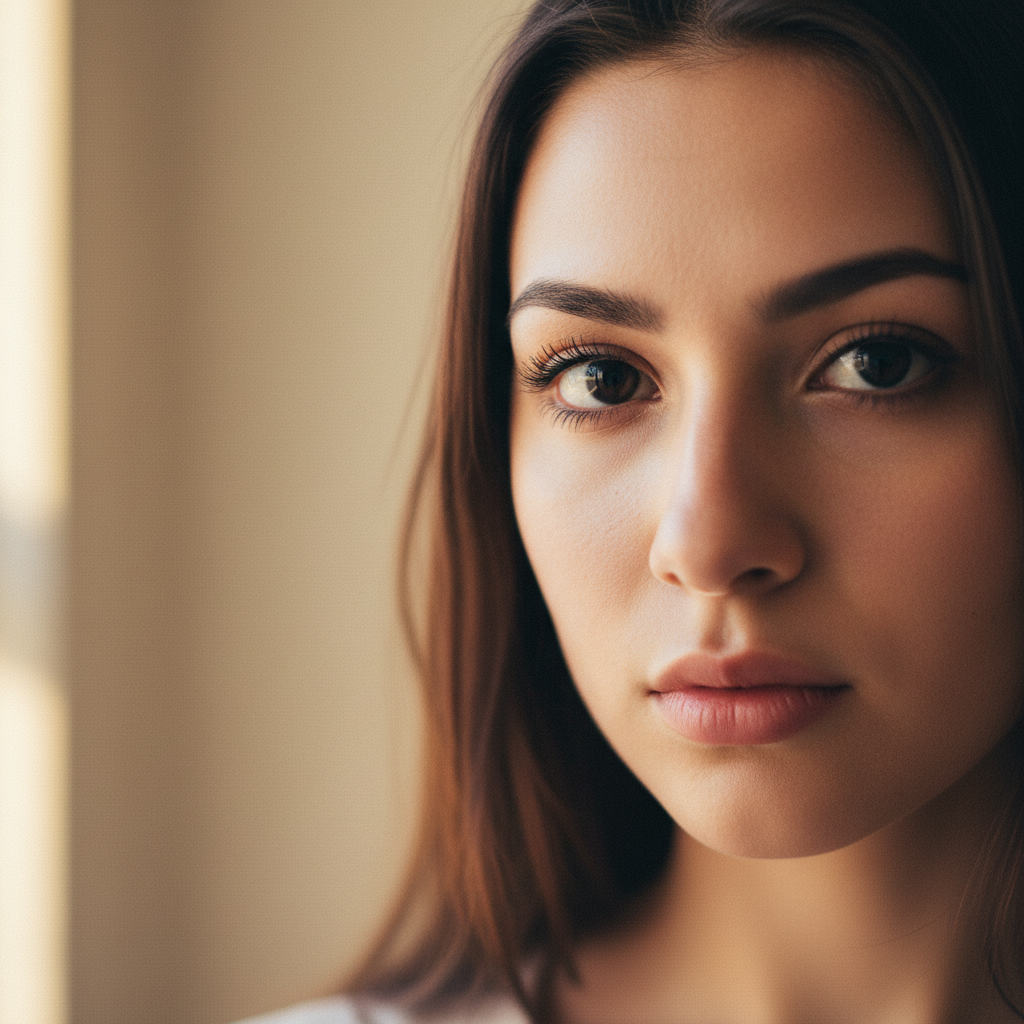
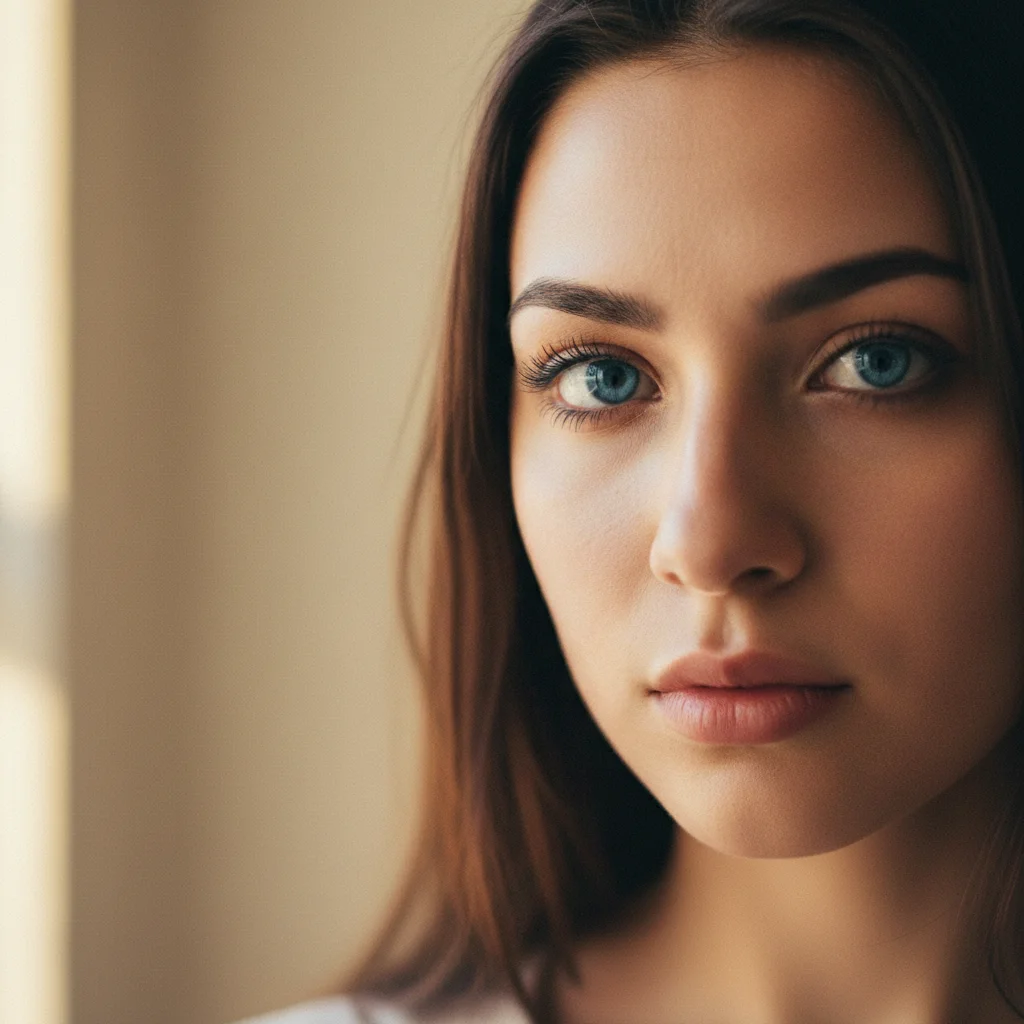
Before
Before
After
After

Free AI Eye Contact Fixer

Drop your photo here

or click to browse

Release to upload

Free • No signup

Advertisement

Cost
Free No signup required
Time
Instant results in 15-30 seconds
Works on
Any device - browser, phone, tablet, desktop
Powered by
AI-powered photo editing

How it works

  1. Upload your photo

    Choose a photo where someone is looking away from the camera. Works with individual portraits or multiple people. The face should be clearly visible and well-lit for best results.

    Expect: Simple gaze adjustment: 10-15 seconds. Multiple people or complex angles: 20-30 seconds and may need refinements if the initial gaze direction isn't perfect.
  2. Describe the eye contact fix you want

    Just describe what you want - like 'make them look at the camera' or 'adjust their eyes to look straight ahead.' The AI finds the eyes automatically and redirects the gaze realistically. No need to mark the eyes first.

    Tip: For photos with multiple people, specify who needs the fix: 'make the person on the left look at the camera' or 'fix everyone's eye contact.' The more specific you are, the better the result.

    Copy one of these to get started:

    fix Make them look at the camera
    fix Adjust their eyes to look straight ahead at the viewer
    fix Fix the eye contact so they're looking directly at the camera
    fix Make the person on the left look at the camera
    3 more prompts
    fix Adjust everyone's gaze so all people in the photo are making eye contact with the camera
    fix Fix their eyes to look directly forward while keeping the natural expression
    fix Make the subject look at the camera with engaged, direct eye contact
  3. Review the result

    Check that the eye contact looks natural and the person appears to be looking directly at the camera. The eyes should maintain their original expression and character while changing direction.

  4. Download Your Fixed Photo

    Save the high-resolution image with proper eye contact and no watermark. Perfect for professional photos, dating profiles, social media, and group shots.

Try it free

Free AI Eye Contact Fixer

Drop your photo here

or click to browse

Release to upload

Free • No signup

See it in action

Before
Before
->
After
After

Looking Away to Camera

Make them look at the camera

Prompt:
Before
Before
->
After
After

Downward Gaze Fix

Adjust their eyes to look straight ahead at the viewer

Prompt:
Before
Before
->
After
After

Group Photo Eye Contact Fix

Make the person on the left look at the camera

Prompt:
Advertisement

If something looks off

AI changed the wrong area or something I didn't want changed

Why: The AI couldn't determine exactly which area you meant from description alone.

Try: Tap a marker on the specific area you want to change, then regenerate with the same prompt

Tip: Markers tell the AI 'I mean THIS one specifically.' Use them when description alone is ambiguous.

Quick answers

Do I need to mark the eyes before describing what I want?

No! Just describe the fix you want. The AI identifies eyes automatically. Only use markers in group photos if you need to specify exactly which person's eyes to fix.

Will this work if someone is looking very far to the side or down?

Yes, but the more extreme the original gaze direction, the more noticeable the digital adjustment may be. Moderate gaze shifts (within about 45 degrees) usually look most natural. Very extreme shifts may require multiple refinements.

Can I fix eye contact for multiple people at once?

Yes! Use prompts like 'make everyone look at the camera' or 'fix eye contact for all people in the photo.' For best results with large groups, you may want to fix people individually with specific descriptions.

Will this change the person's facial expression or just the eyes?

The tool focuses on changing gaze direction while preserving the original expression. Add 'while keeping the same expression' to your prompt if you want to ensure only the eye direction changes.

Does this work with sunglasses or partially closed eyes?

It works best with clearly visible eyes. Sunglasses make it very difficult. Partially closed eyes (squinting, mid-blink) can work but results vary. For best results, use photos where eyes are open and visible.

Ready to fix eye contact in your photos?

Free to try. No signup required.

Try it free