Free โ€ข No signup Fix Photos for mom ยท Free

Mother's Day Photo Editor

Give mom the perfect photo gift - memories she'll treasure forever
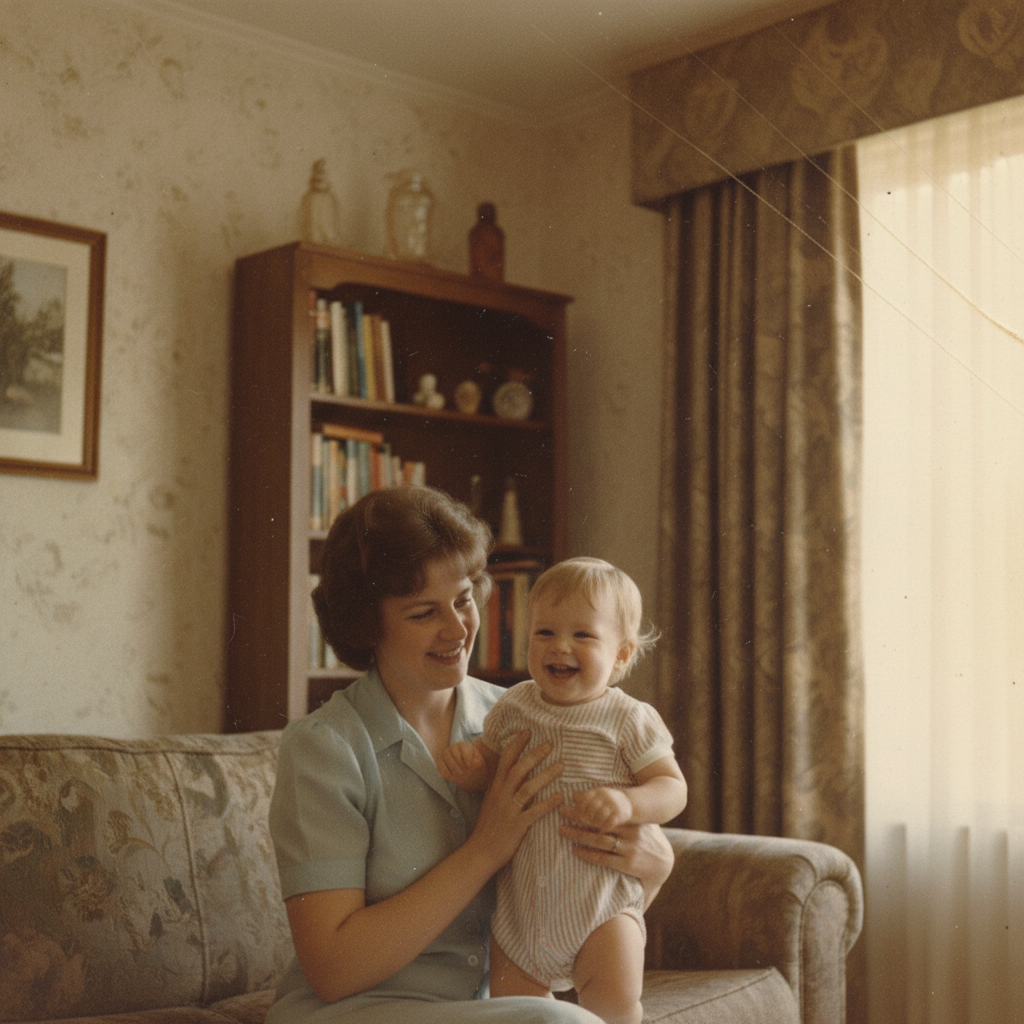
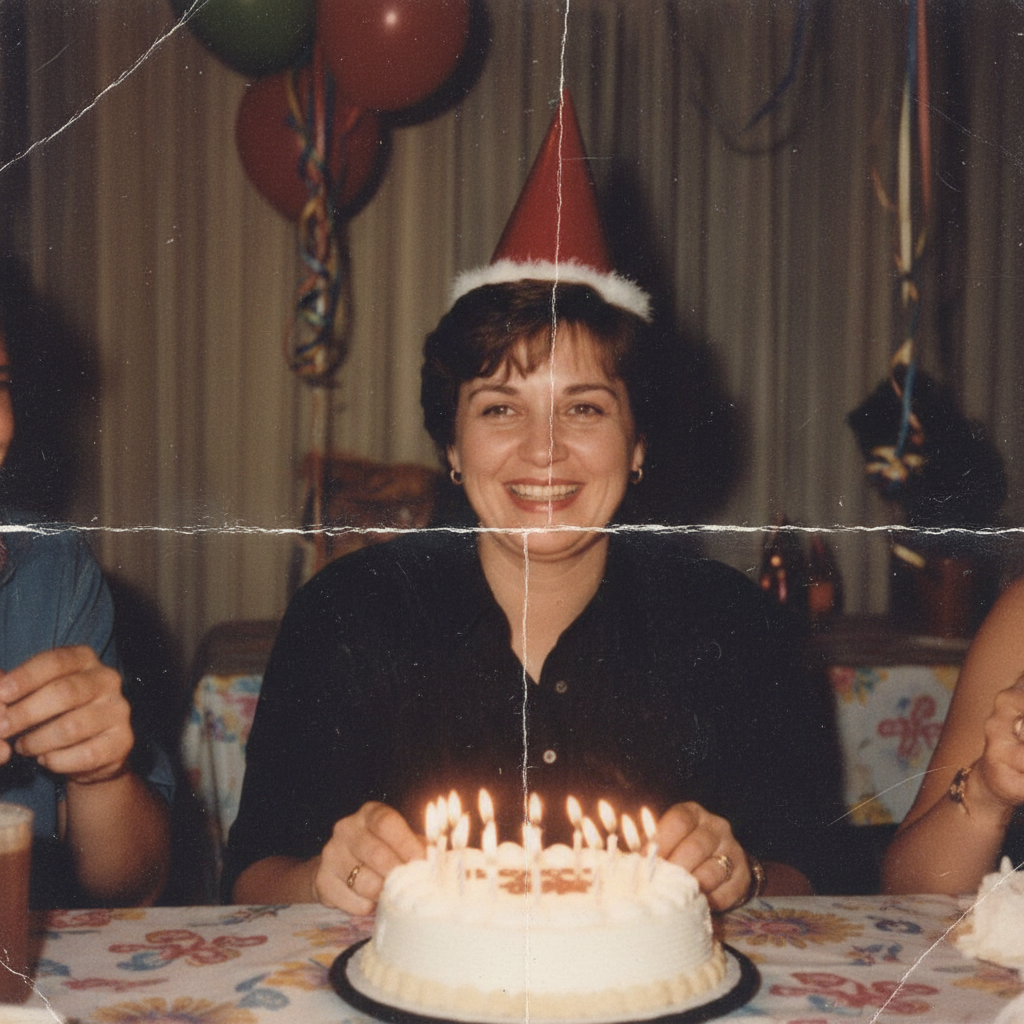
Faded 1980s family photo with yellowing and color damage
Before
โ†’
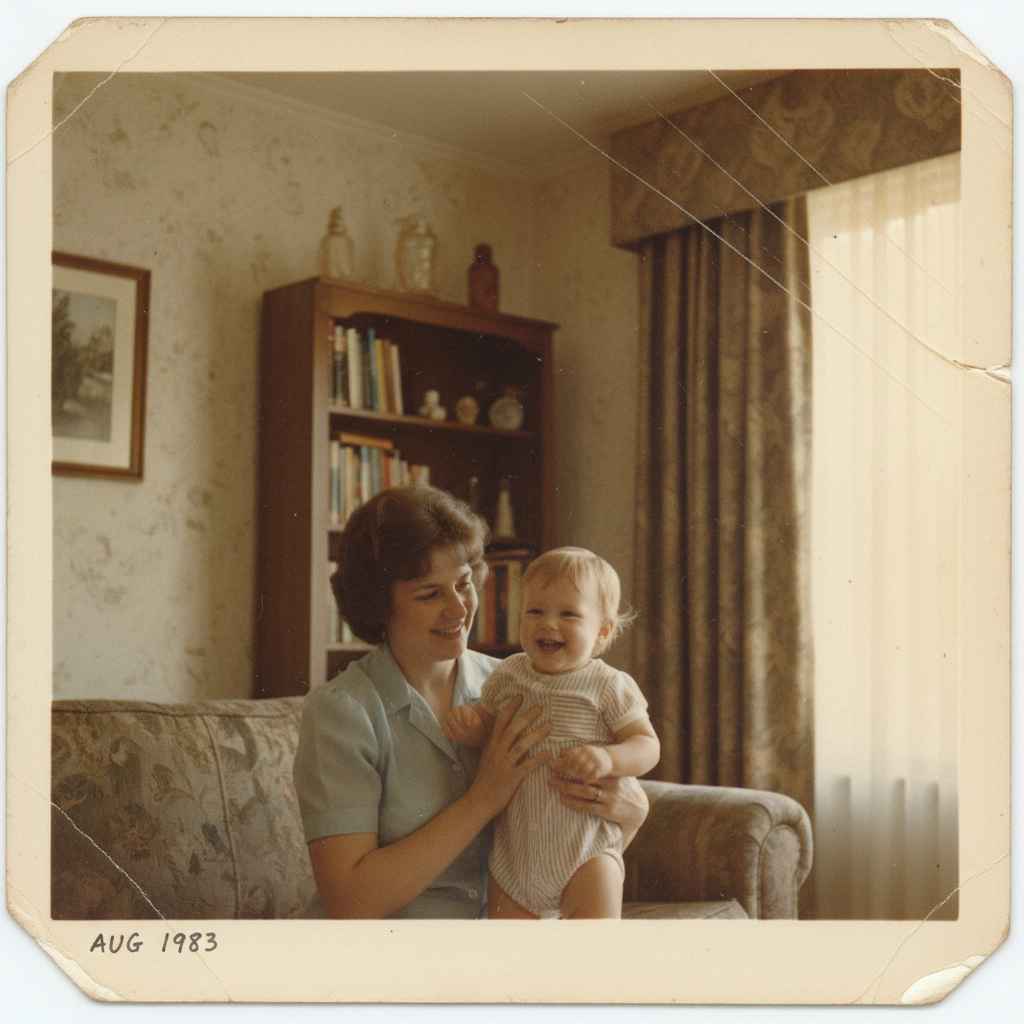
Same family photo restored with vivid colors and damage repaired
After

Mother's Day Photo Editor

Drop your photo here

or click to browse

Release to upload

Free โ€ข No signup

Advertisement
Popular use cases:
  • mothers day photo gift
  • photo gift for mom
  • fix old photos of mom
  • restore grandma photos
  • family photo editing
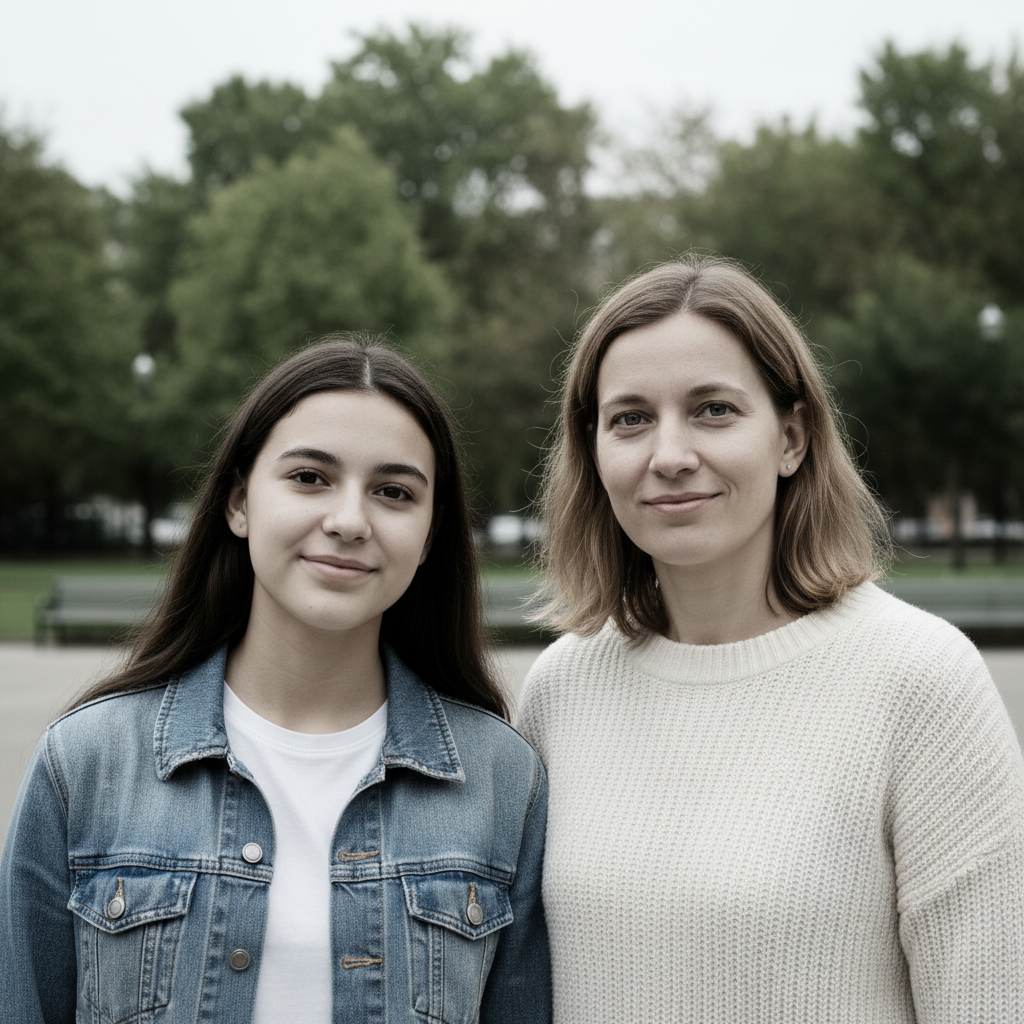
  • mother daughter photos
  • multigenerational family photos
  • photo gifts for mothers day

Cost
Free No signup required
Time
Instant results in 15-30 seconds
Works on
Any device - browser, phone, tablet, desktop
Powered by
AI-powered photo editing
Scenario Prompt Time
Restore old photo restore this old photo, fix the fading 25s
Remove person remove the person on the left 25s
Fix lighting brighten faces and fix the shadows 15s

How it works

  1. Upload your photo

    Drop any photo into EditThisPic - old prints you've scanned, recent family photos, or pictures that need fixing. JPG, PNG, WebP up to 7MB.

    Expect: Simple fixes like lighting: 15-20 seconds. Restoration and person removal: 25-30 seconds.
  2. Describe what you want

    Type what you need: 'restore this old faded photo' or 'remove the stranger in the background.' The AI understands family photo issues like fading, scratches, color damage, and unwanted people.

    Tip: Be specific: 'fix the color fading and remove the scratches' works better than just 'fix this photo'

    Copy one of these to get started:

    Old photo of mom is faded and damaged restore this old photo, fix the fading and color damage
    Remove unwanted person from family photo remove the person on the right side, keep the rest of the family
    Grandmother's photo has scratches and tears repair the scratches and tears, restore the damaged areas
    Mom wasn't in the group photo she took add a woman matching the family's appearance on the left side of the group
    4 more prompts
    Restaurant brunch photo has bad lighting fix the dark shadows and brighten everyone's faces
    Create multi-generation photo composite blend this photo naturally with the background, matching the lighting
    Remove background for custom gift product remove the background completely, keep only the people
    Enhance photo quality for large print enhance the quality and sharpness for printing on a large canvas
  3. Download your gift-ready photo

    Review your restored or edited photo and download in high resolution. Perfect for printing on mugs, framing, canvas prints, or photo books. Make adjustments if needed.

  4. Use markers for precision

    For specific areas or stubborn issues, tap markers on those spots and describe what to fix. Great for removing a particular person or fixing damage in one area.

    Tip: Tap the person you want removed, then type 'remove this person' for precise results
Advertisement
Try it free โ†“

Mother's Day Photo Editor

Drop your photo here

or click to browse

Release to upload

Free โ€ข No signup

"Restored my grandmother's wedding photo from the 1960s for my mom. She cried when she saw it - best Mother's Day gift ever!" @jennifermom2026

See it in action

Faded 1980s family photo with yellowing and color damage
Before
->
Same family photo restored with vivid colors and damage repaired
After

Restored Faded Family Photo

1980s family photo with mom restored from faded, yellowed print to vibrant color.
Prompt: restore this old photo, fix the fading and color damage
Family brunch photo with unwanted person on the left
Before
->
Same photo with person removed, showing only mom and kids
After

Removed Unwanted Person from Family Photo

Ex-spouse removed from Mother's Day brunch photo, keeping the family intact.
Prompt: remove the person on the left, keep mom and the kids
Damaged 1960s photo of grandmother with scratches and tears
Before
->
Same photo restored with all damage repaired
After

Repaired Grandmother's Vintage Photo

1960s photo of grandmother restored from severely damaged scan with tears and scratches.

Prompt: repair the scratches and tears, restore the damaged areas

If something looks off

Restored photo looks artificially smooth

Why: The AI may over-correct skin texture when repairing damage

Try: Try 'restore the photo but keep natural skin texture'

Tip: Adding 'keep it natural' to your prompt helps preserve authentic appearance

Wrong person was removed from the group photo

Why: Without markers, the AI guesses which person you meant

Try: Use markers to tap on the specific person, then 'remove this person'

Tip: For family photos, always use markers to specify exactly who to remove

Background removal left rough edges around hair

Why: Fine hair details can be tricky to separate cleanly

Try: Try 'clean up the edges around the hair' after the initial removal

Tip: Solid colored backgrounds in the original make cleaner cutouts

Color restoration looks unnatural

Why: The AI may not know the original colors from a black-and-white or faded photo

Try: Try 'restore with natural, realistic colors' or specify colors you remember

Tip: If you know hair was brown or dress was blue, mention it in your prompt

Quick answers

Can I fix old faded photos of my mom for a Mother's Day gift?

Yes! EditThisPic can restore faded, yellowed, and damaged photos from any era. Just upload a scan of the old photo and describe what needs fixing: 'restore this old photo, fix the fading and color damage.' The AI repairs fading, color casts, scratches, and even minor tears. Perfect for framing or printing on gifts.

How do I remove someone from a family photo with mom?

Upload the photo, use markers to tap the person you want removed, then type 'remove this person.' The AI will fill in the background naturally. This works great for removing ex-partners, photobombers, or anyone who shouldn't be in your Mother's Day gift photo.

Can I restore my grandmother's damaged vintage photos?

Absolutely! The AI can repair scratches, tears, water damage, and creases in vintage photos. Upload a scan of the photo and describe the damage: 'repair the scratches and restore the torn corner.' It works on black-and-white and color photos from any decade.

Is there a free photo editor for Mother's Day gifts without watermarks?

Yes! EditThisPic is free to try with no signup required. You can restore old photos, remove people, fix lighting, and prepare images for printing without any watermarks on your edited photos.

Can I prepare photos for custom gifts like mugs and canvases?

Yes! You can remove backgrounds for custom products, enhance quality for large prints, and fix any issues that would show up when printed. Try 'remove the background completely' for transparent cutouts or 'enhance quality for large print' for canvas-ready images.

How do I fix dark indoor photos from Mother's Day brunch?

Restaurant and indoor photos often have lighting problems. Just describe what you see: 'fix the dark shadows and brighten everyone's faces' or 'balance the warm restaurant lighting.' The AI understands mixed indoor lighting conditions.

Is EditThisPic's AI photos for mom fixer really free?

Yes โ€” you get 1 free edit per week, no account needed. For unlimited edits, plans start at $3.99/month.

What photo formats does the AI photos for mom fixer support?

JPG, PNG, WebP, and HEIC. Upload any common photo format and EditThisPic handles the rest.

Create the perfect photo gift for Mom

Free to try. No signup required. Restored photos ready in seconds.

Try it free โ†’