Free โ€ข No signup Fix Back to school photos ยท Free

Back to School Photo Editor

Capture the excitement of a new school year - perfect first day photos

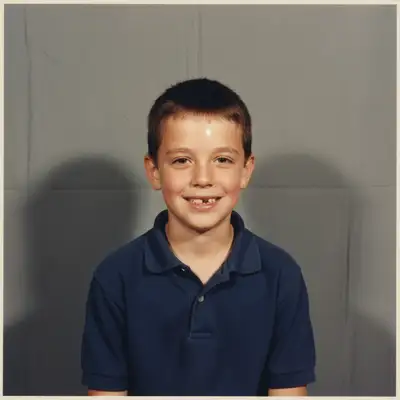
Child ready for school with messy living room background
Before
โ†’
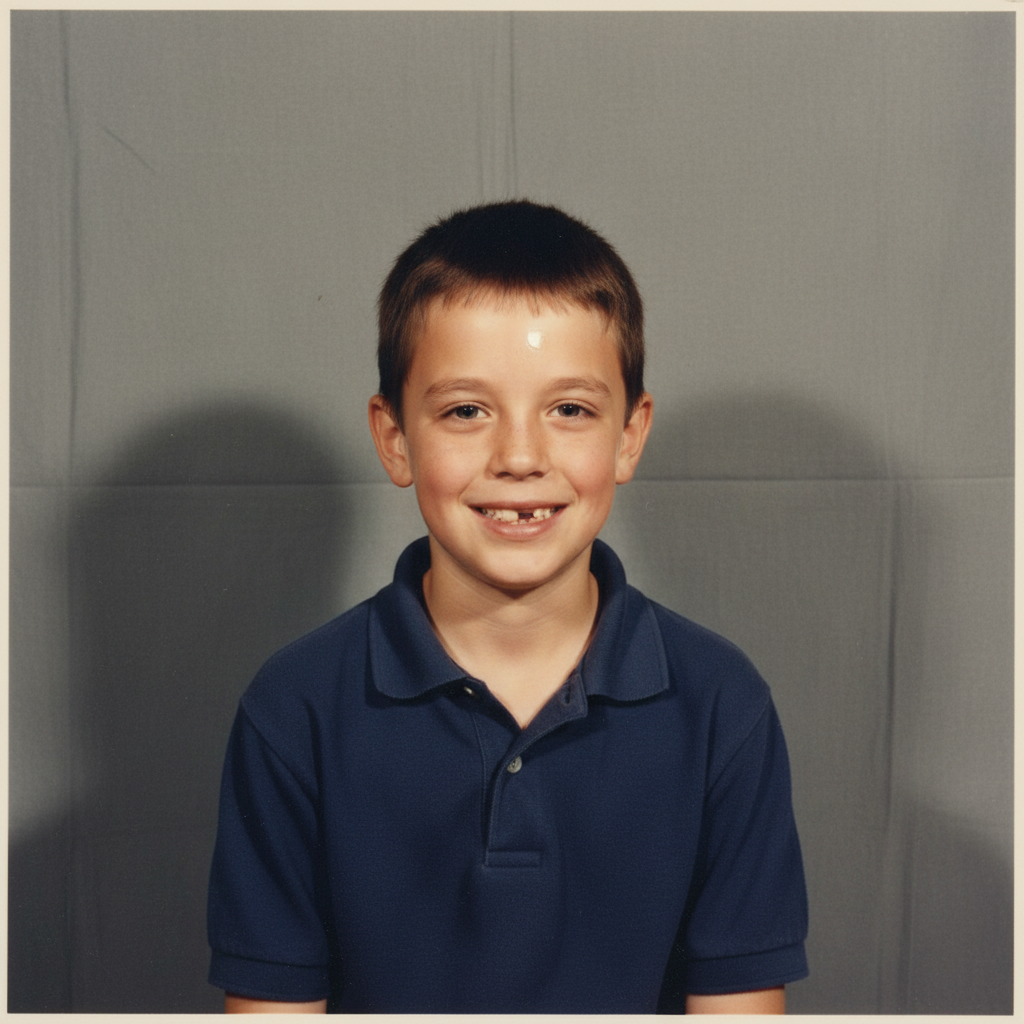
Same child with clean, neutral background
After

Back to School Photo Editor

Drop your photo here

or click to browse

Release to upload

Free โ€ข No signup

Advertisement
Popular use cases:
  • first day of school photos
  • back to school pictures
  • school photo backgrounds
  • first day pictures
  • school year photos
  • kindergarten first day
  • elementary school photos
  • back to school memories

Cost
Free No signup required
Time
Instant results in 15-30 seconds
Works on
Any device - browser, phone, tablet, desktop
Powered by
AI-powered photo editing
Scenario Prompt Time
Remove clutter remove the clutter in the background 25s
Fix lighting fix the harsh morning lighting on their face 15s
School backdrop replace background with school building 25s

How it works

  1. Upload your back to school photo

    Drop any first day photo into EditThisPic. Front porch poses, backpack shots, or bus stop photos all work. JPG, PNG, WebP up to 7MB.

    Expect: Simple fixes like lighting: 15-20 seconds. Background removals: 25-30 seconds.
  2. Describe what needs fixing

    Type what you want: 'remove the clutter in the background' or 'fix the harsh morning sun on their face.' Be specific about the problem. The AI understands back to school photo issues like messy backgrounds, outfit wrinkles, and unflattering lighting.

    Tip: Combine multiple fixes in one prompt: 'remove background clutter and brighten their face'

    Copy one of these to get started:

    Messy house visible behind the kid remove all the clutter in the background and replace with a clean wall
    Harsh morning sunlight causing squinting fix the harsh lighting and reduce the squinting shadows on their face
    Want a school-themed background replace the background with a classic red brick school building
    Other kids photobombed the shot remove the other children in the background, keep only my kid
    4 more prompts
    Noticed a stain or wrinkle on outfit remove the stain on their shirt and smooth out the wrinkles
    Creating before/after growth comparison match the lighting and color tone to look like the other photo
    Backpack or supplies look messy straighten the backpack straps and make the supplies look neater
    Want chalkboard background with grade level replace background with a chalkboard that says First Grade
  3. Download your fixed photo

    Review your corrected first day photo and download in high resolution. Perfect for framing, sharing with grandparents, or posting to social media. If you want additional adjustments, just describe them.

  4. Use markers for precise fixes

    If you need to target a specific area or the AI missed something, tap markers on those spots and describe the refinement. Most back to school photo fixes work perfectly without markers.

    Tip: Markers are helpful when you want to remove a specific item or fix a stain on clothing without affecting the rest
Try it free โ†“

Back to School Photo Editor

Drop your photo here

or click to browse

Release to upload

Free โ€ข No signup

"Removed the laundry basket and toys from behind my daughter's first day photo. Now it looks like we have our lives together!" @busymom2026

See it in action

Child ready for school with messy living room background
Before
->
Same child with clean, neutral background
After

Removed Background Clutter

Messy living room transformed into clean, frame-worthy first day photo.

Prompt: remove all the clutter in the background and replace with a clean wall
Child squinting with harsh shadows from morning sun
Before
->
Same child with balanced, natural lighting and open eyes
After

Fixed Harsh Morning Lighting

Squinting face and harsh shadows corrected to natural, balanced lighting.

Prompt: fix the harsh lighting and reduce the squinting shadows on their face
Child with first day sign in front of plain garage door
Before
->
Same child with classic red brick school building background
After

Added School Background

Plain garage door replaced with classic school building backdrop.

Prompt: replace the background with a classic red brick school building
Advertisement

If something looks off

AI removed the wrong child from a group shot

Why: Without markers, the AI may guess which child you meant to keep

Try: Use markers to tap on your child, then 'keep only this child, remove the others'

Tip: For bus stop or group photos, always use markers to specify exactly who to keep

Background replacement looks fake around hair edges

Why: Flyaway hair and fine edges can be tricky to separate cleanly

Try: Try 'blend the edges more naturally' or use markers on problem areas

Tip: Solid color backgrounds (like walls) hide edge issues better than detailed scenes

Stain removal left a weird patch on clothing

Why: The AI may have overcorrected or not matched the fabric pattern

Try: Try 'fix the patch on the shirt to match the fabric pattern'

Tip: Use markers to target just the problem area for more precise fixes

Lighting fix made the photo look unnatural

Why: The AI may have overcorrected the shadows

Try: Try 'slightly brighten the face while keeping natural shadows'

Tip: Use words like 'slightly' and 'subtle' to avoid over-correction

Quick answers

Can I remove the messy background from my first day of school photo?

Yes! Just describe what you want: 'remove the clutter in the background' or 'replace background with a clean wall.' The AI will remove toys, laundry, or any mess and replace it with a clean backdrop. Works great for those rushed morning photos where the house isn't picture-ready.

How do I fix harsh morning lighting in back to school photos?

Describe the problem: 'fix the harsh shadows on their face' or 'reduce the squinting from bright sun.' The AI understands outdoor lighting issues and will balance the exposure while keeping the photo looking natural. Perfect for those early morning front porch shots.

Can I add a school-themed background to my photo?

Absolutely! Try 'replace background with a chalkboard' or 'add a red brick school building background.' You can also request specific text like 'replace background with chalkboard that says 2nd Grade' for custom grade-level backdrops.

Is there a free back to school photo editor without watermarks?

Yes! EditThisPic is free to try with no signup required. You can remove background clutter, fix lighting, and add school backgrounds without any watermarks on your edited photos.

Can I remove other kids from my child's first day photo?

Yes, you can remove photobombers or other children from the shot. Tap markers on the children you want removed and describe: 'remove these children.' For best results, use markers to specify exactly who to keep and who to remove.

Ready to fix your back to school photos?

Free to try. No signup required. Professional results in 15-30 seconds.

Try it free โ†’