Free • No signup Enhance Real estate exterior · Free

Real Estate Exterior Enhancement

Describe exterior improvements you want and AI enhances curb appeal instantly. No marking needed.
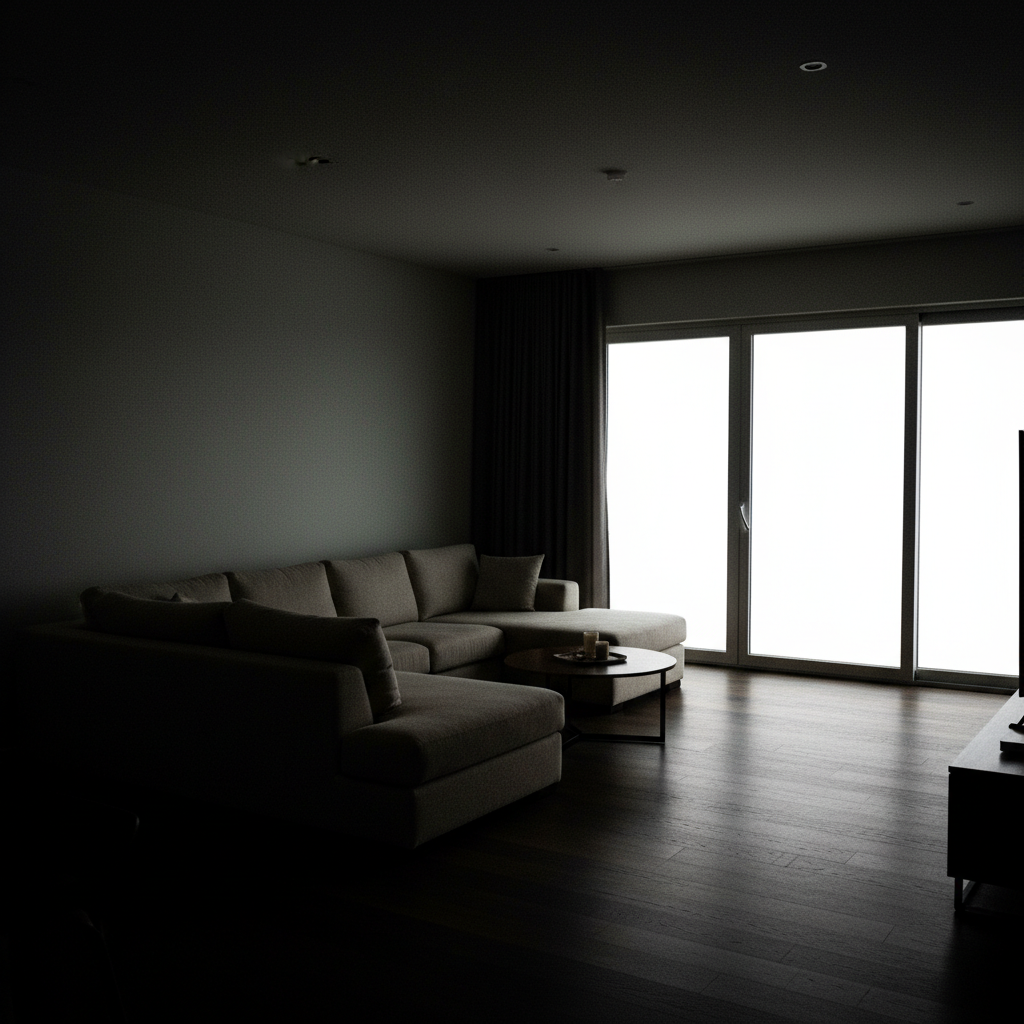
House with brown lawn, stained driveway, overgrown landscaping
Before
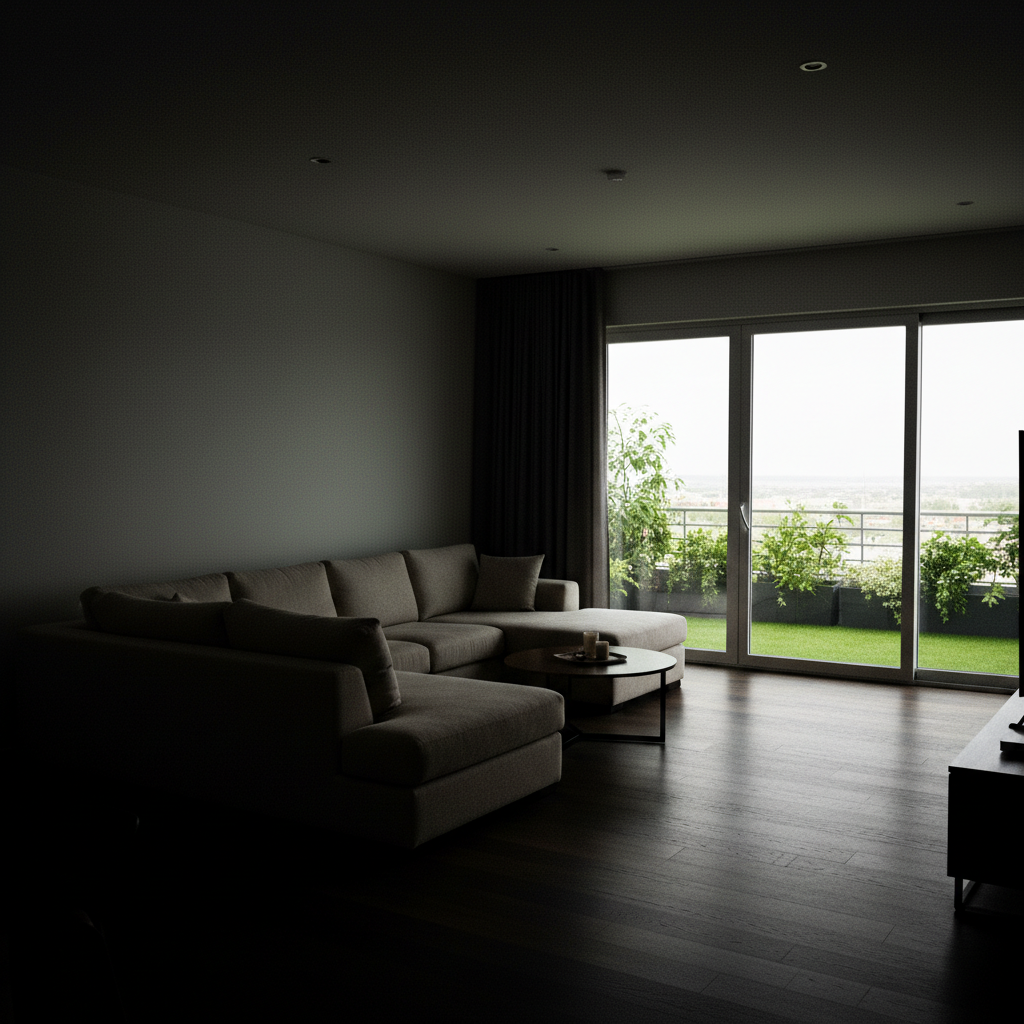
Same house with lush green lawn, clean driveway, trimmed landscaping
After

Real Estate Exterior Enhancement

Drop your photo here

or click to browse

Release to upload

Free • No signup

Advertisement
Popular use cases:
  • real estate curb appeal
  • property listing photos
  • home exterior enhancement
  • real estate photography editing
  • lawn improvement
  • driveway cleaning
  • listing photo preparation
  • property marketing photos

Cost
Free No signup required
Time
Instant results in 15-30 seconds
Works on
Any device - browser, phone, tablet, desktop
Powered by
AI-powered photo editing
Scenario Prompt Time
Lawn improvement only improve the lawn to lush vibrant green 30s
Hardscape cleaning clean the driveway and walkways 35s
Complete enhancement green lawn, clean driveway, trim landscaping, bright lighting 45s

How it works

  1. Upload your property photo

    Drop your exterior image into EditThisPic. JPG, PNG, WebP up to 7MB. Front facade photos work best. Any time of day works—the AI can adjust lighting, weather, and overall curb appeal.

    Expect: Simple enhancements (lawn, lighting): 30-40 seconds. Complex improvements (multiple fixes): 45-60 seconds.
  2. Describe the improvements

    Type what you want enhanced: 'improve the lawn, clean the driveway, and add fresh landscaping' or 'brighten the exterior and make it more inviting.' Be specific about what needs fixing. No need to mark areas—the AI understands exterior elements like lawns, driveways, landscaping, and lighting.

    Tip: Combine multiple improvements in one prompt: 'green lawn, clean driveway, trim bushes, brighter lighting'—the AI handles them all.

    Copy one of these to get started:

    General curb appeal boost improve the lawn to lush green, clean the driveway, and add fresh landscaping
    Fix neglected lawn transform the lawn to healthy vibrant green grass, remove weeds and brown patches
    Clean hardscapes clean the driveway and walkways, remove stains and make the concrete look fresh
    Enhance lighting and mood brighten the overall exterior, improve natural lighting to make the home more inviting
    3 more prompts
    Tidy landscaping trim overgrown bushes, add colorful flowers near the entrance, make landscaping neat
    Seasonal adjustment make it look like spring - green lawn, blooming flowers, bright sunny lighting
    Complete transformation enhance everything - lush lawn, clean driveway, trimmed landscaping, bright lighting, inviting curb appeal
  3. Review the enhanced exterior

    Check that improvements look natural and realistic. Look at lawn texture, driveway cleanliness, landscaping placement, and overall lighting. Verify edges where lawn meets driveway or walkways. Zoom in on details.

  4. Refine with markers if needed

    If specific areas like one section of lawn or a particular garden bed need more attention, tap a marker on that spot and regenerate with a focused instruction. Most whole-property enhancements work without markers.

    Tip: Markers are useful for targeting specific problem areas like a stained section of driveway or one overgrown shrub.
Try it free

Real Estate Exterior Enhancement

Drop your photo here

or click to browse

Release to upload

Free • No signup

"I'm a real estate photographer and use this to fix exterior flaws in listing photos. Overgrown landscaping, stained driveways, dull lighting—all fixed in seconds. Listings with enhanced exteriors get 40% more showings." @RealEstatePhotog_Dana

See it in action

House with brown lawn, stained driveway, overgrown landscaping
Before
->
Same house with lush green lawn, clean driveway, trimmed landscaping
After

Overgrown to pristine curb appeal

A neglected property transformed with lush lawn, clean driveway, and trimmed landscaping ready for listing photos.

Prompt: improve the lawn to lush green, clean the driveway, trim the bushes, and brighten the overall exterior
House with dark shadowy exterior on overcast day
Before
->
Same house with bright inviting lighting
After

Dull to bright and inviting

A dark shadowy exterior brightened with improved lighting, making the property feel warm and welcoming.

Prompt: brighten the overall exterior, improve natural lighting to make the home more inviting
House in late fall with brown grass and bare landscaping
Before
->
Same house in spring with green lawn and blooming flowers
After

Seasonal transformation to spring

A winter or fall property made to look like spring with green lawn, blooming flowers, and sunny weather.

Prompt: make it look like spring - green lawn, blooming flowers, bright sunny lighting
Advertisement

If something looks off

AI enhanced the wrong area or missed obvious problems

Why: Vague prompts like 'make it better' don't give clear guidance on what needs improvement.

Try: Be specific: 'clean the driveway stains, fix the brown lawn patches, trim the overgrown bushes on the left'

Tip: List each problem explicitly. The AI can handle multiple improvements but needs to know what they are.

Lawn looks fake or overly vibrant green

Why: The AI made the grass too perfect or saturated, losing natural texture and variation.

Try: improve the lawn to natural-looking healthy green grass with subtle color variation

Tip: 'Natural-looking' and 'subtle variation' prevent the artificial turf appearance.

Landscaping additions look out of place

Why: The AI added plants or features that don't match the property's style or region.

Try: add landscaping appropriate for the home's style - low maintenance shrubs and native plants

Tip: Specify style: 'modern minimalist', 'traditional cottage', or 'native drought-tolerant plants'.

Lighting changes made colors look unnatural

Why: Brightening altered color balance, making siding, brick, or other materials look wrong.

Try: brighten the exterior lighting while maintaining accurate colors of siding, brick, and materials

Tip: 'Maintain accurate colors' ensures materials don't shift hue when lighting improves.

Driveway cleaning removed texture or looks too uniform

Why: The AI removed all concrete texture along with stains, making it look artificial.

Try: clean the driveway stains and dirt while keeping natural concrete texture visible

Tip: 'Natural concrete texture' preserves realism—driveways should look clean, not plastic.

Quick answers

Do I need to mark areas before describing what to enhance?

No! Just describe the improvements: 'improve the lawn, clean the driveway, trim bushes.' The AI understands exterior elements like lawns, driveways, landscaping, and lighting. Only use markers if you want to target one specific problem area, like a particular stain or one overgrown section.

Can I fix multiple exterior problems in one edit?

Yes! Combine improvements in one prompt: 'green lawn, clean driveway, trim landscaping, brighter lighting.' The AI handles multiple enhancements simultaneously. This is perfect for preparing listing photos where several curb appeal issues need fixing at once.

Will enhanced photos look realistic for real estate listings?

Yes! The AI creates natural-looking enhancements that maintain the property's actual appearance. Lawn texture, driveway cleanliness, and lighting improvements look realistic, not fake or overdone. Perfect for MLS listings where photos must represent the property accurately but at its best.

What's the best free tool for real estate exterior enhancement?

EditThisPic enhances property exteriors with AI for free, no signup required. Unlike generic photo editors, it understands real estate elements like lawns, driveways, and curb appeal. Upload an exterior photo, describe improvements, and see results in 30 seconds without manual editing.

Can I change seasons or improve weather in the photo?

Yes! Say 'make it look like spring with green lawn and sunny lighting' or 'brighten to sunny day from overcast.' The AI adjusts seasonal appearance and weather conditions to show the property at its best, which is standard practice in real estate photography.

Ready to enhance property exteriors?

Free to try. No signup required.

Try it free