Free • No signup Remove Trash · Free

AI Trash Remover

Clean up litter and trash from photos with just a description.
Beach sunset with plastic bottle on sand
Before
Clean beach sunset with bottle removed
After

AI Trash Remover

Drop your photo here

or click to browse

Release to upload

Free • No signup

Advertisement
Popular use cases:
  • beach photos
  • travel photography
  • outdoor photos
  • real estate photos
  • landscape photography
  • street photography

Cost
Free No signup required
Time
Instant results in 15-30 seconds
Works on
Any device - browser, phone, tablet, desktop
Powered by
AI-powered photo editing
Scenario Prompt Time
Beach litter remove the plastic bottle on the sand and fill with clean sand 10s
Trash can remove the trash can from the corner and restore the background 15s
Multiple litter remove all litter from the grass and restore clean lawn 20s
Small debris remove the wrapper on the ground on the left side 10s

How it works

  1. Upload your photo

    Drop your image into EditThisPic. Works with JPG, PNG, WebP up to 7MB. Best results with photos where trash is clearly visible against simple backgrounds like sand, grass, or pavement.

    Expect: Simple edits (one piece of trash on plain background): 10-20 seconds. Multiple items: may need 2-3 edits.
  2. Describe what you want

    Type your instruction: 'remove the bottle on the sand' or 'remove all litter from the grass.' Be specific about what trash and where. No marking needed—the AI understands descriptions like 'plastic wrapper on the left' or 'trash can in the corner.'

    Tip: Mention what the trash is and where: 'remove the plastic bottle near the rock' works better than just 'remove trash.'

    Copy one of these to get started:

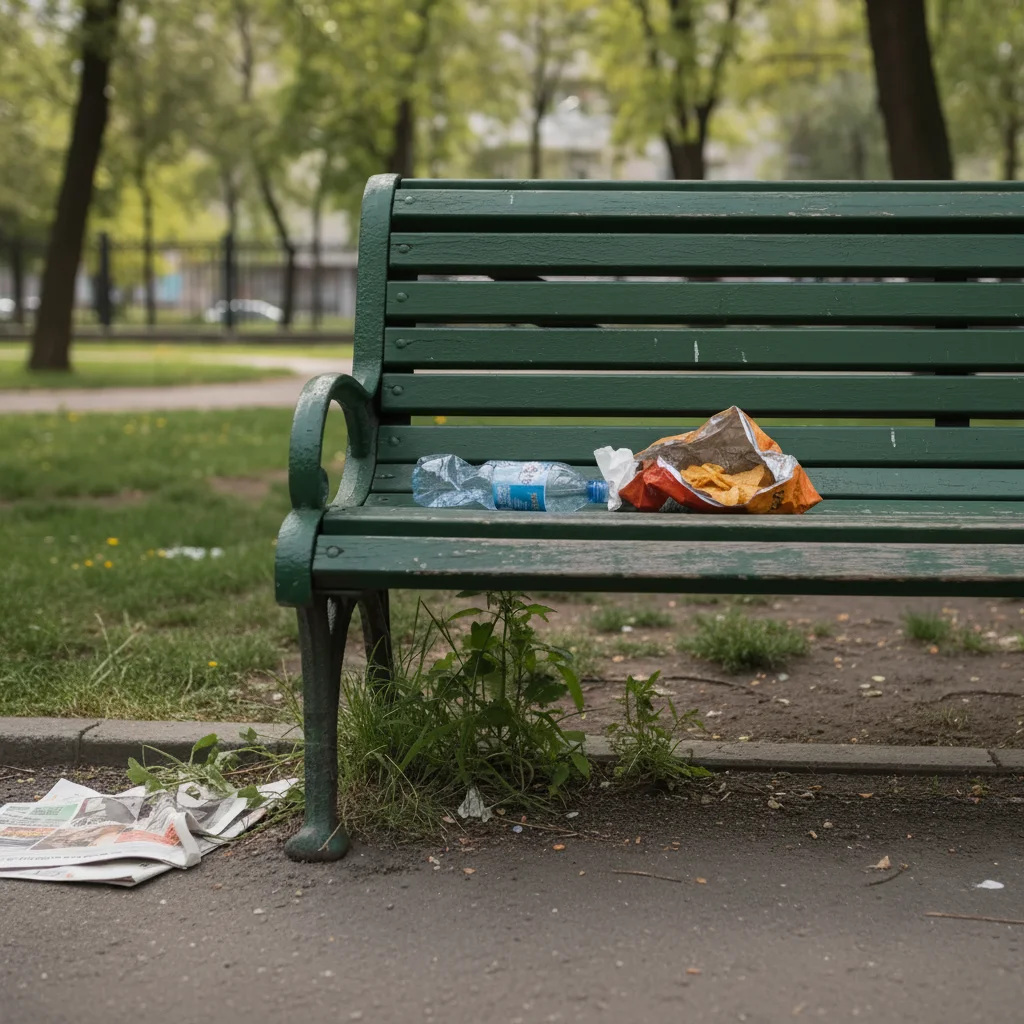
    Beach litter cleanup remove the plastic bottle on the sand and fill with clean sand
    Trash can in scene remove the trash can from the corner and restore the background
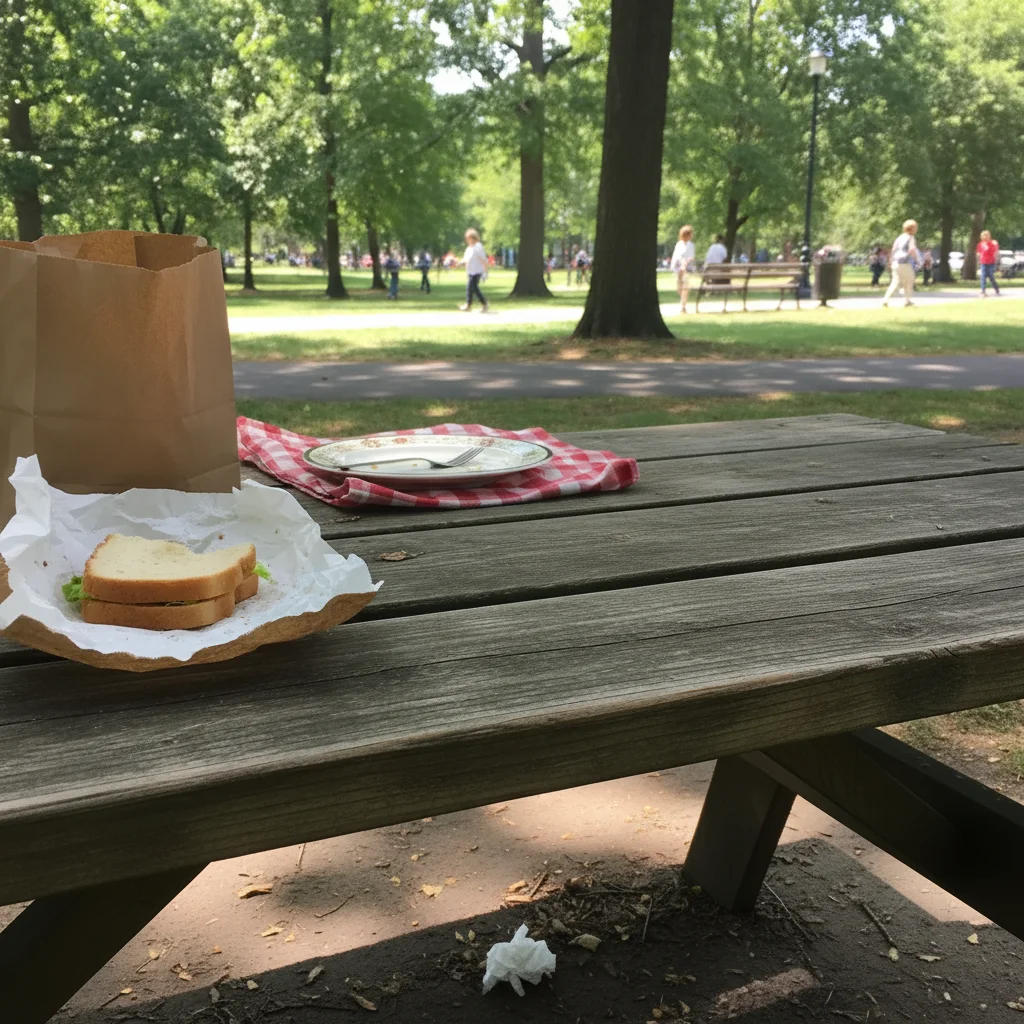
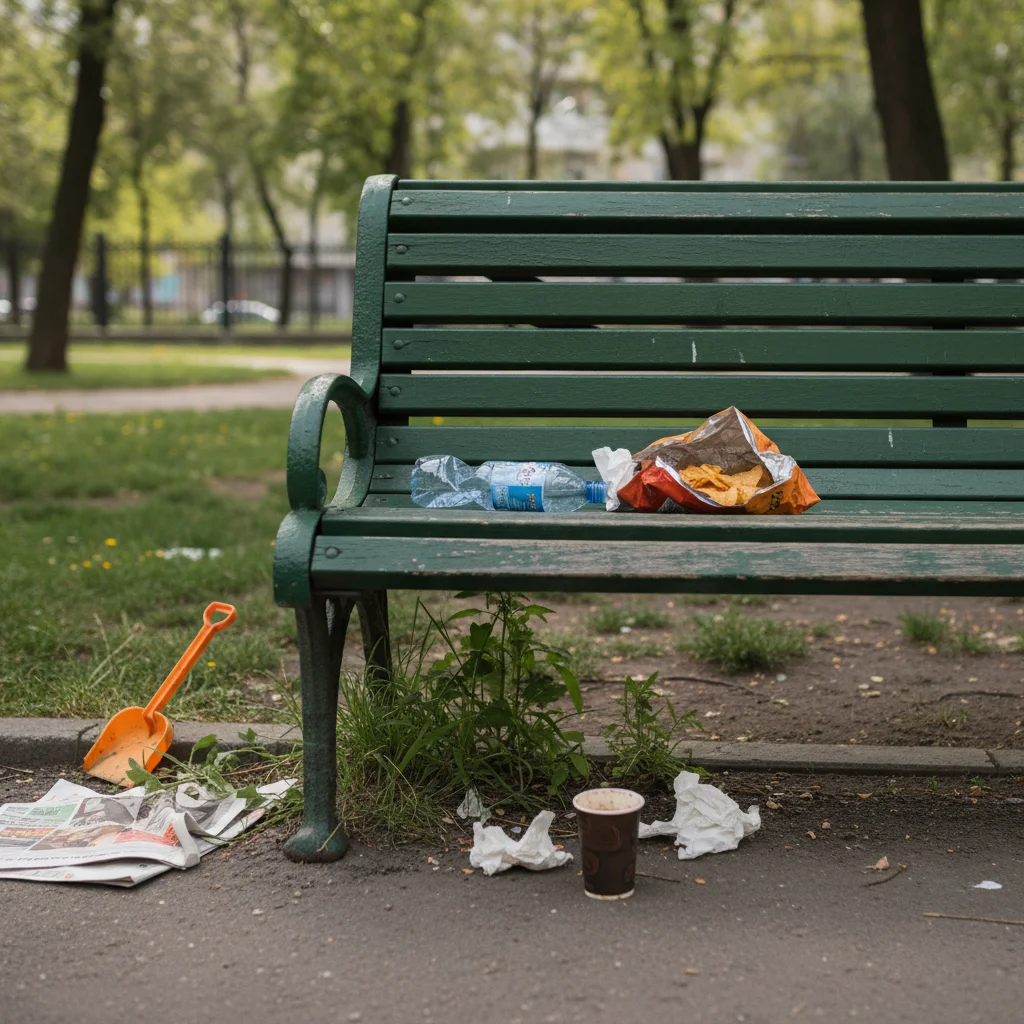
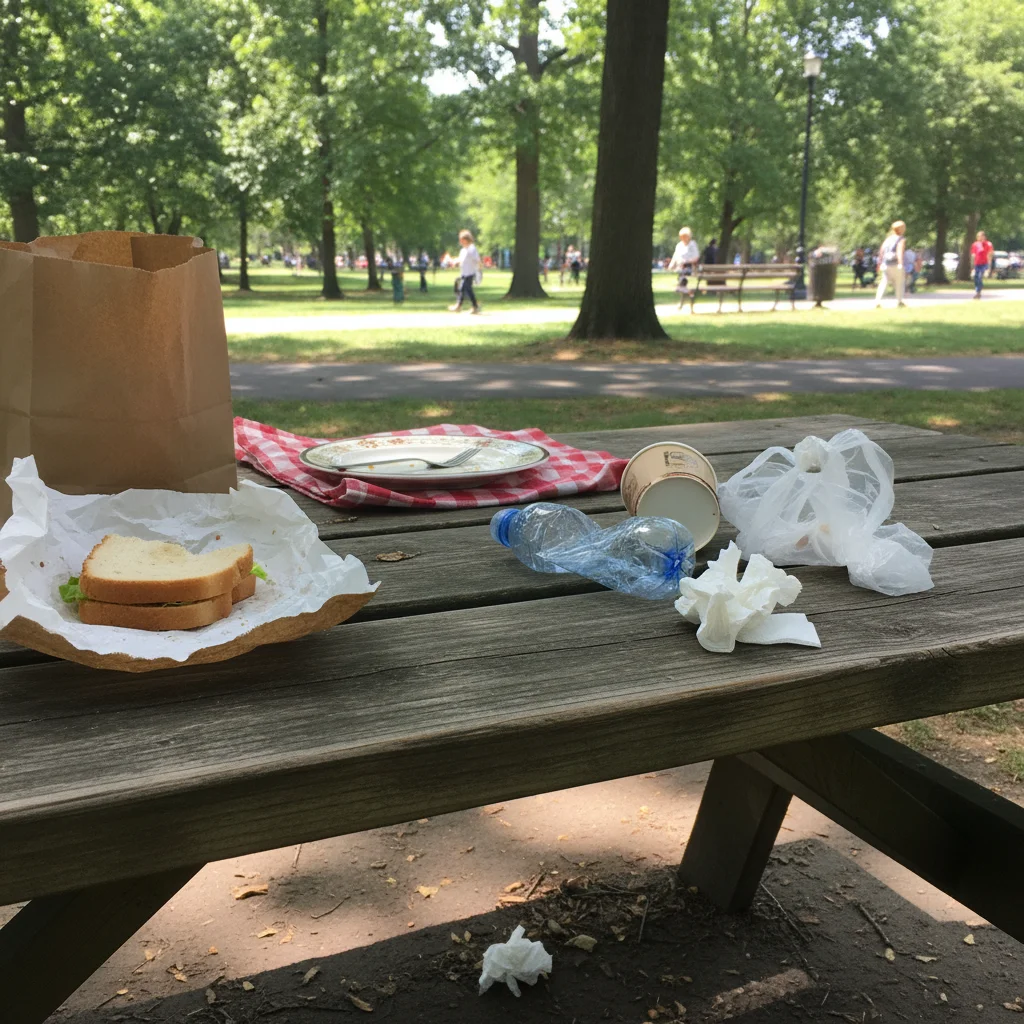
    Multiple pieces of litter remove all litter from the grass and restore clean lawn
    Food wrapper or paper remove the wrapper on the ground on the left side
    1 more prompts
    Cigarette butt or small debris remove the cigarette butt near the bench and blend the pavement
  3. Review and download

    The AI removes the trash and fills the background naturally. Check the area at full zoom to ensure it looks clean. Download your photo—no watermark.

  4. Refine with markers if needed

    If the AI missed some litter or you have scattered trash, tap markers on specific pieces and regenerate. This is optional—most single item removals work without markers.

    Tip: Markers help with scattered litter. Try description-only first.
Try it free

AI Trash Remover

Drop your photo here

or click to browse

Release to upload

Free • No signup

"Saved my beach vacation photos! Removed a plastic bottle that ruined the perfect sunset shot. Looks like it was never there." @beachlover23

See it in action

Beach sunset with plastic bottle on sand
Before
->
Clean beach sunset with bottle removed
After

Beach litter removed

Vacation photo had a plastic bottle ruining the ocean view. One prompt cleaned it up perfectly.
Prompt: remove the plastic bottle on the sand and fill with clean sand
Street photo with green trash can
Before
->
Clean street with trash can removed
After

Street photo decluttered

Urban shot had a trash can blocking the architecture. Removed it to showcase the building.

Prompt: remove the trash can from the corner and restore the background
Advertisement

If something looks off

AI removed the wrong item or missed the trash

Why: The AI couldn't identify exactly which piece of trash you meant. This happens with small or camouflaged litter.

Try: Tap a marker on the specific trash piece you want removed, then regenerate. Be more descriptive: 'remove the RED wrapper in the lower left corner.'

Tip: Markers are essential for small or hard-to-see litter. Use color and position in your description.

Background looks patchy after trash removal

Why: The AI had to guess what surface was behind the trash. Complex textures are harder to reconstruct than uniform surfaces.

Try: Try: 'remove trash and fill with smooth [surface type]' or use photos where trash is on uniform backgrounds like sand or grass.

Tip: Trash on plain sand, grass, or smooth pavement works best.

Some litter remains after 'remove all' command

Why: Batch removal can miss small or scattered pieces, especially if they're different colors or positions.

Try: Do a second edit targeting remaining pieces: 'remove the wrapper on the right' or use markers on each piece.

Tip: For scattered litter, individual removal often works better than batch commands.

Trash shadow or stain visible after removal

Why: The AI removed the trash but didn't detect associated marks like shadows or liquid stains.

Try: Add to your prompt: 'remove the bottle including its shadow and stain' or do a follow-up edit: 'remove the dark stain on the ground.'

Tip: Mention shadows and stains explicitly if they're visible in the original photo.

Quick answers

Do I need to mark the trash before describing?

No! For most edits, just describe which trash to remove: 'remove the bottle on the sand' or 'remove the trash can in the corner.' The AI understands these descriptions. Only use markers when trash is small, scattered, or hard to see.

How do I remove trash from photos for free?

Upload your photo to EditThisPic, type which trash to remove (like 'remove the bottle on the left'), and the AI handles it in 10-20 seconds. Free to try with no signup or watermark. You get one free edit per day, or unlimited edits with a subscription.

Can I remove multiple pieces of litter at once?

Yes. Use 'remove all trash' or 'remove all litter from the scene' for batch removal. For best results with scattered items, remove them individually or use markers on each piece.

What types of trash can be removed?

Bottles, cans, wrappers, bags, cigarette butts, trash cans, bins, and any visible litter or debris. Works best when trash is clearly visible against the background.

Ready to remove trash from your photos?

Free to try. No signup required.

Try it free