Free โ€ข No signup Change Wall ยท Free

Replace Wall in Photo

Just describe the new wall color or texture. The AI preserves room lighting and details.
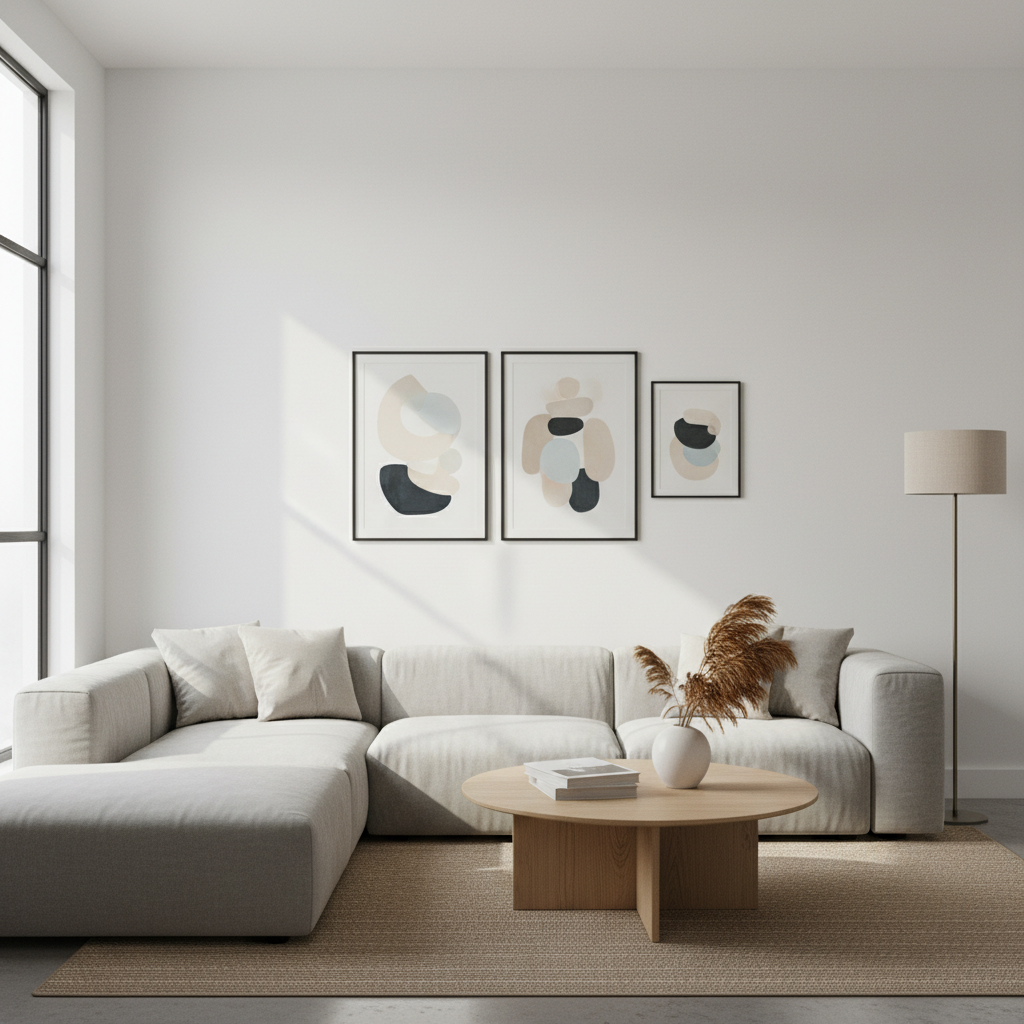
Living room with plain white wall
Before
โ†’
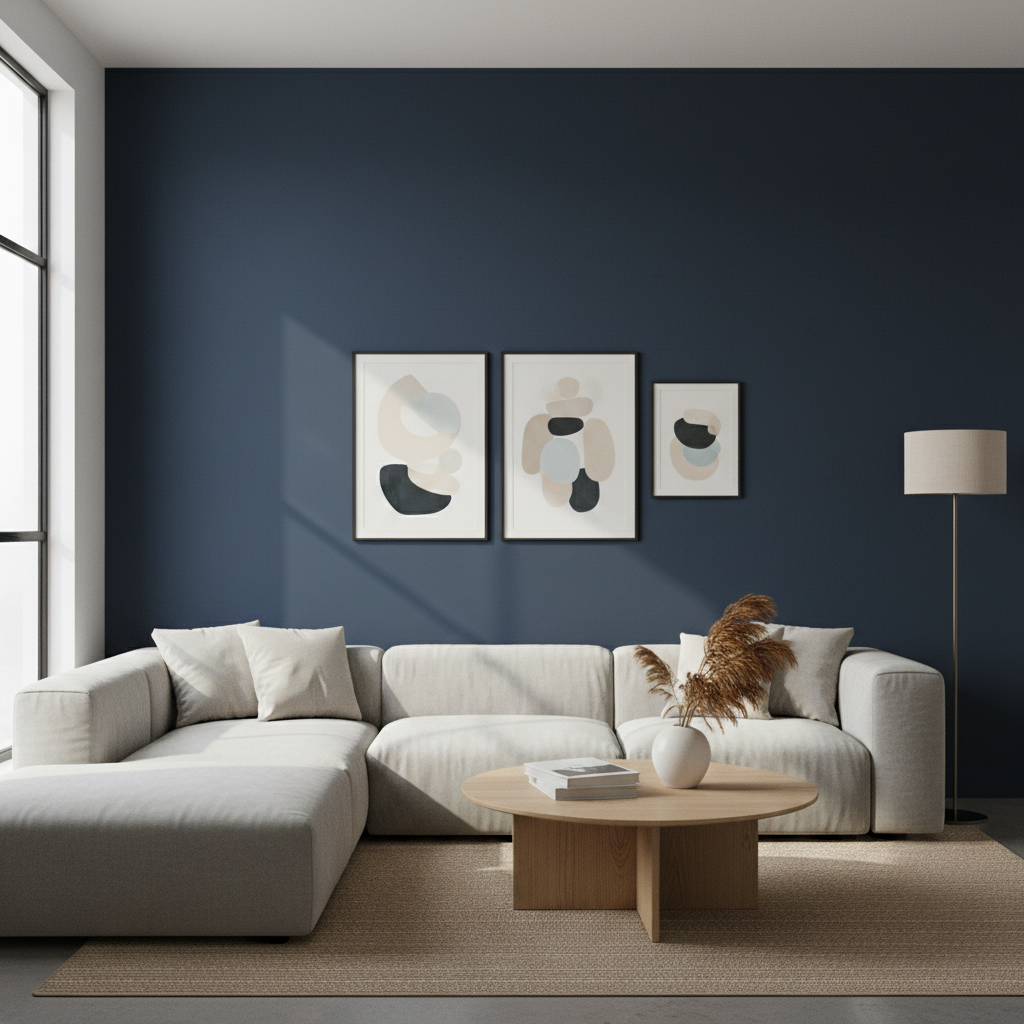
Same living room with deep navy blue wall
After

Replace Wall in Photo

Drop your photo here

or click to browse

Release to upload

Free โ€ข No signup

Advertisement
Popular use cases:
  • Paint color testing
  • Wallpaper visualization
  • Accent wall preview
  • Interior design mockups
  • Home renovation planning
  • Real estate staging

Cost
Free No signup required
Time
Instant results in 15-30 seconds
Works on
Any device - browser, phone, tablet, desktop
Powered by
AI-powered photo editing
Scenario Prompt Time
Paint color replace wall with deep navy blue in matte finish 25s
Accent wall change only the back wall to forest green 30s
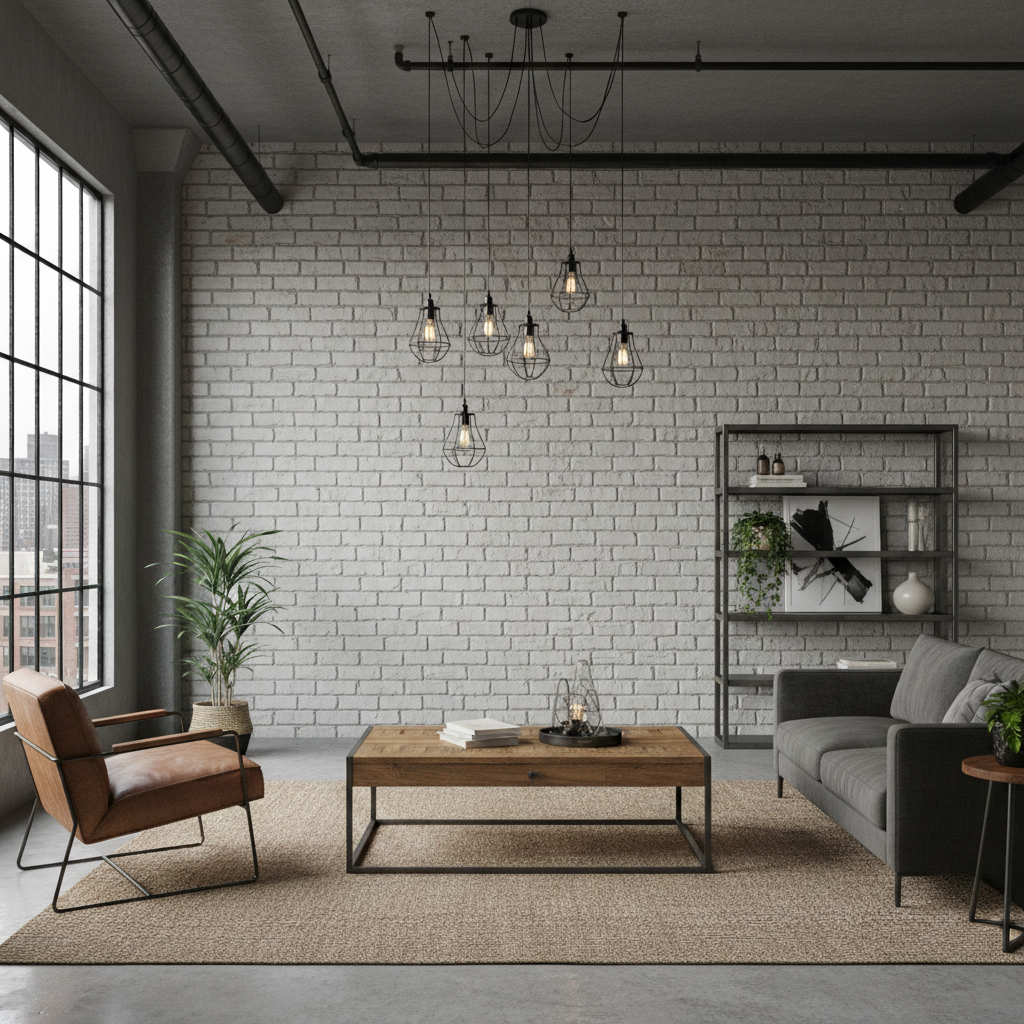
Texture change wall to exposed white brick texture 35s

How it works

  1. Upload your interior photo

    Drop your image into EditThisPic. JPG, PNG, WebP up to 7MB. Photos with good lighting showing the wall clearly work best. The more visible wall area, the better the AI can apply the change.

    Expect: Simple color changes: 20-30 seconds. Adding textures or patterns: 30-40 seconds with possible refinement.
  2. Describe the new wall

    Type your instruction: 'replace the wall with a deep navy blue paint in matte finish' or 'change the wall to white shiplap texture.' Be specific about color, finish, or pattern. Include paint brand color names if you have specific ones in mind.

    Tip: Mention the finish (matte, satin, glossy) and any texture details. 'Warm taupe with eggshell finish' is more specific than just 'tan wall.'

    Copy one of these to get started:

    New paint color replace the wall with a deep navy blue paint in matte finish, preserve the room lighting and shadows
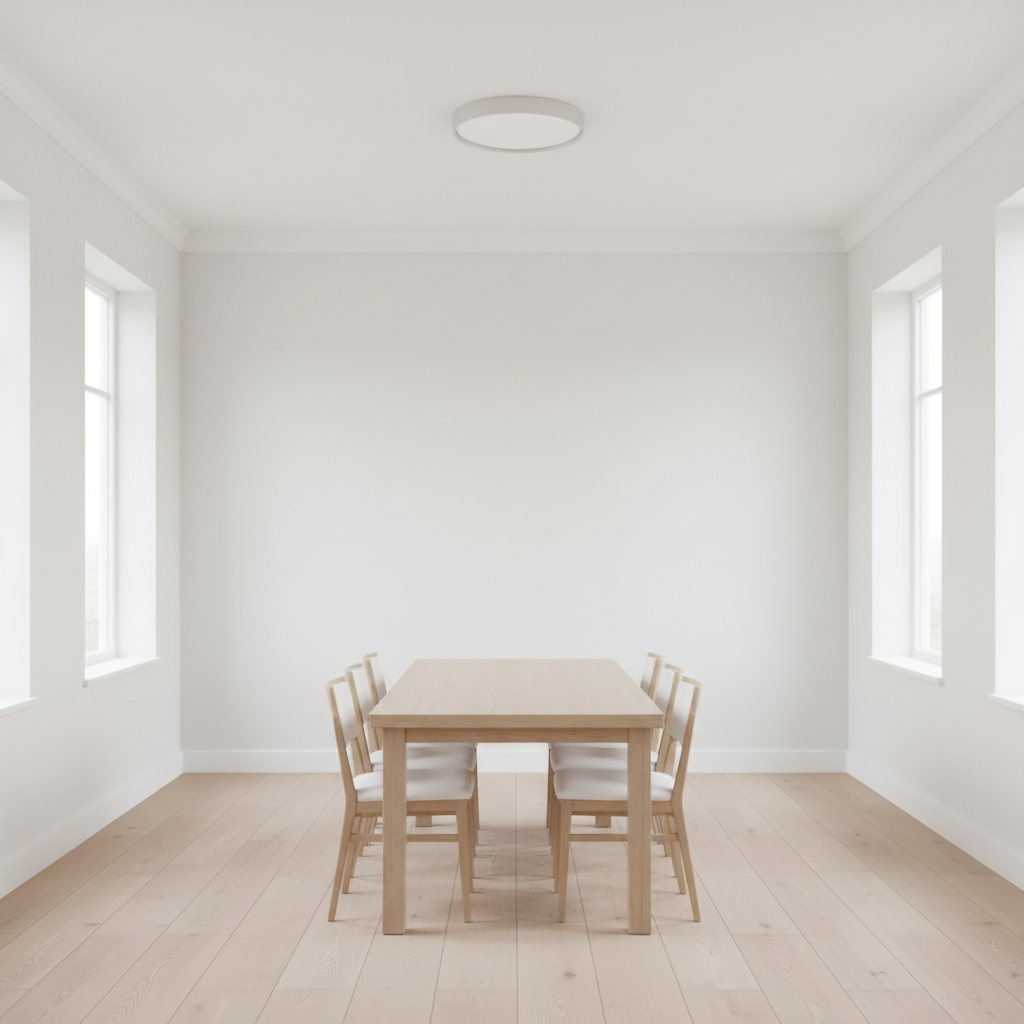
    Accent wall change only the back wall to forest green, keep all other walls the same color
    Add wallpaper pattern replace the wall with a subtle geometric gray and white wallpaper pattern
    Brick or stone texture change the wall to exposed white brick texture, keep the rustic industrial look
    3 more prompts
    Wood paneling replace the wall with natural oak wood paneling in a vertical shiplap pattern
    Two-tone walls change the bottom half of the wall to dark gray and keep the top half white with a chair rail dividing them
    Warm neutral tone replace the white wall with a warm greige color in satin finish, maintain natural light reflections
  3. Generate and review

    Check that the new wall color looks natural under the room's lighting. Verify that shadows from furniture and artwork remain realistic. The color should appear consistent across the entire wall area.

  4. Refine with markers if needed

    If the AI changed areas you wanted to keep (like trim, artwork, or doors), tap markers on those items and regenerate asking to 'preserve the white trim and artwork.' Use markers to specify exactly which wall to change in rooms with multiple walls visible.

    Tip: Markers help when you want to change only one wall for an accent wall effect.
Try it free โ†“

Replace Wall in Photo

Drop your photo here

or click to browse

Release to upload

Free โ€ข No signup

"Tested 5 different paint colors on my living room photo before buying. Saved me from a $200 mistake." @HomeOwner_Sarah

See it in action

Living room with plain white wall
Before
->
Same living room with deep navy blue wall
After

Living room paint color test

Homeowner tested navy blue before painting. The AI maintained realistic shadows and light response.

Prompt: replace the wall with a deep navy blue paint in matte finish, preserve the room lighting and shadows
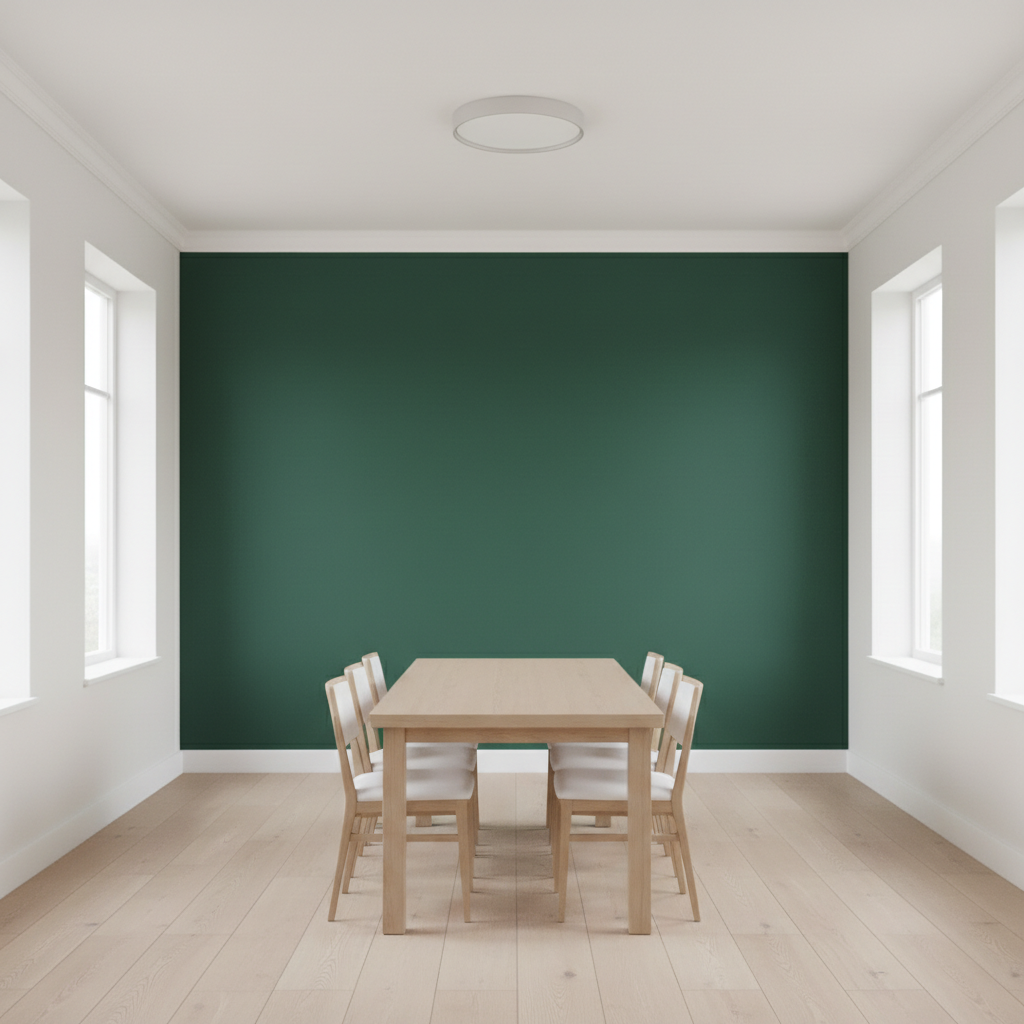
Dining room with all white walls
Before
->
Same dining room with forest green accent wall
After

Accent wall visualization

Designer showed client how a green accent wall would transform the dining room.
Prompt: change only the back wall to forest green, keep all other walls the same color
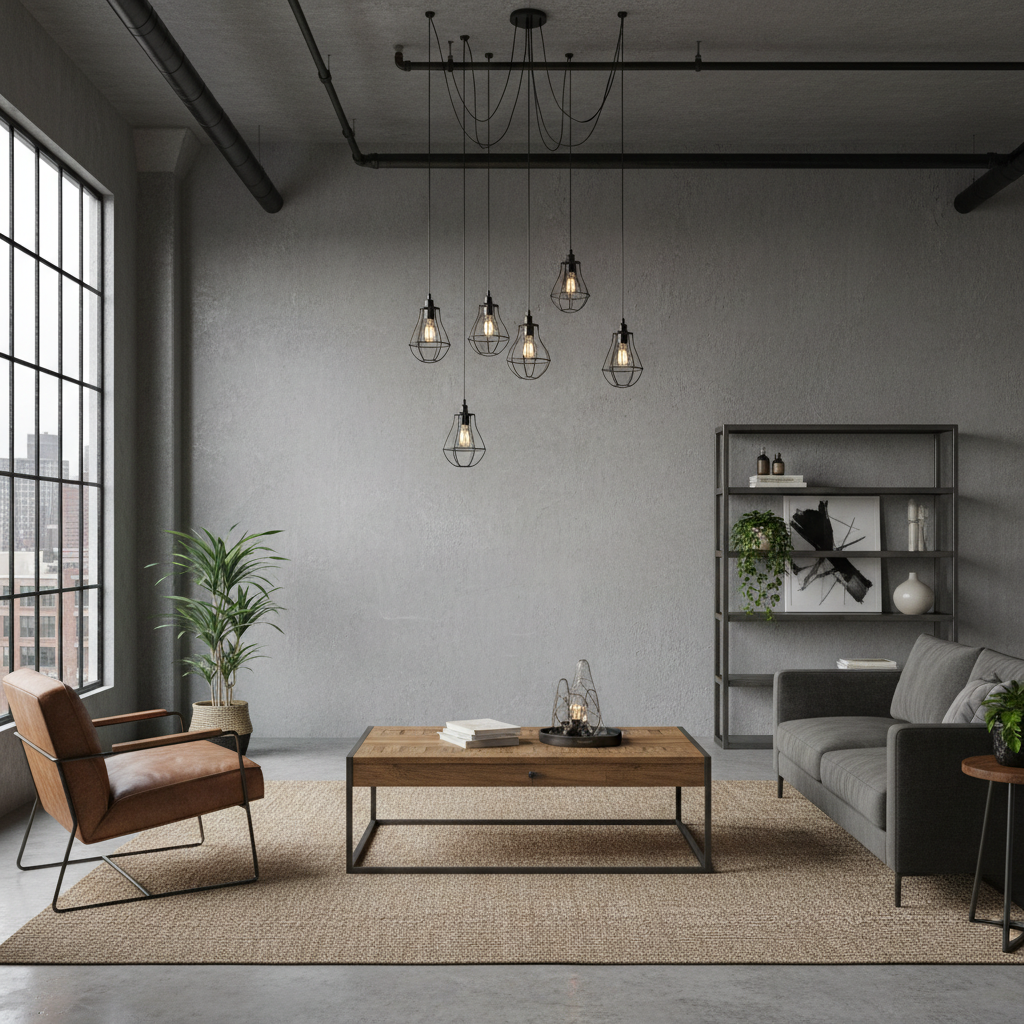
Loft room with plain gray wall
Before
->
Same loft with exposed white brick wall
After

Brick texture addition

Loft apartment visualization showing exposed brick look without actual construction.

Prompt: change the wall to exposed white brick texture, keep the rustic industrial look
Advertisement

If something looks off

AI changed the wrong area or something I didn't want changed

Why: Multiple walls or surfaces made it unclear which wall to change.

Try: Tap a marker on the specific wall you want to change, then regenerate with the same prompt

Tip: Markers are essential for accent walls when multiple walls are visible in the frame.

Artwork or trim was changed along with the wall

Why: The AI included elements that should have been preserved.

Try: change the wall color to [color], preserve all artwork, trim, doors, and fixtures exactly as they are

Tip: List specific items to preserve: 'keep the white trim, artwork, and door frame unchanged.'

Color looks different than expected

Why: Colors appear differently under various lighting conditions - the AI interprets this.

Try: change the wall to [specific color name] maintaining natural shadows and how light affects paint color

Tip: Use specific color descriptions: 'Benjamin Moore Hale Navy' or 'cool-toned sage green' for better accuracy.

Texture pattern is too busy or wrong scale

Why: Pattern scale wasn't specified, so the AI guessed.

Try: replace wall with [texture] in a subtle/large-scale pattern that fits the room proportions

Tip: Specify pattern scale: 'large-scale herringbone' vs 'small geometric tile pattern.'

Shadows look flat or unnatural

Why: The AI didn't properly account for how the new color affects shadows.

Try: change wall color to [color] and recalculate realistic shadows from furniture and decor

Tip: 'Realistic shadows' tells the AI to regenerate shadow interactions with the new color.

Quick answers

Do I need to select the wall before changing it?

No. Just describe the wall change you want: 'change the wall to navy blue.' The AI identifies the wall automatically. Use markers only when there are multiple walls and you want to change a specific one.

How do I change wall color in a photo for free?

Upload your interior photo to EditThisPic and type 'replace the wall with [color] paint.' Include finish details for accuracy. The AI changes it in 20-35 seconds. Free, no login, no watermarks.

Is there a free paint color visualizer that doesn't need an account?

Yes. EditThisPic changes wall colors without signup. Upload, describe the color you want to test, download. No watermarks. Works in your browser.

Can I test specific paint brand colors?

Yes. Include the color name in your prompt: 'change the wall to Benjamin Moore Simply White' or 'Sherwin-Williams Agreeable Gray.' The AI recognizes many popular paint colors.

Can I add wallpaper patterns, not just paint?

Yes. Describe the wallpaper: 'replace the wall with floral wallpaper in blue and white' or 'add a geometric gray pattern.' The AI can apply textures, patterns, and wallpaper designs.

Ready to visualize your new wall color?

Free to try. No signup required.

Try it free โ†’