AI Eye Color Changer
Just say what color you want. AI changes eyes without marking or selection.
Change Eye Color in Photo
Drop your photo here
or click to browse
Release to upload
Free • No signup
Popular use cases:
- portrait photography
- dating app photos
- social media profiles
- headshots
- fantasy portraits
- cosplay photos
- character design
- modeling portfolios
- Cost
- Free No signup required
- Time
- Instant results in 15-30 seconds
- Works on
- Any device - browser, phone, tablet, desktop
- Powered by
- AI-powered photo editing
| Scenario | Prompt | Time |
|---|---|---|
| Bright blue eyes | change eye color to bright blue with natural iris detail and reflections |
20s |
| Emerald green eyes | make eyes emerald green with natural depth and preserve iris texture |
20s |
| Hazel multi-tone | change eye color to hazel with brown center fading to green outer ring naturally |
25s |
| Amber golden eyes | make eyes warm amber gold with natural brightness and maintain catchlights |
20s |
How it works
Try it free ↓
Change Eye Color in Photo
Drop your photo here
or click to browse
Release to upload
Free • No signup
"Always wondered what I'd look like with green eyes. Typed it once and boom—looks completely real. People can't tell it's edited." @newlook
See it in action
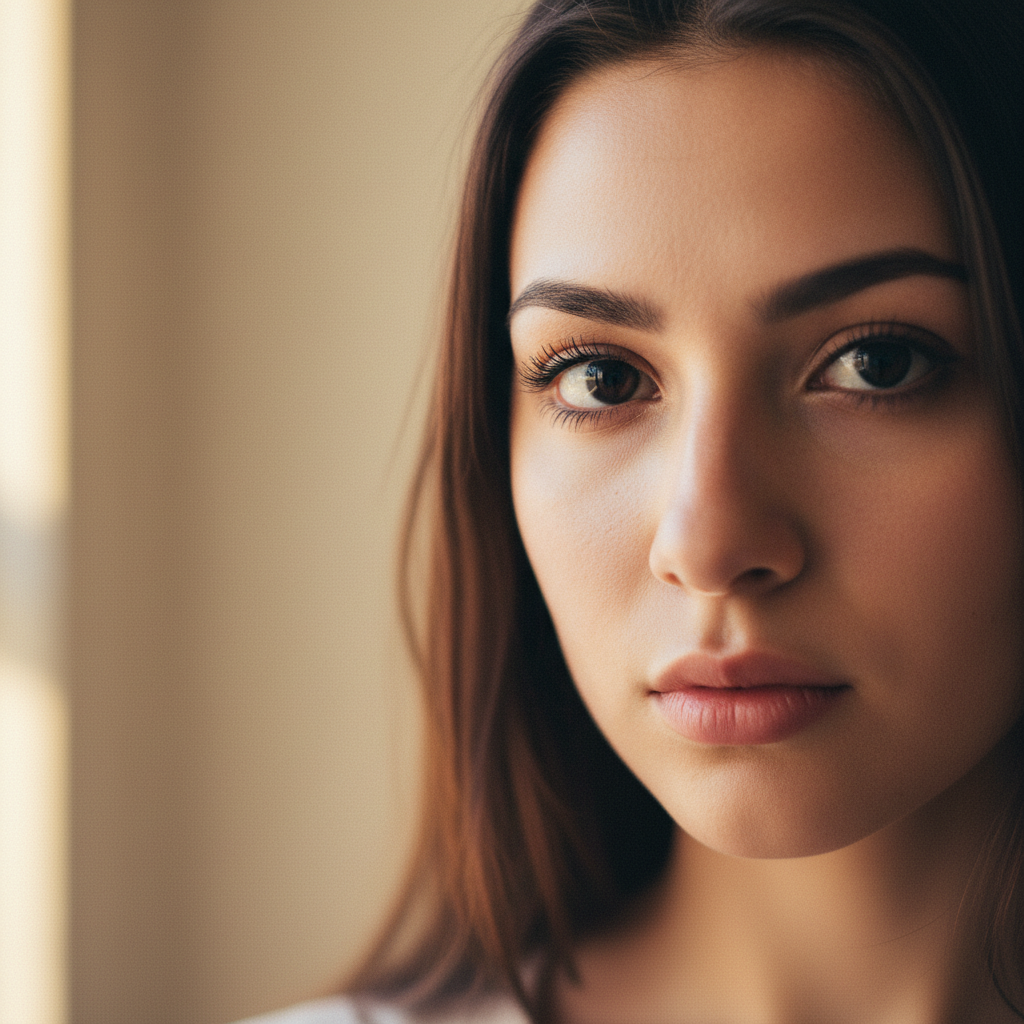
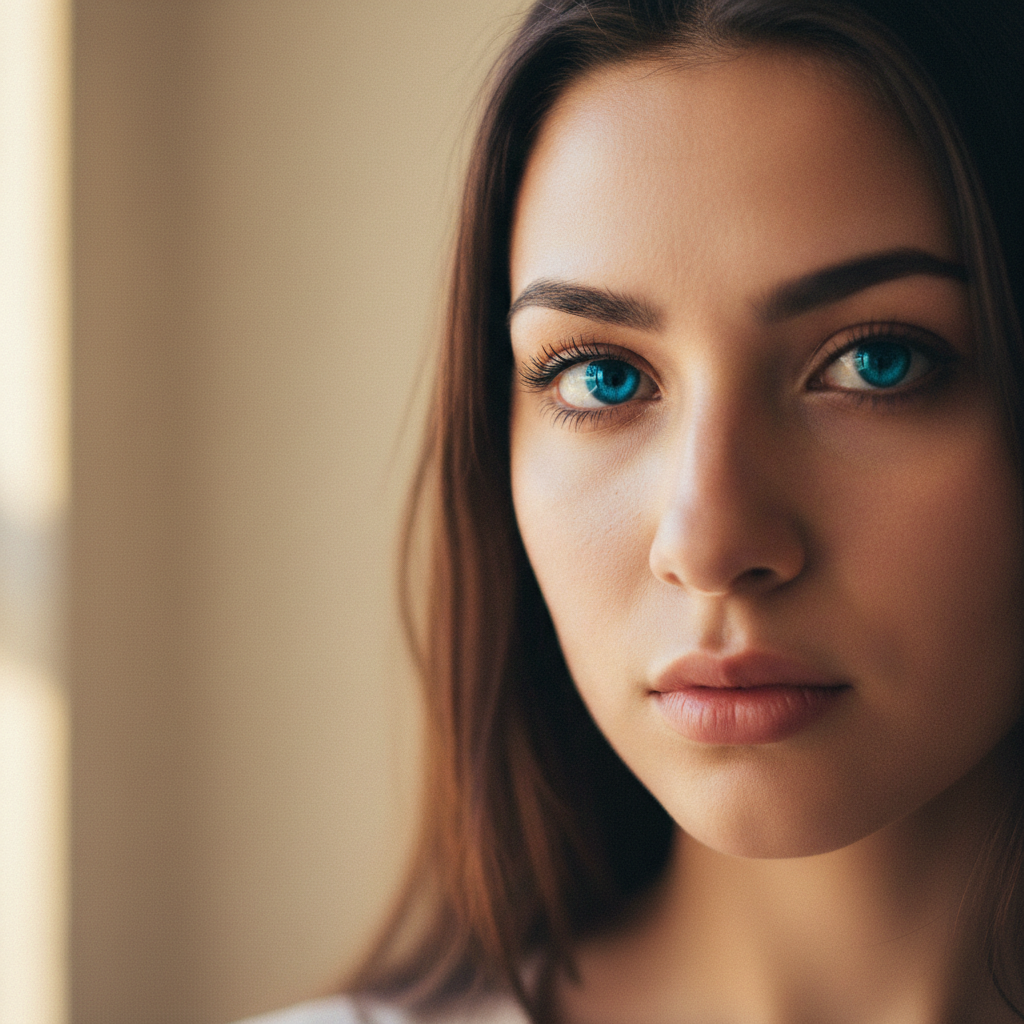
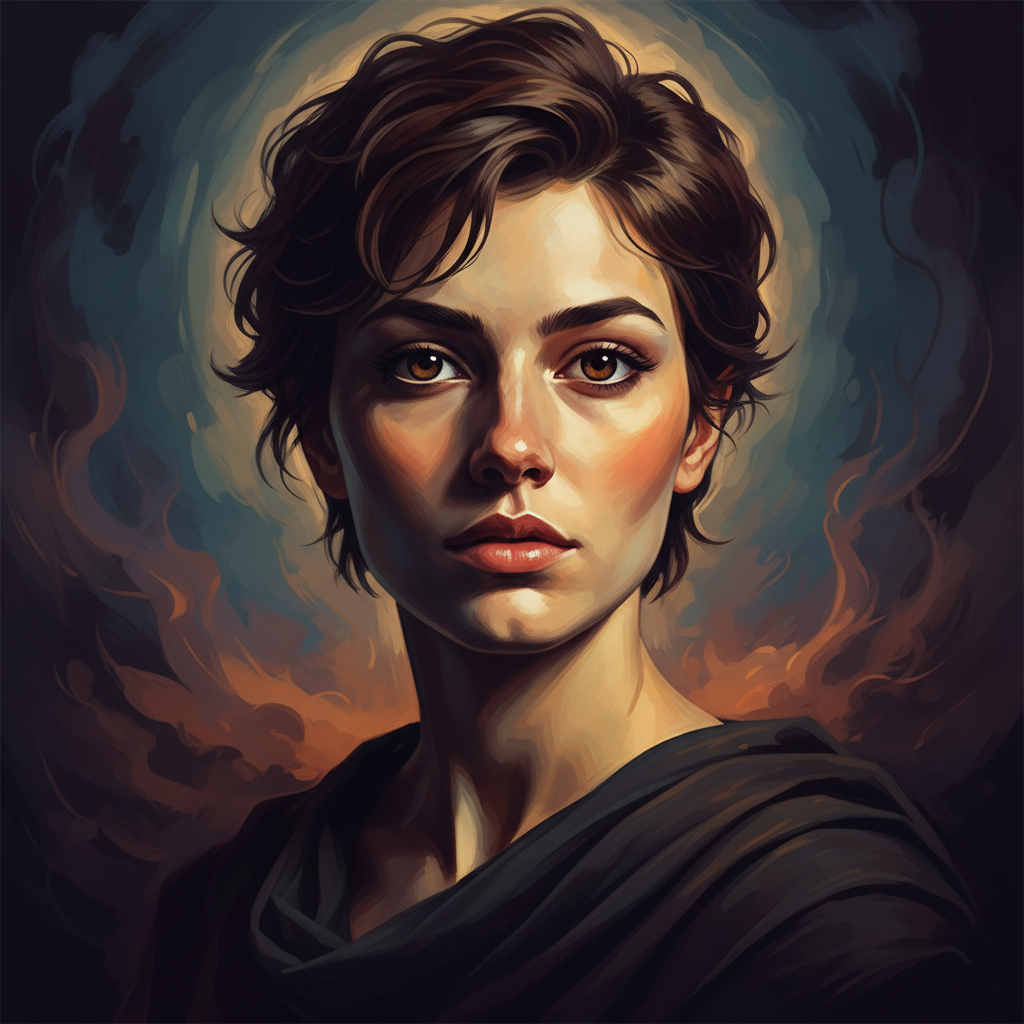
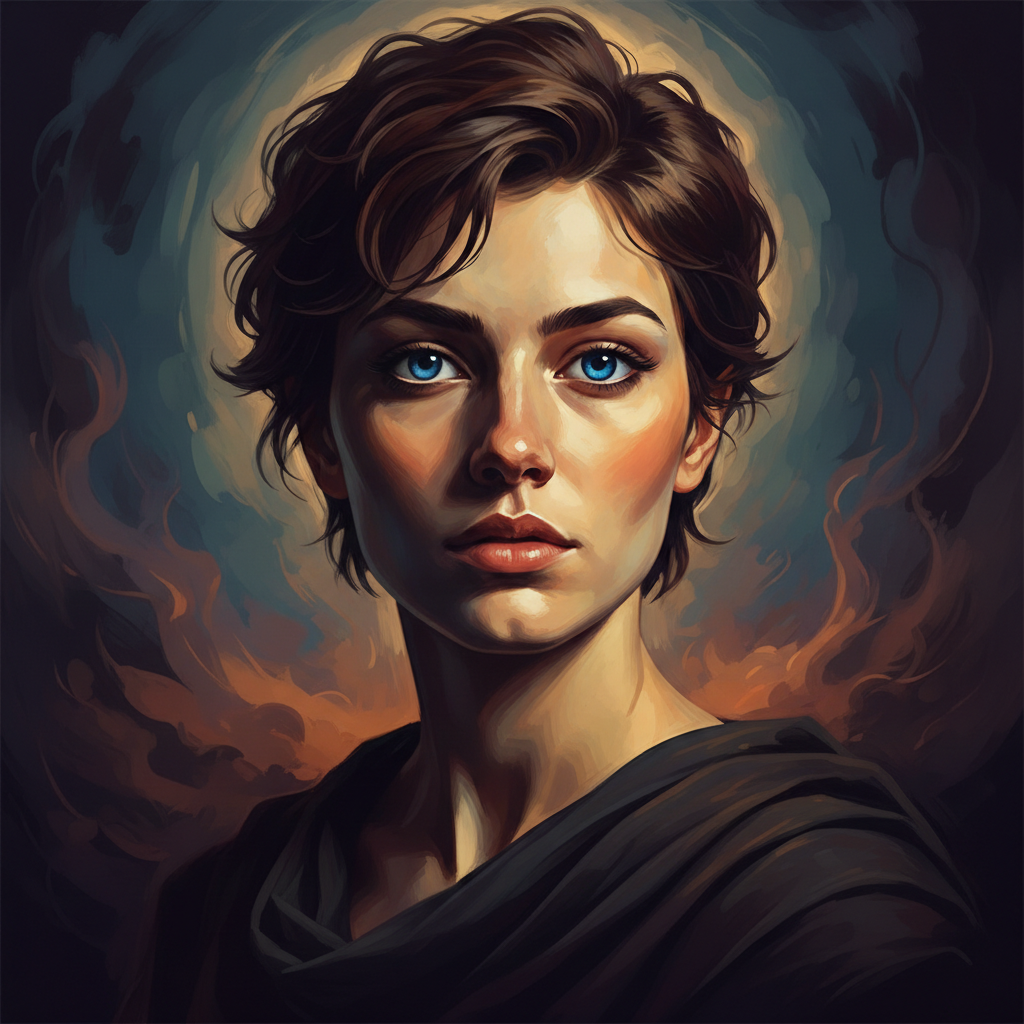
Brown to bright blue eyes
Changed dark brown eyes to bright blue for a professional headshot. The AI preserved natural iris texture and light reflections perfectly.
Blue to emerald green eyes
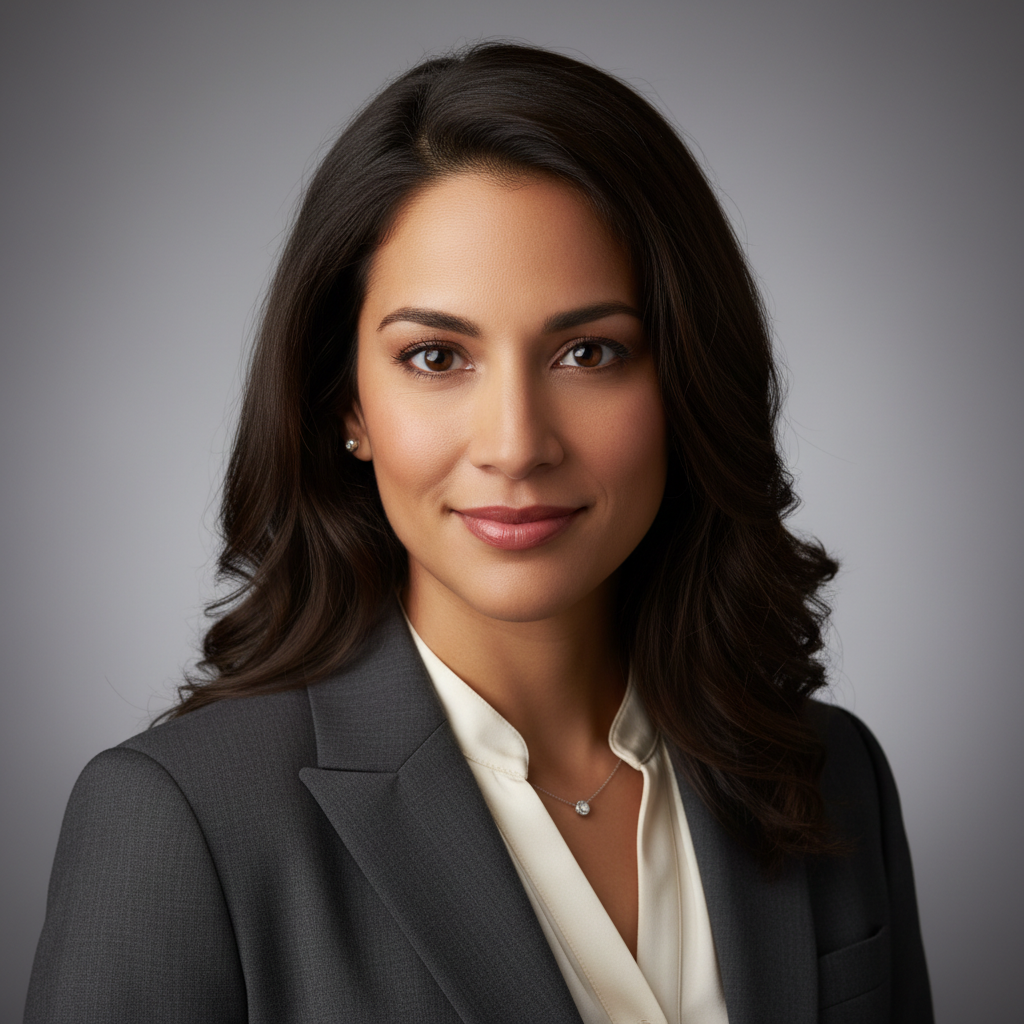
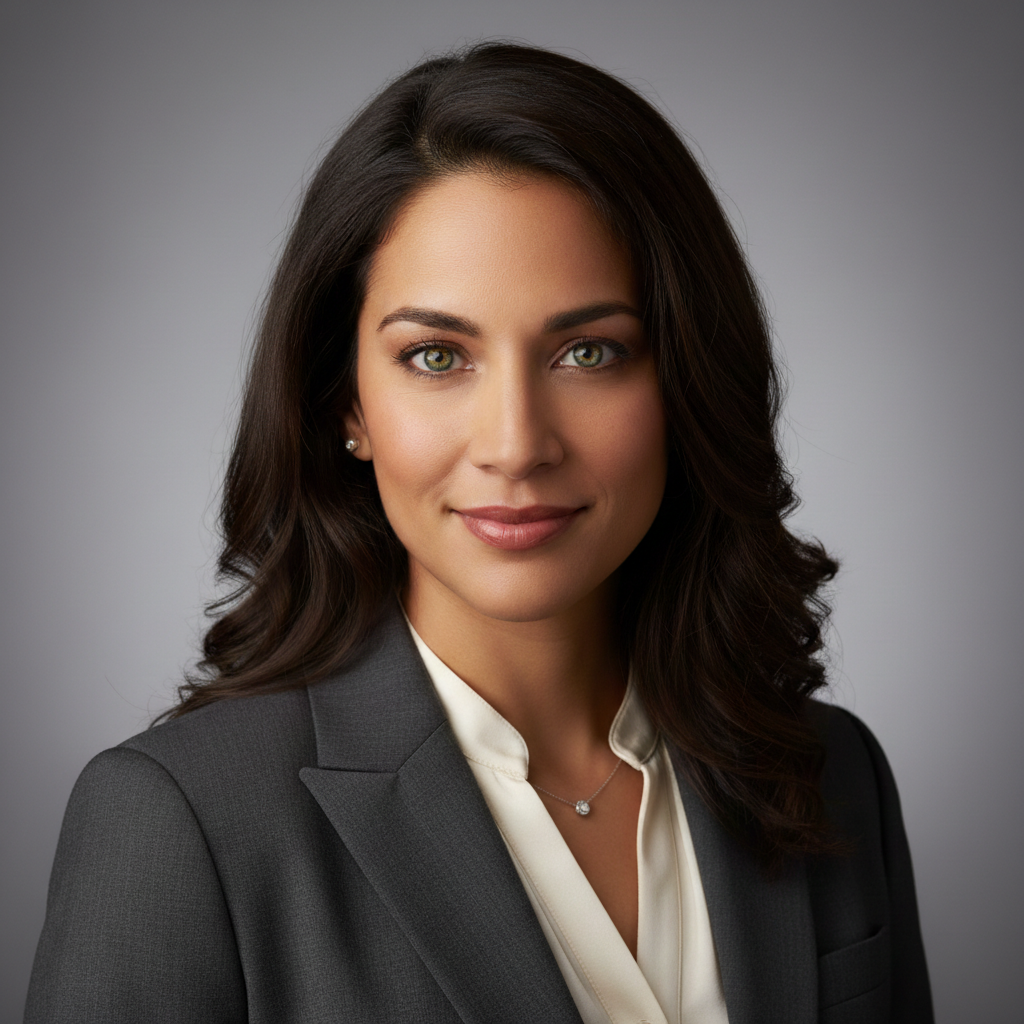
Transformed light blue eyes to rich emerald green for a creative portrait. One prompt delivered natural depth and iris detail.
Dark to hazel multi-tone eyes
Changed dark eyes to complex hazel with brown-to-green gradient. The AI created realistic multi-tone coloring on first try.
If something looks off
Quick answers
Ready to change your eye color?
Free to try. No signup required.