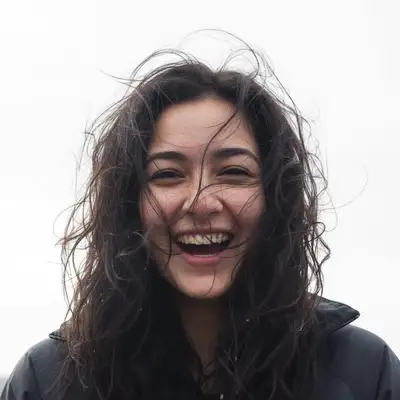
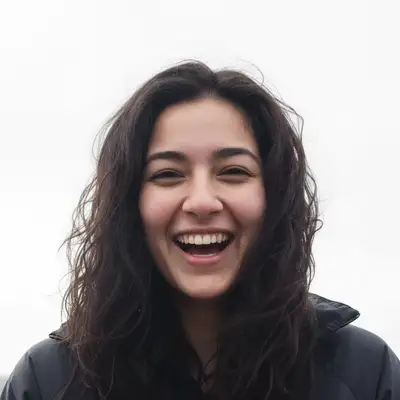
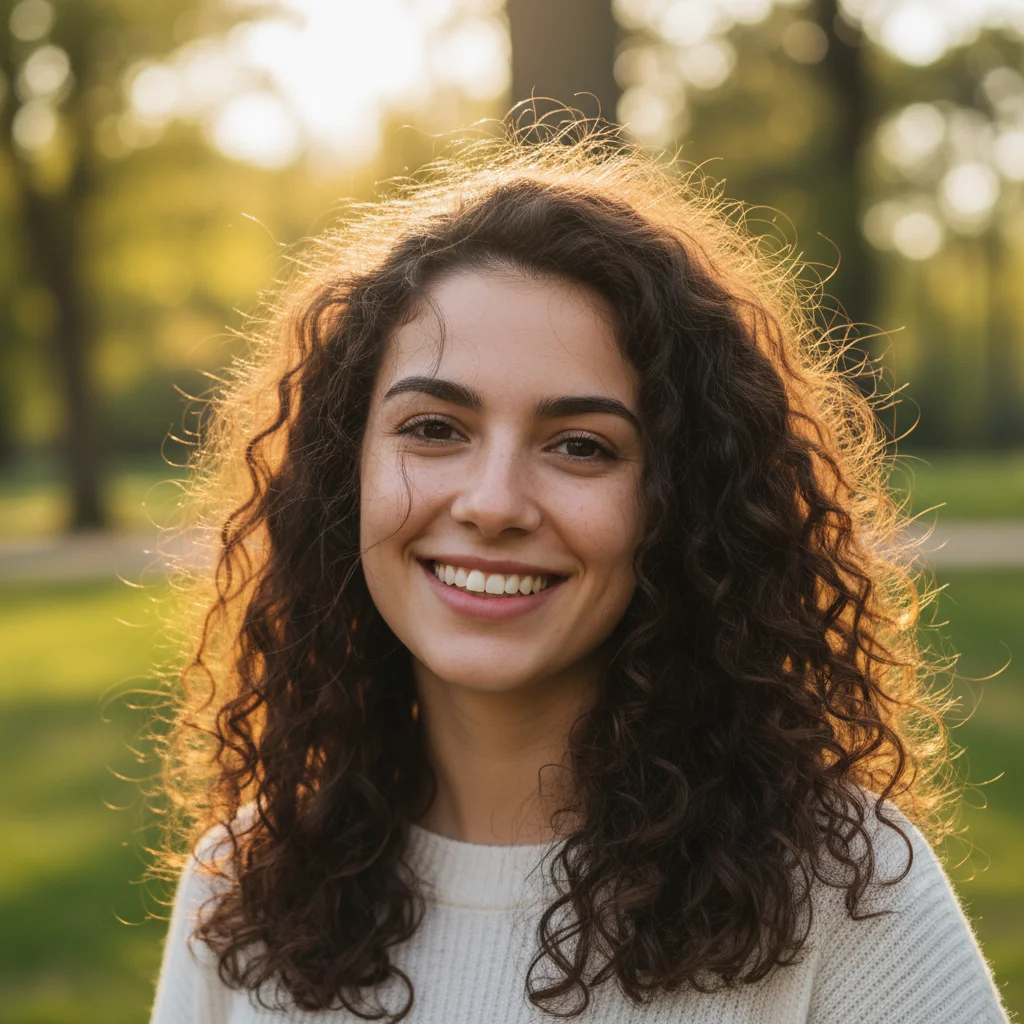
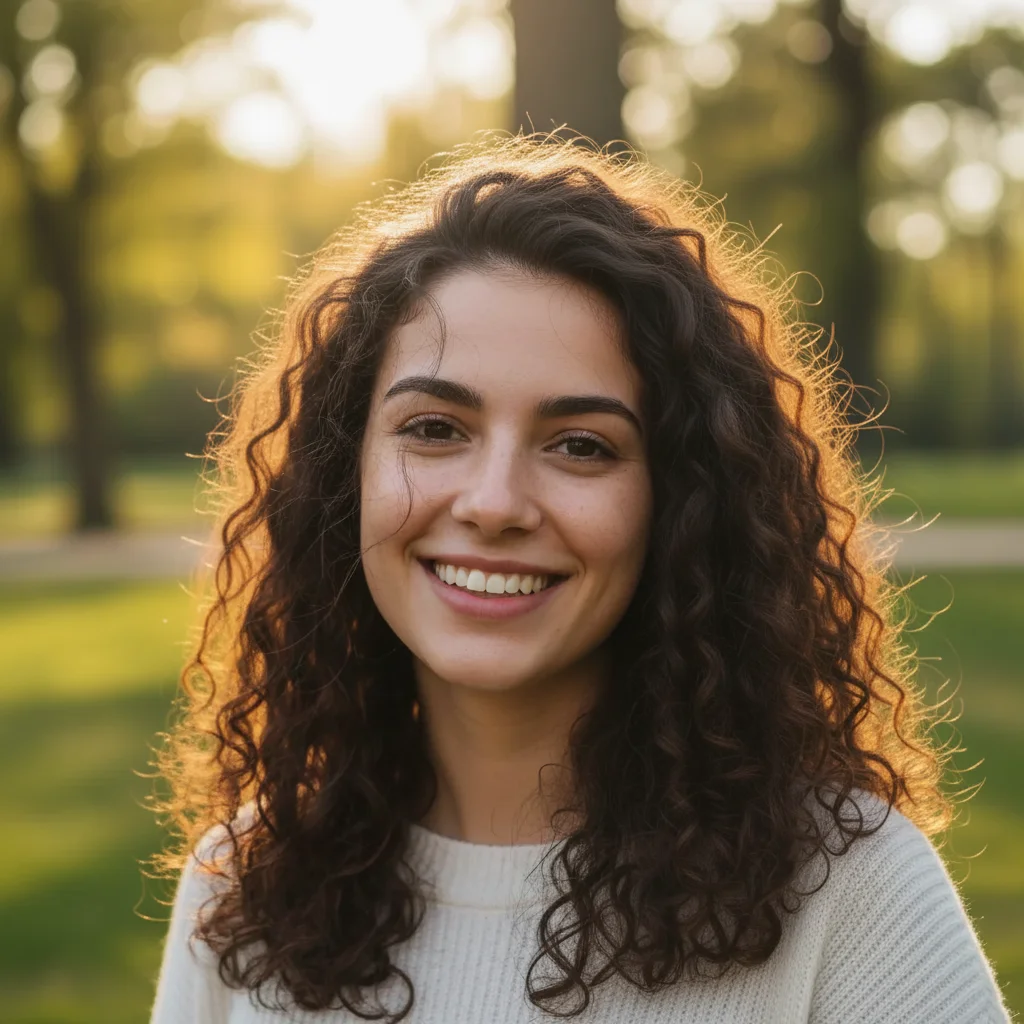
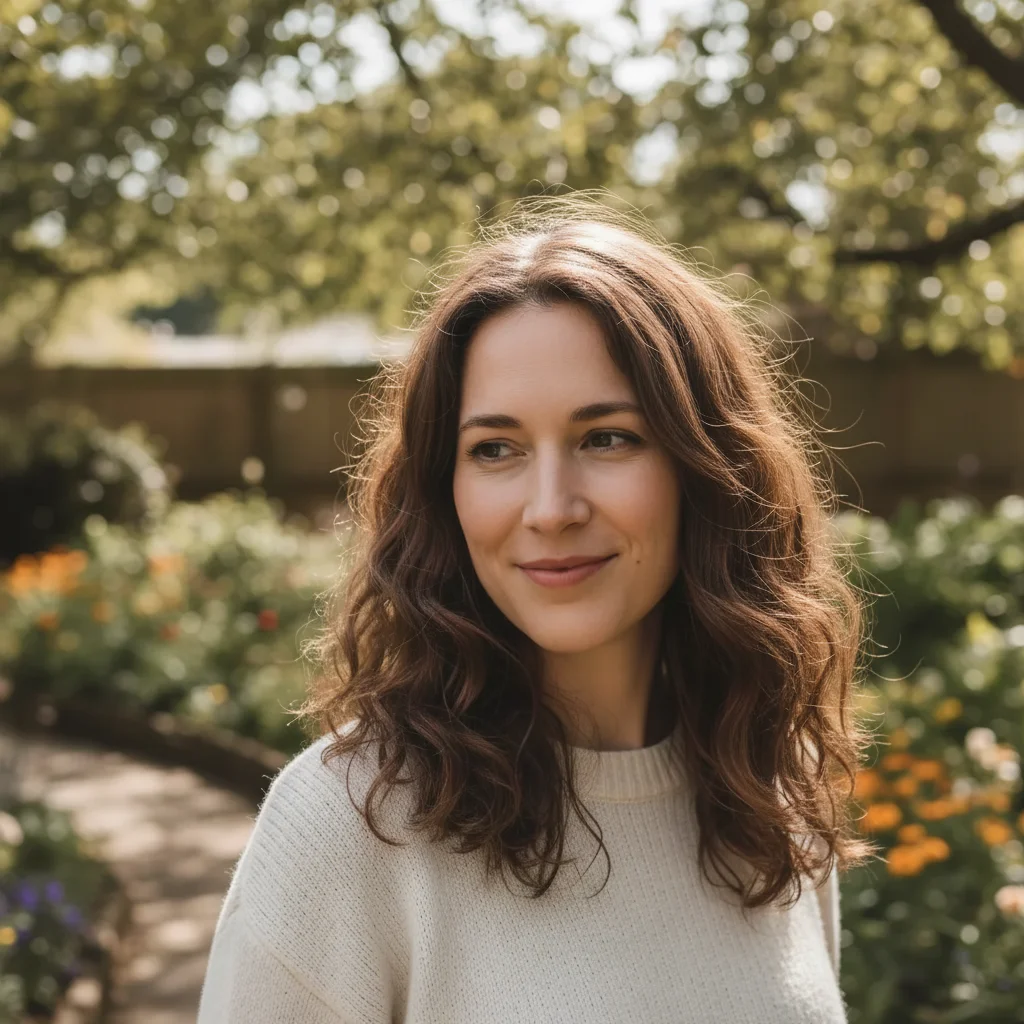
Do I need to mark each stray hair before describing what to remove?
No. Just type 'remove flyaway hairs' and the AI identifies and removes them automatically. The AI understands what 'stray hairs' and 'flyaways' mean. Only use markers if specific hairs remain after the first attempt or if you want to remove only certain strays.
How do I remove flyaway hairs from a photo for free?
Upload your photo to EditThisPic and type 'remove flyaway hairs.' The AI cleans up stray strands in 20-30 seconds while keeping the main hairstyle intact. Free to use, no account required, no watermarks on the result.
Is there a free stray hair removal tool that doesn't require signup?
Yes. EditThisPic removes stray and flyaway hairs with no account needed. Upload your photo, describe what to clean up, and download the result. No watermarks, no login walls. Works on portraits, headshots, and any photo with visible flyaways.
What is the best AI tool for removing stray hairs from photos?
EditThisPic lets you describe exactly what to clean up — 'remove flyaway hairs,' 'smooth frizzy edges,' 'clean up baby hairs on forehead.' Unlike clone-stamp tools, the AI removes all strays at once while preserving your hairstyle. Free, no login, results in 20-30 seconds.
Will AI hair removal affect my actual hairstyle?
No. The AI targets only the stray, flyaway, and wispy hairs that are clearly separated from your main hairstyle. Your volume, texture, and style remain unchanged. If it removes too much, specify 'remove only obvious flyaways, keep hair volume intact.'
Can I remove stray hairs on my phone?
Yes. EditThisPic runs entirely in your mobile browser — iPhone Safari, Android Chrome, and tablets all work. There's nothing to install. Just open editthispic.com, tap to upload a photo from your camera roll, type your prompt, and clean up stray hairs in a portrait. The result downloads straight back to your photos. There's also an iOS app on the App Store.
Is EditThisPic's AI hair remover really free?
Yes — every visitor gets one free edit per week with no account needed, so you can clean up stray hairs in a portrait at no cost the first time. If you need more, the Lite plan is $4.99/month for 15 credits, Standard is $12.99/month for 50, and Pro is $29.99/month for 150. There are also one-time credit packs from $1.99.
Can I also change my hair color or style in the same edit?
Yes. You can combine multiple edits in one prompt — for example, 'remove flyaway hairs and change hair color to honey blonde.' For major style changes, separate prompts give better control over each edit.
Is it safe to upload my photos for hair cleanup?
Yes. EditThisPic processes your photo in real time and does not store images on any server after editing. No account is required, and photos are not used for training or shared with third parties.
How much does EditThisPic cost?
You get 1 free edit per week — no account needed. After that, credit packs start at $1.99 for 3 edits. Monthly plans start at $4.99/mo for 15 edits with unused credits rolling over. All edits are full resolution with no watermark.