AI Photo Editor for Driver License Photos
Finally get a decent driver's license photo you won't dread showing at airport security for the next 8 years.
Drop your photo here
or click to browse
Release to upload
Free • No signup
"Texas DMV let me upload my own photo. Took 5 shots in good lighting at home, picked the best one, cleaned it up here. My license actually looks like me now instead of a mugshot. Worth the 10 minutes." @TexasDriver2026
Take Control of Your License Photo
Your driver's license is the ID you show most often - TSA, bars, banks, pharmacies. A bad photo follows you for years. Many states now allow uploading your own photo if it meets their requirements. EditThisPic helps you create a DMV-compliant photo that actually looks like you on a good day.
Tools for DMV-Compliant Photos
White Background
Most states require plain white or light neutral backgrounds
Remove Glasses
Many states prohibit glasses in license photos
Fix Red Eyes
Remove red eye from flash photography
Enhance Face
Improve clarity and lighting while keeping natural appearance
Step-by-Step Guide
-
Check your state's requirements
Look up your state DMV's photo requirements before starting. Most require: plain white/light background, no glasses (though some allow non-glare), neutral expression, eyes open and visible, no hats or headwear (religious exceptions apply). Take your photo in good natural light, facing the camera directly.
Simple background change: 20-25 seconds. Multiple edits (remove glasses + background + enhance): 60-90 seconds total.Natural window light from the side creates even, flattering lighting without harsh shadows. -
Describe what needs fixing
Type your instruction: 'change background to plain white for license photo' or 'remove glasses and change background to white.' Be specific about what your state requires. The AI understands license photo conventions - no need to mark areas.
Combine multiple edits in one prompt: 'remove glasses, change background to plain white, fix red eyes, enhance face clarity for DMV photo' -
Verify DMV compliance
Check that your edited photo meets your state's requirements: background is plain and light-colored, no glasses visible (if prohibited), eyes are clearly visible and open, no harsh shadows on face, neutral expression, head is level and centered. Zoom in to verify eye clarity and facial details.
Print or view at actual license size (roughly 1.5" x 2") to see what it will really look like. -
Fine-tune if needed
If glasses removal left artifacts around eyes or background transition needs smoothing, tap markers on those spots and regenerate. Make sure the final image looks natural - DMV reviewers can reject obvious edits.
Most DMVs require 2" x 2" minimum size at 300 DPI. Download the high-res version.
Copy-Paste Prompts for License Photos
change background to plain white studio backdrop for driver license photo
Plain white is accepted in all states - the safest choice
remove glasses completely and change background to plain white for DMV photo, keep eyes natural
Many states prohibit glasses - check your state's rules
fix red eyes to natural brown/blue eye color, keep everything else unchanged
Specify your actual eye color for most natural results
remove glasses, change background to plain white, fix red eyes, enhance face clarity for license photo, keep natural appearance
Combine all common fixes in one prompt for efficiency
Show 4 more prompts
change background to light neutral gray for driver license, plain and smooth
Some states specify light gray instead of pure white
remove harsh shadows from face, even out lighting for DMV photo, keep skin tones natural
Shadows on face can cause rejection - even lighting is required
enhance face clarity and sharpness for license photo, improve lighting subtly, keep completely natural looking
'Keep natural' prevents over-processing that DMV might reject
straighten the photo so head is level and centered, maintain natural pose
Head should be straight and level - tilted photos can be rejected
| Edit Type | Prompt | Time | |
|---|---|---|---|
| White background | change background to plain white |
20s | Try This → |
| Remove glasses | remove glasses, keep eyes natural |
25s | Try This → |
| Fix red eyes | fix red eyes to [your eye color] |
15s | Try This → |
| Complete cleanup | remove glasses, white background, fix red eyes, enhance clarity |
60s | Try This → |
Real Examples
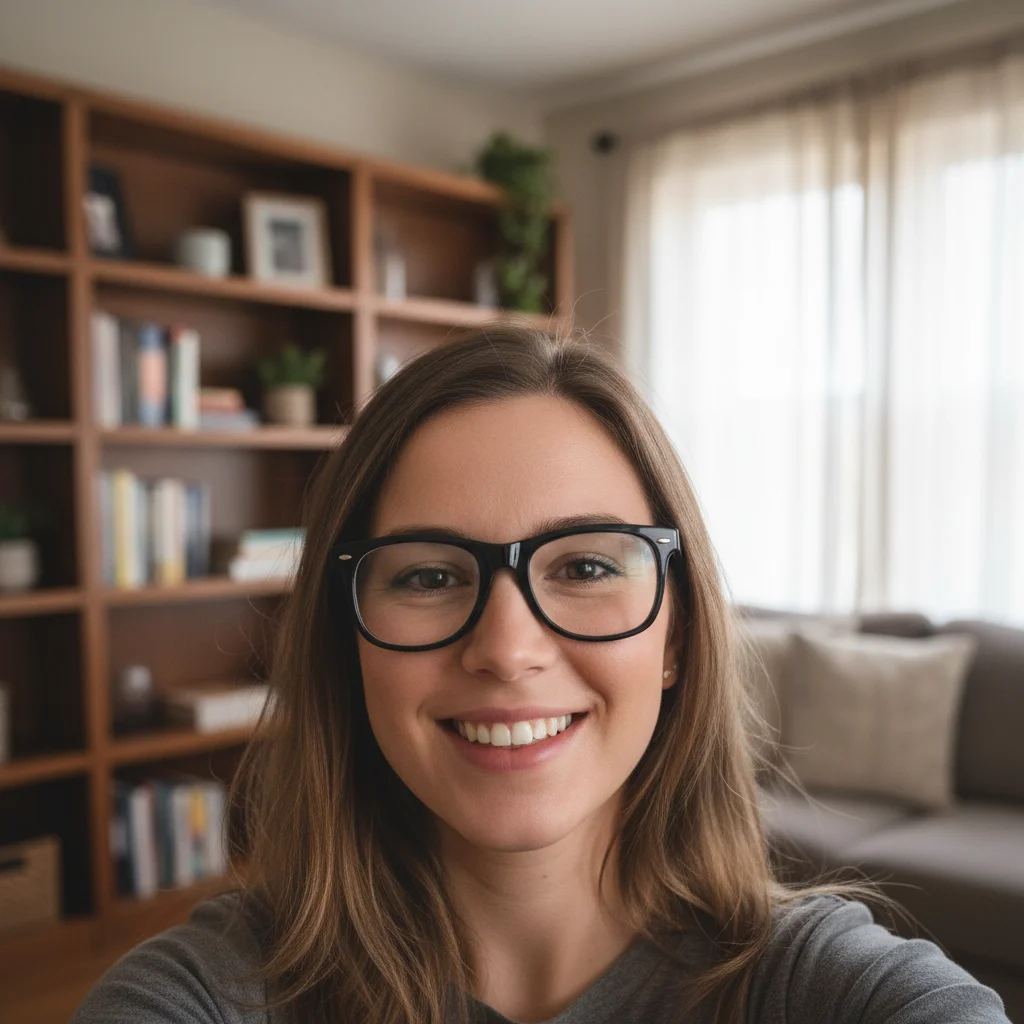
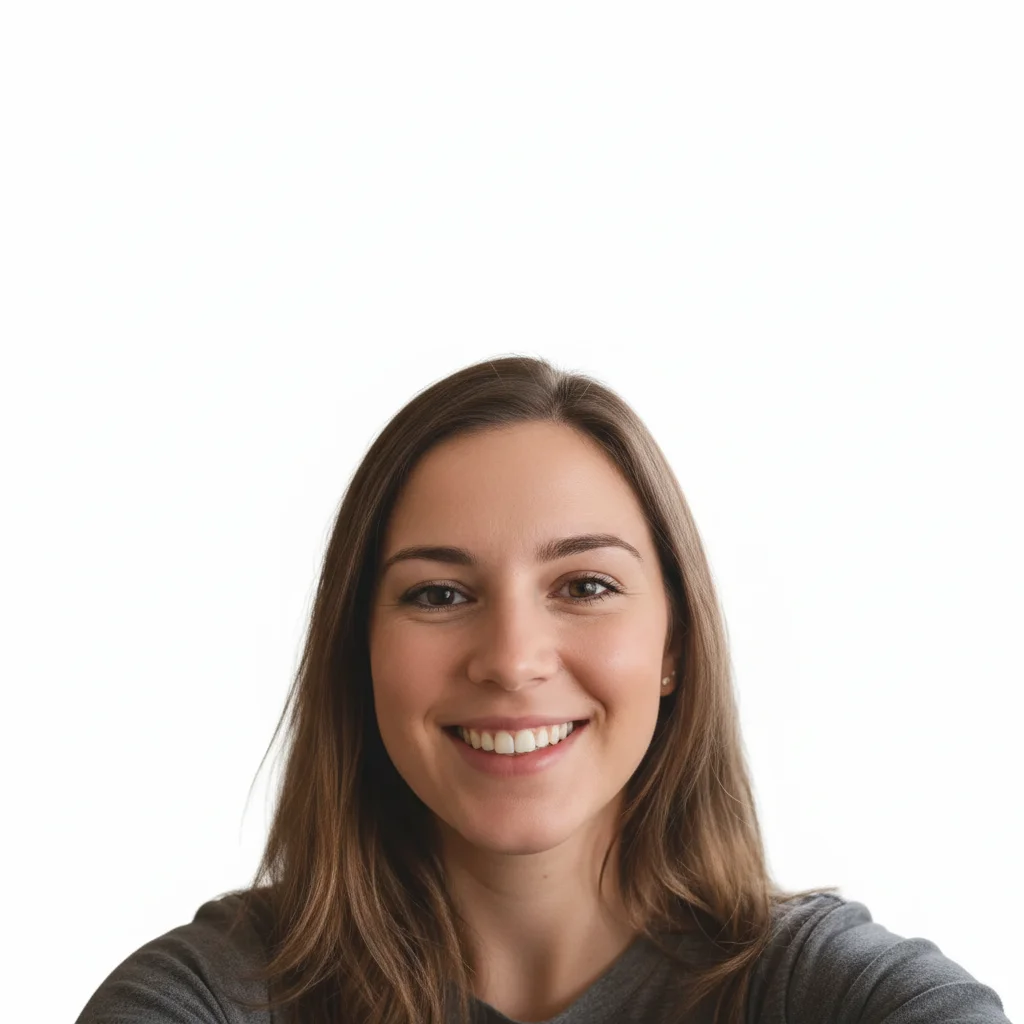
Selfie with glasses to DMV-ready
Best photo had glasses and a living room background. Removed glasses, changed to white background, enhanced lighting. Accepted by Texas DMV on first upload.
remove glasses completely, change background to plain white, enhance face lighting for driver license photo, keep eyes natural


Flash photo red eye fix
Indoor photo had terrible red eye from flash. Fixed the demon eyes, cleaned up background. California DMV approved it.
fix the bright red eyes to natural brown color, change background to plain white for license photo


Outdoor photo to studio look
Great lighting from outdoor photo, but background was a parking lot. Swapped for plain white, enhanced face clarity. Georgia DMV accepted immediately.
replace the outdoor background with plain white studio backdrop, enhance face clarity and lighting for driver license
When Things Go Wrong
Glasses removal left visible marks or odd eye shapes
Why: Thick frames or reflective lenses make it harder for AI to infer the natural eye shape underneath.
Tap markers on the eye areas, then: remove glasses and reconstruct eyes naturally, match my real eye shape
If possible, take the original photo without glasses. Removing them digitally works but isn't always perfect.
Background change created halos around hair
Why: Fine hair strands and flyaways are difficult to separate cleanly from the background.
Tap markers on hair edges, then: blend hair edges naturally with white background, smooth transition
Photos with hair pulled back or shorter hairstyles are easier to process cleanly.
Red eye fix changed wrong color or looks unnatural
Why: AI guessed at your natural eye color without specific guidance.
fix red eyes to natural [your actual eye color: brown/blue/green/hazel], keep iris detail
Always specify your real eye color in the prompt for accurate results.
Face enhancement made skin look plastic or fake
Why: Too much enhancement can smooth skin unnaturally, which DMV reviewers might reject.
enhance face clarity for license photo, keep natural skin texture, don't over-smooth
DMVs want clear photos, not retouched glamour shots. Subtle is better.
DMV rejected my photo for looking 'altered'
Why: Some DMVs use software to detect heavy editing or require photos that look naturally taken.
Start with a better source photo. Make only necessary changes (background, glasses removal). Avoid heavy skin retouching.
Your license photo should look like you on a normal day. Don't change facial features or do heavy beauty edits.
Background isn't pure white, looks gray or off-white
Why: Lighting preservation or shadows can prevent achieving pure white.
Use 'pure white' in your prompt for maximum brightness.
Frequently Asked Questions
Do I need to mark my glasses or background before editing?
No! Just describe what you want: 'remove glasses' or 'change background to white.' The AI understands these concepts without marking. Only use markers if you need to refine edges after your first attempt or if the AI changed something unexpected.
Which US states allow uploading your own driver's license photo?
As of 2026, 29 states allow online photo uploads when renewing online, including Texas, California, Georgia, Florida, New York, Pennsylvania, Illinois, Ohio, and others. Check your state DMV website for current requirements. Most have specific rules about background color, glasses, head position, and file format.
What are the most common DMV photo requirements?
Most states require: plain white or light neutral background, no glasses (some allow non-glare glasses), eyes clearly visible and open, neutral expression (slight smile usually okay), no hats or headwear unless religious, recent photo (taken within 6 months), minimum resolution usually 600x600 pixels at 300 DPI. Always verify your specific state's requirements.
Can I wear glasses in my license photo?
It varies by state. Many states now prohibit glasses entirely due to glare and face recognition issues. Some allow them if there's no glare and eyes are fully visible. A few states require glasses in your photo if you have a vision restriction on your license. Check your state DMV's current policy - it may have changed recently.
Will my edited photo be rejected by the DMV?
Not if you follow your state's requirements and keep edits subtle. Background changes and glasses removal are generally fine as long as the photo still clearly looks like you. Avoid heavy facial alterations, dramatic lighting changes, or obvious beauty filters. The photo should represent how you actually look.
What photo should I start with?
Take a new photo specifically for this purpose: face the camera directly, neutral or slight smile, eyes open, good even lighting (near a window on an overcast day is ideal), plain clothing, no hats, recent (looks like you now). A high-quality smartphone photo works perfectly. Avoid selfies taken too close (distorts features) or photos with harsh shadows.
Ready to create your driver's license photo?
Free to try. No signup required. No watermarks.
Edit Your Photo