Do I need to mark areas before applying the Art Deco filter?
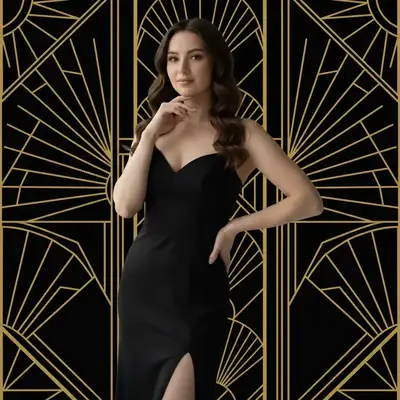
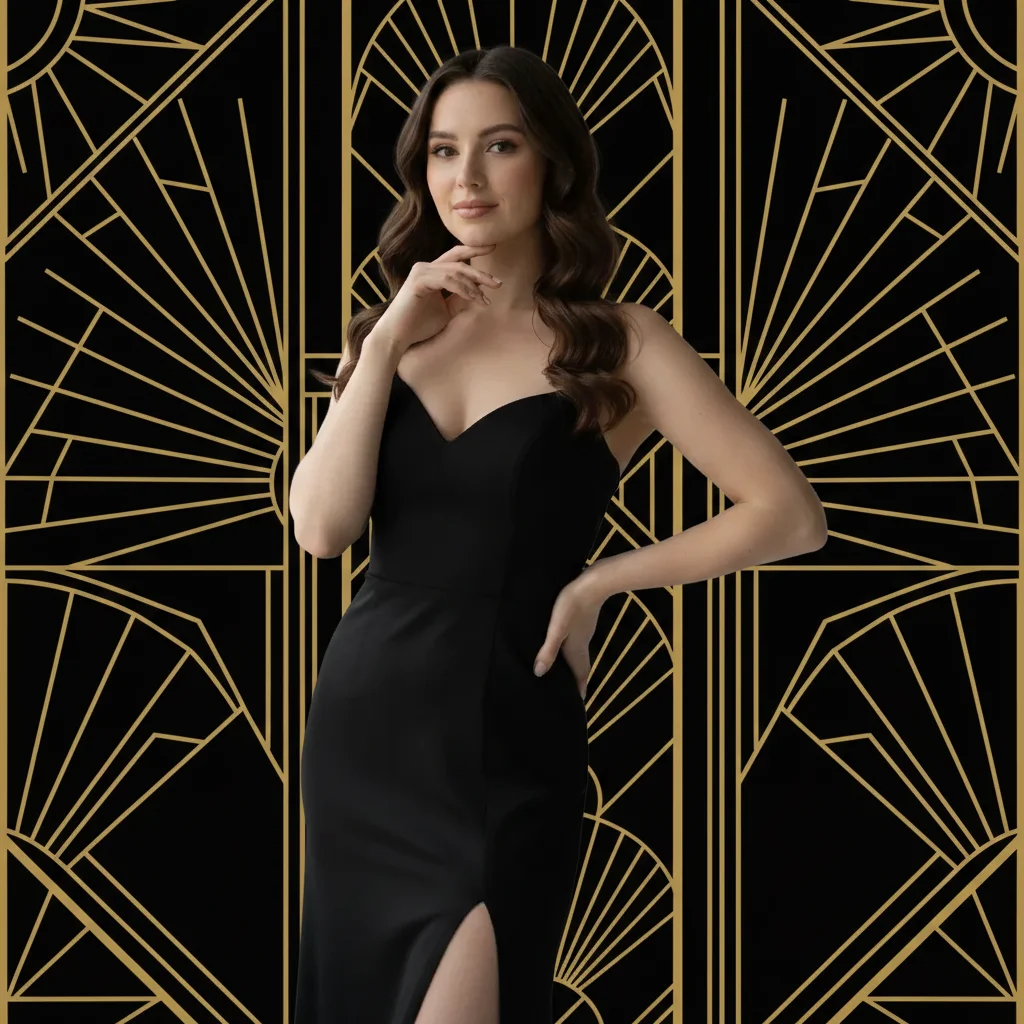
No! Just describe what you want: 'apply Art Deco filter with geometric patterns and gold accents' or 'transform into Art Deco style with symmetrical design.' The AI understands Art Deco aesthetics and applies the effect to the entire image.
How do I apply an Art Deco filter to my photo for free?
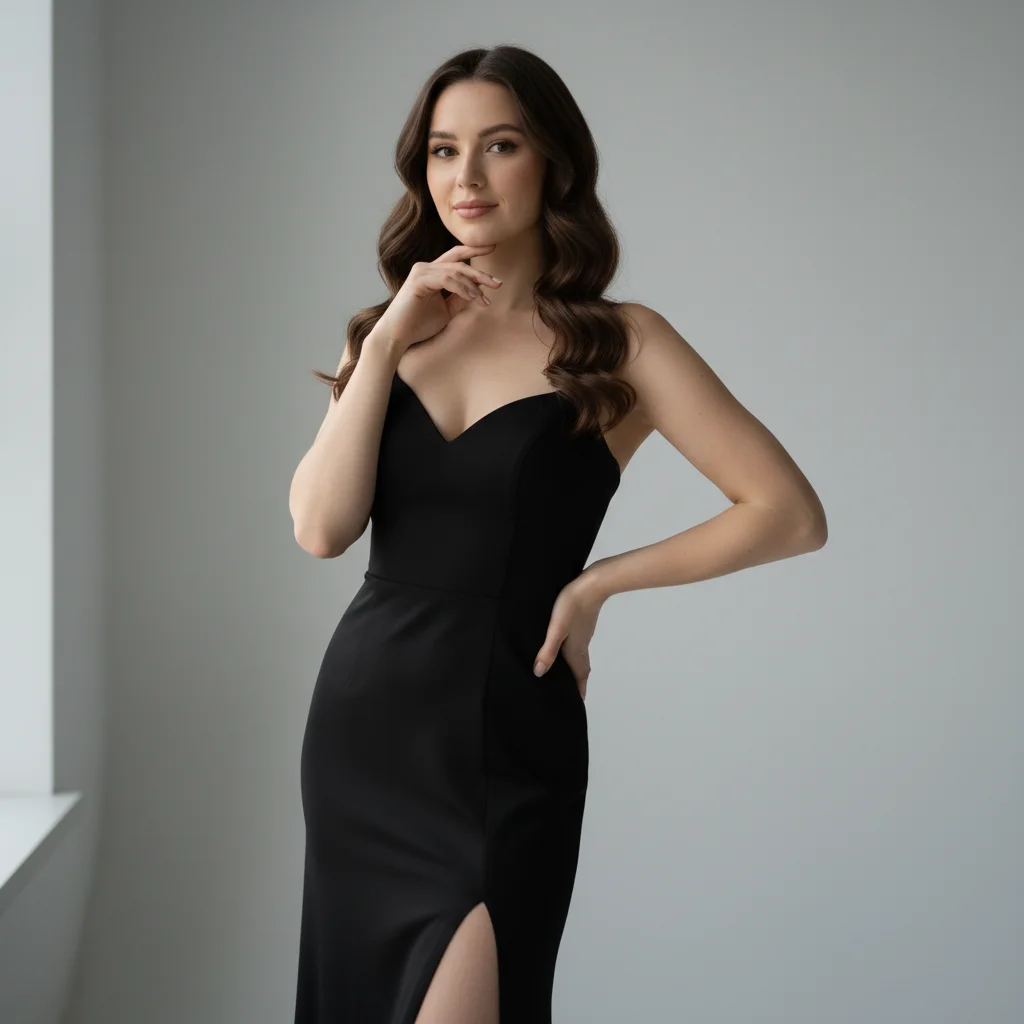
Upload your photo to EditThisPic and type 'apply Art Deco filter with geometric patterns and gold accents.' The AI transforms your image with 1920s style, elegant patterns, and Jazz Age glamour in 20-40 seconds. Free to use, no account required, no watermark on downloads.
What defines Art Deco style?
Art Deco (1920s-1930s) is characterized by geometric patterns, symmetrical designs, metallic gold and chrome accents, bold colors or elegant black-and-white, streamlined modern shapes, and luxurious glamour. It combines geometric precision with opulent materials, representing Jazz Age sophistication and technological optimism.
What colors are typical for Art Deco?
Classic Art Deco uses gold and black for luxury, chrome silver for modern elegance, jewel tones (emerald, sapphire, ruby) for richness, and cream or ivory for sophistication. Bold color combinations or elegant monochrome both work. Specify your preferred Art Deco palette in the prompt.
What types of photos work best for Art Deco transformation?
Portraits work beautifully for glamorous Jazz Age styling. Architectural photos emphasize geometric modernism. Fashion and elegant subjects suit Art Deco opulence. Photos with symmetry or strong lines transform most dramatically. Even modern photos can be Art Deco-styled with the right AI transformation.
Is EditThisPic's AI art deco style applyer really free?
Yes — you get 1 free edit per week, no account needed. Plans start at $4.99/month for 15 edits.
Can I apply art deco style on my phone?
Yes. EditThisPic works in any mobile browser — iPhone, Android, tablet. No app download needed.
How long does it take to apply art deco style?
Usually 15-30 seconds. Upload your photo, describe what you want, and the AI delivers the result.
How much does EditThisPic cost?
You get 1 free edit per week — no account needed. After that, credit packs start at $1.99 for 3 edits. Monthly plans start at $4.99/mo for 20 edits with unused credits rolling over. All edits are full resolution with no watermark.