Free • No signup Apply Lomography effect · Free

AI Lomography Filter

Transform photos into vintage lomography style with one description.
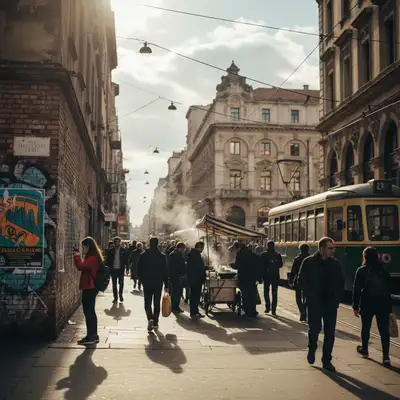
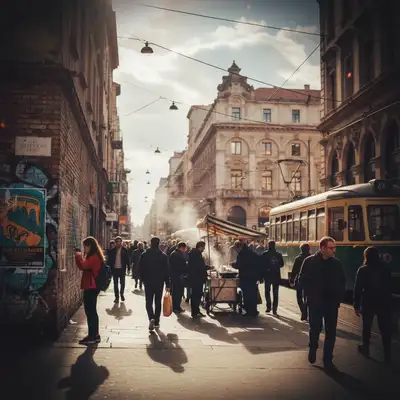
Street photography snapshot
Before
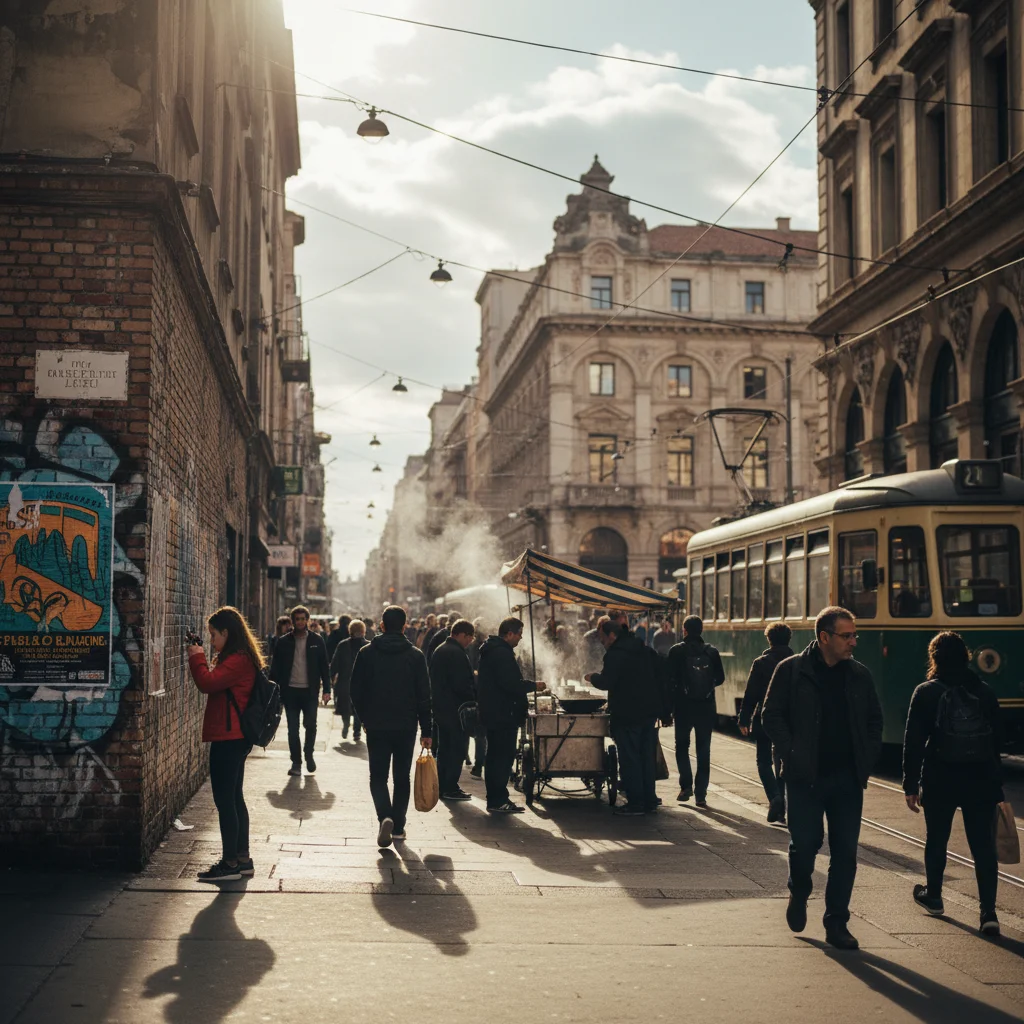
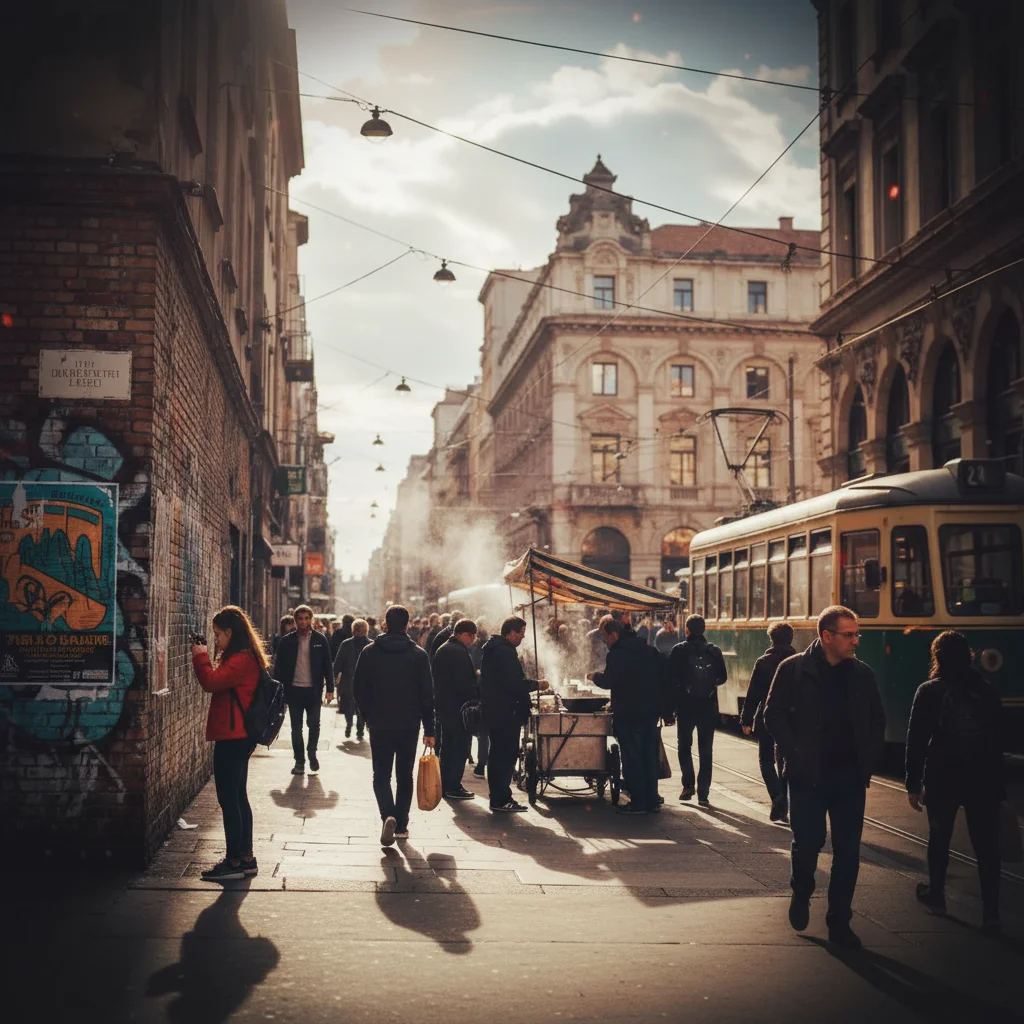
Lomography style with saturated colors and vignette
After

Apply Lomography Filter to Photos

Drop your photo here

or click to browse

Release to upload

Free • No signup

Advertisement
Popular use cases:
  • street photography
  • analog photography
  • Instagram posts
  • nostalgic photos
  • creative projects
  • vintage aesthetics

Cost
Free No signup required
Time
Instant results in 15-30 seconds
Works on
Any device - browser, phone, tablet, desktop
Powered by
AI-powered photo editing
Scenario Prompt Time
Classic lomo apply lomography filter with saturated colors, heavy vignette, and vintage light leaks 20s
Cross-processed transform into lomography style with cross-processed color shifts and high contrast 15s
Soft vintage apply lomography filter with soft focus, faded colors, and subtle light leaks 15s

How it works

  1. Upload your photo

    Drop your image into EditThisPic. JPG, PNG, WebP up to 7MB. Lomography works especially well on street photography, portraits, and casual snapshots—the imperfect aesthetic suits spontaneous photography.

    Expect: Simple lomo conversions: 15-30 seconds. Complex adjustments with specific color shifts: may need 1-2 refinements.
  2. Describe what you want

    Type your instruction: 'apply lomography filter with saturated colors and light leaks' or 'transform into lomo style with cross-processed colors.' Specify color intensity, vignetting, and film imperfections. No marking needed—the AI understands lomography aesthetics.

    Tip: Mention specific lomo characteristics like 'color shift,' 'heavy vignette,' or 'cross-processing' to control the vintage film look.

    Copy one of these to get started:

    Classic lomo style apply lomography filter with saturated colors, heavy vignette, and vintage light leaks
    Cross-processed lomo transform into lomography style with cross-processed color shifts and high contrast
    Soft vintage lomo apply lomography filter with soft focus, faded colors, and subtle light leaks
    High saturation lomo transform into lomography style with extremely saturated colors and dark vignette
    1 more prompts
    Film grain lomo apply lomography filter with heavy film grain, color shifts, and corner vignetting
  3. Generate and review

    Click Generate and the AI applies lomography styling with saturated colors, vignetting, and film-like imperfections. Review the color saturation and light leaks at full zoom.

  4. Refine with markers if needed

    If specific areas need different color tones or adjusted vignetting, tap markers on those spots and regenerate. This is optional—most lomography filters work without markers.

    Tip: Markers are for precision refinement, not required. Try without them first.
Try it free

Apply Lomography Filter to Photos

Drop your photo here

or click to browse

Release to upload

Free • No signup

"Love the lomo effect! Saturated colors and light leaks look exactly like my old LOMO camera." @analogphotographer

See it in action

Street photography snapshot
Before
->
Lomography style with saturated colors and vignette
After

Street photo with lomo effect

Transformed street photography into classic lomography with saturated colors and light leaks.

Prompt: apply lomography filter with saturated colors, heavy vignette, and vintage light leaks
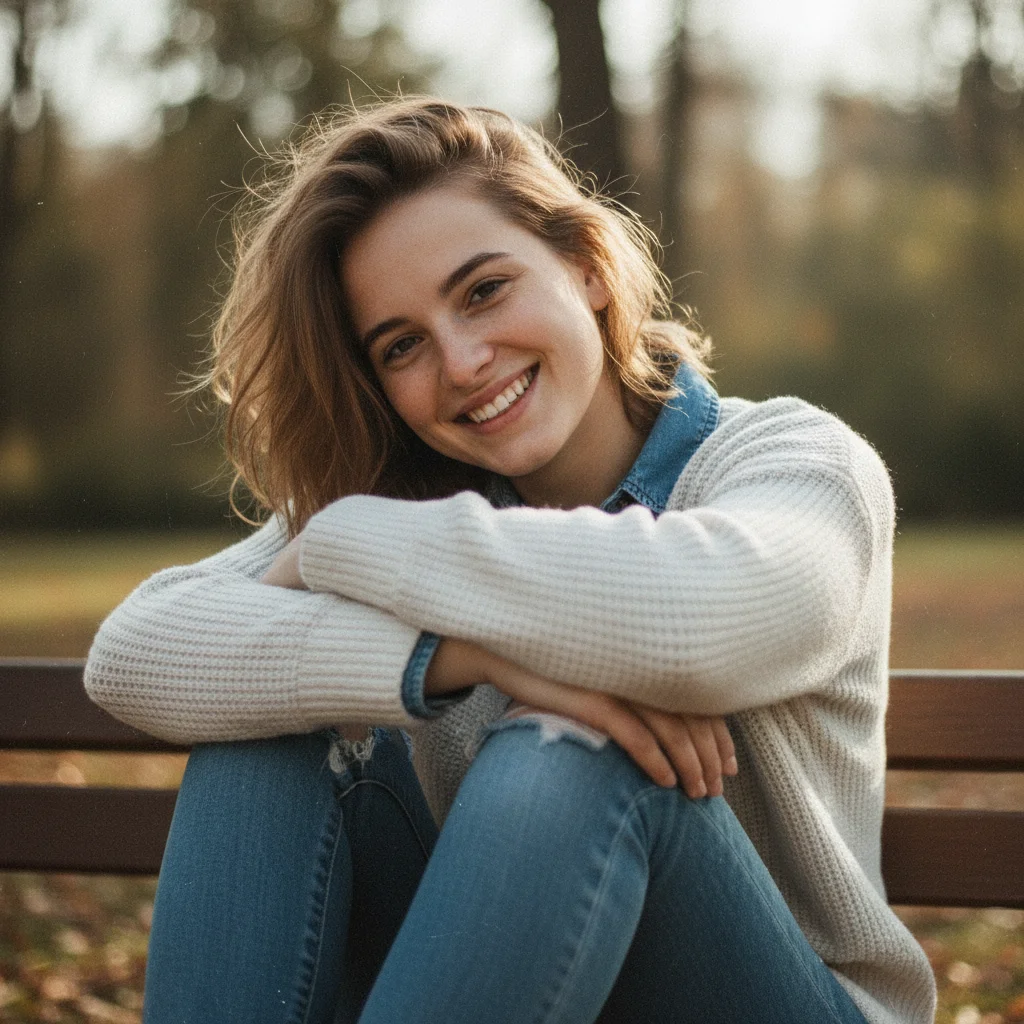
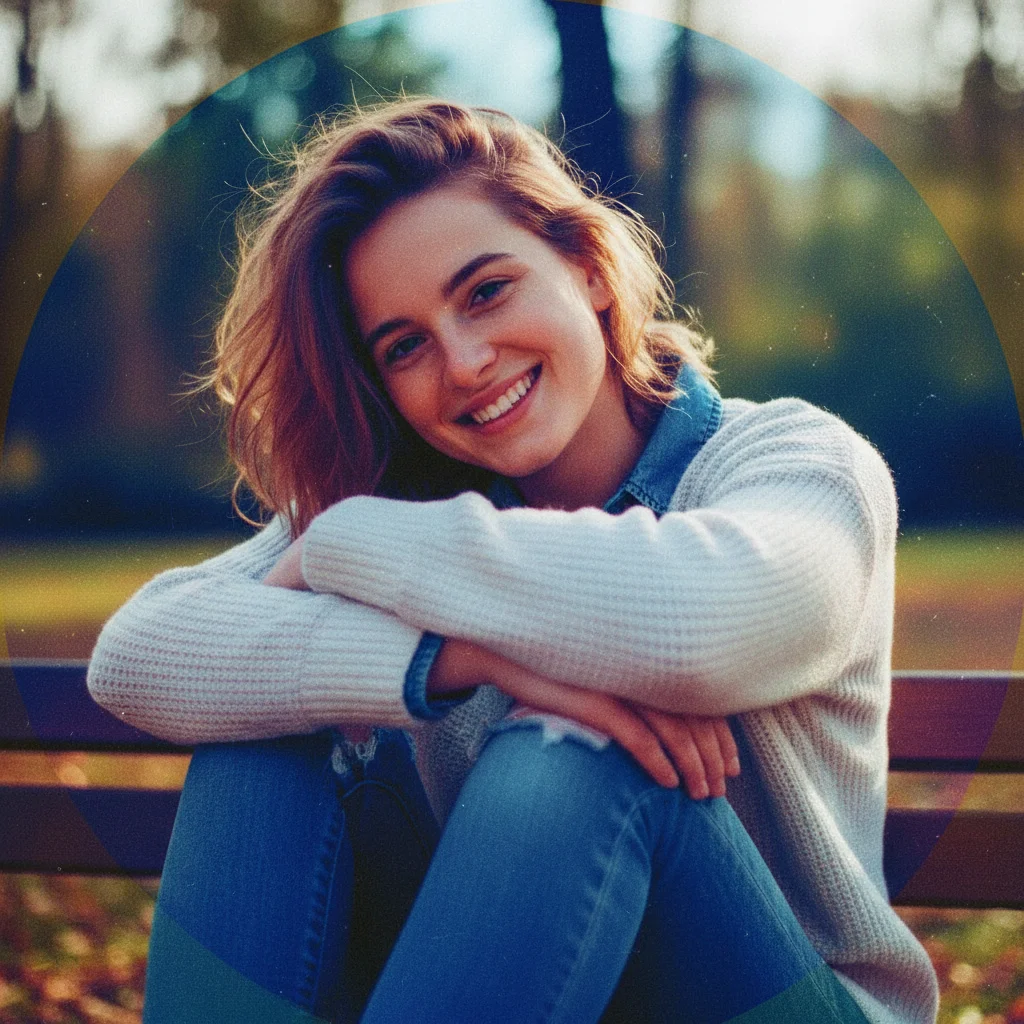
Casual portrait photo
Before
->
Cross-processed lomography with color shifts
After

Portrait with cross-processed lomo

Created cross-processed lomography portrait with unusual color shifts and high contrast.

Prompt: transform into lomography style with cross-processed color shifts and high contrast
Advertisement

If something looks off

AI changed the wrong area or something I didn't want changed

Why: The AI couldn't determine exactly which area you meant from description alone. This happens with ambiguous requests.

Try: Tap a marker on the specific area you want to change, then regenerate with the same prompt

Tip: Markers tell the AI 'I mean THIS one specifically.' Use them when description alone is ambiguous.

Colors are too saturated or garish

Why: Lomography saturation was applied too intensely for the image content.

Try: Request moderate saturation: 'apply lomography filter with moderate saturation and subtle color boost'

Tip: Add 'moderate,' 'subtle,' or 'gentle' to tone down the color intensity while keeping lomo character.

Vignette is too dark or distracting

Why: The corner darkening typical of lomography cameras is too heavy for the composition.

Try: Specify vignette intensity: 'apply lomography filter with light vignette and saturated colors'

Tip: Control vignette with 'light,' 'subtle,' or 'heavy' modifiers in your prompt.

Doesn't look like real film photography

Why: Missing authentic film characteristics like grain, color shifts, or light leaks.

Try: Add film details: 'apply lomography filter with film grain, color shifts, and light leaks'

Tip: Mention 'film grain,' 'light leaks,' and 'color shifts' for authentic analog photography look.

Quick answers

Do I need to mark areas before applying the lomography filter?

No! Just describe what you want: 'apply lomography filter with saturated colors' or 'transform into lomo style with light leaks.' The AI understands lomography aesthetics and applies the effect to the entire image. Only use markers when you need precision control over vignetting or color intensity in specific areas.

How do I apply a lomography filter to my photo for free?

Upload your photo to EditThisPic and type 'apply lomography filter with saturated colors and light leaks.' The AI transforms your image with nostalgic lo-fi film camera style in 15-30 seconds. Free to use, no account required, no watermark on downloads.

What is lomography and what makes it unique?

Lomography is a style of analog photography using inexpensive toy cameras (like LOMO LC-A) known for saturated colors, heavy vignetting, light leaks, soft focus, and unpredictable results. The imperfect, spontaneous aesthetic captures nostalgic, lo-fi charm that contrasts with perfect digital photography.

What types of photos work best for lomography effect?

Street photography, casual snapshots, portraits, and everyday scenes work exceptionally well. Lomography suits spontaneous, imperfect photography over polished studio shots. Photos with interesting colors and lighting transform most dramatically with saturated lomo treatment.

Ready to apply lomography style to your photos?

Free to try. No signup required.

Try it free