Pricing Slim Chin · Free

AI Chin Slimmer for Photos

← Browse all beauty tools

Last updated

Naturally slim your chin with AI - just describe what you want, no marking needed

Professional woman in navy blazer with original chin proportions Same woman with naturally slimmed chin for refined professional appearance

Upload photo to slim chin

"Reduce my double chin and create a cleaner jawline"

Free to try · no sign-up · photos are never shared

Release to upload

<30stypical edit
1 freeedit weekly
Photo on your phone? Scan to open this editor there — free edit works on your phone too.

1 free edit every week·packs from $4.99

How it works

  1. Upload your photo

    Choose a clear photo where your chin and jawline are visible. Front-facing or slight angle shots work best. Good lighting helps the AI understand your natural facial structure and proportions.

    Expect: Simple chin slimming: 25 seconds. Complex jawline adjustments: 45 seconds and may need refinements for natural results.
  2. Describe what you want

    THIS IS THE KEY STEP. Type your instruction like 'make my chin slimmer' or 'reduce my double chin'. No marking needed. The AI understands facial contouring. Be specific about how subtle or defined you want the chin adjustment.

    Tip: Use words like 'naturally' and 'subtly' for realistic facial contouring that looks authentic

    Copy one of these to get started:

    Basic chin slimming Make my chin slimmer and more defined
    Double chin reduction Reduce my double chin and create a cleaner jawline
    Natural contouring Naturally slim my chin while maintaining facial harmony
    Jawline definition Create a more defined jawline by slimming my chin area
    2 more prompts
    Subtle adjustment Slightly slim my chin for better facial proportions
    Profile improvement Improve my side profile by slimming my chin and jawline
  3. Review the result

    Check that the chin slimming looks natural and proportionate to your face. Zoom in to ensure the jawline flows smoothly and no facial features appear distorted.

See it in action

Professional woman in navy blazer with original chin proportions
Before
->
Same woman with naturally slimmed chin for refined professional appearance
After

Professional headshot enhancement

Business professional wanted refined chin area for corporate photography.

Prompt: Make my chin slimmer and more defined
Young man showing original chin and jawline profile
Before
->
Same man with reduced double chin and cleaner jawline definition
After

Dating profile photo improvement

Young man wanted to reduce double chin appearance in profile photos.
Prompt: Reduce my double chin and create a cleaner jawline
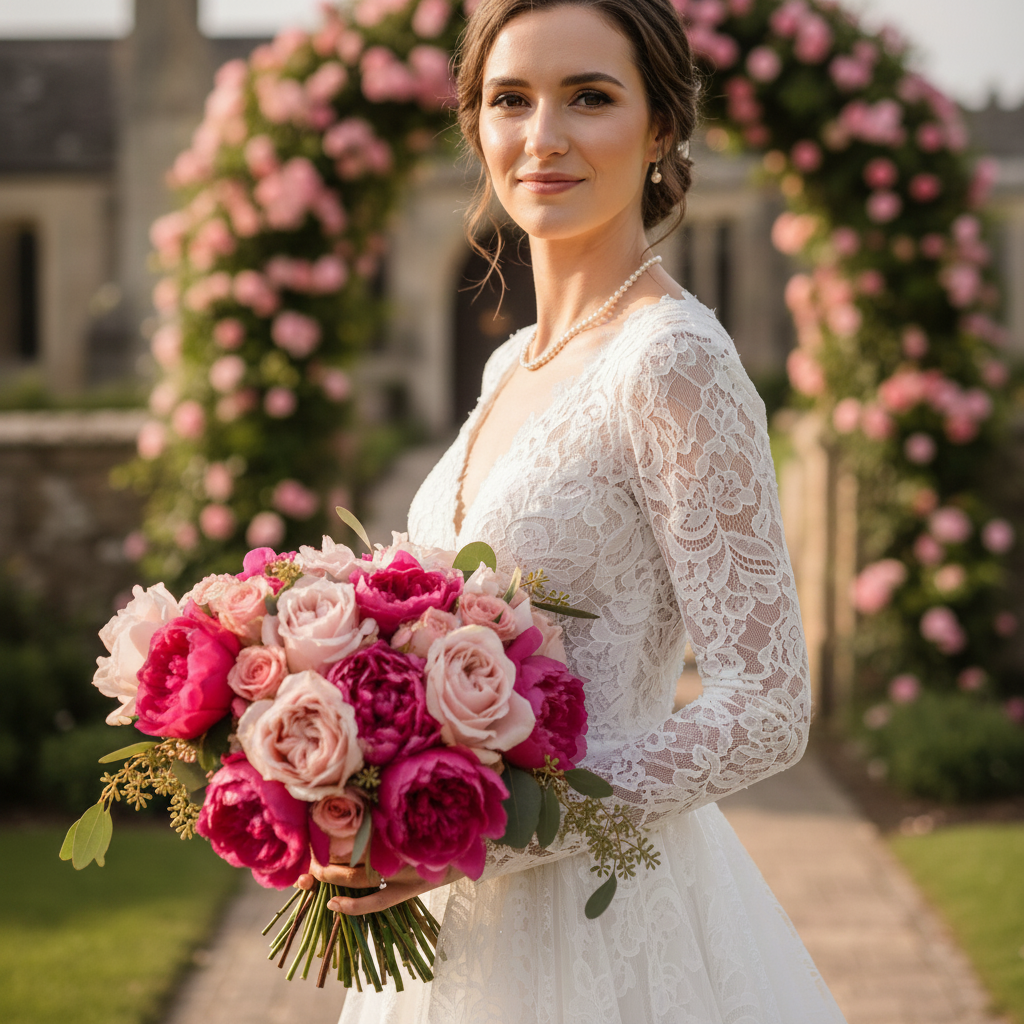
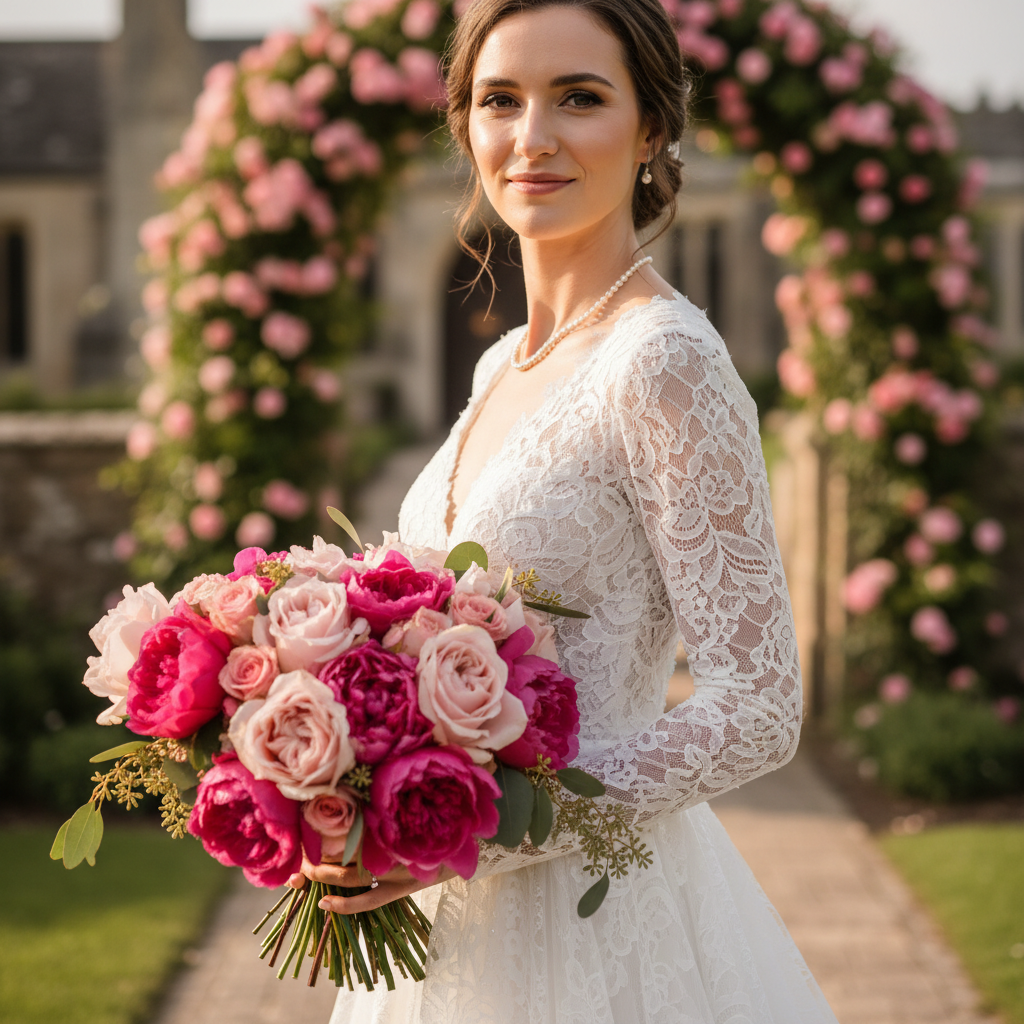
Bride with original facial proportions in wedding photo
Before
->
Same bride with subtly slimmed chin maintaining natural beauty
After

Wedding photo enhancement

Bride wanted subtle chin slimming for wedding album photos.

Prompt: Naturally slim my chin while maintaining facial harmony

Quick answers

Do I need to mark my chin area before describing what I want?

No! Just describe what you want like 'make my chin slimmer' and the AI will automatically detect and adjust your chin area.

How do I slim my chin in a photo for free?

Upload your photo to EditThisPic and type 'make my chin slimmer' in the description box. The AI will automatically adjust your chin area. It's free to try with no account needed. The free edit is a preview — purchased downloads are clean, full quality.

Is there a free chin slimming tool that doesn't require login?

Yes, EditThisPic offers free chin slimming with no signup required. You can edit your photos immediately without creating an account or downloading apps. The free edit is a preview — purchased downloads are clean, full quality.

Will the chin slimming look natural and realistic?

Yes, the AI understands natural facial proportions and makes adjustments that enhance your features. Use words like 'naturally' or 'subtly' in your description for the most authentic-looking results.

Can I reduce a double chin with this tool?

Yes, you can use prompts like 'reduce my double chin' or 'create a cleaner jawline' to address under-chin areas. The AI can help slim this area for a more defined profile.

How much does EditThisPic cost?

You get 1 free edit per week — no account needed. After that, one-time credit packs start at $4.99 for 10 edits, valid 12 months, no subscription. Power users who edit daily can pick Studio Membership, a monthly workspace at $49.99/mo for 300 edits. Purchased downloads are clean with no watermark.

Ready to slim your chin?

Free to try. No signup required.

1 free edit included·Credit packs from $4.99