AI Photo Color Correction
← Browse all creative effectsLast updated
Describe the color problem — orange skin from indoor lighting, green cast from fluorescents, washed-out sky — and the AI corrects it without touching the rest.
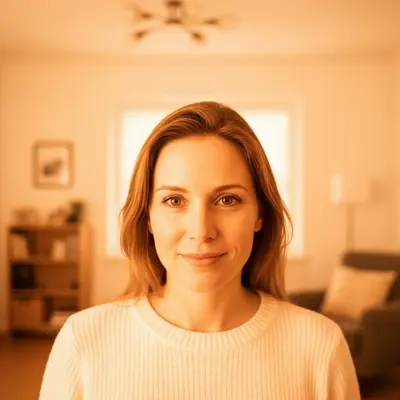
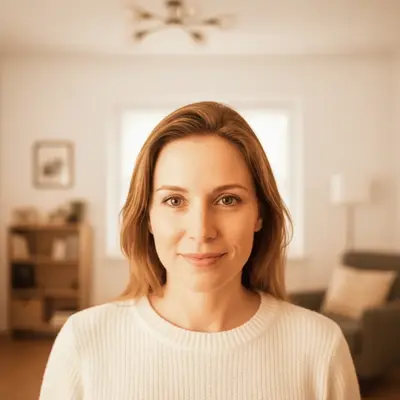
Upload photo to correct photo colors
"fix the green-yellow color cast from fluorescent office lighting, make the skin tones natural, correct the overall white balance"
Free to try · no sign-up · photos are never shared
Release to upload
How it works
See it in action
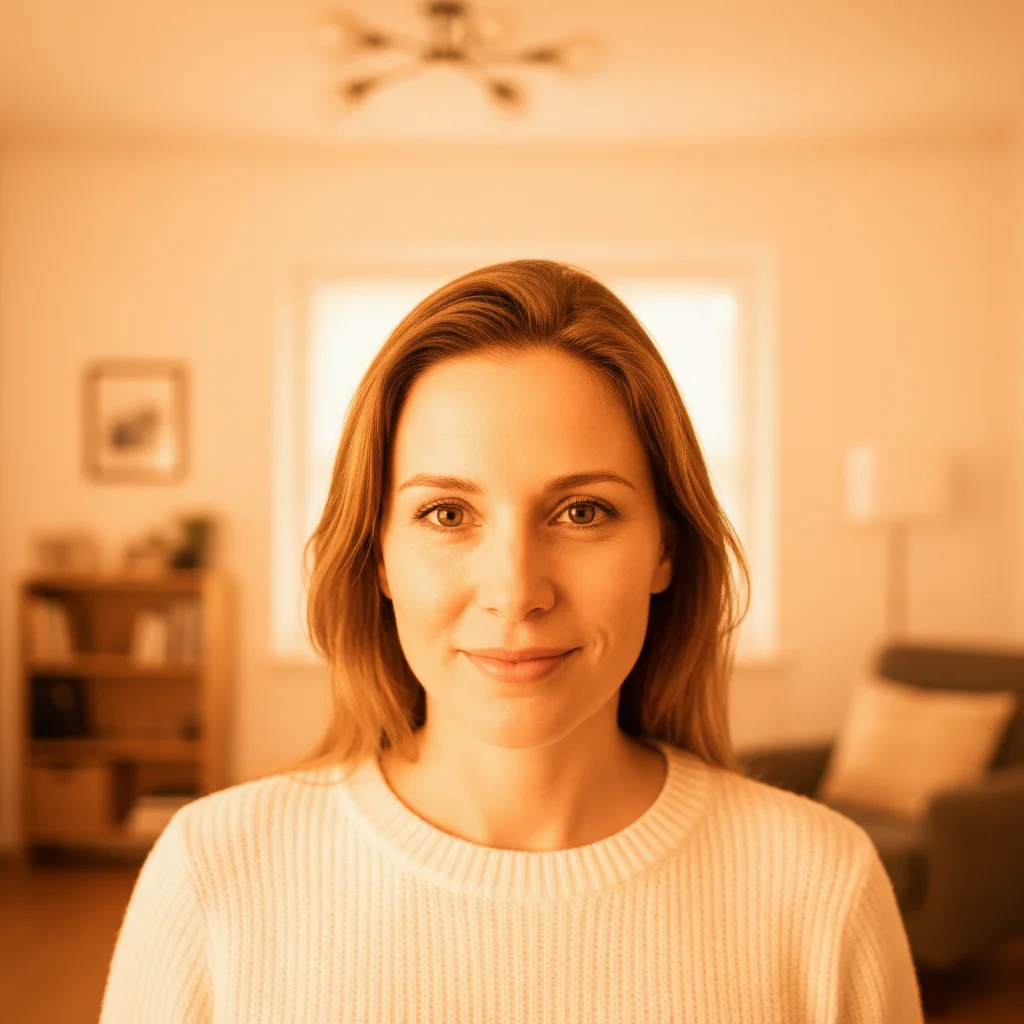
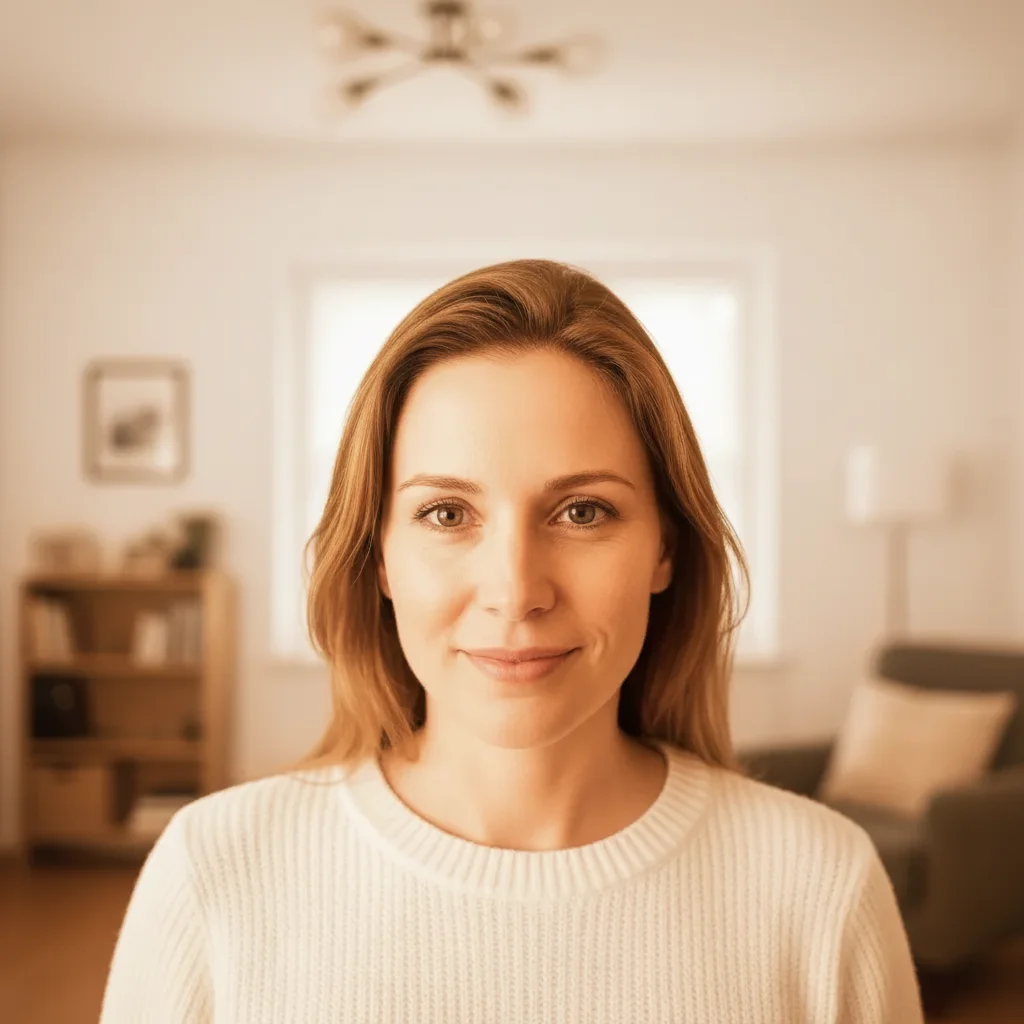
Tungsten indoor portrait — orange cast correction
Portrait shot under warm household bulbs. Strong orange cast made the white wall appear cream and the skin tones look over-bronzed. Single-pass correction with a white balance anchor.
correct the orange color cast from indoor tungsten lighting, make the skin tones natural and the white wall actually white
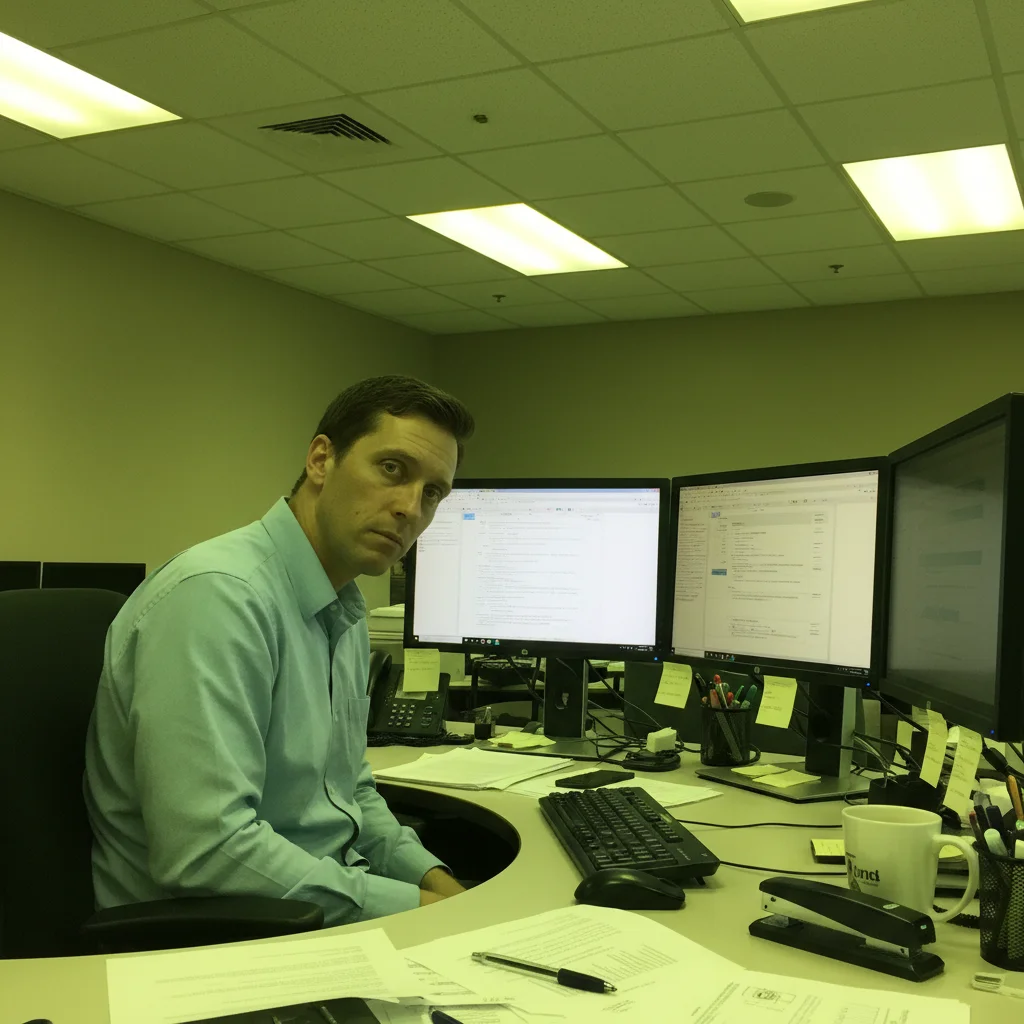
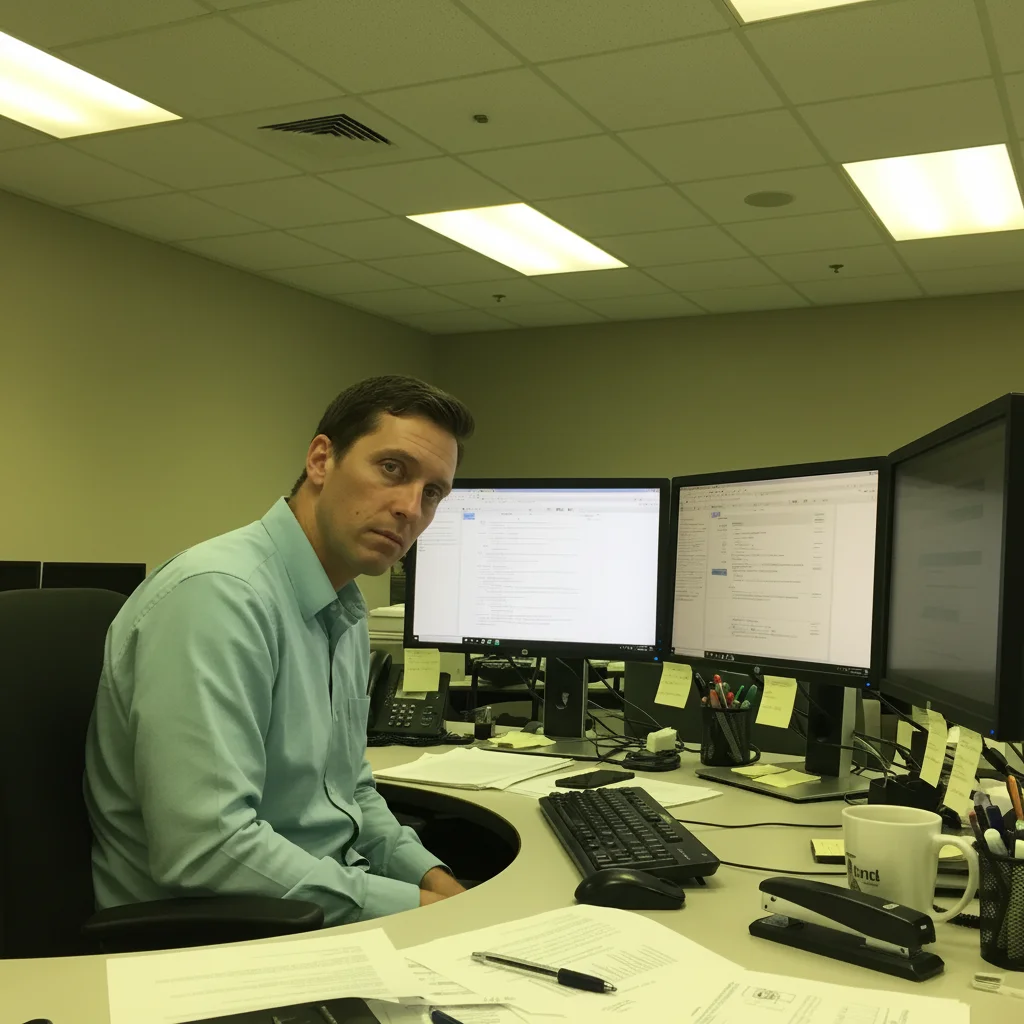
Fluorescent office shot — green cast on skin
Team photo taken in an office under fluorescent ceiling lights. Green-yellow cast made everyone's skin look unwell. White correction panels and ceiling tiles were visibly green-tinted.
fix the green-yellow color cast from fluorescent lighting, make skin tones natural and whites neutral
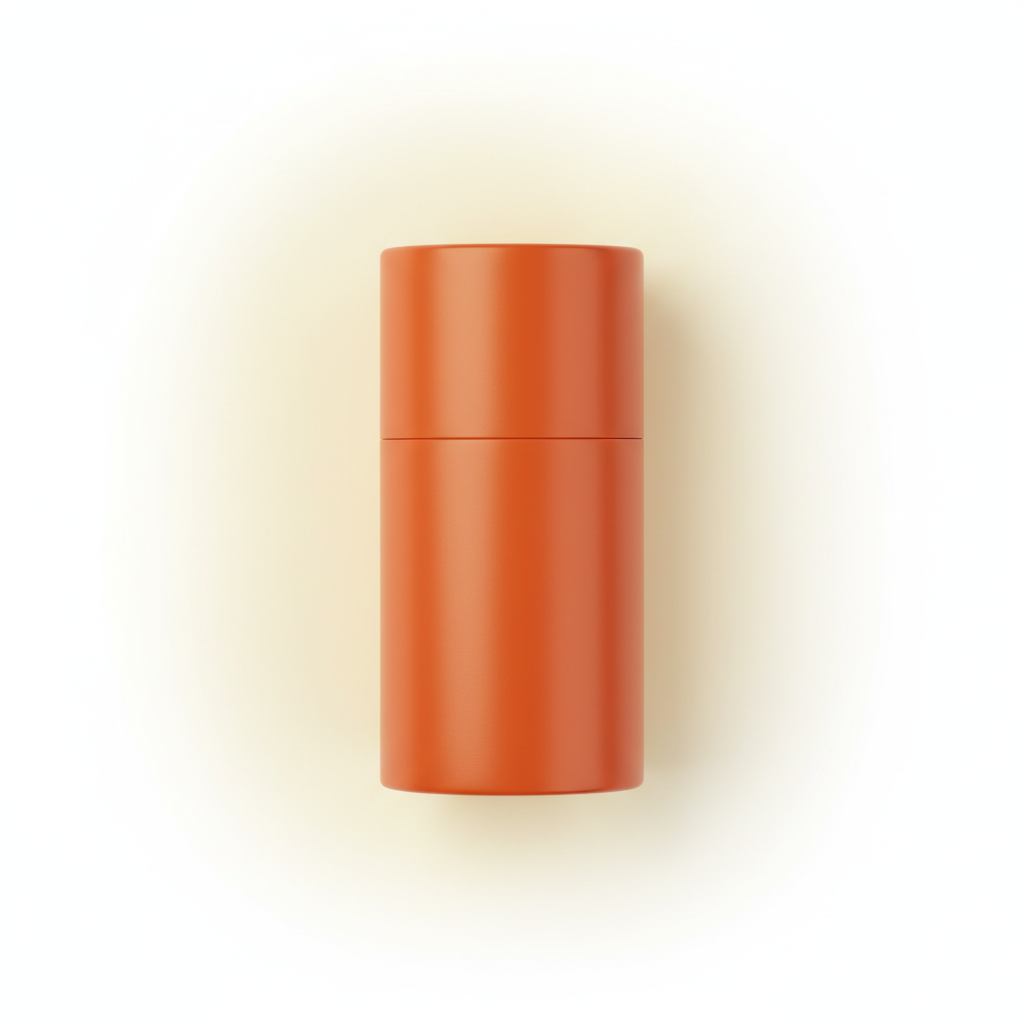
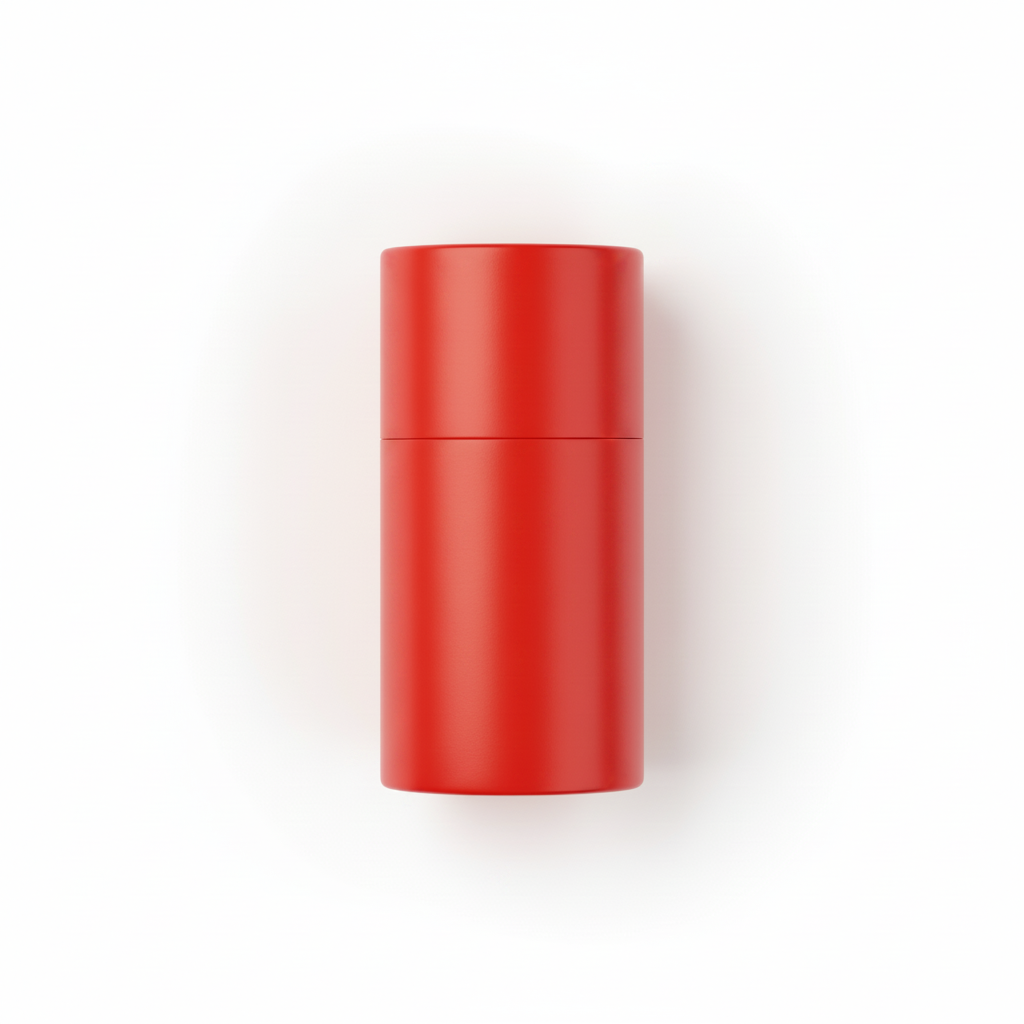
Product shot with shifted red — e-commerce fix
Red product on white background. Camera auto white balance shifted the red to appear orange-red and the white background to appear slightly warm. Brand color needed to be accurate for listing.
correct the product color — the red should be a true clean red not orangey, the white background should be neutral, keep product shape unchanged
Quick answers
Popular use cases
Ready to fix the colors in your photo?
Free to try. No signup required.