Do I need to mark anything first?
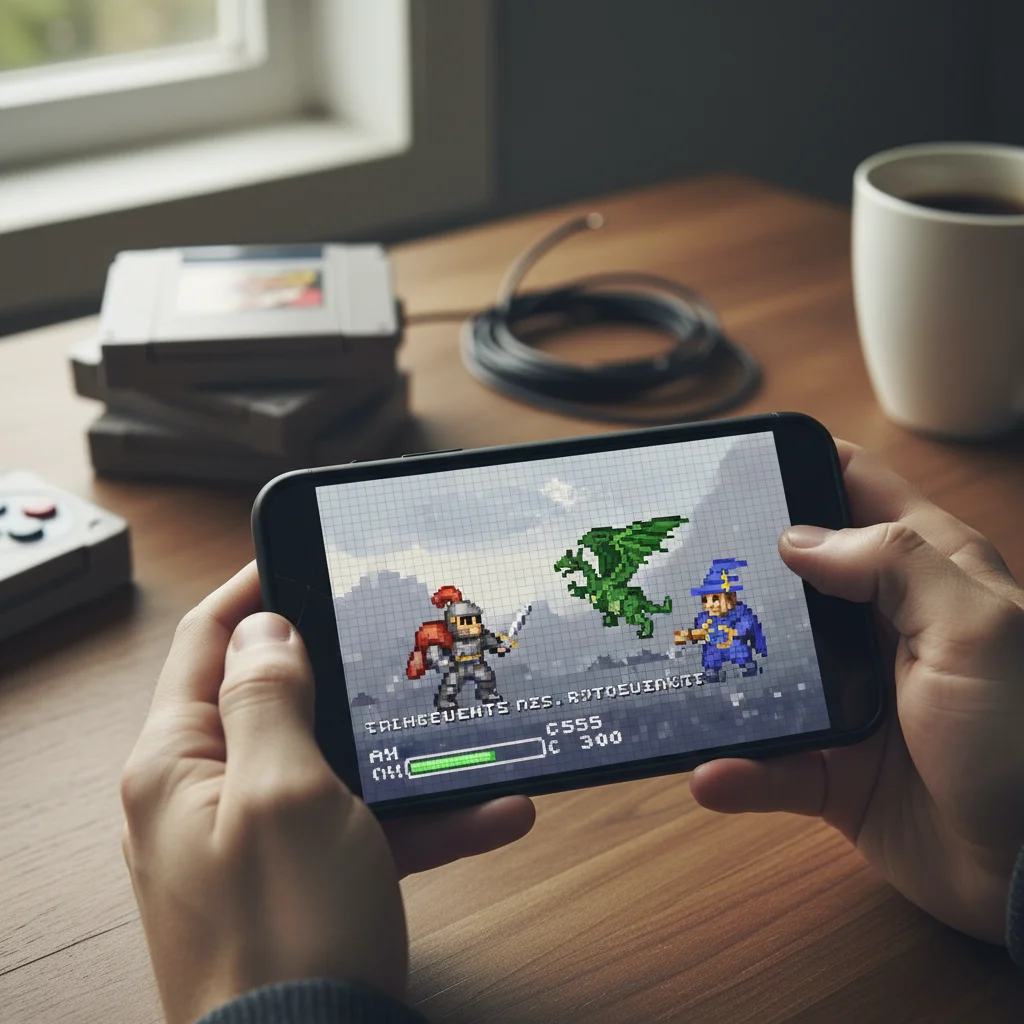
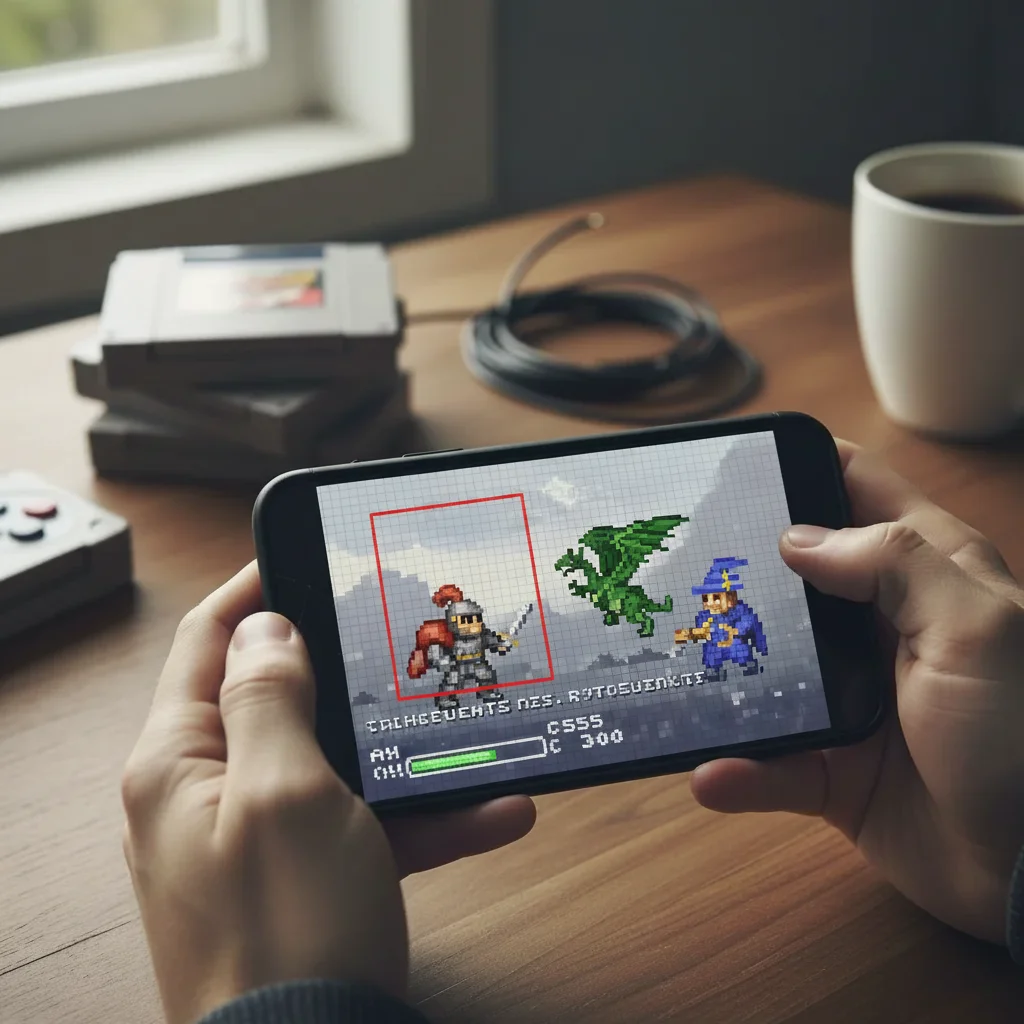
No—just type what you want and try it. 'Upscale this photo to 4x' usually just works. The AI understands the entire image needs enlarging. Markers are only there if you want to refine specific areas afterward, but most upscales don't need them at all.
How large can I upscale a photo?
You can upscale up to 4x in a single pass, which means a 500x500 image becomes 2000x2000. For larger increases, upscale once, download, then upscale the result again. The AI adds realistic detail at each stage. Extreme upscaling (beyond 8x total) may introduce artifacts since the AI has less original information to work with.
Will upscaling fix a blurry photo?
Upscaling makes images larger while adding plausible detail, but it works best on sharp source images. If your original is blurry from camera shake or focus issues, upscaling alone won't fix that. Try combining upscaling with 'sharpen details' or use a separate deblur tool first for best results.
What's the best multiplier for printing?
For print, you typically need 300 DPI. A web image at 72 DPI needs roughly 4x upscaling to reach print quality. Type 'upscale to 3000 pixels on longest side for print' to get specific dimensions. For canvas or poster prints viewed from distance, 2x may be sufficient since viewing distance is greater.
Can I upscale old scanned photos?
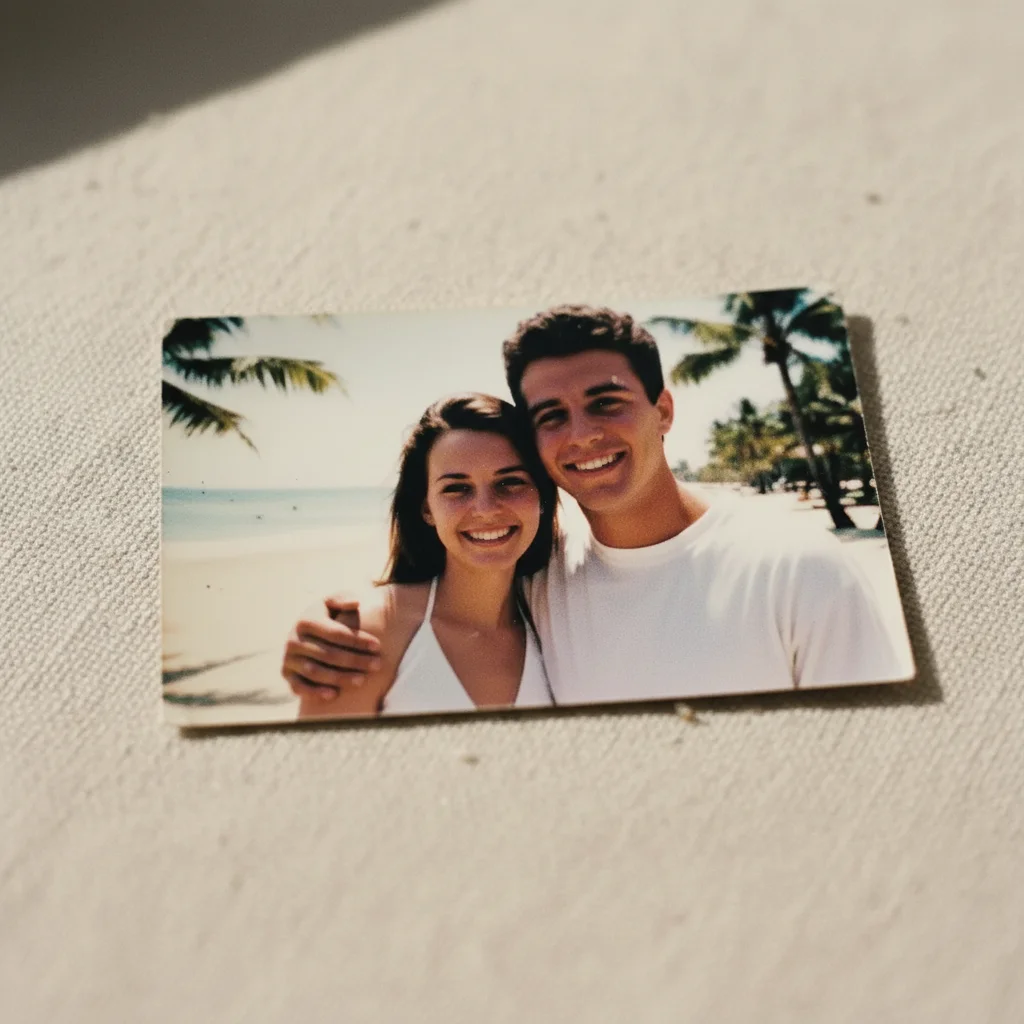
Yes—old scanned photos are one of the best use cases. Type 'upscale this old photo to 4x while preserving the vintage character and reducing noise.' The AI adds detail while respecting the original aesthetic. For best results, scan at the highest resolution your scanner allows before uploading.
Is EditThisPic's AI photo upscaler really free?
Yes — you get 1 free edit per week, no account needed. For unlimited edits, plans start at $3.99/month.
Can I upscale photo on my phone?
Yes. EditThisPic works in any mobile browser — iPhone, Android, tablet. No app download needed.
What photo formats does the AI photo upscaler support?
JPG, PNG, WebP, and HEIC. Upload any common photo format and EditThisPic handles the rest.