Pricing Fix Pixelated photo · Free

AI Pixelated Photo Fixer

← Browse all creative effects

Last updated

Describe the pixelation and EditThisPic smooths it — no upscaling tools needed.
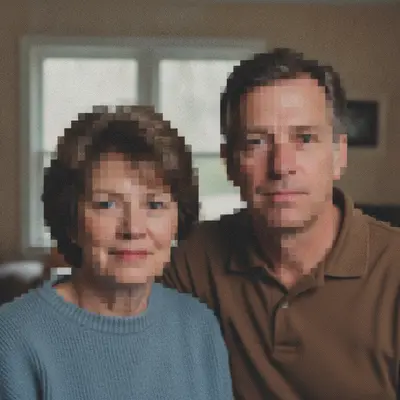
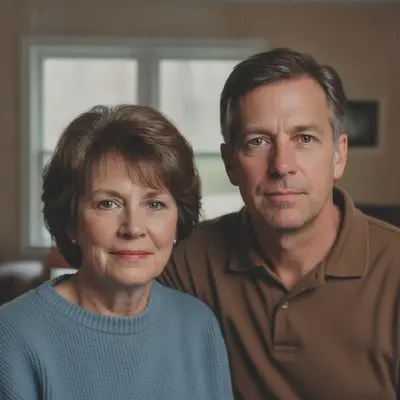
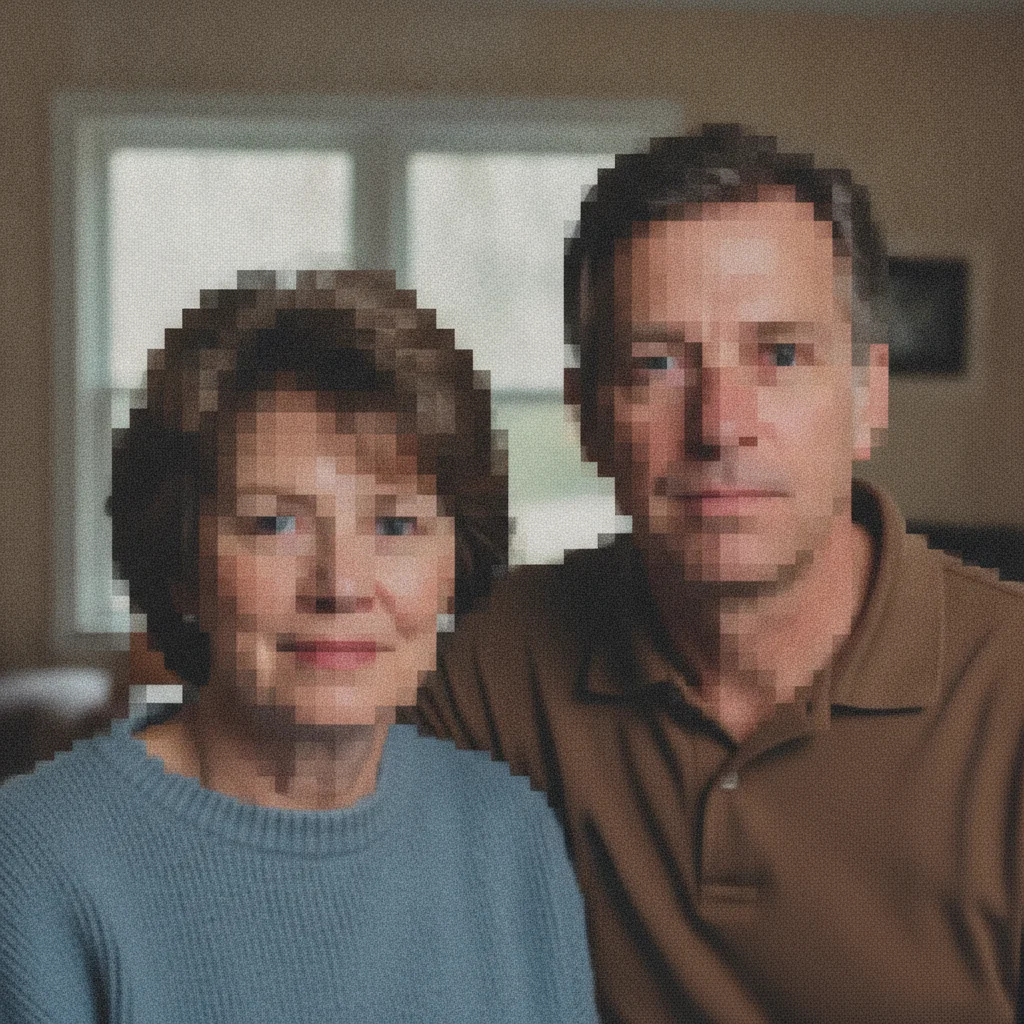
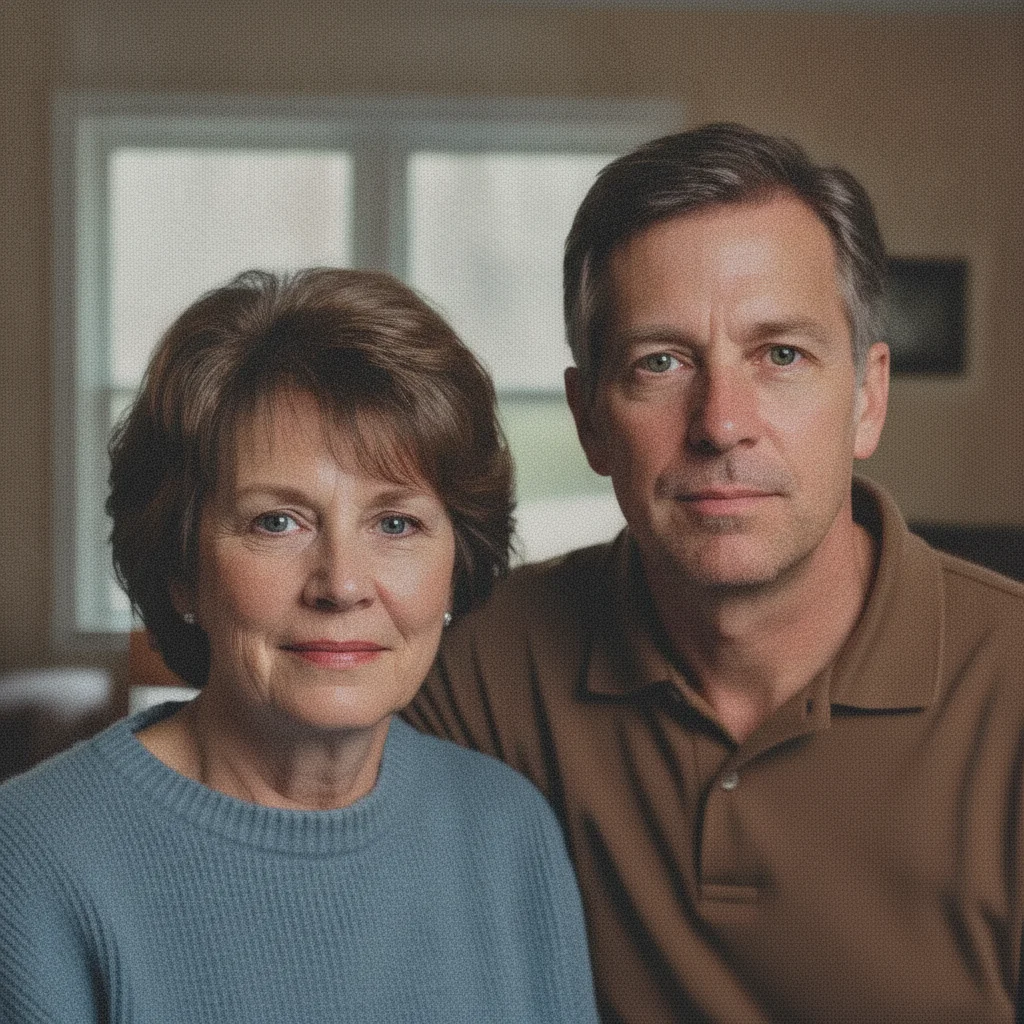
Old low-resolution portrait with visible blocky pixelation on faces Same portrait with pixelation smoothed and natural facial detail restored

Upload photo to fix pixelated photo

"fix the pixelation in this old low-resolution photo — smooth all blocky pixels, restore natural detail throughout the image, keep the original content unchanged"

Free to try · no sign-up · photos are never shared

Release to upload

<30stypical edit
1 freeedit weekly
Photo on your phone? Scan to open this editor there — free edit works on your phone too.

1 free edit every week·packs from $4.99

How it works

  1. Upload the pixelated photo

    Drop your image into EditThisPic. JPG, PNG, or WebP up to 7MB. Works on old low-resolution photos blown up to a larger display size, screenshots saved at low quality, profile pictures that were upscaled, and images exported from old phone cameras. The AI reconstructs detail that was lost in the downsampling or compression process.

    Expect: Mildly pixelated images (visible square pixels but basic structure intact) are smoothed cleanly in one pass in about 20 seconds. Severely pixelated images where faces are unrecognizable blocks can be improved significantly but results depend on how much context remains in the pixel data. More original detail = better recovery.
  2. Describe where the pixelation is and what it should look like

    Type what you want fixed: 'fix the pixelation — smooth the blocky pixels and restore natural face detail and skin texture' or 'remove the blocky pixels from the whole image and sharpen the edges.' Name what's pixelated specifically (face, background, text) and what the output should look like. For photos of people, mentioning 'restore natural skin texture' helps the AI prioritize facial detail reconstruction.

    Tip: Adding 'preserve the original composition and subjects — don't change what's in the photo, only improve the resolution quality' prevents the AI from altering the content of the image while smoothing the pixels.

    Copy one of these to get started:

    Pixelated portrait face — most common fix the pixelation on this portrait — smooth the blocky pixels and restore natural skin texture and facial detail, preserve the original face and expression
    Pixelated old photo or low-res scan fix the pixelation in this old low-resolution photo — smooth all blocky pixels, restore natural detail throughout the image, keep the original content unchanged
    Upscaled profile picture with blocky pixels remove the pixelation from this upscaled profile picture — restore sharp facial features and smooth skin texture, the result should look like a naturally high-resolution portrait
    Pixelated screenshot with blocky text and elements fix the pixelation in this screenshot — smooth the blocky pixels throughout, sharpen the text and UI elements so they look crisp, restore anti-aliasing on all edges
    3 more prompts
    Pixelated background in portrait fix the pixelated background — smooth the blocky background pixels and restore natural texture, keep the subject sharp and unchanged
    Group photo with pixelated faces fix the pixelation on all faces in this group photo — smooth the blocky pixels and restore natural facial detail for each person, keep the background unchanged
    Old phone photo with low-res quality improve the resolution quality of this old phone photo — fix the pixelation throughout, restore natural texture and sharpness as if it was taken with a higher resolution camera
  3. Check edges, facial detail, and fine texture

    Zoom to 100% and check three areas: (1) face and skin texture — should look smooth and natural, not plastic or smeared, (2) edges of objects — should be crisp without ringing artifacts or halos, (3) fine details like hair, fabric texture, or background elements — these should have natural texture, not be overly smooth.

  4. Refine specific overly-smooth areas with markers

    If the face looks fixed but hair looks plastic or a background looks smeared, tap a marker on that area and add: 'restore natural hair strand texture in this area' or 'add natural fabric texture to the clothing, it looks too smooth.' Markers target the refinement without disturbing already-correct areas.

    Tip: Over-smoothing (where the AI removes too much texture along with the pixelation) is more common than under-smoothing. A targeted 'restore texture' pass usually fixes it.

See it in action

Old low-resolution portrait with visible blocky pixelation on faces
Before
->
Same portrait with pixelation smoothed and natural facial detail restored
After

Old low-resolution portrait — pixelation removed

A family portrait scanned from an early digital camera at very low resolution. Blocky pixels on every face. The AI smoothed the pixelation and restored natural skin texture without changing the people or composition.

Prompt: fix the pixelation on this old portrait — smooth all blocky pixels, restore natural skin texture and facial detail for each person, keep the original content unchanged
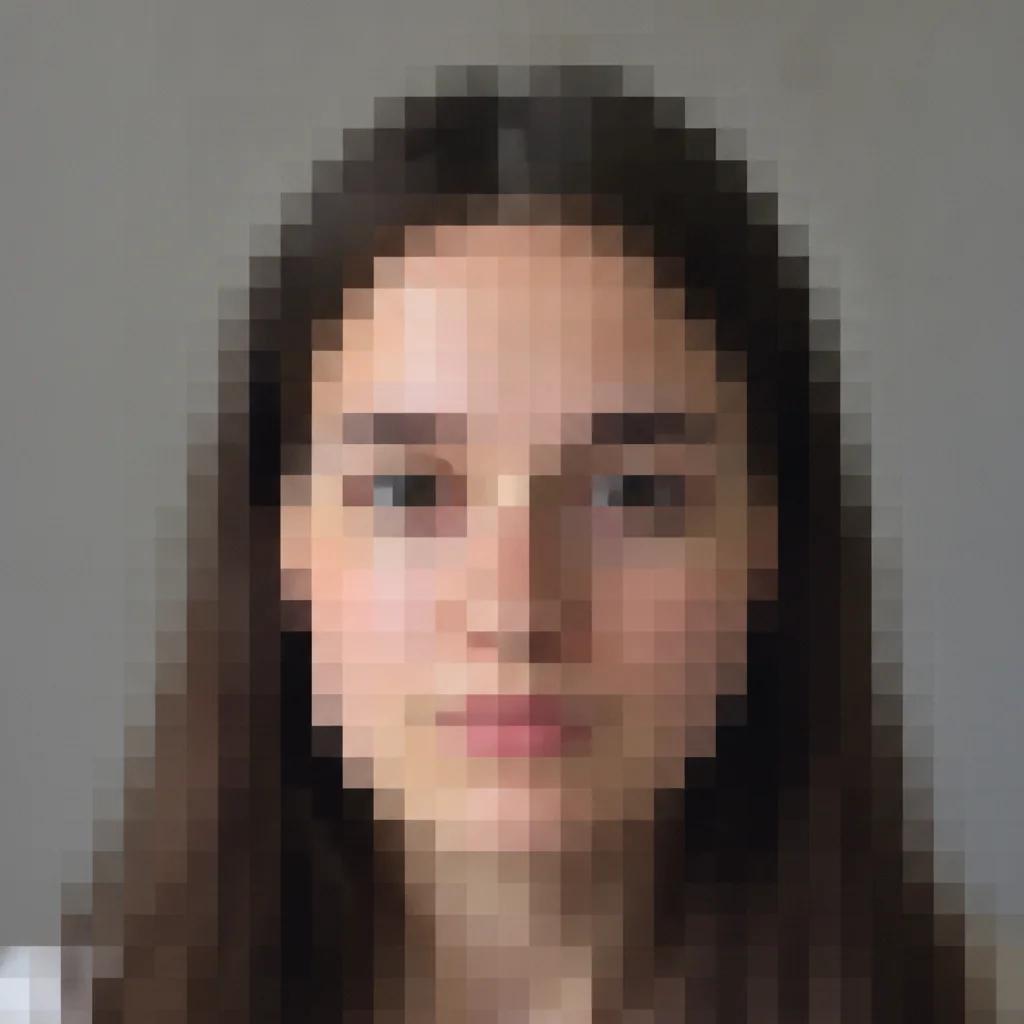
Heavily pixelated profile picture upscaled from thumbnail, face is blocky mosaic
Before
->
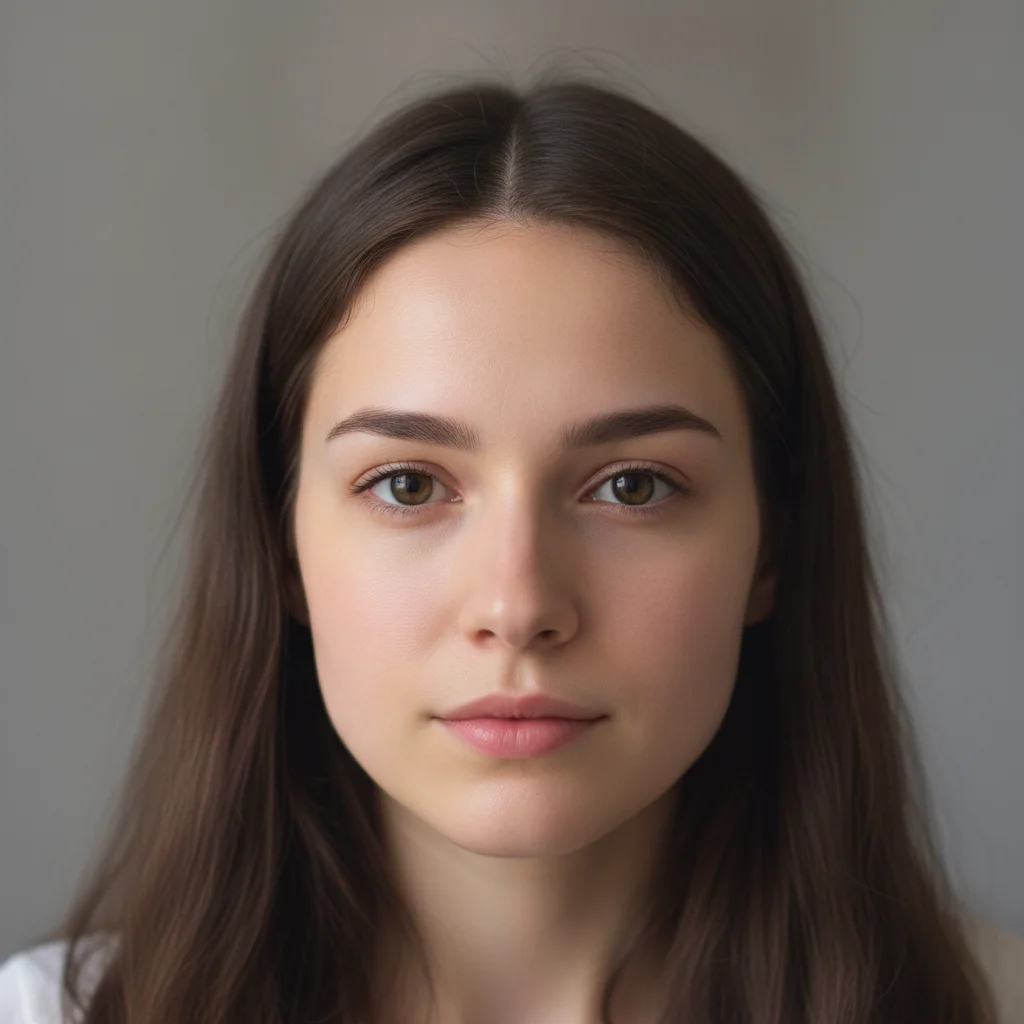
Same portrait with pixelation removed and natural facial features restored
After

Upscaled profile picture — blocky pixels removed

A 100x100 thumbnail upscaled for use as a profile picture. The pixelation made the face look like a mosaic of colored squares. Recovery restored recognizable facial features.

Prompt: remove the pixelation from this upscaled profile picture — restore sharp natural facial features and smooth skin, result should look like a naturally high-resolution portrait
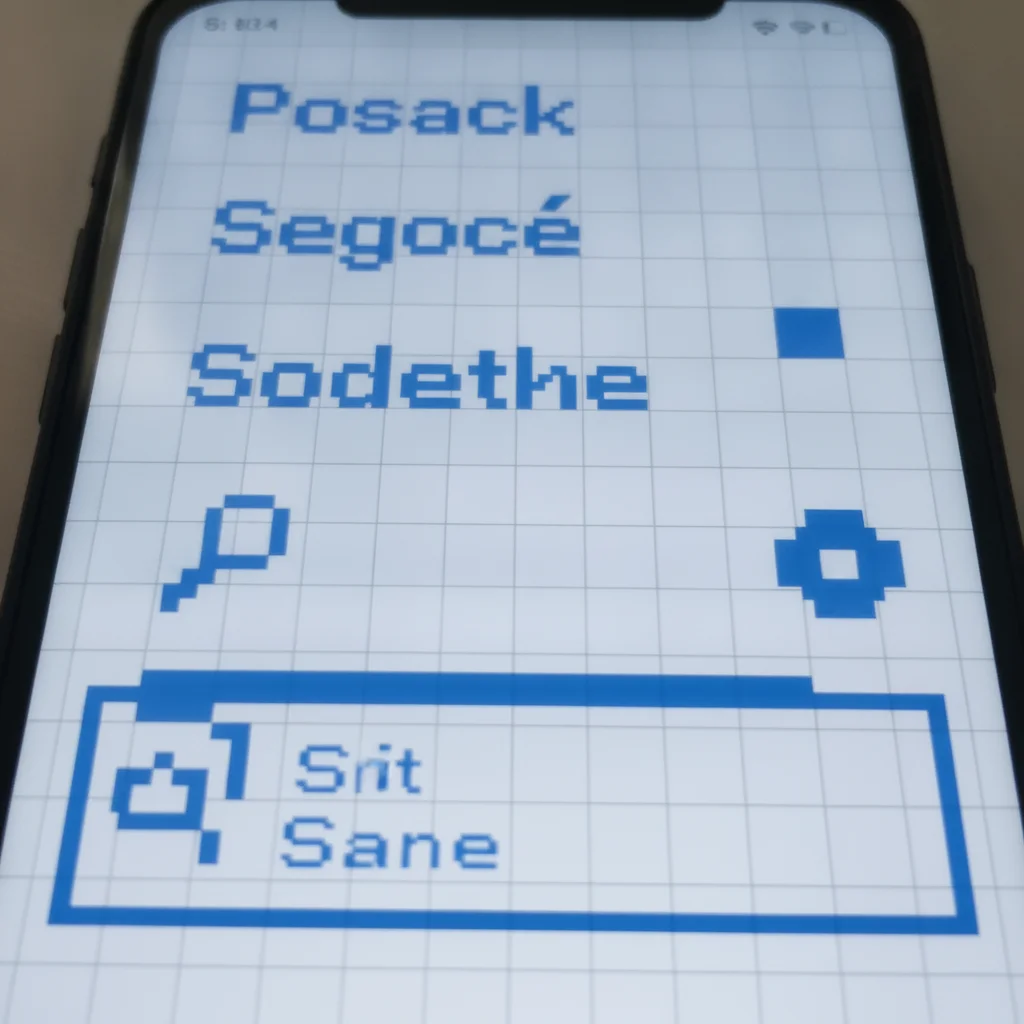
Pixelated screenshot with blocky text and jagged UI element edges
Before
->
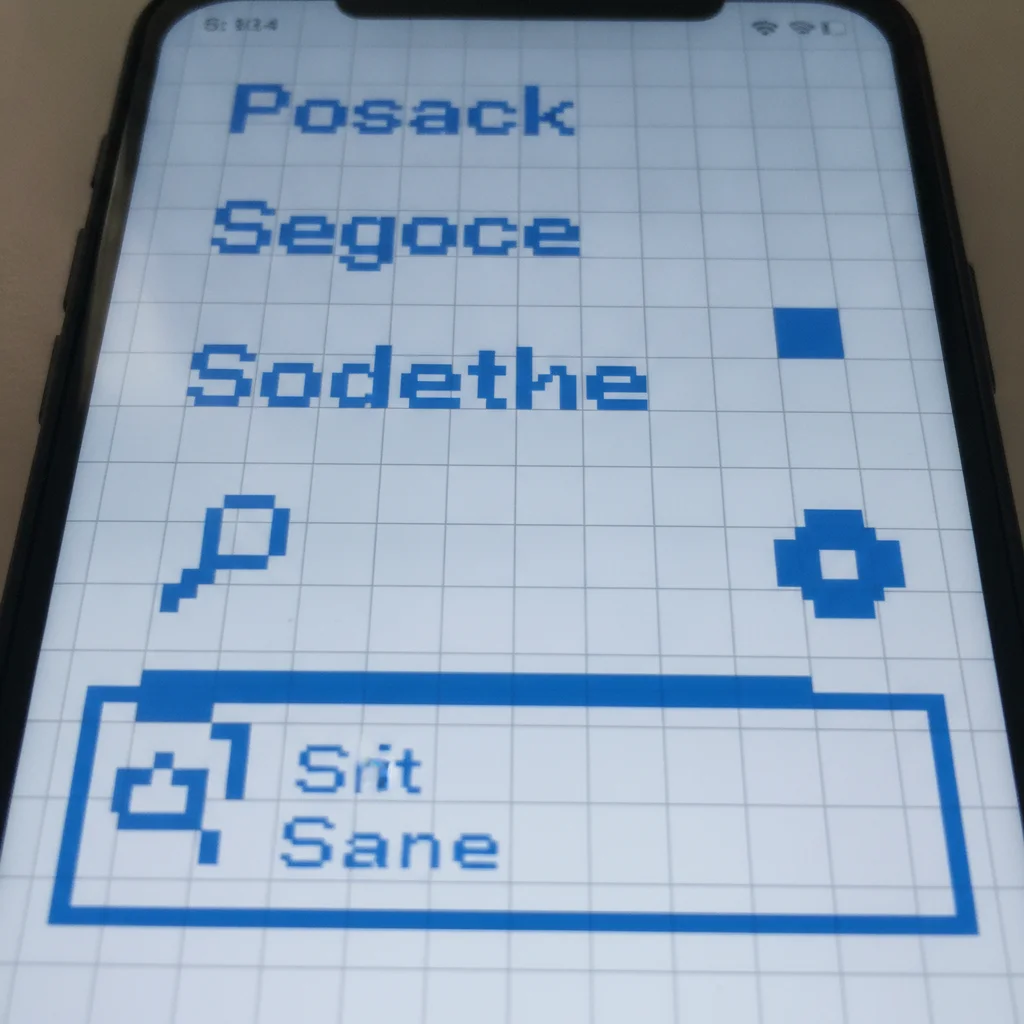
Same screenshot with crisp text and smooth anti-aliased edges restored
After

Pixelated screenshot — text and UI elements sharpened

A low-resolution screenshot with pixelated text and jagged UI element edges. The repair sharpened all text and restored crisp anti-aliased edges throughout.

Prompt: fix the pixelation in this screenshot — smooth the blocky pixels, sharpen the text so it's crisp and readable, restore anti-aliasing on all UI element edges

Quick answers

Do I need to mark the pixelated areas before fixing them?

No. For most pixelated photos, just describe what's blocky: 'fix the pixelation — smooth all blocky pixels and restore natural detail.' The AI identifies and corrects the pixelation throughout the image. Only use markers when part of the image is correctly sharp and you only want to fix specific pixelated zones without touching the rest.

How do I fix a pixelated photo for free online?

Upload your photo to EditThisPic, type 'fix the pixelation — smooth the blocky pixels and restore natural detail' and click Generate. The AI removes pixelation in about 30 seconds. Free, no account. Works on JPEGs, PNGs, and WebP files in any browser. The free edit is a preview — purchased downloads are clean, full quality.

Can AI actually remove pixelation from a photo?

Yes. AI depixelation works by synthesizing the fine detail that was lost when the image was compressed or downsampled. It's not recovering original pixel data (that's gone) — it's making a learned prediction about what the detail should look like based on context. The result looks realistic and significantly more detailed than the pixelated original.

Is there a free tool to depixelate photos without Photoshop?

Yes. EditThisPic depixelates photos for free with no account. Unlike Photoshop's Smart Sharpen filter (which sharpens but doesn't synthesize missing detail), EditThisPic's AI reconstructs natural detail from blocky pixels. Works on desktop and mobile browsers. The free edit is a preview — purchased downloads are clean, full quality.

Why do photos look pixelated when I zoom in or print them?

Photos look pixelated when you display them at a larger size than their native resolution. A 400x400 pixel image shown at 1200x1200 pixels has each original pixel displayed as a 3x3 block — that's pixelation. It's also common when saving JPEGs at very low quality settings, which creates blocky compression artifacts that look similar to low resolution.

Can I fix a pixelated old phone photo?

Yes. Old phone cameras (pre-2012) shot at 1-2 megapixels. When these photos are displayed or printed at modern sizes, the pixelation becomes visible. EditThisPic reconstructs detail, smooth natural-looking texture that makes the photo look like it was taken at higher resolution. Works best when basic facial and object structure is still recognizable in the pixelated original.

How do I fix a pixelated profile picture?

Type: 'remove the pixelation from this upscaled profile picture — restore sharp natural facial features and smooth skin, result should look like a naturally high-resolution portrait.' The AI reconstructs facial detail from the blocky pixel structure. Works well when the original face structure is at least partially recognizable in the pixelated image.

How much does EditThisPic cost?

You get 1 free edit per week — no account needed. After that, one-time credit packs start at $4.99 for 10 edits, valid 12 months, no subscription. Power users who edit daily can pick Studio Membership, a monthly workspace at $49.99/mo for 300 edits. Purchased downloads are clean with no watermark.

Ready to fix the pixelation in your photo?

Free to try. No signup required.

1 free edit included·Credit packs from $4.99