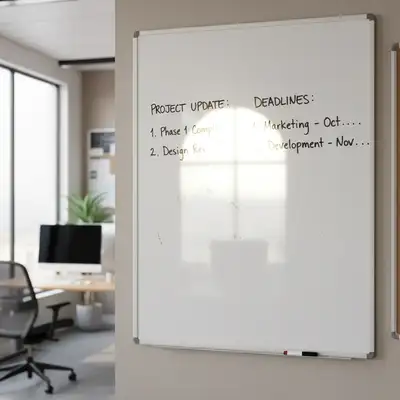
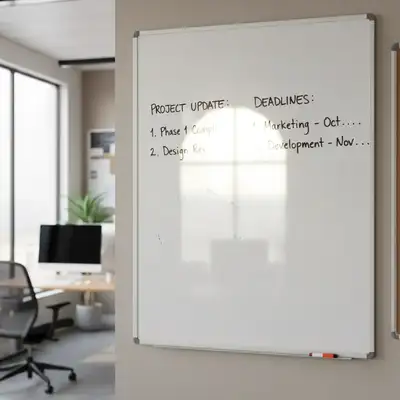
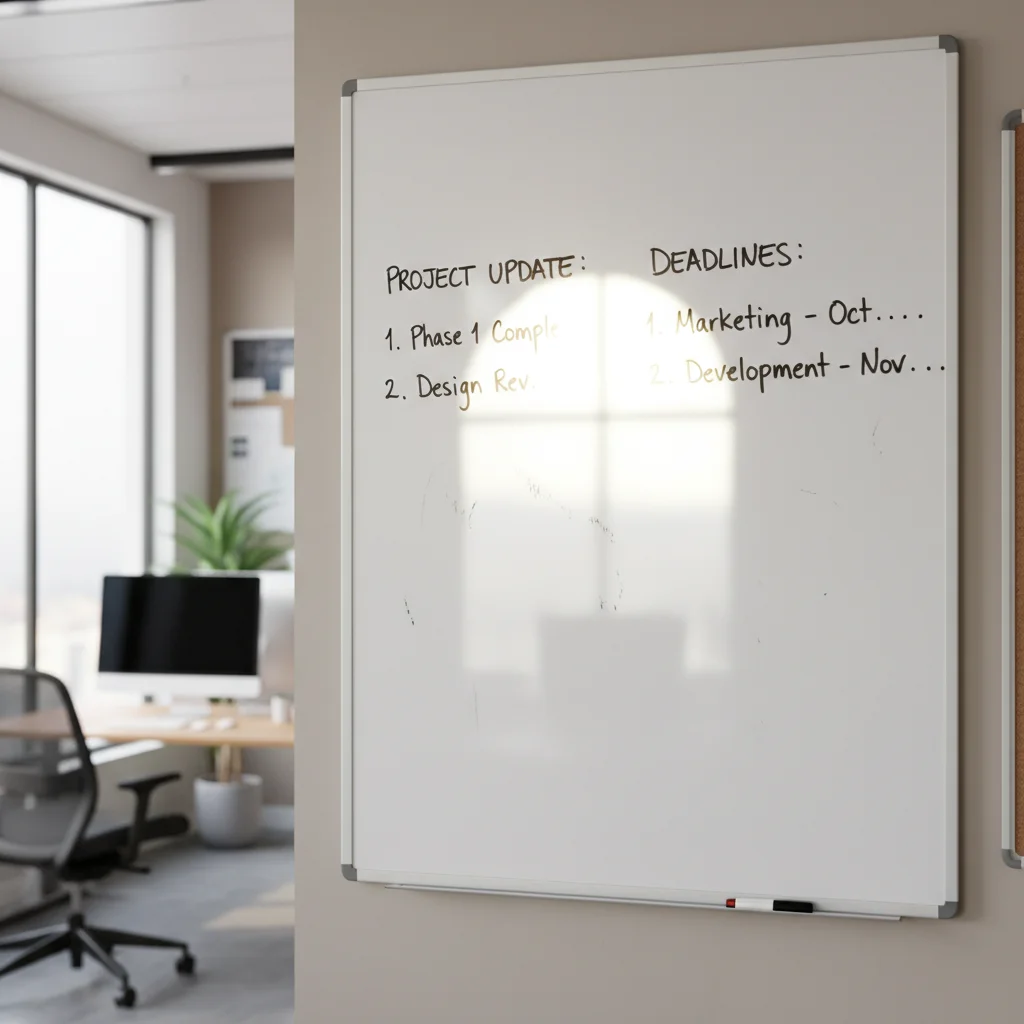
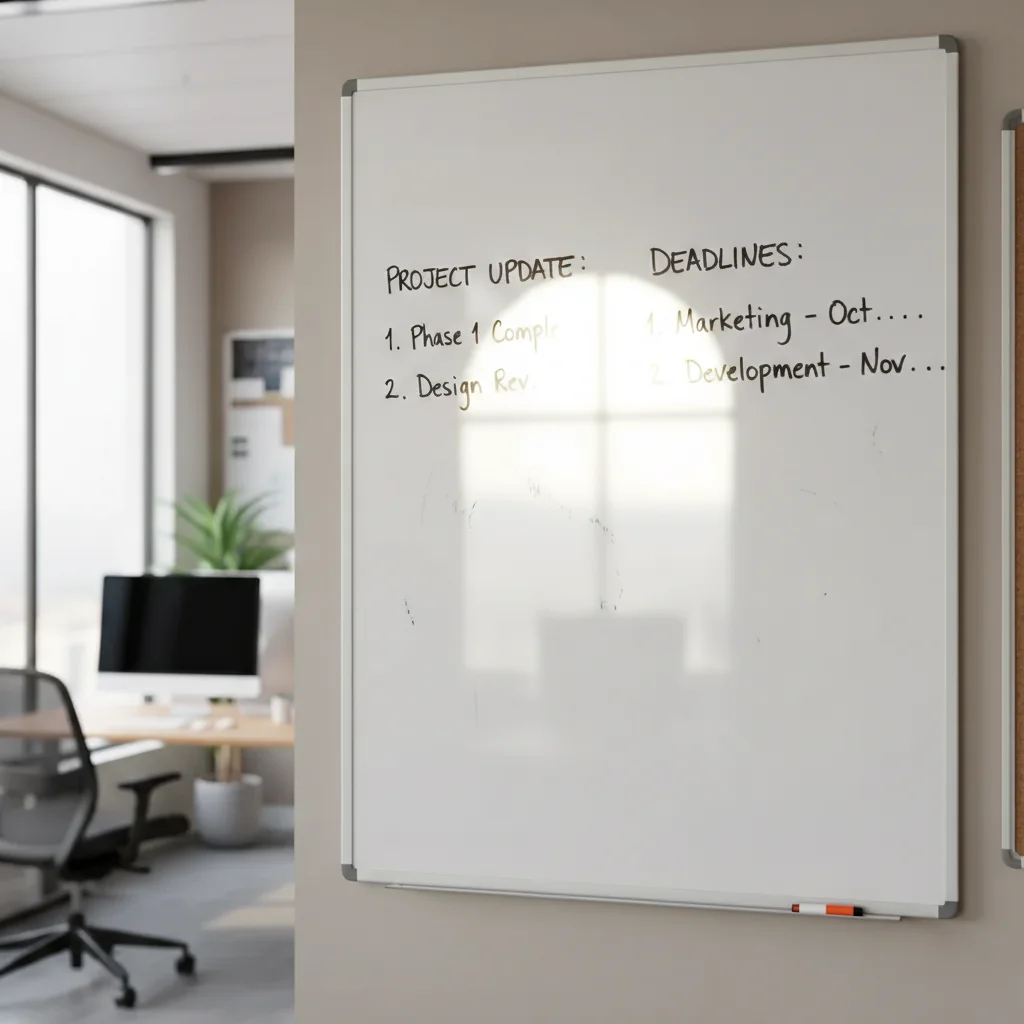
Do I need to mark the glare or problem areas?
No! The AI automatically detects common whiteboard issues like glare, shadows, and distortion. Just describe what you want fixed and the AI finds and corrects those problems.
Is this really free with no watermark?
Yes, completely free with no watermark on your downloaded images. No account required, no hidden fees. You get full-resolution photos ready to share or present.
Can this work with photos taken from the side?
Yes! The AI can straighten and correct perspective on photos taken from angles. Just include 'straighten board' or 'correct perspective' in your description. Extreme angles may have some limitations, but most side shots work fine.
Will it work on glass whiteboards too?
Absolutely. Glass whiteboards often have more glare than standard boards, and the AI is particularly good at removing reflections from glass surfaces. Use 'remove glare' in your prompt for best results.
Can I clean up old, faded whiteboard writing?
Yes! The AI can significantly improve visibility of old or lightly-written content.
What if there are people or objects in front of the whiteboard?
For best results, use photos where the content is visible. If something is blocking important text, you can try 'remove person and show whiteboard behind' but results will depend on how much is obscured.
Is EditThisPic's AI whiteboard photo cleaner really free?
Yes — you get 1 free edit per week, no account needed. Plans start at $4.99/month for 15 edits.
Can I clean whiteboard photo on my phone?
Yes. EditThisPic works in any mobile browser — iPhone, Android, tablet. No app download needed.
How much does EditThisPic cost?
You get 1 free edit per week — no account needed. After that, credit packs start at $1.99 for 3 edits. Monthly plans start at $4.99/mo for 20 edits with unused credits rolling over. All edits are full resolution with no watermark.