AI Photo Editing for Airbnb Listings
Last updated
AI photo editing for short-term rental listings. Brighten rooms, declutter, and ship a cover photo that earns the click.
Drop your photo here
"brighten this living room photo, lift shadows, balance the window light, keep colors natural — no over-saturation"
Free to try · no sign-up · never used for AI training
Release to upload
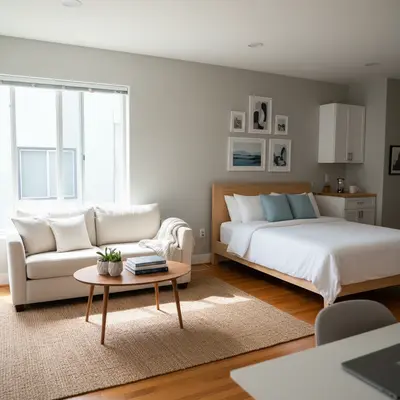
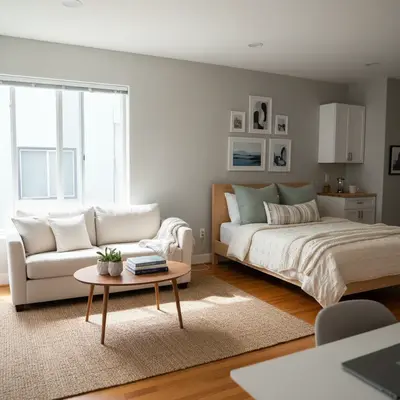
Built for Airbnb hosts
EditThisPic uses plain-English prompts, so a host can brighten a dim living-room photo, clean a cluttered counter, or swap a grey sky for a blue one in 30 seconds without hiring a photographer. It's a fit for hosts who already have decent phone photos and need to push them into Superhost-grade territory.
How It Works
-
Upload your listing photo
Drop a phone or DSLR photo of the property into EditThisPic. JPG, PNG, WebP up to 7MB.
Most edits complete in 20-45 seconds. -
Describe the fix
Type the edit in plain English. For interiors: "brighten, keep colors natural." For exteriors: "swap the grey sky for blue." Say "keep the property identical" so the AI doesn't restage furniture or change layout.
Always say "keep the property identical" or "keep the furniture and layout the same" — guests notice and review when photos don't match reality. -
Replace the photo on your listing
Download the edit and replace the photo on your Airbnb, Vrbo, or Booking.com listing. Purchased downloads are clean.
Popular Prompts for Airbnb Photos
brighten this living room photo, lift shadows, balance the window light, keep colors natural — no over-saturation
Window light shots are the most common interior problem — "balance the window light" is a useful phrase.
remove the small clutter on the kitchen counter (mail, gadgets, dish rack), keep the room and lighting identical
Name the clutter items. "Remove mail and small gadgets" beats "declutter the kitchen."
replace the grey sky with a soft blue sky and light clouds, keep the property and lawn identical
Soft blue with light clouds reads more credible than pure cloudless blue.
make this cover-photo punchier — brighter, slightly warmer, subject pops, clean composition, no over-edit feel
The cover photo is the single biggest lever on click-through. Worth a dedicated edit.
Show more prompts
add a rolled white towel on the vanity and a small green plant on the corner, keep everything else identical
Small staging cues read as "professional" without misleading the guest.
brighten the bedroom, smooth out wrinkled bedding, keep the layout and color palette identical
AI handles bed-linen smoothing well; ask for "identical layout" to keep the room realistic.
Examples
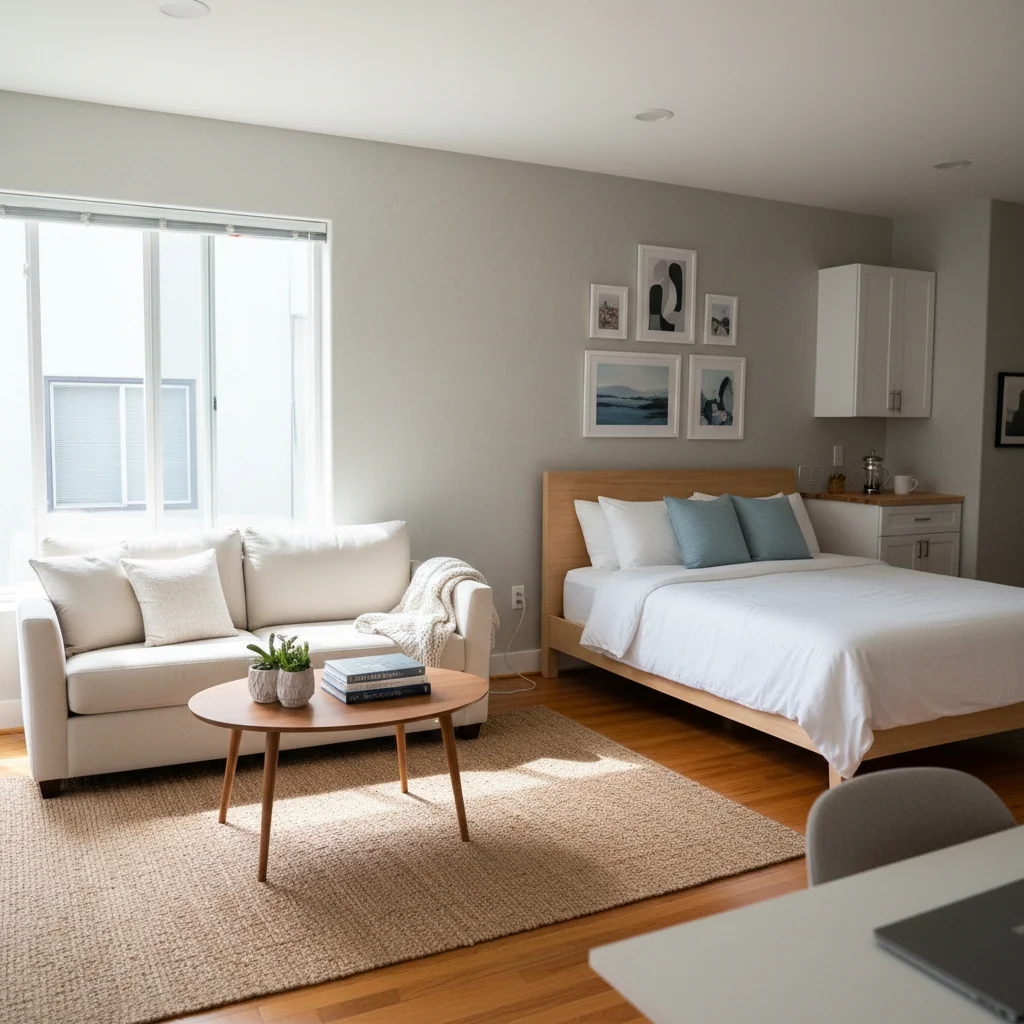
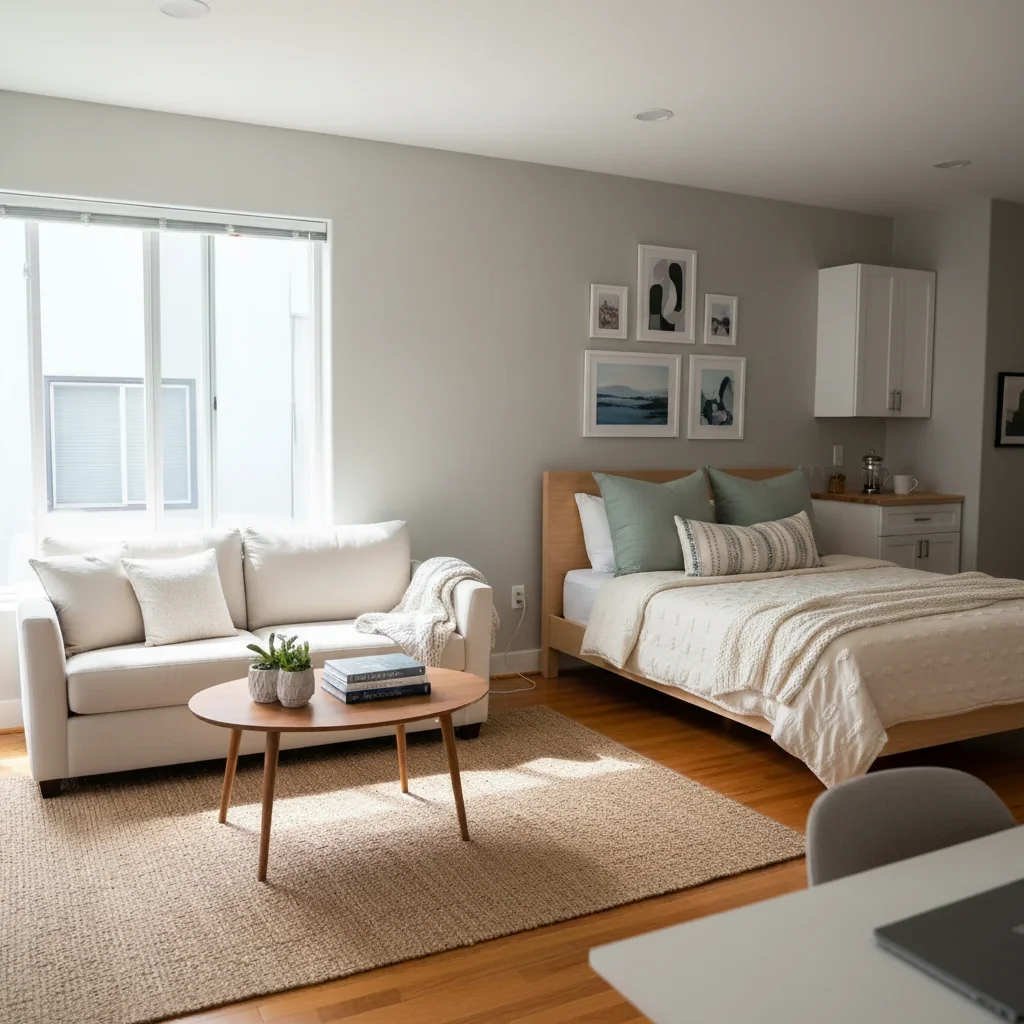
Dim Living Room Brightened
A dim phone photo of a living room polished for the cover position.
edit this Airbnb listing photo — bright, welcoming, slightly warm tones, no over-saturation


Grey-Sky Exterior to Blue Sky
An exterior shot with a grey overcast sky swapped for a soft blue sky.
replace the grey sky with a soft blue sky with light clouds, keep the property identical
FAQ
Is it OK to use AI-edited photos on Airbnb?
Yes — Airbnb's terms expect listing photos to accurately represent the property, which is consistent with light editing (brighter, decluttered, blue-sky swap) but not with edits that materially change what the guest will encounter. Replacing furniture, hiding damage, or virtually staging an empty room without saying so would cross the line. Cleaning up clutter, brightening a dim room, and swapping a grey sky are fine.
Is EditThisPic free for Airbnb hosts?
Yes. EditThisPic gives one free Fast edit per week with no signup. Hosts refreshing a 15-25 photo listing should plan on a 25-edit pack ($9.99) or a 100-edit pack ($29.99) for the initial refresh, then drop back to the free weekly edit for ongoing touch-ups.
How many photos should I edit?
Focus on the cover photo and the first five photos — those drive most of the click-through. Beyond that, prioritize the dim ones and the cluttered ones. A typical 25-photo listing gets meaningful lift from 8-15 targeted edits, not from editing every photo equally.
Will edited photos cause guest complaints?
Only if the edits misrepresent the space. Brighter, decluttered, and blue-sky edits don't change what the guest finds when they arrive. Virtual staging of empty rooms or hiding damage will produce 1-star reviews and refund disputes. Keep edits within "how it looks on a great day."
Can I edit photos for Vrbo and Booking.com too?
Yes. The same edits apply to every short-term rental platform — Vrbo, Booking.com, Furnished Finder, Plum Guide, and others. Download once and upload to each listing.
What's the best edit for the cover photo?
Brighter, slightly warmer, with the subject (living room, exterior, pool) clearly the focus. Ask for "clean composition" and "no over-edit feel" — Airbnb cover photos that look filtered tend to underperform ones that look like a great real photo.
Can EditThisPic add things that aren't there (virtual staging)?
It can, but we'd recommend against full virtual staging on a listed property — it tends to bite back through guest reviews. Small staging cues (a towel, a plant) that match what's already in the space are fine.
Will there be a watermark?
Your free weekly edit gives you a full preview of the result, and every purchased edit downloads clean at full quality — no watermarks on anything you buy.
What resolution does the output download at?
Purchased downloads are clean, up to 2048px. Most outputs land at 1024-2048px on the long edge — above Airbnb's recommended 1024x683 minimum.
Popular use cases
Ready to improve your Airbnb listing?
Free to try. No signup required.
Start Editing