AI Photo Editing for Car Dealership Listings
Last updated
AI photo editing for car listings — built for dealers, used-car sellers, and fleet managers.
Drop your photo here
"remove the busy dealer lot in the background, replace with a clean asphalt lot under soft daylight, keep the car identical"
Free to try · no sign-up · never used for AI training
Release to upload
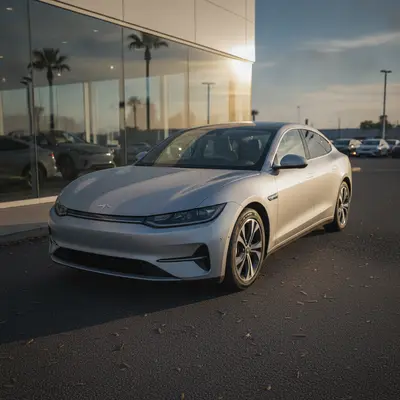
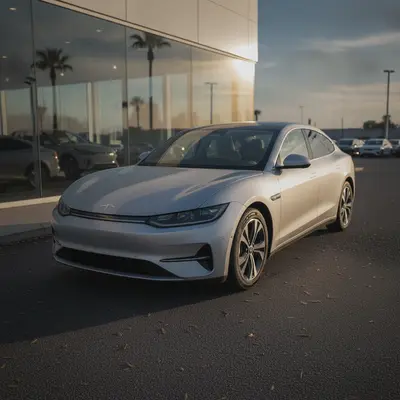
Built for Car dealers
EditThisPic accepts plain-English prompts, so a sales associate can shoot a car on the lot with a phone, swap the background in 30 seconds, and post a listing that looks like a $300-per-vehicle photographer took it. The cost per edit is a tiny fraction of a typical dealer's listing cost.
How It Works
-
Shoot the vehicle on the lot
Walk around the car, exterior shots at 3/4 angles plus interior shots from the driver and passenger sides. Phone photos are fine — the AI handles the polish.
8-12 photos per vehicle is standard. -
Describe the edit per photo
Type the fix in plain English. For exteriors: "clean the background, soft daylight." For interiors: "brighten cabin, keep colors realistic." Reuse the same prompts across every vehicle for consistency.
Save a standard prompt set per shot type (exterior 3/4, interior front, dashboard, wheels). Reusing the prompt set is what makes an inventory grid look professional. -
Upload to your listing platform
Download the edits and upload to Autotrader, Cars.com, Carvana, eBay Motors, Craigslist, or Facebook Marketplace. No watermark on purchased downloads.
Popular Prompts for Car Listings
remove the busy dealer lot in the background, replace with a clean asphalt lot under soft daylight, keep the car identical
Specify the new background — "clean asphalt," "plain studio gray," "open road."
brighten the car interior, lift shadows on the dashboard and seats, keep leather color realistic
Always say "realistic" — over-bright interiors look fake and buyers spot it.
enhance the dashboard — clean trim, sharp gauges, readable infotainment screen, no glare on glass
Mention specific elements (gauges, screen, trim) — the AI handles named parts more reliably.
enhance the wheels and tires — sharper rim detail, deep tire black, clean spoke definition
Wheels are a buyer-zoom area on used-car listings — worth a dedicated edit.
Show more prompts
edit this vehicle for a dealer inventory grid: clean asphalt background, soft overcast daylight, 3/4 angle, vivid but realistic paint
Reuse this exact prompt across every vehicle for a consistent grid look.
clean up the engine bay photo — remove dust haze, brighten the bay, keep all components visible and unchanged
Used-car buyers zoom into engine bays — a clean shot signals a cared-for vehicle.
Examples
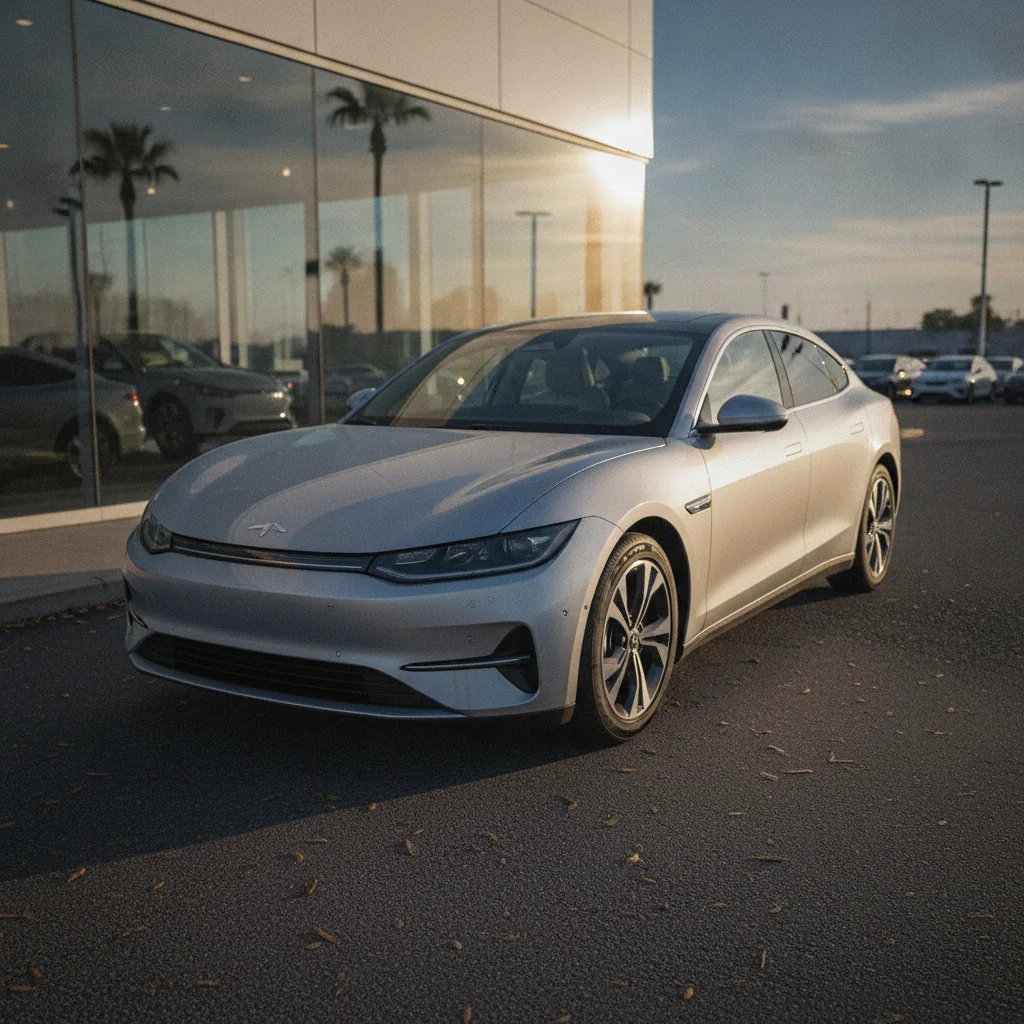
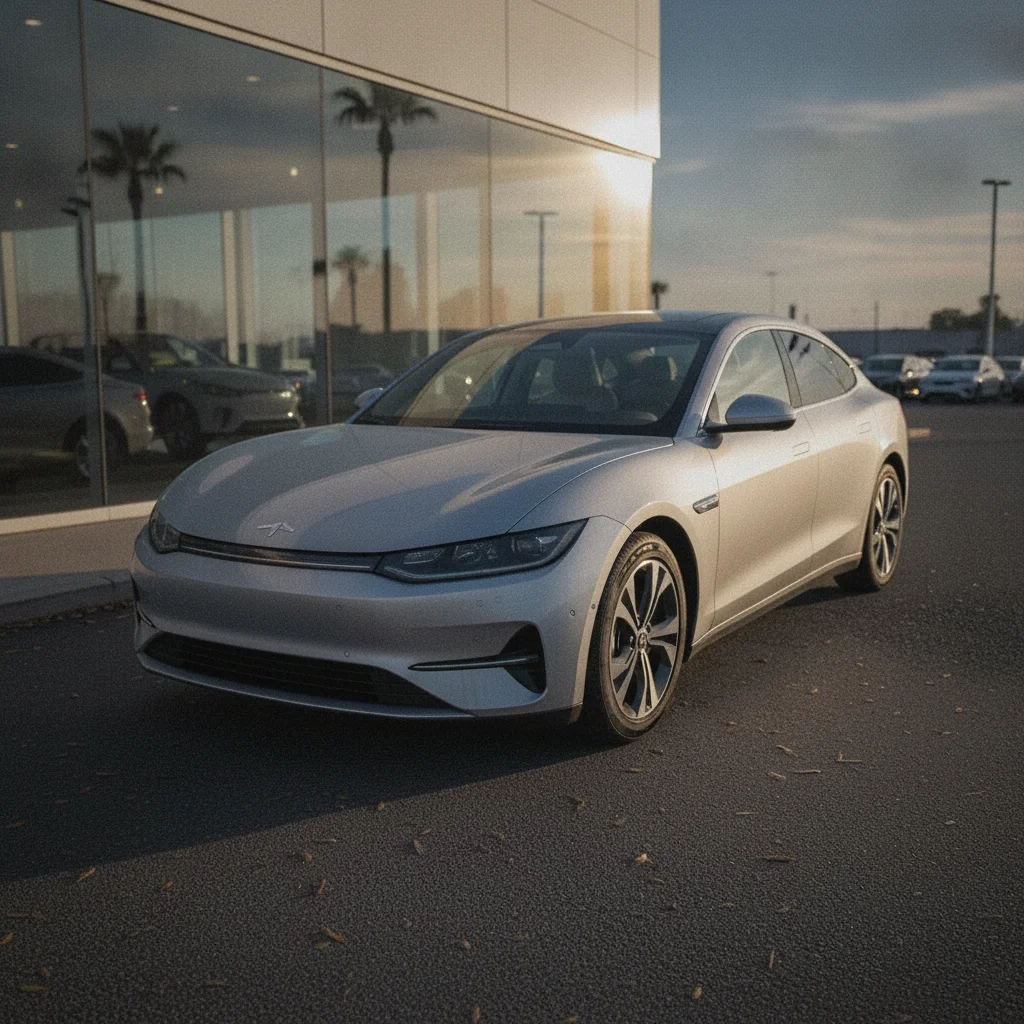
Cleaned-Up Dealer Lot Photo
An on-lot phone photo turned into a listing-grade image.
enhance this car listing photo — clean background, sharper detail, balanced exposure
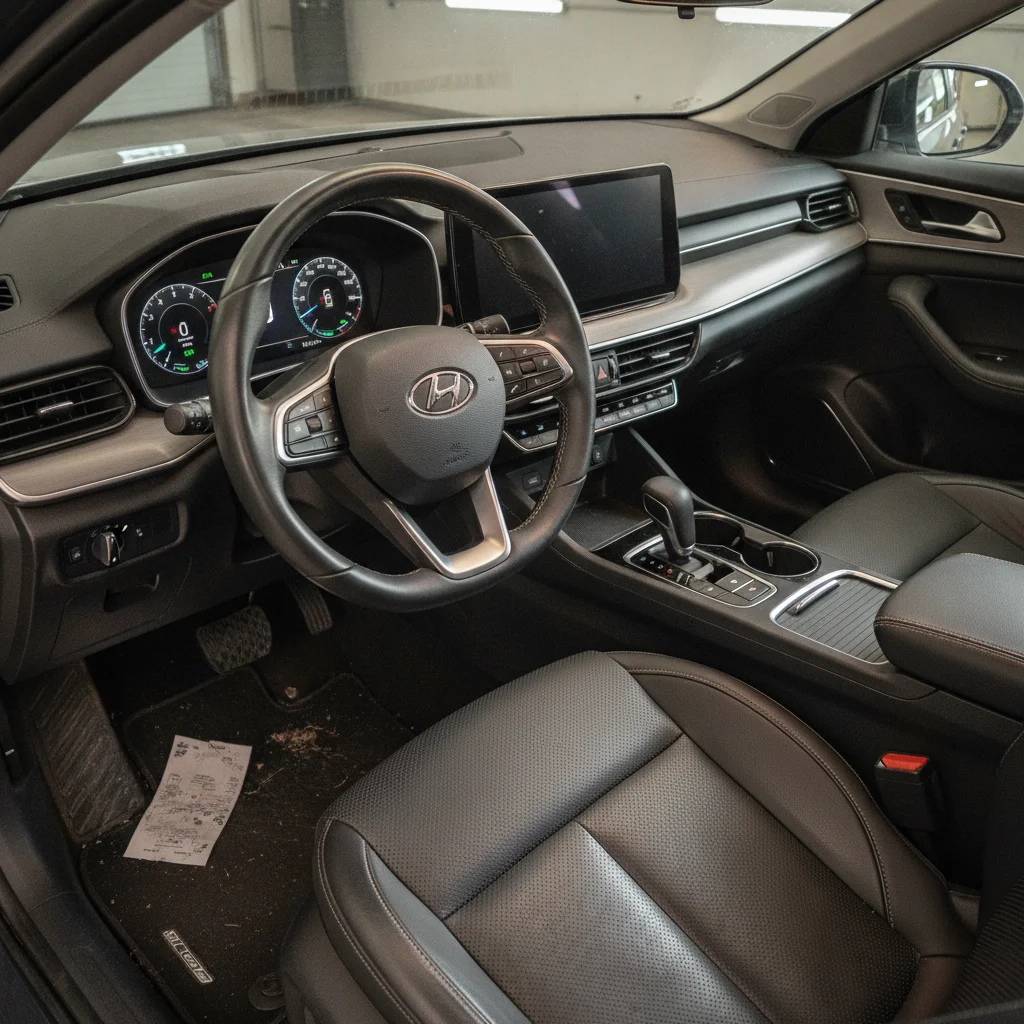
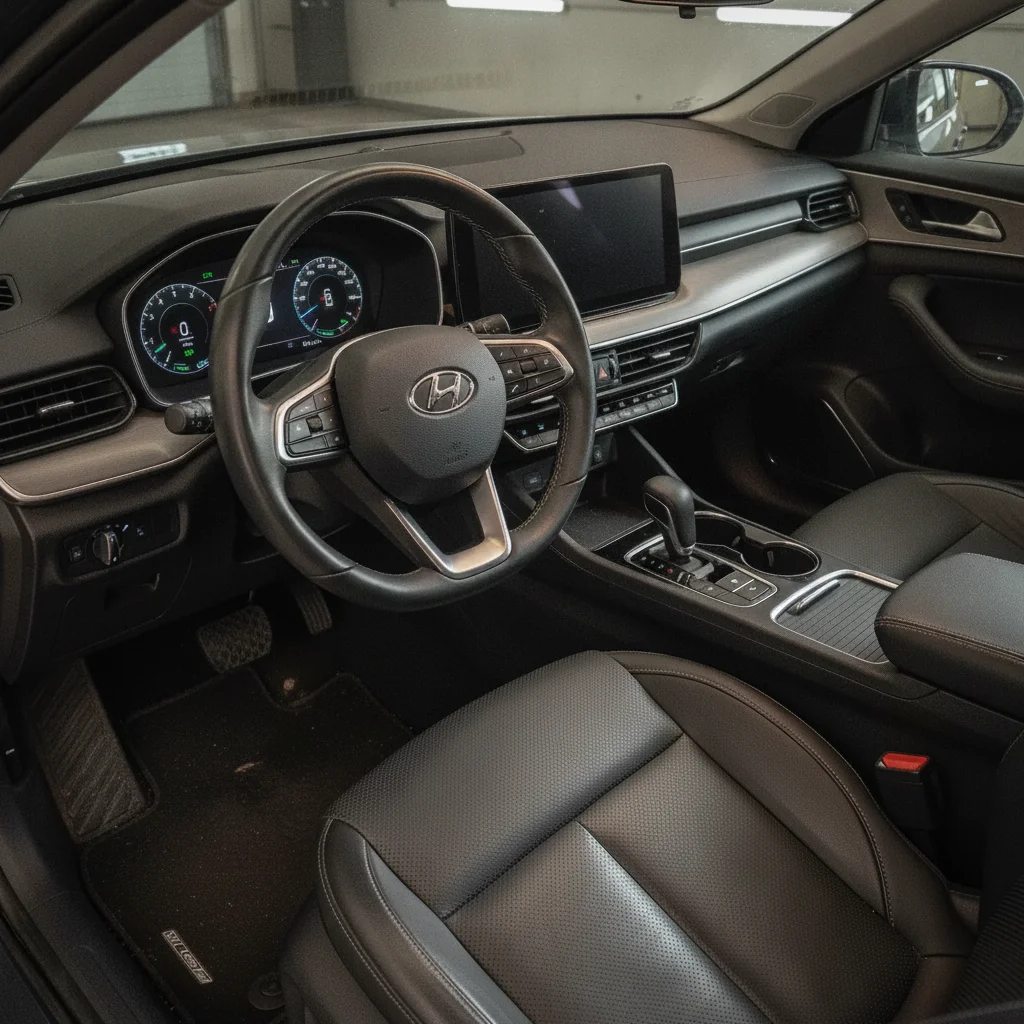
Dim Interior Brightened
A dim cabin shot rebalanced for the interior section of a listing.
brighten the car interior, lift shadows on the dashboard and seats, keep colors realistic
FAQ
Is it legal to edit car listing photos with AI?
Light, accurate edits — cleaner backgrounds, balanced lighting, sharper detail — are standard practice on Autotrader, Cars.com, and Carvana, and don't misrepresent the vehicle. The line is at edits that hide actual damage or alter the vehicle (covering dents, changing paint color, removing scratches). Don't do those. Most marketplaces' terms of service flag misrepresentation, not editing.
Is EditThisPic free for car listings?
Yes. EditThisPic gives one free Fast edit per week with no signup. A dealer listing 30-100 vehicles a month will want a 25-edit pack ($9.99) or Studio Membership ($49.99/mo for 300 edits) — the membership works out to about 17¢ an edit, the cheapest way to polish a full lot.
How many edits per vehicle should I plan for?
Most dealers shoot 8-12 photos per vehicle and edit 4-6 of them: the hero exterior shot, an interior overview, a dashboard close-up, and 1-2 detail shots (wheels, engine, trim). Plan on 4-6 edits per vehicle.
Can EditThisPic remove a dent or scratch?
Technically it can, but we strongly recommend against it. Hiding actual vehicle damage on a public listing is misrepresentation, and most marketplace terms explicitly prohibit it. Use AI for cleaner backgrounds and balanced lighting, not for cosmetic repair.
Will my edited photos look consistent across the dealer inventory grid?
Only if you use consistent prompts. Pick a standard exterior prompt ("clean asphalt background, soft daylight, 3/4 angle") and a standard interior prompt, and reuse them for every vehicle. Consistency is a prompt discipline, not a tool feature.
What about photos I'm using for paid Autotrader or Cars.com inventory feeds?
Edited photos are accepted by Autotrader and Cars.com as long as they accurately represent the vehicle. EditThisPic outputs JPG/PNG at up to 2048px on the long edge with Pro, which covers the major listing feeds' size requirements.
Can the AI handle interior photos at night?
Yes, but the result depends on the input. A pitch-black interior with hard flash artifacts is harder to recover than a slightly underexposed cabin in twilight. Shoot in daylight when possible — the edits will be cleaner.
Is there a watermark on the output?
No. Anything you purchase downloads completely clean at full quality, with no watermarks. The free weekly edit is a preview-quality result so you can see the edit before you buy.
Can I batch a whole inventory at once?
EditThisPic processes one image at a time (the Studio Membership adds batches of up to 25). A trained salesperson can edit a 10-photo vehicle in 5-10 minutes once they have a prompt set saved.
Popular use cases
Ready to upgrade your inventory photos?
Free to try. No signup required.
Start Editing