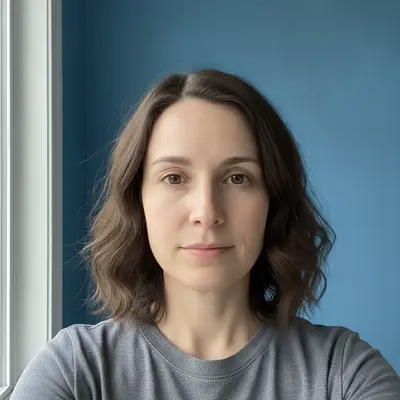
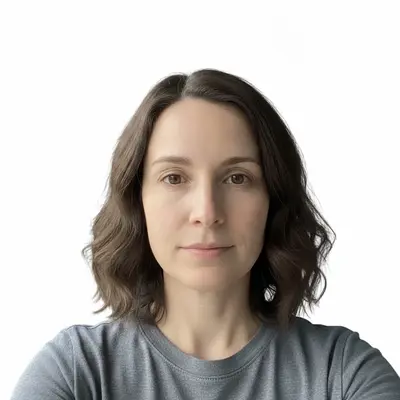
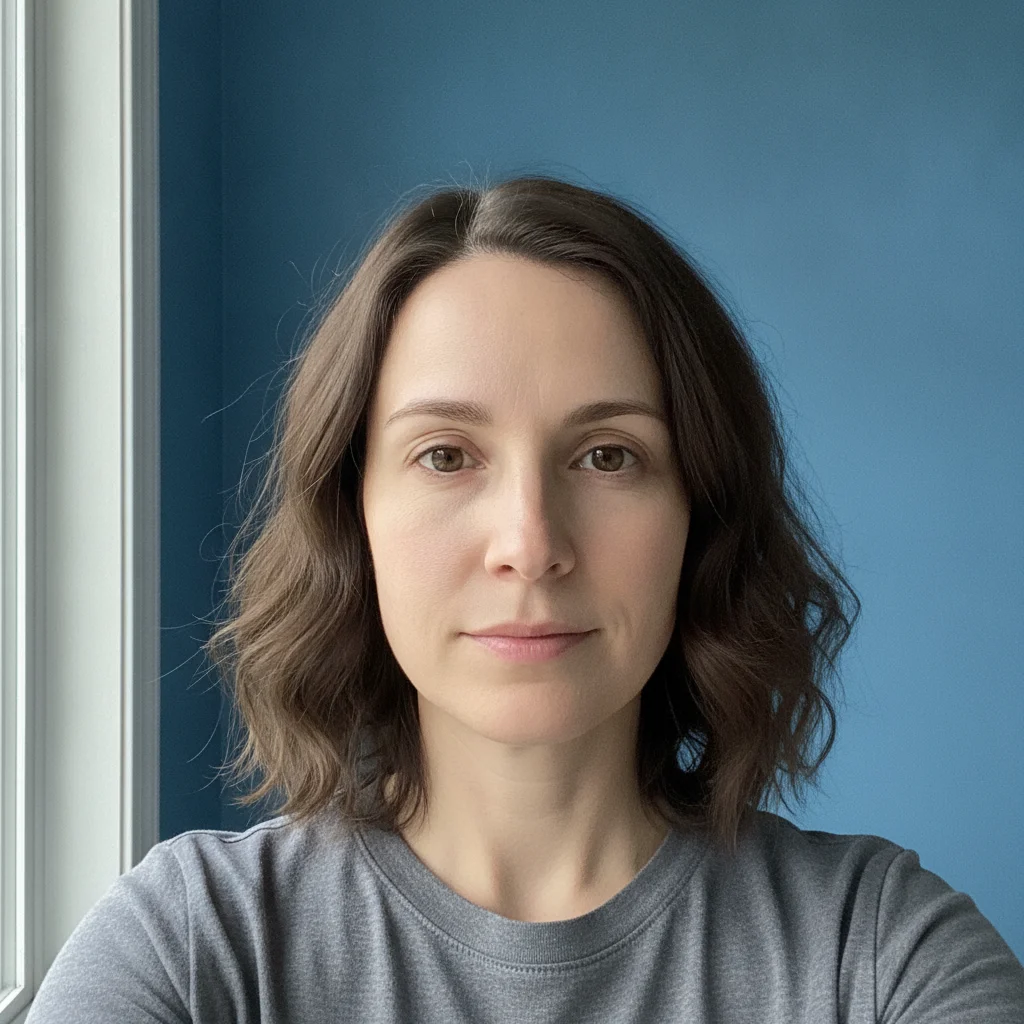
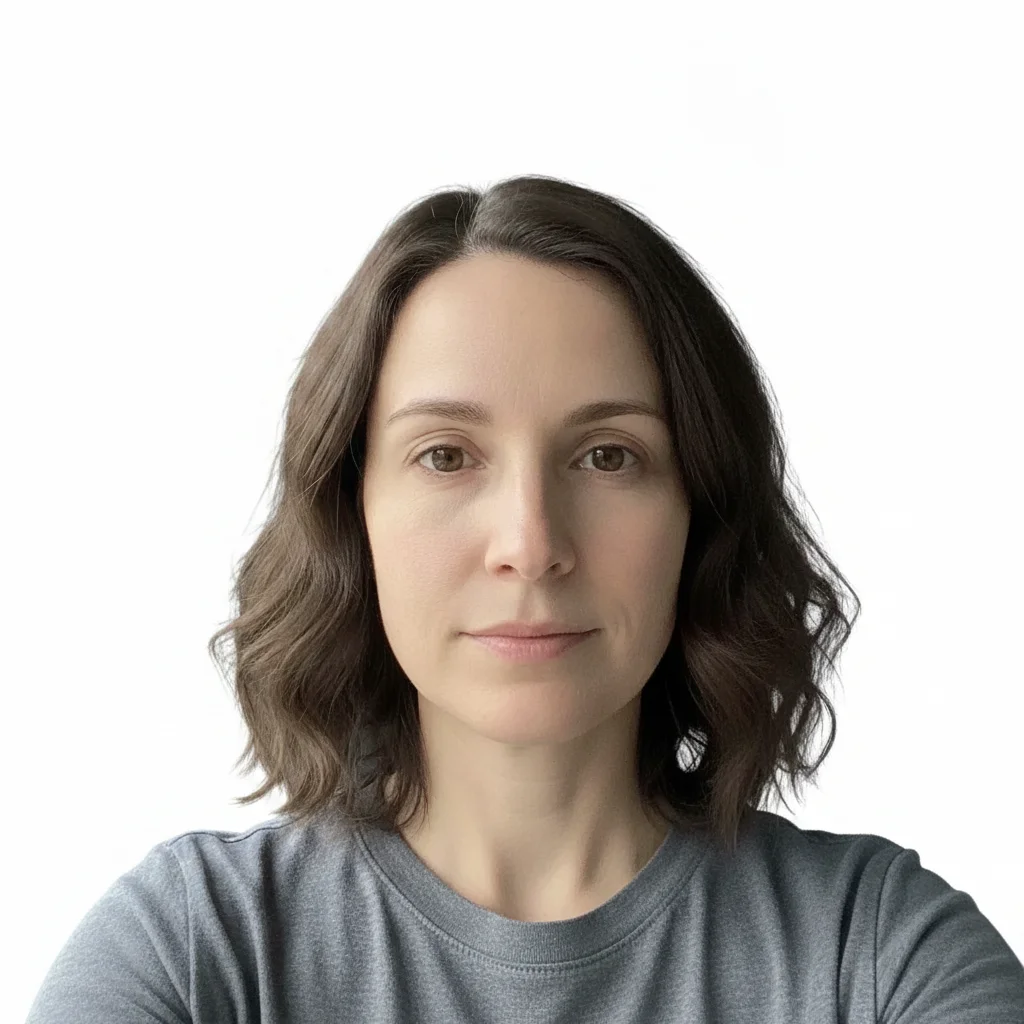
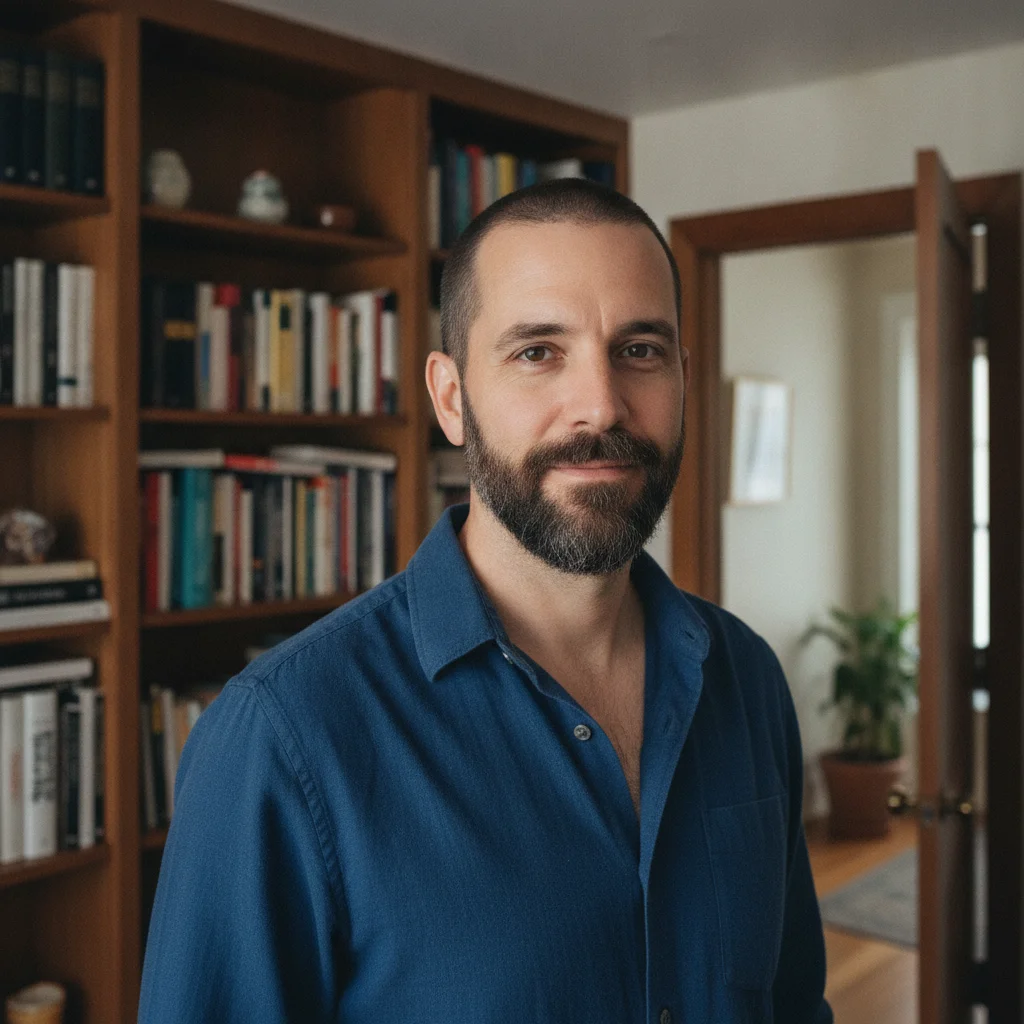
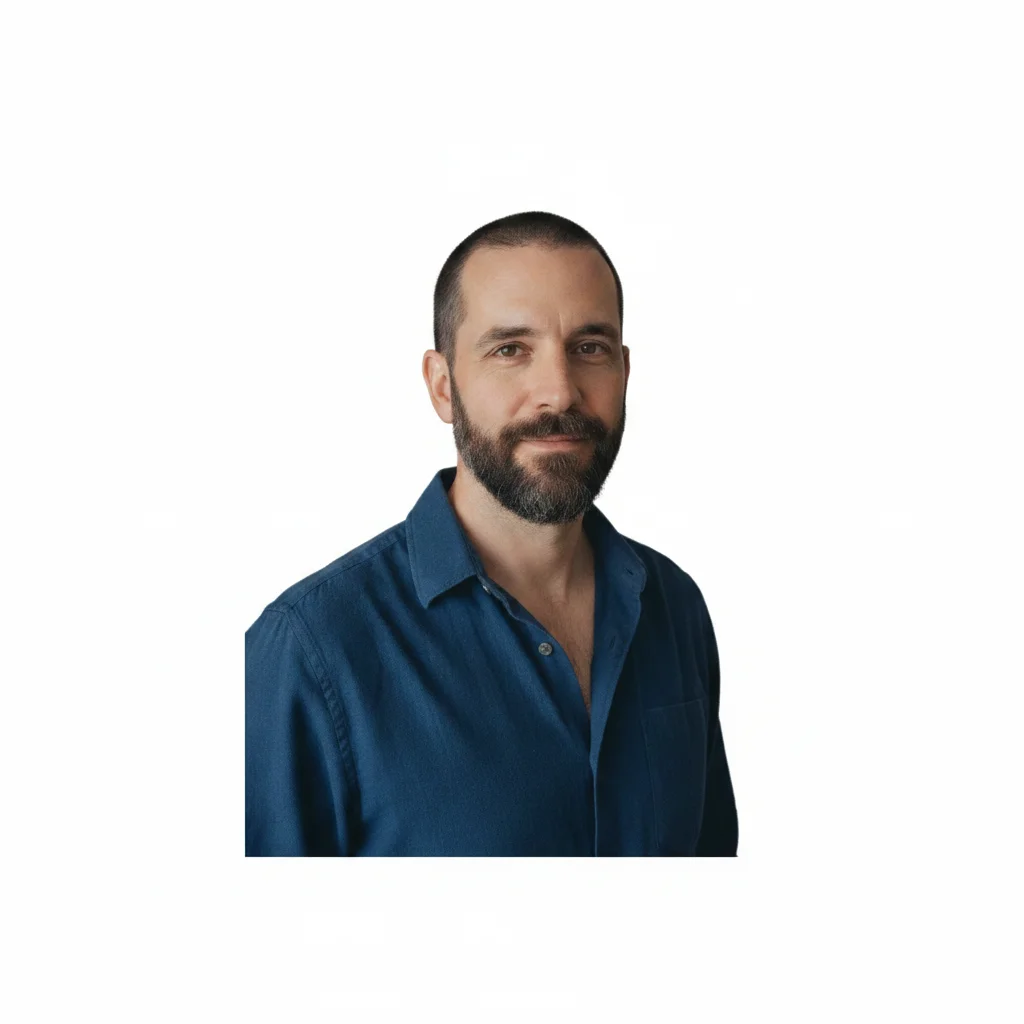
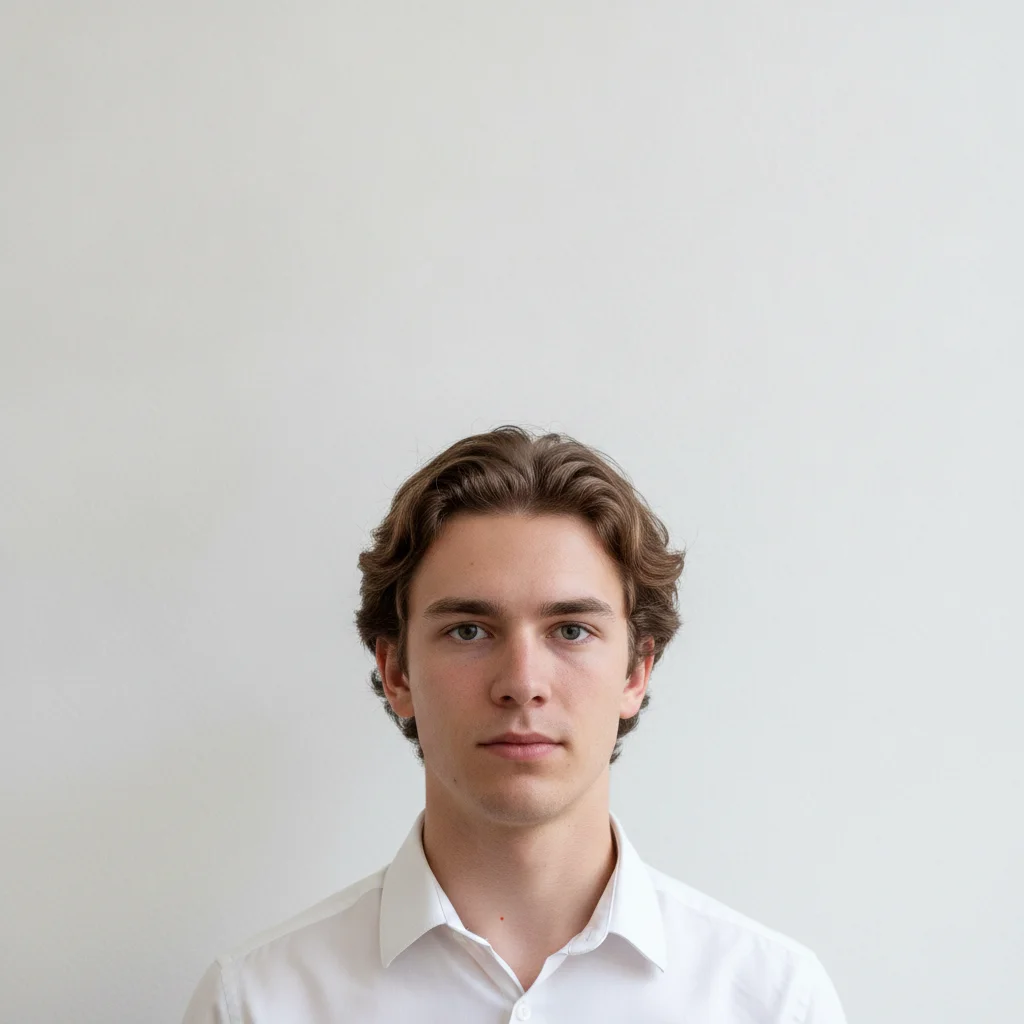
Do I need to mark anything before describing the digital passport photo format I want?
No. Upload your photo and describe the formatting: 'format this as a US digital passport photo — white background, head centered, square crop, color image.' The AI applies the formatting from your text description. No selection tools, cropping tools, or design software needed.
How do I create a US digital passport photo at home for free?
Take a photo against a plain wall in good lighting (no glasses, both eyes open, neutral expression, facing forward). Upload it to EditThisPic, type 'format this as a US digital passport photo — white or off-white background, head centered, square crop,' and click Generate. The AI formats it in 15–30 seconds. Free with no account — one free edit per week, additional edits from $4.99 for a 10-pack.
What are the US digital passport photo requirements?
The current US State Department requirements for digital passport photos include: color image, square aspect ratio, at least 600×600 pixels, white or off-white background with no patterns, no shadows behind the head, head should occupy 50–69% of the image height from the bottom of the chin to the top of the head (or top of hair). Content rules: neutral expression or natural smile, both eyes open, no glasses, facing directly forward, taken within the last 6 months, no filters or retouching of facial features. Always verify the current requirements at travel.state.gov before submitting — specifications can be updated.
Will my formatted passport photo be accepted?
EditThisPic formats your photo to match the US digital passport photo requirements as described. Final acceptance is determined by the State Department's automated photo checker and human review during the application process — EditThisPic cannot guarantee acceptance. Before uploading your renewal, test your photo with the State Department's own photo tool at travel.state.gov, which checks your image against the current technical requirements.
What format and size does a digital passport photo need to be?
The US State Department online passport renewal system accepts color JPEG images of at least 600×600 pixels. The image must be square (equal width and height). For exact current upload specifications including any file size limits, check travel.state.gov — technical requirements for the upload system can change and what's listed here may be outdated.
Can I take my own passport photo for online renewal?
Yes. Self-taken passport photos are accepted for US online renewal as long as they meet the photo requirements: plain white or off-white background, facing forward, both eyes open, neutral expression or natural smile, no glasses, no filters or retouching of facial features, taken within the last 6 months. The process: take the photo at home, format it with EditThisPic, verify against travel.state.gov, then upload.
Is EditThisPic's digital passport photo maker really free?
Yes. EditThisPic gives one free Fast preview edit per week with no account, and purchased downloads are clean. If you need to try several formatting adjustments, additional edits start at $4.99 for a 10-pack. Most passport photo formatting completes in a single edit.
Can I use this on my phone to format a passport photo?
Yes. EditThisPic works in any modern mobile browser — Safari on iPhone, Chrome on Android. Take a photo with your phone camera, upload it through the browser, type your formatting instruction, and download the formatted passport photo back to your camera roll. No app installation required.
How does EditThisPic compare to paid passport photo services for digital photos?
Paid services like CVS, Walgreens, or dedicated passport photo apps charge $10–$20 for a digital passport photo. EditThisPic lets you try the formatting free — you describe it, the AI applies it, and you preview the result; the download is paid. The difference: paid services have staff who verify your photo meets requirements in person; EditThisPic is self-service and you need to verify against travel.state.gov yourself before submitting.
Can I use AI-generated or heavily retouched photos for passport applications?
No. The US State Department prohibits digitally altered photos that change your actual appearance — this includes AI face retouching, smoothing, or features that don't reflect your real appearance. Using EditThisPic to format the background, crop, and composition is permitted. Altering facial features, skin tone, or appearance is not. The standard is that the photo must accurately represent how you look in person.
How long ago can my passport photo have been taken?
US passport photos must have been taken within the last 6 months. If you have a photo older than 6 months that you want to use, it may be rejected — take a new one. Your appearance must also match the photo: significant changes like shaved hair, new facial hair, or major weight change since the photo was taken may cause issues at review.
How much does EditThisPic cost?
You get 1 free edit per week — no account needed. After that, one-time credit packs start at $4.99 for 10 edits, valid 12 months, no subscription. Power users who edit daily can pick Studio Membership, a monthly workspace at $49.99/mo for 300 edits. Purchased downloads are clean with no watermark.