AI Rejected Passport Fixer
← Browse all fix & restore toolsLast updated
Got rejected? Fix background color, shadows, glare, or size issues in seconds.
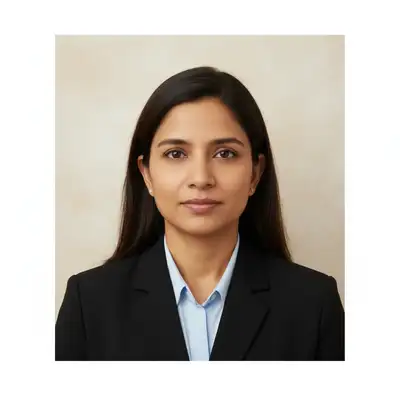
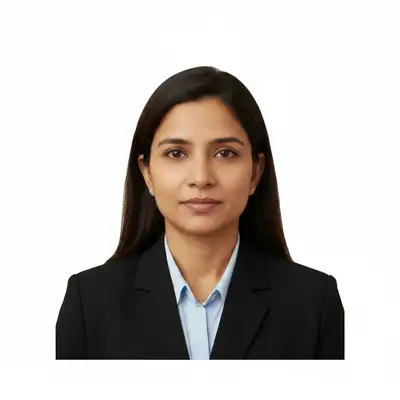
Upload photo to fix rejected passport photo
"remove the shadow on my face for passport photo, even lighting across entire face, no dark areas"
Free to try · no sign-up · never used for AI training
Release to upload
<30stypical edit
1 freeedit weekly
Photo on your phone?
Scan to open this editor there — free edit works on your phone too.
How it works
See it in action
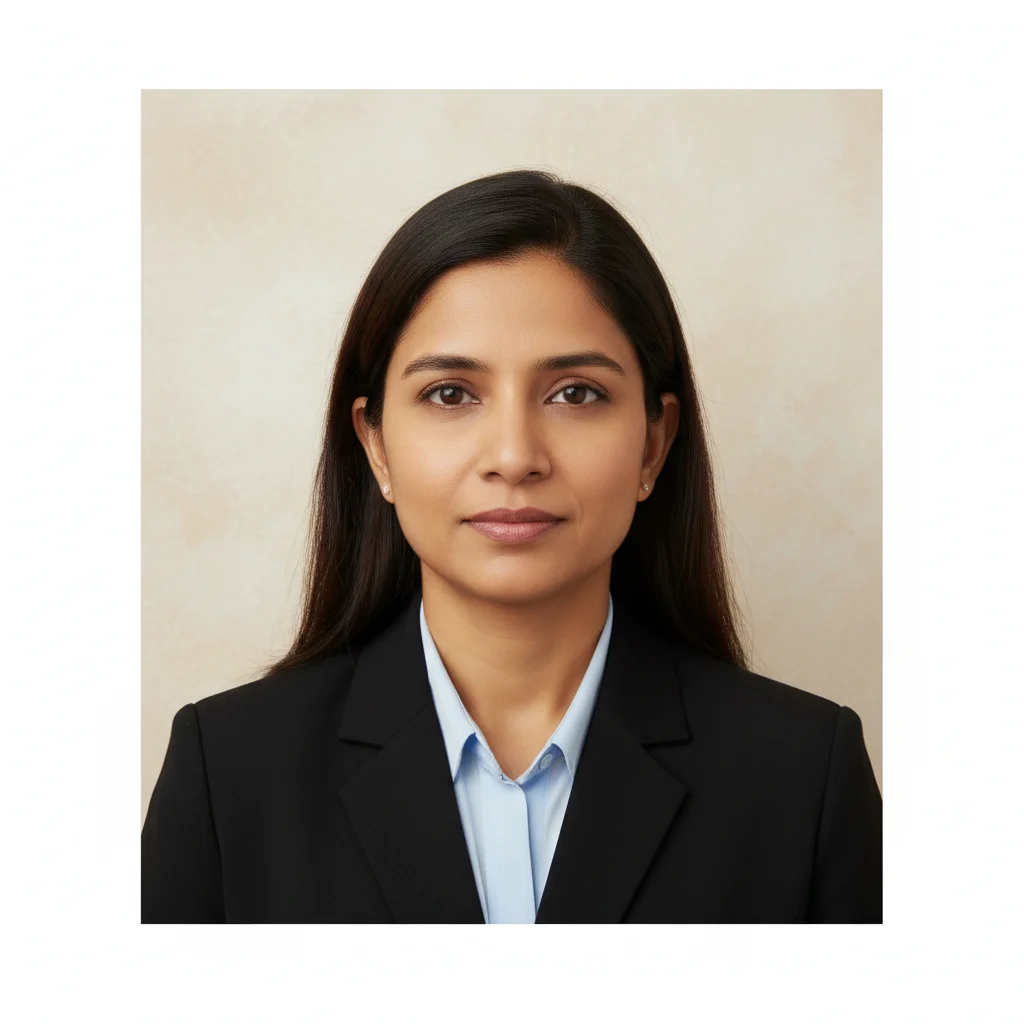
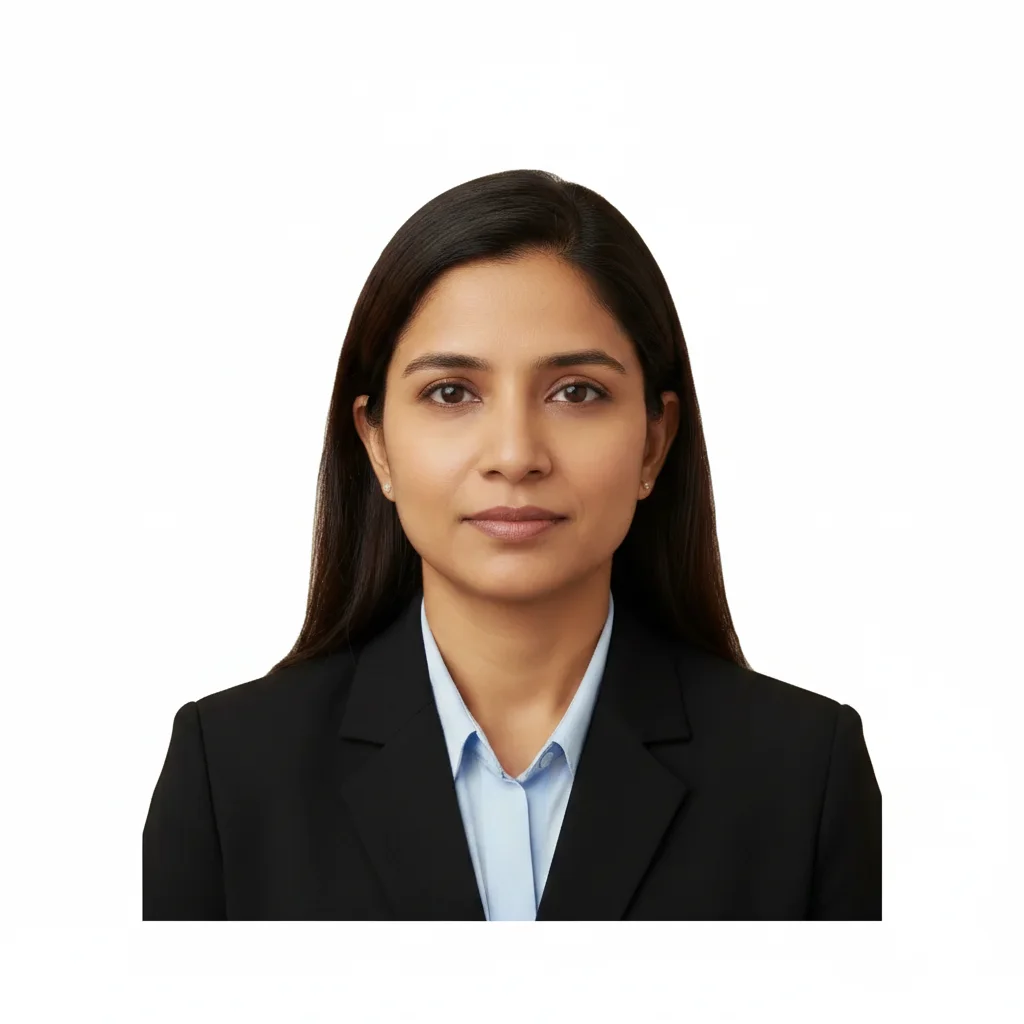
Beige background changed to white
Passport photo rejected because background wasn't pure white. One prompt fixed the compliance issue.
Prompt:
change background to pure white, completely even with no shadows or variations, meet passport photo requirements
Face shadow removed
Shadow on the left side of face caused rejection. Prompt removed shadow while keeping natural features.
Prompt:
remove the shadow on my face for passport photo, even lighting across entire face, no dark areas
Glasses glare corrected
Reflection from flash on glasses obscured eyes. Fixed while keeping glasses frames visible per requirements.
Prompt:
remove glasses glare from photo for passport, keep glasses frames visible, clear view of eyes
Quick answers
Popular use cases
Ready to fix your rejected passport photo?
Free to try. No signup required.