Free • No signup Make Dog fat in photo · Free

Make a Dog Look Fat in a Photo

Last updated

Upload a photo of your dog and watch the AI transform them into an absolute sausage — round belly, puffy jowls, happy and completely unbothered. Ready in seconds.

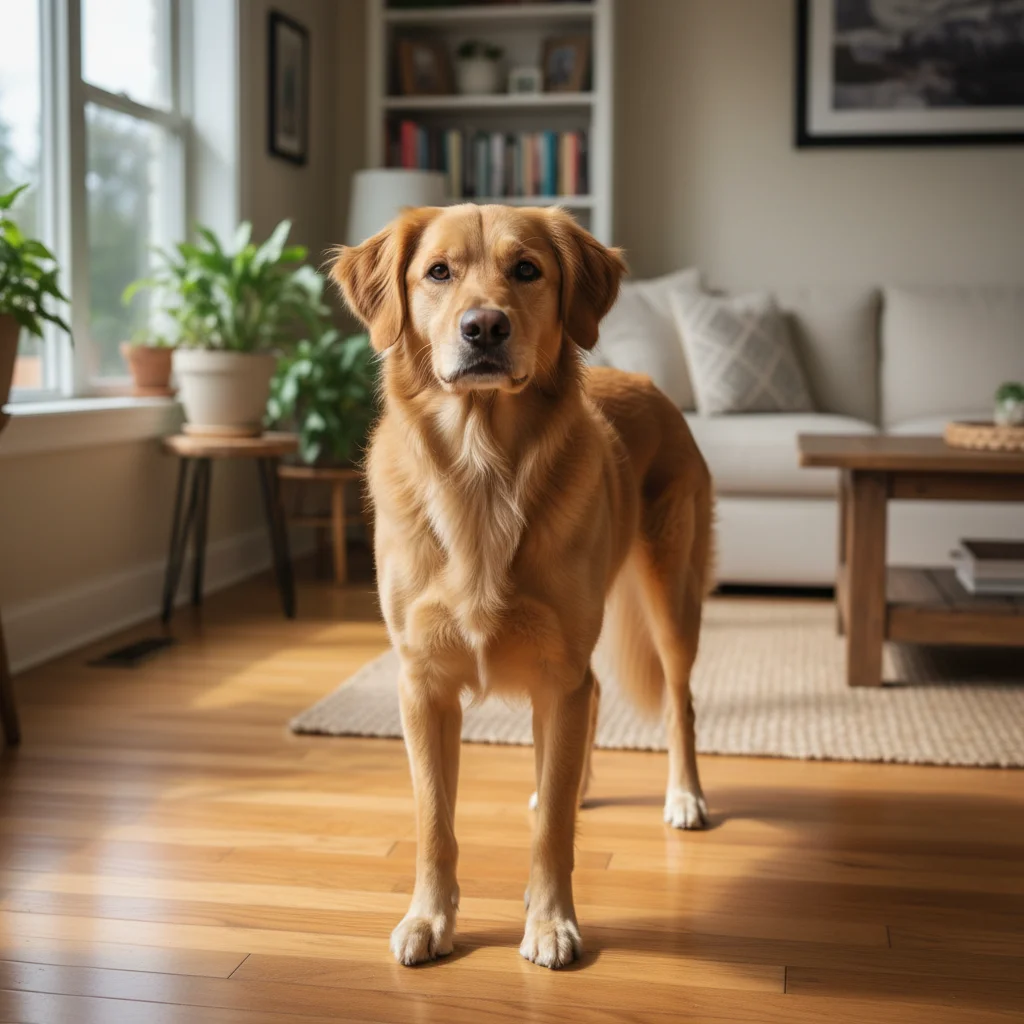
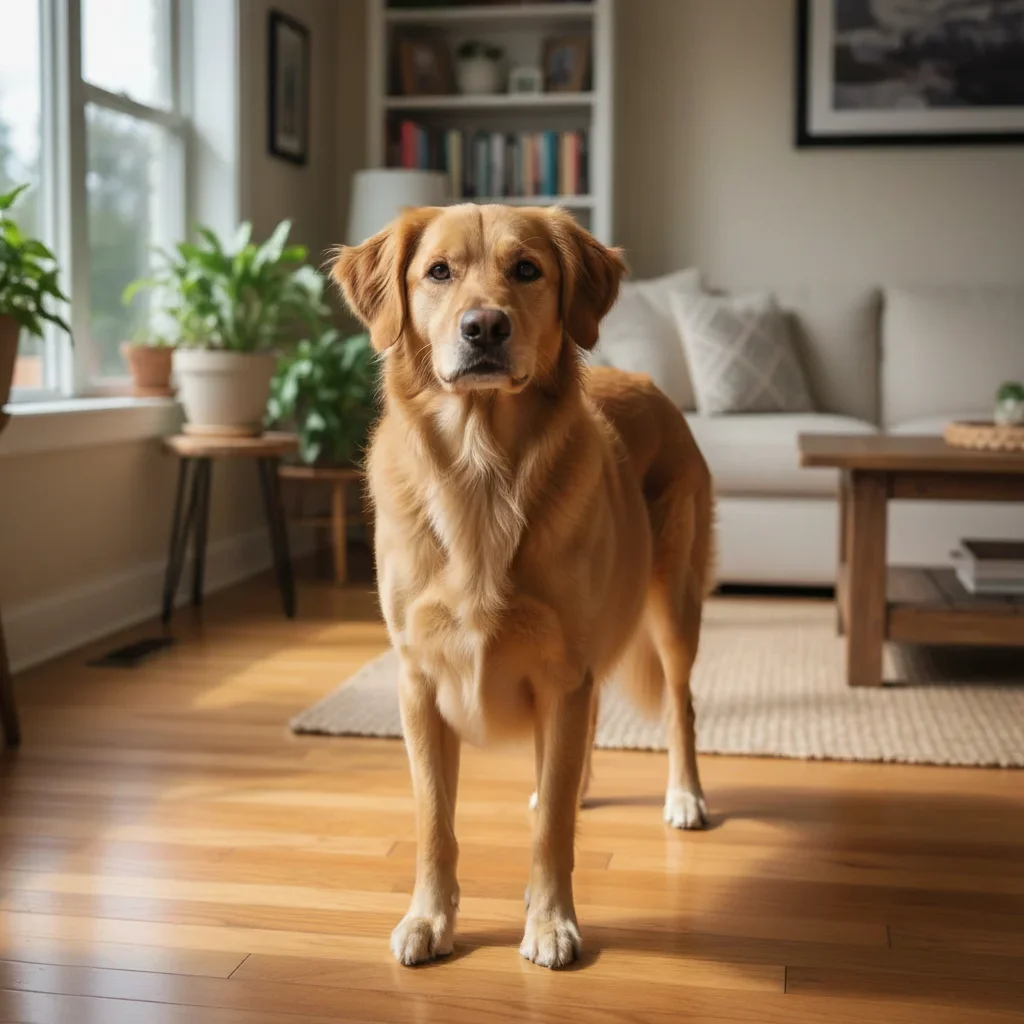
Normal-sized golden retriever sitting on grass in a park Same golden retriever now massively round and chubby with a huge belly and thick legs, still looking happy

Upload photo to make dog fat

"Make this dog look like an absolute sausage — enormous round body, stubby legs struggling under the weight, belly grazing the ground, adorable expression unchanged"

Release to upload

1 free edit·then from $4.99

Popular use cases:
  • fat dog photo prank
  • chubby dog picture maker
  • AI fat dog filter
  • funny dog photo editor
  • fat corgi photo generator
  • dog weight prank photo
  • group chat dog prank
  • fat dog meme from photo

Cost
Free No signup required
Time
Instant results in 15-30 seconds
Works on
Any device - browser, phone, tablet, desktop
Powered by
AI-powered photo editing
Scenario Prompt Time
Maximum chonk Extremely fat and round, belly nearly touching ground, puffy jowls, happy expression 15s
Corgi sausage Enormous round body, stubby legs barely visible under the weight, belly grazing the ground 15s
Subtle overfed Slightly pudgy, the kind of dog the vet gently mentions at checkups, natural but clearly heavier 15s
Full potato mode Round potato shape, no visible waist, thick all over, still looking happy and oblivious 15s

How it works

  1. Upload your photo

    Upload any clear photo of a dog — yours, your friend's, or any dog photo you have. Full-body shots from the side or slightly angled work best to show off the belly. Any breed works — though low-slung dogs like corgis and dachshunds produce especially incredible results.

    Expect: Upload takes under 5 seconds. Phone photo quality works perfectly fine.
  2. Describe how fat the dog should be

    Type exactly what you want. Be specific about the level of chonk — 'slightly pudgy' versus 'comically obese with a belly touching the grass' will give very different results. You can also specify the expression — happy and oblivious tends to be the funniest.

    Tip: For short-legged breeds like corgis and dachshunds, add 'belly nearly dragging on the ground' — it works perfectly with their natural shape and produces the most shareable result.

    Copy one of these to get started:

    Maximum round boy Make this dog look extremely fat and round — massive belly nearly touching the ground, thick chubby legs, puffy jowls, but still looking happy and completely oblivious about it

    Corgi / dachshund sausage mode Make this dog look like an absolute sausage — enormous round body, stubby legs struggling under the weight, belly grazing the ground, adorable expression unchanged
    The 'someone's been feeding him scraps' look Make this dog look like it has been fed too many treats — very round and pudgy, slightly waddling stance, comfortably overweight but still clearly happy
    Golden retriever potato mode Transform this dog into a round potato shape — enormous round belly, chubby face, thick neck, the general vibe of a dog that has not seen its own paws in years but is perfectly fine with that
    3 more prompts
    Dog can barely move Make this dog look so fat it is barely mobile — absolutely enormous round body, tiny legs, looks like it has been living its best life eating nonstop, still has a dopey happy expression
    Slightly chubby — the believable version Make this dog look a little overweight — maybe 20% heavier than they should be, slight belly, soft around the edges, the kind of dog the vet side-eyes at checkups
    Before-the-diet photo Make this dog look like the 'before' photo in an extreme weight loss transformation — very round and chubby all over, slightly out of breath just from sitting there
  3. Send it

    Download the photo and deploy it — drop it in the family group chat as a 'this is what I think would happen if you kept giving him table scraps,' send it as an unsolicited dog update, or post it on Instagram and watch the 'is this real?' comments roll in.

See it in action

Normal-sized golden retriever sitting on grass in a park
Before
->
Same golden retriever now massively round and chubby with a huge belly and thick legs, still looking happy
After

Golden retriever goes full potato

A normal golden retriever photo transformed into a round, waddling legend. Sent to the dog's owner with the caption 'update from the dog sitter.'

Prompt: Make this dog look extremely fat and round — massive belly nearly touching the ground, thick chubby legs, puffy jowls, but still looking happy and completely oblivious about it

Normal corgi standing on hardwood floor
Before
->
Same corgi now enormously round with a massive belly nearly touching the floor and stubby legs
After

Corgi becomes a footstool

A corgi's already low-slung shape taken to the logical extreme. The belly-to-leg ratio is genuinely absurd. Sent to the owner as a 'vision of the future' prank.

Prompt: Make this dog look like an absolute sausage — enormous round body, stubby legs struggling under the weight, belly grazing the ground, adorable expression unchanged

If something looks off

The dog looks distorted rather than chubby

Why: Asking for extreme proportions can sometimes produce uncanny anatomy. The AI may struggle with the overall structure.

Try: Make this dog look realistically overweight — like a dog that genuinely weighs too much, not a cartoon. Keep natural dog anatomy but make everything rounder and heavier.

Tip: Realistic-looking results are actually funnier because they're more believable. Push for plausible, not absurd.

Only the body changed but the face still looks thin

Why: The AI may have focused on the largest visible area. Explicitly request face changes to get the full chubby look.

Try: Make this dog fat all over — chubby jowls, thick neck, wide round body, chunky legs. Everything should look heavier and rounder.

Tip: Mentioning 'jowls' specifically tends to trigger realistic facial fat changes in dog photos.

The background warped when the dog got bigger

Why: Enlarging the dog body forces the AI to recompose the surrounding area, which can distort nearby objects.

Try: Make the dog look much fatter while keeping the background completely unchanged. Only modify the dog's body — everything else should stay exactly the same.

Tip: Dogs photographed in open spaces or against plain backgrounds (grass, floor) produce cleaner results than cluttered indoor scenes.

The result looks too cartoony

Why: Without guidance toward realism, the AI may exaggerate into cartoon territory.

Try: Make this dog look realistically overweight — photorealistic, like an actual very heavy dog. Natural fur, proper anatomy, just significantly heavier than normal.

Tip: Adding 'photorealistic' or 'looks like a real photo' to your prompt consistently pulls results away from cartoon-style outputs.

The dog's fur looks patchy or wrong after editing

Why: Reshaping a furry animal can sometimes cause the coat to look stretched or inconsistent.

Try: Make this dog fat while keeping the fur texture and coat color completely natural and consistent — the coat should look exactly the same, just on a much larger frame

Tip: Solid-color dogs or short-haired breeds tend to produce cleaner chubby edits than long-haired or heavily patterned breeds.

Quick answers

Do I need to mark the dog in the photo before I describe what I want?

No. Just describe what you want — 'make this dog look extremely fat and chubby' — and the AI identifies the dog and reshapes it.

Is this free?

Yes. EditThisPic gives you 1 free edit per week with no account needed. For more edits, credits start at $1.99. No subscription required.

Will it look convincing enough to fool someone?

A well-executed fat dog edit at phone screen size is convincing enough for a casual send — especially if the original photo has good lighting. Full-body side-view shots produce the most believable results. Corgis and dachshunds are particularly effective because their natural proportions make the edited version look almost plausible.

Can I use a photo of someone else's dog?

Yes. Upload any dog photo — your friend's dog, your parents' dog, or any dog photo you have. Sending someone a fattened photo of their own dog is a particularly effective prank.

Does the dog breed matter?

Any breed works, but short-legged dogs like corgis, dachshunds, basset hounds, and pugs produce particularly funny results because their natural body shape is already close to round. The belly-to-leg ratio becomes almost architecturally impossible in the best way.

Does EditThisPic store my photos?

Photos are processed to generate your edit and not stored beyond the session. No account required means no personal data is collected by default.

How is this different from apps that just stretch photos?

Stretching tools distort the entire image proportionally, which makes it obvious. EditThisPic's AI understands dog anatomy and reshapes the animal specifically — body, legs, and face — while keeping the background and surrounding scene intact. The result looks like an actual overweight dog, not a warped photo.

Can I control how fat the dog looks?

Yes — you set the level in your description. 'Slightly chubby, like the vet is mildly concerned' gives you a subtle edit. 'Absolutely enormous, cannot see own paws, belly grazing the ground' gives you peak comedy. The AI follows your instructions.

How much does EditThisPic cost?

You get 1 free edit per week — no account needed. After that, credit packs start at $1.99 for 3 edits. Monthly plans start at $4.99/mo for 15 edits with unused credits rolling over. All edits are full resolution with no watermark.

Ready to fatten up your dog?

Free to try. No signup required.

1 free edit included·Credit packs from $4.99