AI Photo Editor for Pet Photos
Turn every pet photo into a frame-worthy portrait, in seconds.
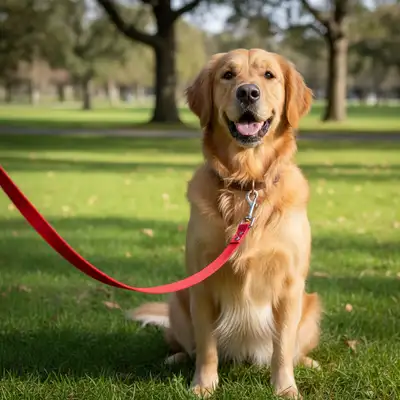
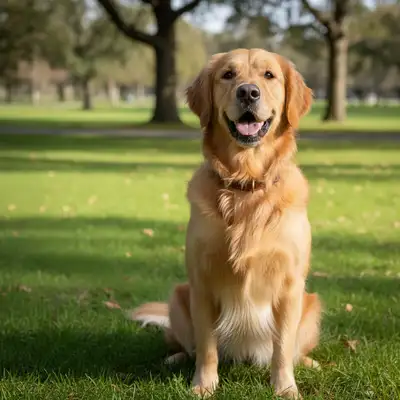
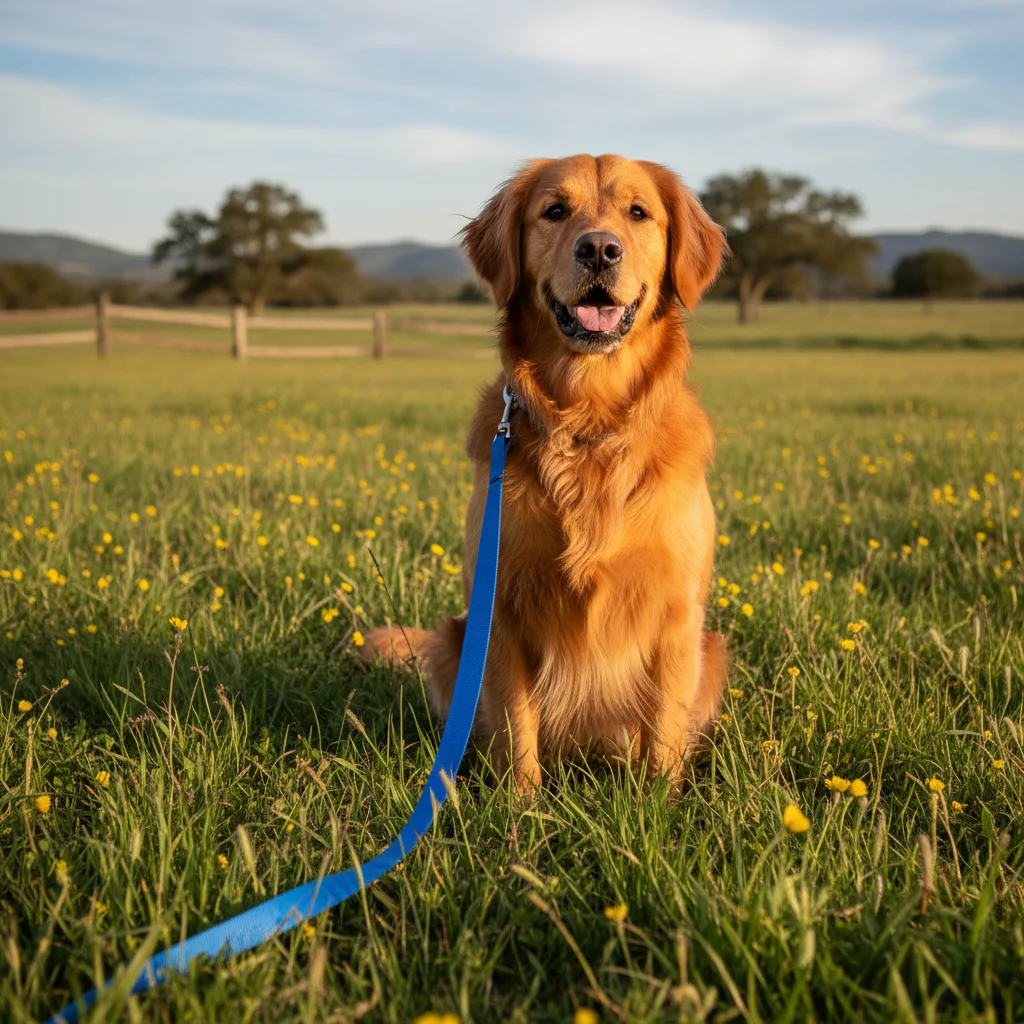
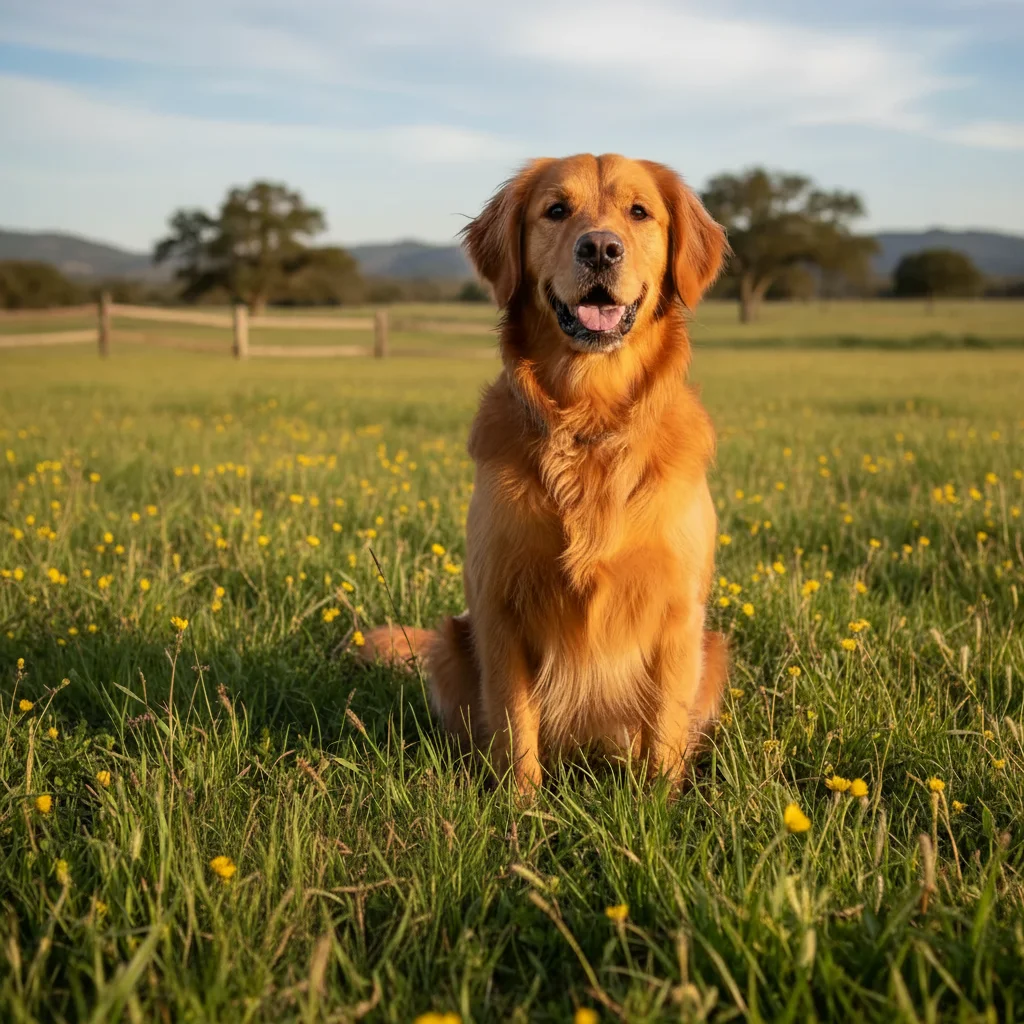
"My golden retriever never sits still for photos. Got a great shot but the leash ruined it. One prompt later - leash gone, and the background blur makes her look like a professional portrait. My new phone wallpaper." @GoldenMom_Sarah
Built for Pet Lovers
Pets don't pose on command. You get one good shot before they move, and it usually has something wrong - a leash, a stranger in the background, or harsh lighting. EditThisPic lets you fix these issues with simple descriptions. No selecting, no layers, no learning curve. Just tell it what to change.
Tools Pet Owners Use Most
Remove Leash
Eliminate leashes and leads for natural-looking pet portraits
Blur Background
Create professional portrait bokeh that highlights your pet
Remove Objects
Clear away toys, bowls, or distractions from the scene
Enhance Colors
Make fur colors pop and look true to life
Step-by-Step Guide
Upload your pet photo
Drop your pet image into EditThisPic. JPG, PNG, WebP up to 7MB. Works with dogs, cats, birds, rabbits, reptiles - any pet. Indoor shots, outdoor action, posed or candid - upload what you have.
Describe your edit in plain English
Type what you need: 'remove the leash from my dog' or 'blur the background and make the cat stand out.' Be specific about what to change. The AI understands pet terminology - it knows what a leash is, what fur looks like, how pet portraits should look.
Review and download
Check key areas: fur edges against the new background, areas where the leash was removed, overall color balance. Zoom in on the face to ensure details look natural. Download your portrait-ready pet photo.
Refine specific areas if needed
If the AI missed some fur detail or left an artifact, tap a marker on that exact spot and regenerate. Pet fur is complex - fluffy or curly coats may need one refinement pass for perfect edges.
Copy-Paste Prompts for Pet Photos
remove the leash from the dog and fill the area naturally with fur and background
'Fill naturally' ensures the AI reconstructs the fur pattern where the leash was
blur the background behind the pet to create a professional portrait look, keep the pet perfectly sharp
Mentioning 'perfectly sharp' ensures the blur only affects the background, not the pet
remove the collar from the cat and restore the fur underneath naturally
Works for both dogs and cats - the AI fills with matching fur texture
enhance the fur colors to look vibrant and natural, improve the lighting to look like outdoor daylight
Combining color and lighting enhancement brings out the true coat colors
Show 4 more prompts
remove the other dog in the background, keep only my golden retriever as the main subject
Be specific about which pet to keep when multiple animals are in frame
replace the outdoor background with a solid light grey studio backdrop, keep the pet's fur edges natural
'Keep fur edges natural' is key for fluffy pets - prevents harsh cut-out look
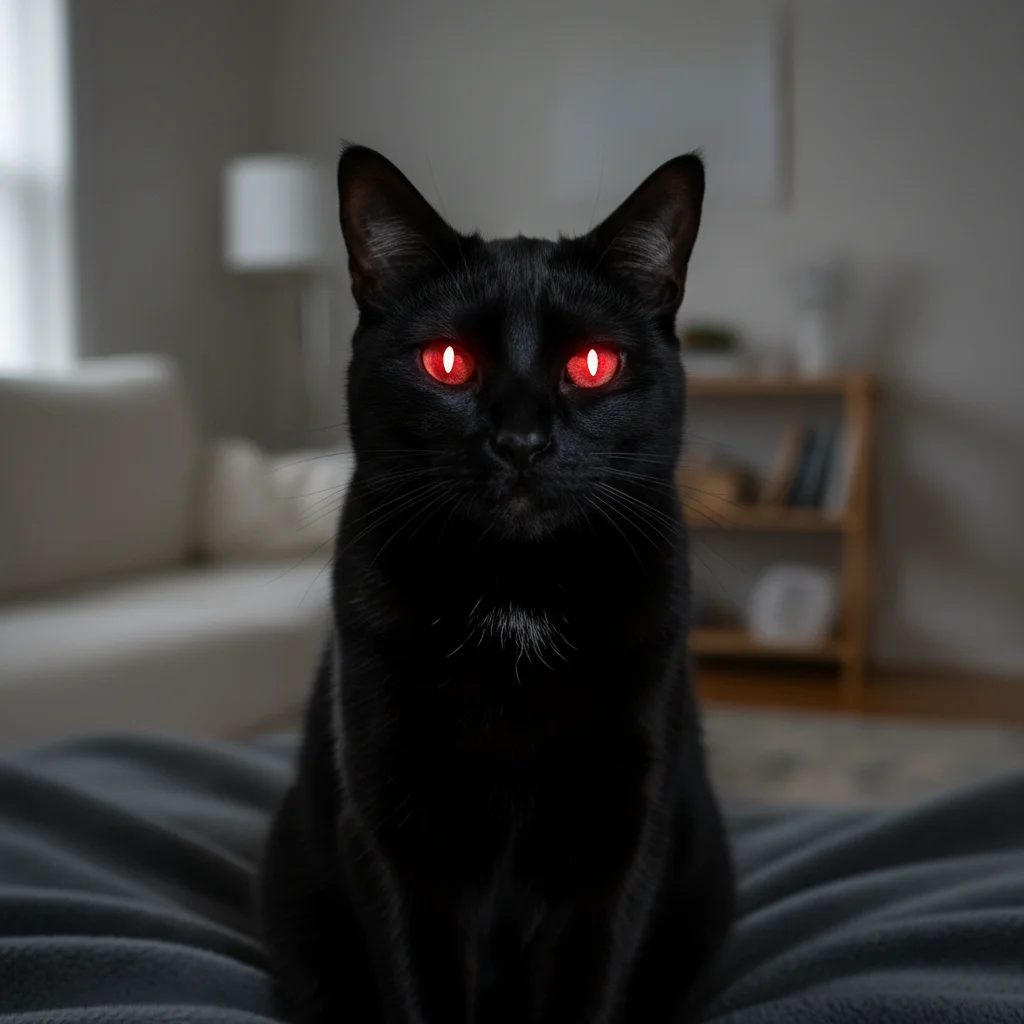
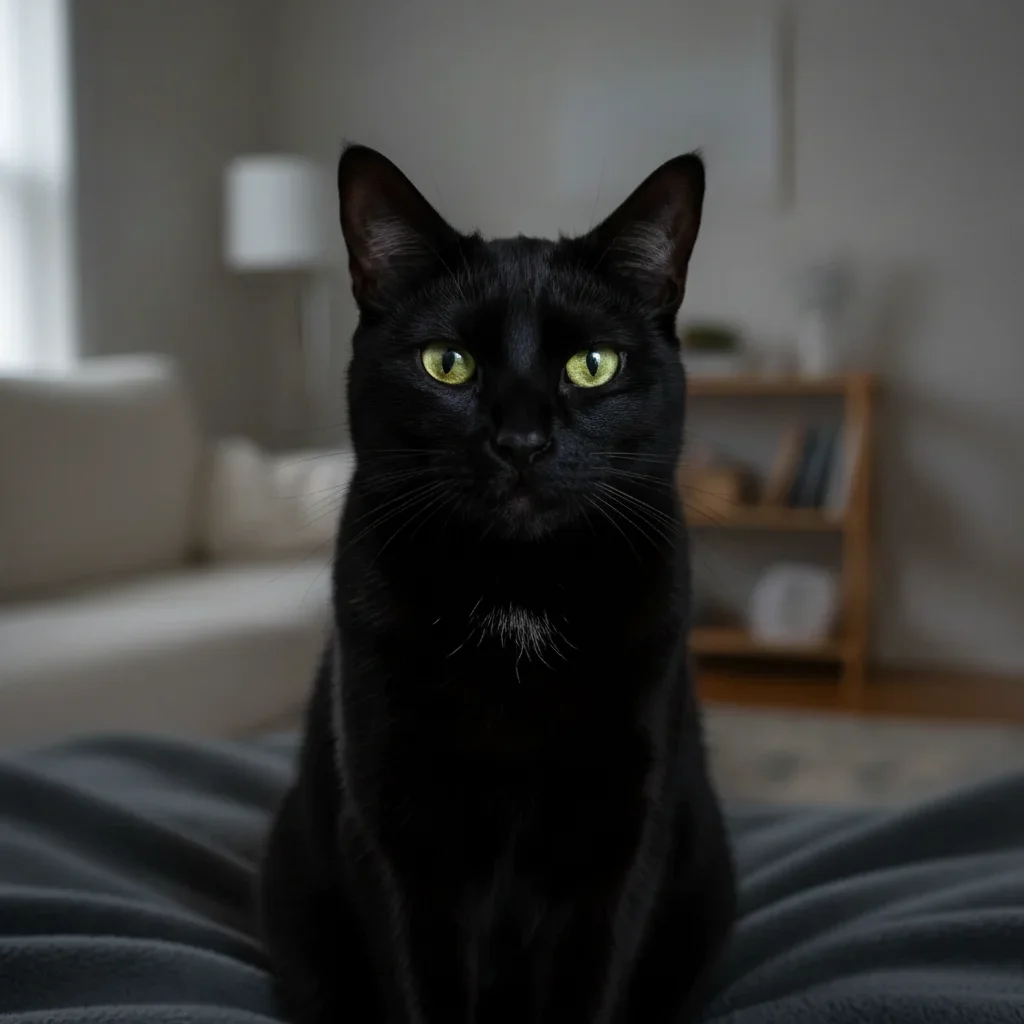
fix the glowing eyes from the flash, make the eyes look natural and expressive
Works on the green or yellow glow that pets get from flash, not just red
remove the person's hands holding the cat, make it look like the cat is sitting naturally on its own
The AI will reconstruct the pet's body where hands were gripping
| Edit Type | Prompt | Time |
|---|---|---|
| Remove leash | remove the leash and fill naturally |
20s |
| Blur background | blur background, keep pet sharp |
25s |
| Enhance fur colors | enhance fur colors to look vibrant |
20s |
| Studio background | replace with grey studio backdrop |
30s |
Real Examples
Leash removed from outdoor portrait
A beautiful dog walk photo with a distracting red leash. The AI removed the leash and reconstructed the fur naturally.
remove the leash from the dog and fill the area naturally with fur and background
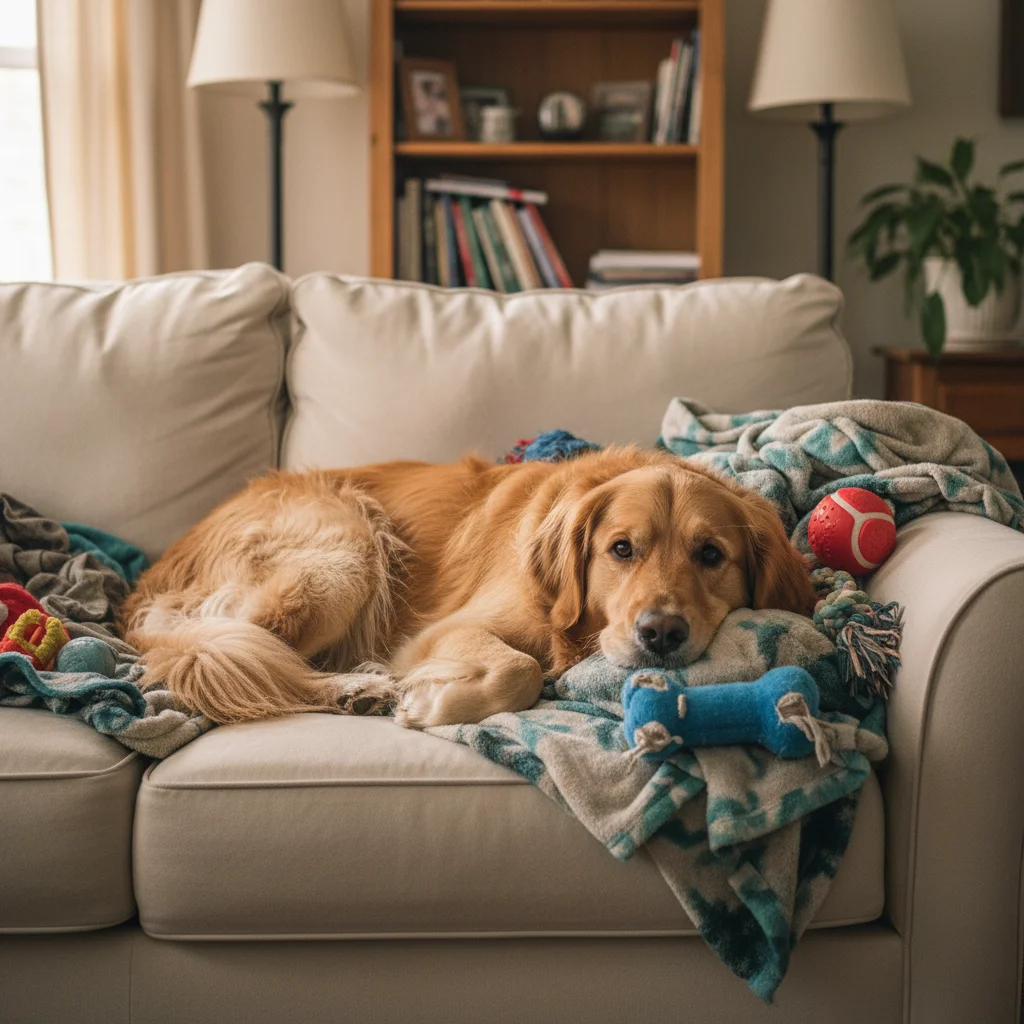
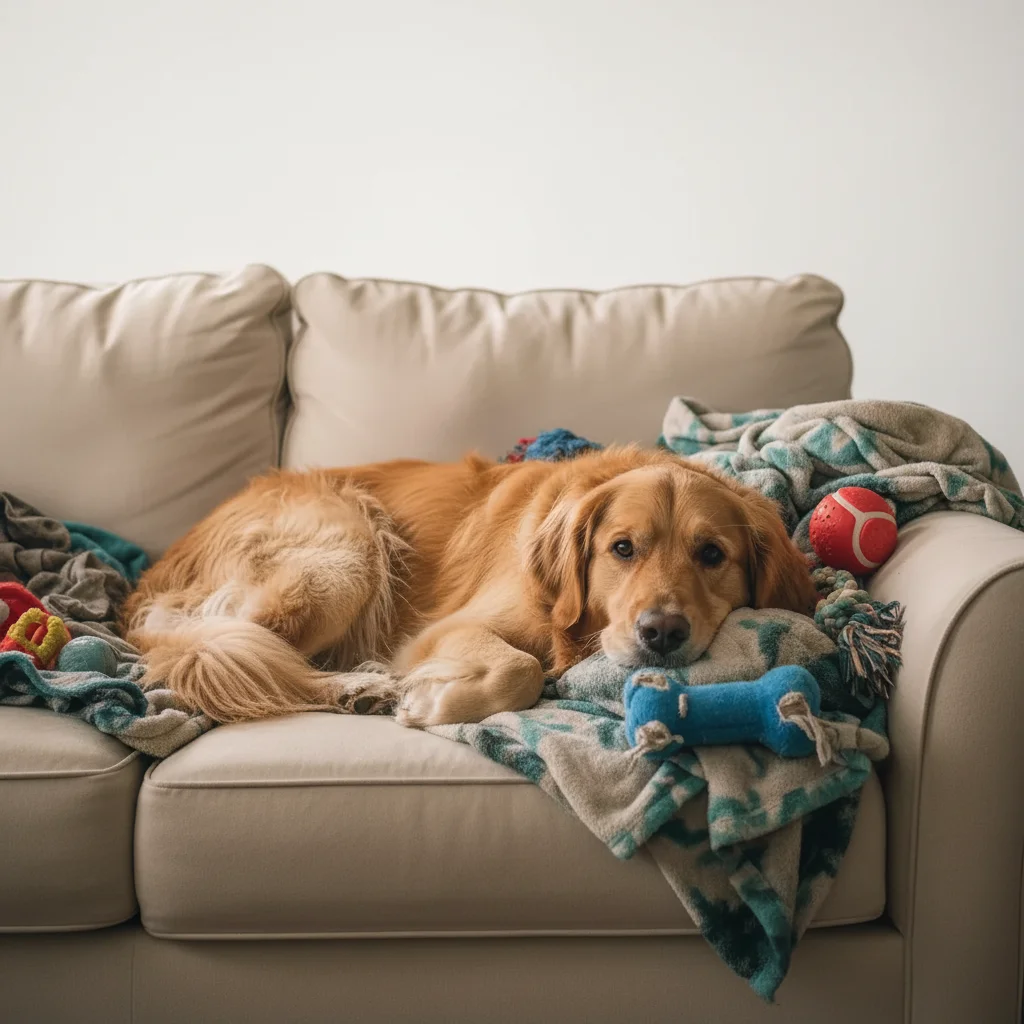
Background blur for portrait effect
A cat photo with cluttered living room background. Background blurred to create professional portrait look.
blur the background behind the cat to create a portrait bokeh effect, keep the cat perfectly sharp
Studio background replacement
An outdoor dog photo transformed into a professional studio portrait with clean grey backdrop.
replace the outdoor background with a solid grey studio backdrop, preserve the fur edges naturally
When Things Go Wrong
Fur edges look choppy after background change
Why: Long or fluffy fur has many fine edges that are challenging for automatic edge detection.
Tap markers on the choppy fur areas, then: blend the fur edges naturally into the background, preserve all fur detail
Include pet breed in your original prompt - 'Persian cat' or 'poodle' helps the AI expect complex fur.
Leash removal left a gap in the fur
Why: The AI needs to generate fur where the leash was covering, which requires understanding the coat pattern.
fill the gap with natural fur matching the surrounding coat pattern and color
Larger covered areas may need 2-3 passes for seamless fur reconstruction.
Eyes look unnatural after flash fix
Why: Pet eyes have unique reflections and the AI may over-correct the natural highlights.
fix the flash reflection but keep natural eye highlights and catchlights
'Catchlights' is the photography term for eye reflections that make eyes look alive - include it.
Background blur affected the pet too
Why: Fuzzy pet edges can confuse the blur detection about where background begins.
sharpen the pet completely and only blur the background behind it
Tap a marker on the pet itself to tell the AI exactly what should stay sharp.
Frequently Asked Questions
Can this handle black fur or dark-colored pets?
Yes. The AI is trained on photos of all pet colors including solid black cats, dogs, and horses. It can distinguish black fur from black backgrounds and preserve detail in dark coats. For best results with dark pets on dark backgrounds, you may want to specify 'enhance the detail in the black fur' in your prompt.
Will it work on exotic pets like reptiles or birds?
Absolutely. EditThisPic works with all pets - dogs, cats, birds, reptiles, rabbits, hamsters, fish tanks, and more. The AI recognizes different animal types and handles scales, feathers, and fur differently. Just describe what you want to change.
How does it handle multiple pets in one photo?
You can specify which pet to focus on: 'blur the background but keep both cats sharp' or 'remove the cat on the left, keep only the tabby.' When editing group pet photos, be specific about which animals to keep or remove.
Can I remove a harness without removing the pet?
Yes. Request 'remove the harness and fill with natural fur' - the AI understands common pet gear like harnesses, leashes, collars, and even costumes. It reconstructs the fur or feathers underneath based on the visible coat pattern.
What about action shots of running or jumping pets?
Motion blur and action poses work fine. The AI handles pets in motion and can blur backgrounds behind running pets, remove leashes from action shots, or enhance colors on jumping dogs. Fast-moving paws may occasionally need a refinement pass.
Can I make my pet look thinner or change their appearance?
The tool focuses on photo editing - removing objects, changing backgrounds, enhancing colors and lighting. It's not designed to alter your pet's physical appearance. Your pet is perfect as they are.
Ready to perfect your pet photos?
Free to try. No signup required. No watermarks.
Upload Your Pet Photo