Free • No signup Fix Unappetizing menu photos · Free

Your menu photos look unappetizing?

Dull, poorly lit food photos kill appetite and reduce orders. Make dishes look delicious in 20 seconds.

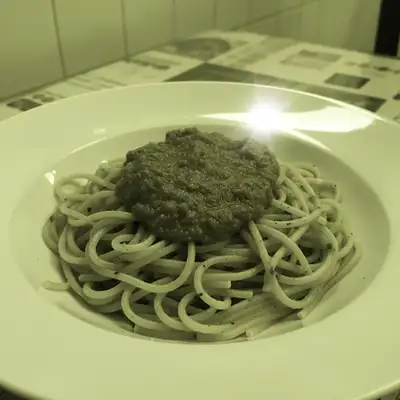
Pasta dish with dull brown sauce under fluorescent lighting
Before
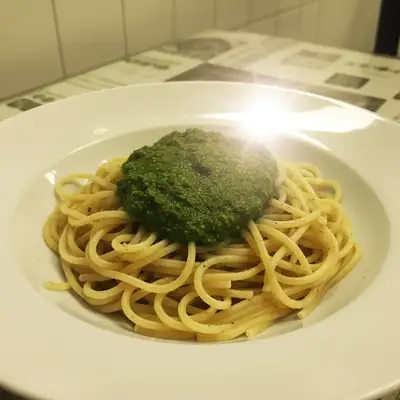
Vibrant pasta with rich red sauce and appetizing colors
After

Menu Photos Look Unappetizing? Fix Food | EditThisPic

Drop your photo here

or click to browse

Release to upload

Free • No signup

Advertisement
Popular use cases:
  • Unappetizing menu photos
  • Restaurant food photography
  • Menu photo enhancement
  • Delivery app food photos
  • Restaurant menu images
  • Food looks unappetizing
  • Fix food photos

Cost
Free No signup required
Time
Instant results in 15-30 seconds
Works on
Any device - browser, phone, tablet, desktop
Powered by
AI-powered photo editing
Scenario Prompt Time
Enhance dull colors enhance food colors to look vibrant and fresh 15s
Fix cold lighting fix lighting to warm tones, make food look hot 15s
Add moisture/freshness enhance moisture, make it look juicy and fresh 20s
Remove clutter blur messy background, focus on food 20s

How it works

  1. Upload your menu photo

    Drop your current food photo—from menu, website, delivery apps, or social media. Phone photos, professional shots that came out wrong, anything that's not making people hungry.

    Expect: Simple enhancements (color, lighting): 15-20 seconds. Complex fixes (removing clutter, adding steam): may need refinement.
  2. Describe how to make it appetizing

    Type 'enhance food colors to look fresh and delicious' or 'fix the dull lighting and make colors vibrant like professional food photography.' Be specific about what's wrong. The AI understands food context—'make the greens look fresh' or 'enhance golden brown color on the crust.'

    Tip: Mention specific food qualities: 'make it look juicy' or 'enhance the golden crispy look' helps the AI understand the goal.

    Copy one of these to get started:

    Food looks dull and gray enhance food colors to look vibrant and fresh, fix the dull lighting to make it look appetizing
    Lighting makes food look cold or unappetizing fix lighting to warm tones, make the food look hot and freshly cooked
    Food looks dry or overcooked enhance moisture and freshness, make it look juicy and perfectly cooked
    Background clutter distracting from the dish blur the messy background, keep focus on the food, make it look like professional menu photography
    3 more prompts
    Phone photo with harsh flash remove harsh flash reflections, create soft natural lighting on food
    Plating looks messy or sloppy clean up the plating slightly, enhance presentation while keeping it realistic
    Colors look wrong from indoor lighting correct yellow indoor lighting cast, restore natural food colors
  3. Review for appetite appeal

    Check that colors look vibrant and fresh. Verify lighting makes the food look hot and ready to eat. Ensure nothing looks fake or over-processed. Menu photos directly impact whether customers order that dish.

  4. Refine if needed

    If specific areas need work—enhancing sauce shine, fixing overcooked appearance, removing distractions—tap markers on those spots and regenerate. Most food photos work on the first try.

    Tip: For consistency, use similar prompts across all menu photos so your entire menu has a professional cohesive look.
Try it free

Menu Photos Look Unappetizing? Fix Food | EditThisPic

Drop your photo here

or click to browse

Release to upload

Free • No signup

"Our Thai curry looked gray and sad in photos. Fixed it to vibrant orange with visible steam. Online orders for that dish doubled the next week." @ThaiKitchenOwner

See it in action

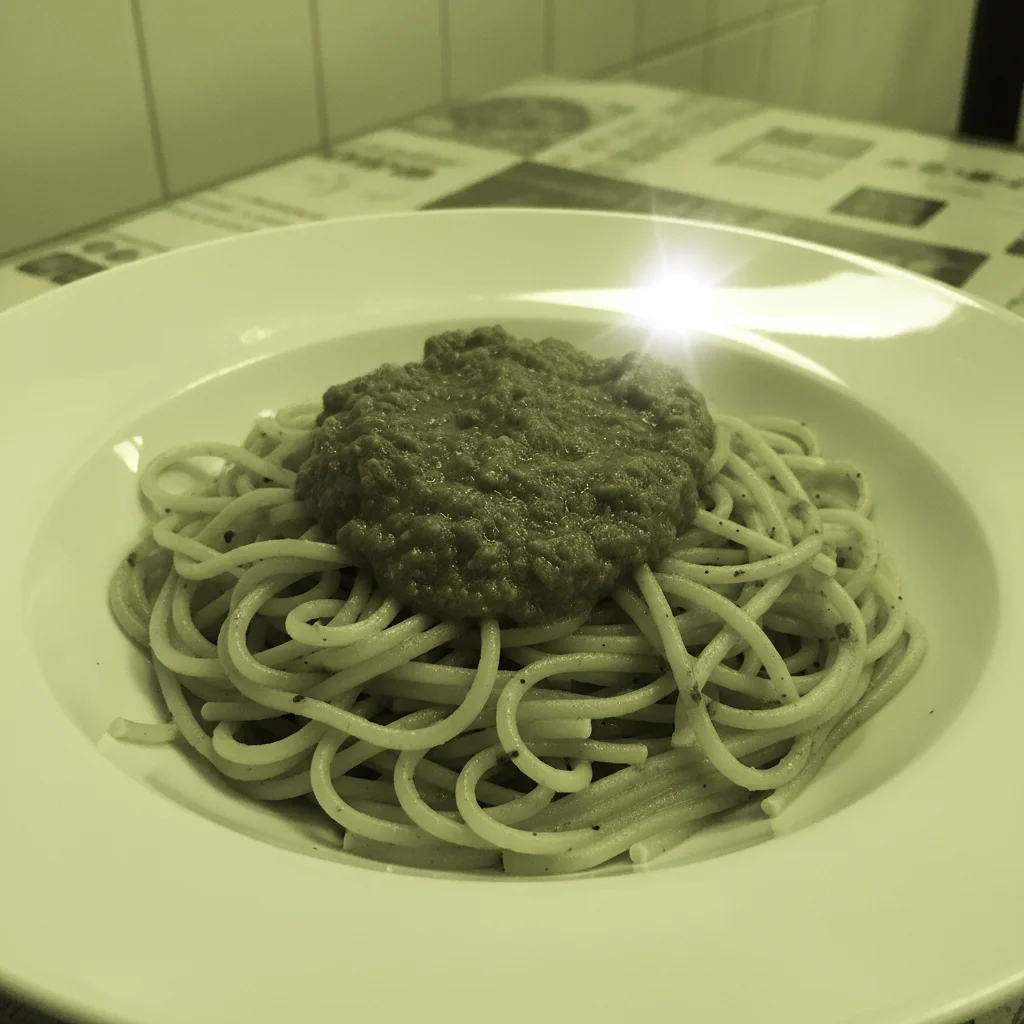
Pasta dish with dull brown sauce under fluorescent lighting
Before
->
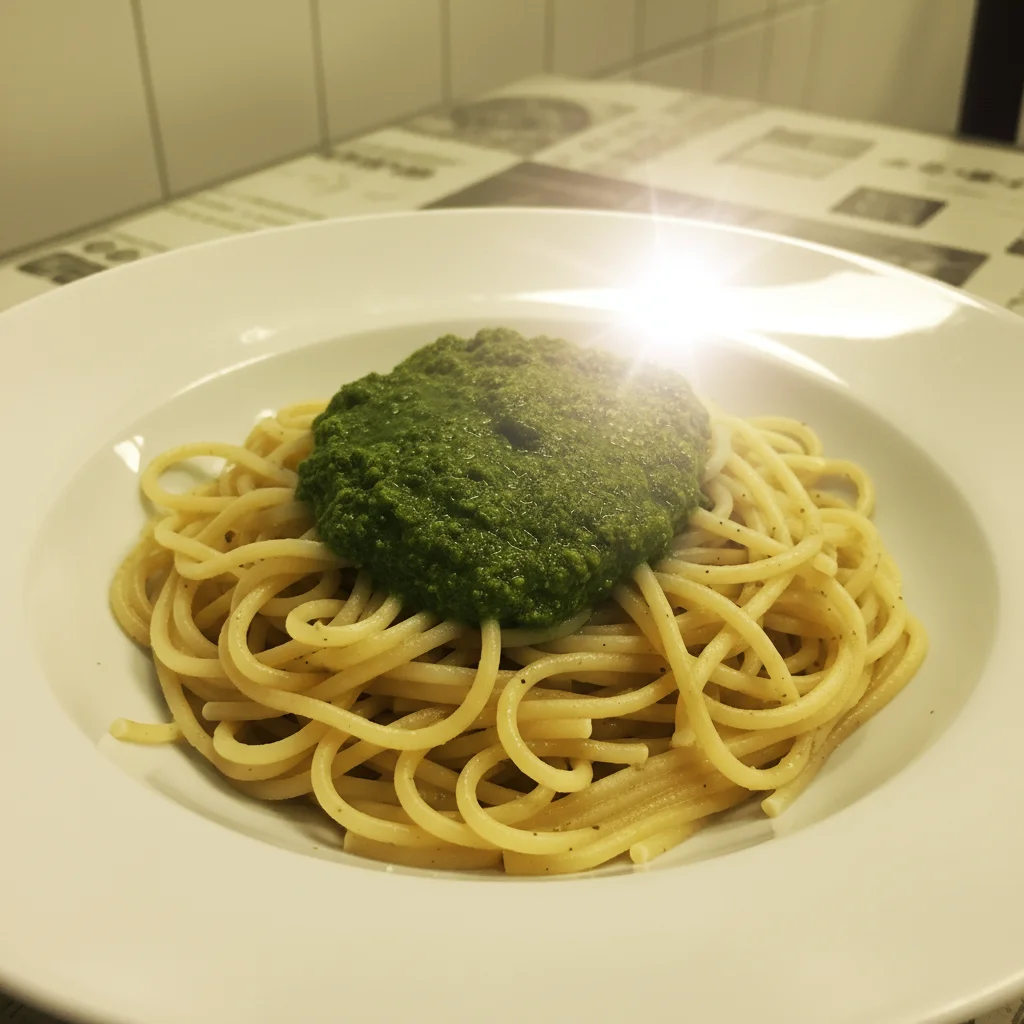
Vibrant pasta with rich red sauce and appetizing colors
After

Pasta with dull sauce and poor lighting

Phone photo of pasta dish taken under fluorescent lights—sauce looked brown instead of red, pasta looked gray and cold. Enhanced to look like Instagrammable restaurant food.

Prompt: enhance food colors to look vibrant and fresh, fix the dull lighting to make it look appetizing
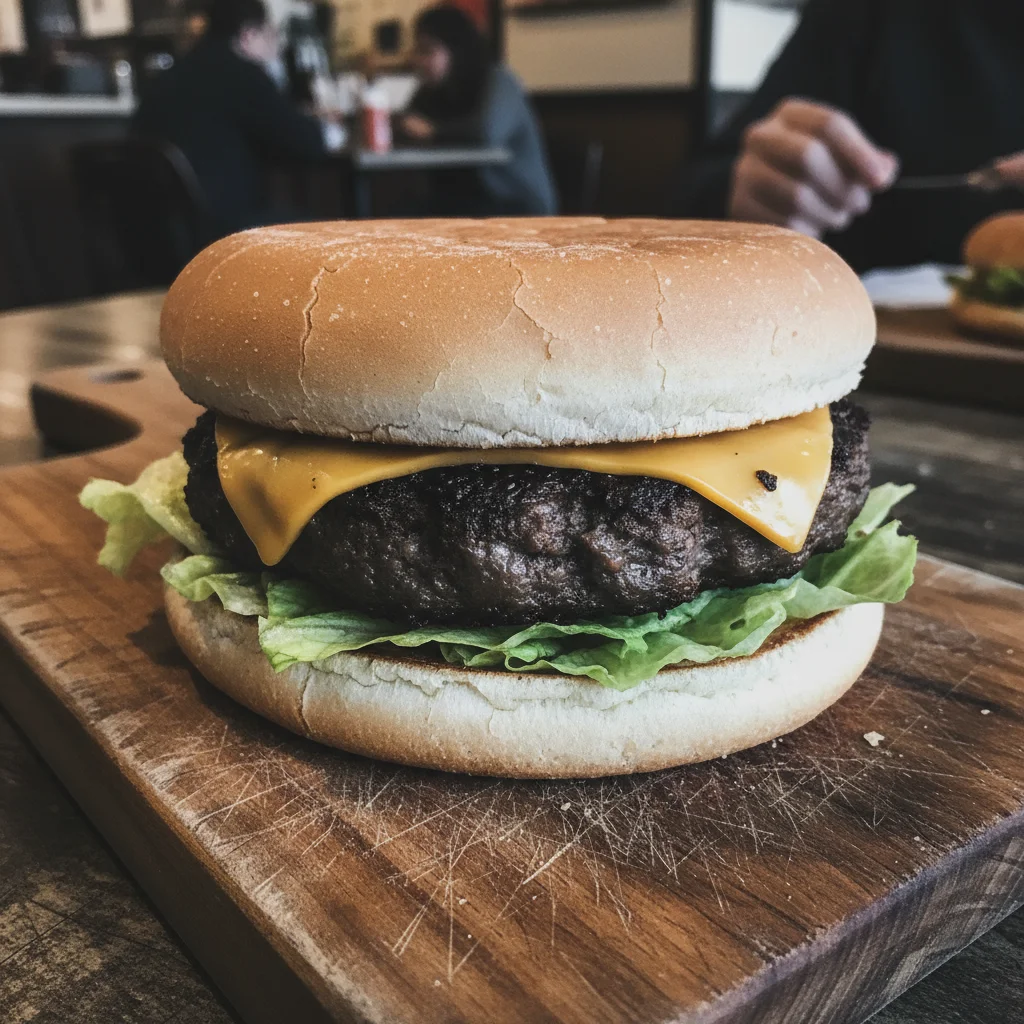
Dry overcooked-looking burger with wilted toppings
Before
->
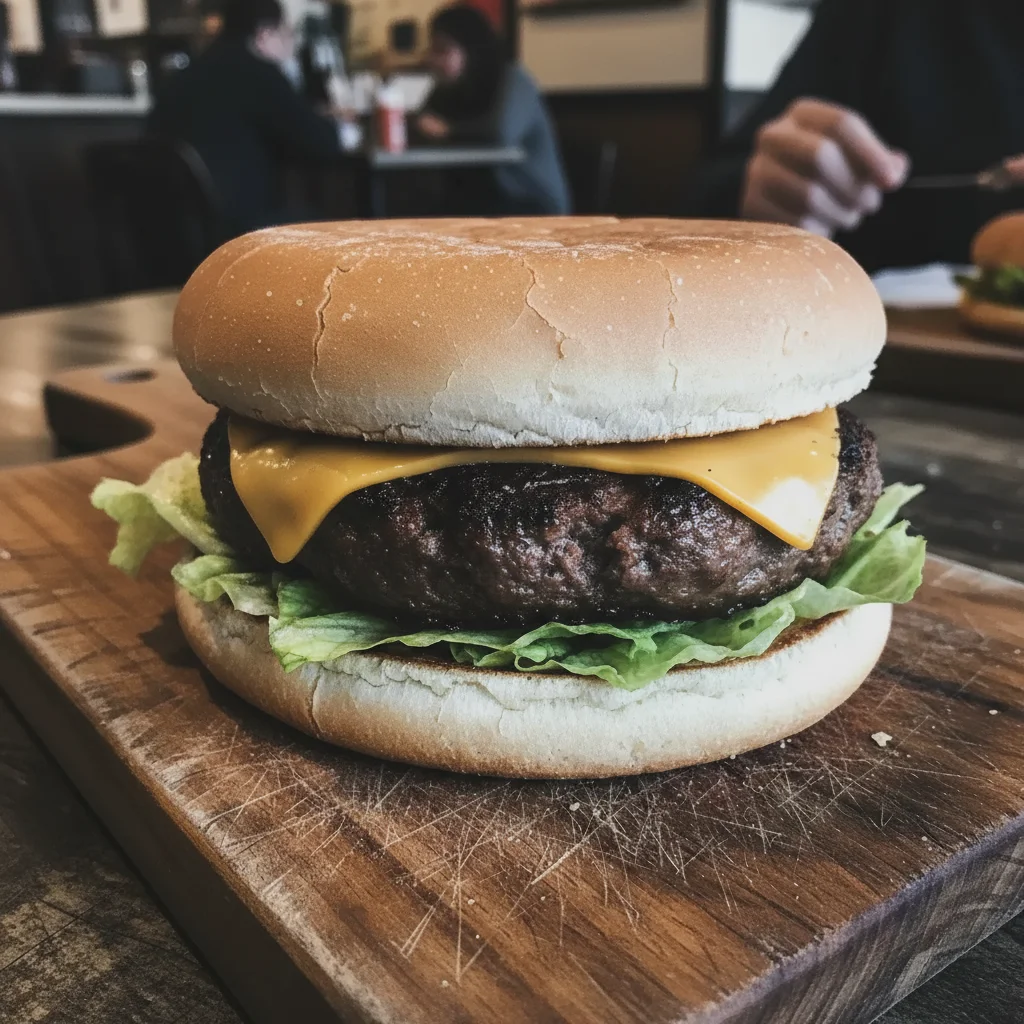
Juicy burger with fresh toppings looking delicious
After

Burger looking dry and overcooked

Burger photo showing dry bun and patty, no visual moisture, looked unappetizing. Enhanced to show juicy patty with fresh toppings that makes customers hungry.

Prompt: enhance moisture and freshness, make it look juicy and perfectly cooked
Advertisement

If something looks off

Colors look too vibrant or fake

Why: Heavy color enhancement on already decent photos can look over-saturated and artificial.

Try: enhance colors subtly to look natural and fresh, not over-saturated

Tip: Add 'keep it looking realistic' to prevent the over-processed Instagram filter look.

Food looks too perfect and CGI-like

Why: Too many enhancements stacked can make food look computer-generated instead of real.

Try: enhance only the specific problem: lighting OR color, keep texture and imperfections realistic

Tip: Real food has texture and slight imperfections—too perfect looks fake and reduces trust.

Background blur removed important context

Why: If your background includes branding or important restaurant elements, blur may have removed them.

Try: enhance only the food colors and lighting, keep background unchanged

Tip: For photos with important backgrounds (restaurant interior, branding), enhance food without blurring.

Lighting enhancement made it too bright or washed out

Why: Very dark photos that get heavily brightened can lose contrast and look flat.

Try: enhance lighting naturally, maintain shadows and depth for realistic food appearance

Tip: Some shadow creates dimension—completely flat lighting makes food look two-dimensional.

AI changed the wrong part of the photo

Why: Descriptions like 'enhance the food' can be ambiguous if there are multiple dishes in frame.

Try: Tap a marker on the specific dish or area, then: enhance only this item, keep others unchanged

Tip: Markers tell the AI 'I mean THIS dish specifically.' Use them for multi-dish photos.

Quick answers

Do I need to mark areas before describing what to enhance?

No! Just describe what you want: 'enhance food colors to look fresh' or 'fix the dull lighting.' The AI understands food photo context. Only use markers if you have multiple dishes in one photo and need to specify which one to enhance.

How do unappetizing menu photos hurt restaurant sales?

Food photos directly impact ordering decisions. Studies show appetizing photos increase orders by 30-40% for those dishes. Dull, poorly lit photos make food look old, reheated, or low-quality. Customers scroll past or choose competitors with better photos. On delivery apps, photos are often the only selling tool—bad photos mean lost sales. Professional-looking food photos signal quality and build trust.

Can I use enhanced photos on delivery apps and menus?

Yes, with reasonable limits. Delivery platforms want photos that accurately represent the actual dish. Enhancing colors, fixing lighting, and removing clutter are legitimate improvements. Don't add ingredients that aren't included or make the portion look larger than reality. The enhanced photo should match what customers receive—just presented in the best possible light.

What makes food photos look appetizing?

Key factors: (1) Vibrant natural colors showing freshness, (2) Warm lighting suggesting hot, freshly cooked food, (3) Visual moisture cues like sauce shine or steam, (4) Clean backgrounds that don't distract, (5) Proper focus on the food. Avoid: cold blue lighting, dull gray colors, harsh flash reflections, cluttered backgrounds, and over-processing that looks fake.

Should I edit all menu photos or just the unpopular dishes?

Start with low-performing dishes that customers skip. Enhanced photos can revive sales for good dishes with bad photos. Then do your bestsellers—great food deserves great photos. For consistency and professional appearance, eventually process your entire menu with similar enhancement prompts. Cohesive photo quality across the menu builds overall trust.

Ready to make your menu photos appetizing?

Free to try. No signup required.

Try it free