Can I remove all tourists from my landmark photos?
Yes! This is one of our most popular uses. Type 'remove all the tourists and people from the background' and the AI will clean up crowded landmark shots.
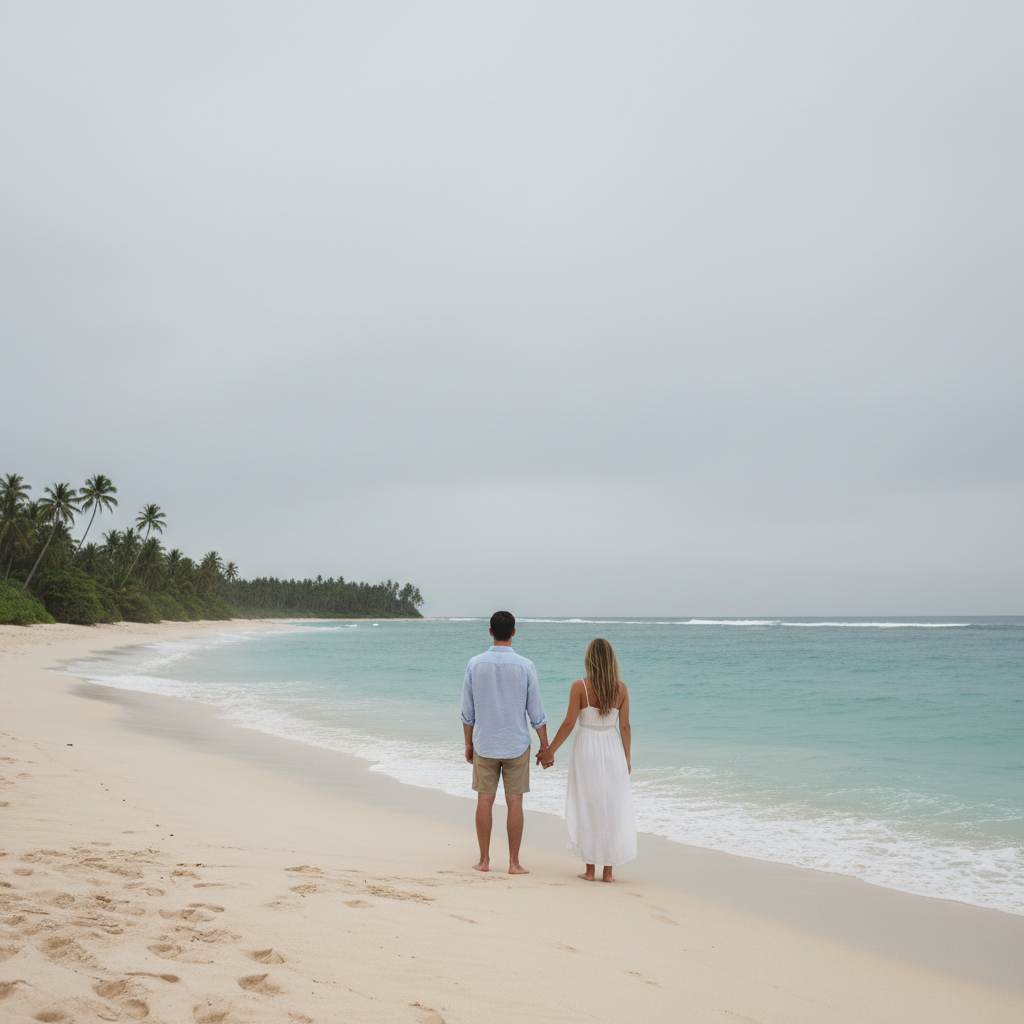
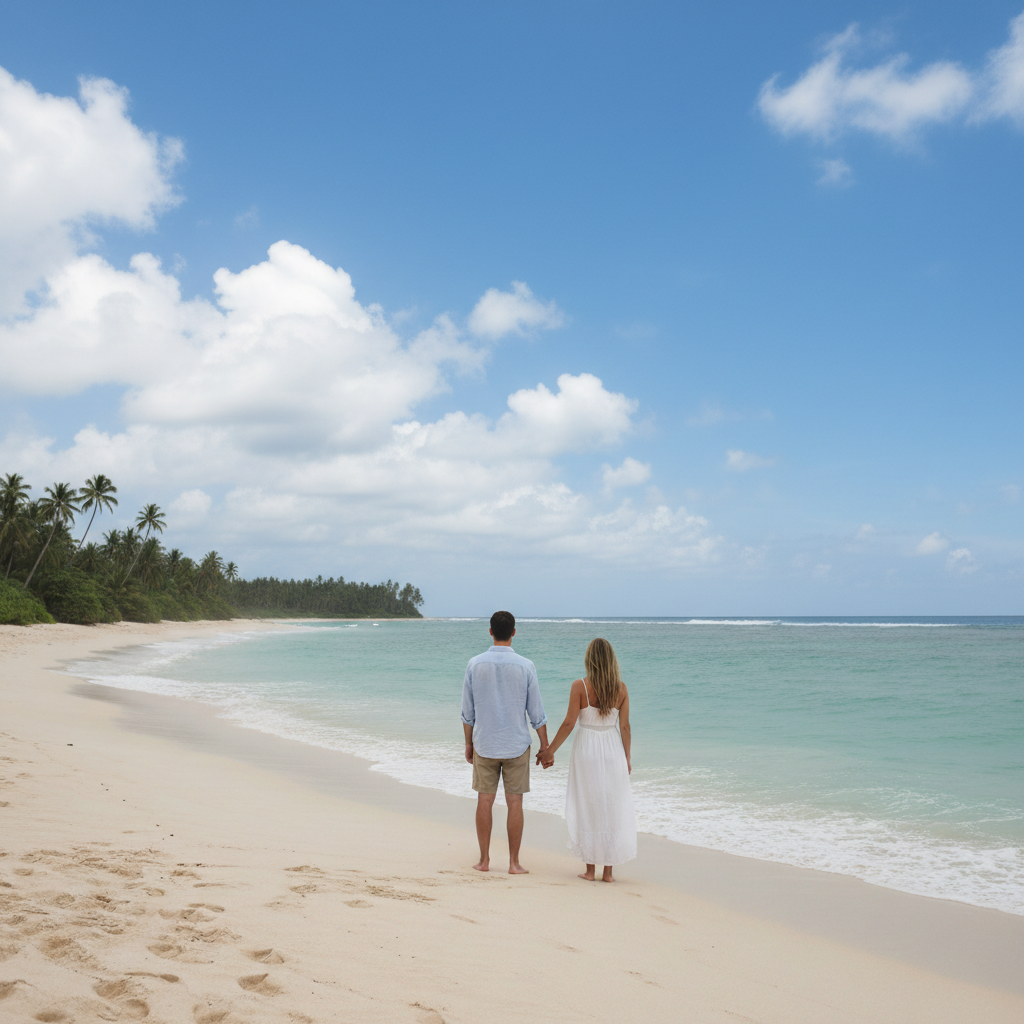
How do I fix photos ruined by bad weather?
Type 'replace the gray sky with blue sky' or 'replace overcast sky with sunset colors.' The AI will swap out the dreary backdrop while keeping your subject intact. Works great for beach photos, landmark shots, and scenic views where clouds ruined the mood.
Can I remove my ex from old travel photos?
Absolutely. Works on everything from couple selfies to group travel shots.
Is there a free vacation photo editor without watermarks?
Yes! EditThisPic is free to try with no signup required. You can remove tourists, fix skies, and enhance your travel photos without any watermarks on your edited photos. Perfect for testing on your best vacation shots.
Can I fix blurry action shots from my trip?
Yes, though results depend on how blurry the original is. Type 'sharpen the image and make it clearer' for mild blur. Slight motion blur from quick snaps can usually be improved. Severely blurry photos are harder to fix, but it's worth trying.
Is EditThisPic's AI vacation photos fixer really free?
Yes — you get 1 free edit per week, no account needed. Credit packs start at $4.99 for 10 edits.
Can I fix vacation photos on my phone?
Yes. EditThisPic works in any mobile browser — iPhone, Android, tablet. No app download needed.
What photo formats does the AI vacation photos fixer support?
JPG, PNG, WebP, and HEIC. Upload any common photo format and EditThisPic handles the rest.
How much does EditThisPic cost?
You get 1 free edit per week — no account needed. After that, one-time credit packs start at $4.99 for 10 edits, valid 12 months, no subscription. Power users who edit daily can pick Studio Membership, a monthly workspace at $49.99/mo for 300 edits. Purchased downloads are clean with no watermark.