AI Photo Editing for Restaurant Menu Photos
Last updated
AI photo editing for restaurant menus, delivery-app listings, and food trucks. Just describe the fix.
Drop your photo here
"brighten this food photo, lift shadows, keep colors natural — no orange cast from restaurant lighting"
Free to try · no sign-up · never used for AI training
Release to upload
Built for Restaurant owners
EditThisPic edits photos from plain-English prompts, which means a manager who isn't a designer can fix 40 dish photos in an afternoon. It's a fit when you have raw phone photos and need menu-grade output, not a campaign shoot.
How It Works
-
Take a clean phone photo
Plate the dish, shoot top-down or 3/4, use natural light from a window if possible. The cleaner the input, the cleaner the edit.
Most edits complete in 20-45 seconds. -
Describe the fix
Type the fix in plain English. "Brighten and clean up the background" is fine. Adding "keep colors natural" prevents over-saturation.
Always say "keep colors natural" — over-saturated food looks fake and customers notice. -
Download for menu or delivery app
Review the result, redo if needed, then download. Most delivery apps want 1:1 square photos at 1200px+ — use Pro, which returns up to 2048px on the long edge.
Popular Prompts for Menu Photos
brighten this food photo, lift shadows, keep colors natural — no orange cast from restaurant lighting
Phone photos under restaurant lighting almost always need the orange cast removed.
replace the cluttered background with a clean wooden table, keep the dish exactly the same
Specify the new background — "wooden table," "white marble," "dark slate."
add subtle steam rising from the bowl to make it look freshly served
Steam reads best on darker dishes. Keep it subtle — heavy steam looks fake.
add a small sprig of parsley and a lemon wedge to the plate
Name a specific garnish — vague "add garnish" can produce odd choices.
Show more prompts
make this look like a professional menu photo — natural light, clean wooden table, plate centered, slight overhead angle
The more visual constraints you give, the more consistent your full menu grid looks.
neutralize the warm orange color cast and restore natural skin and food colors
Mention specifically that you want the orange cast removed.
Examples
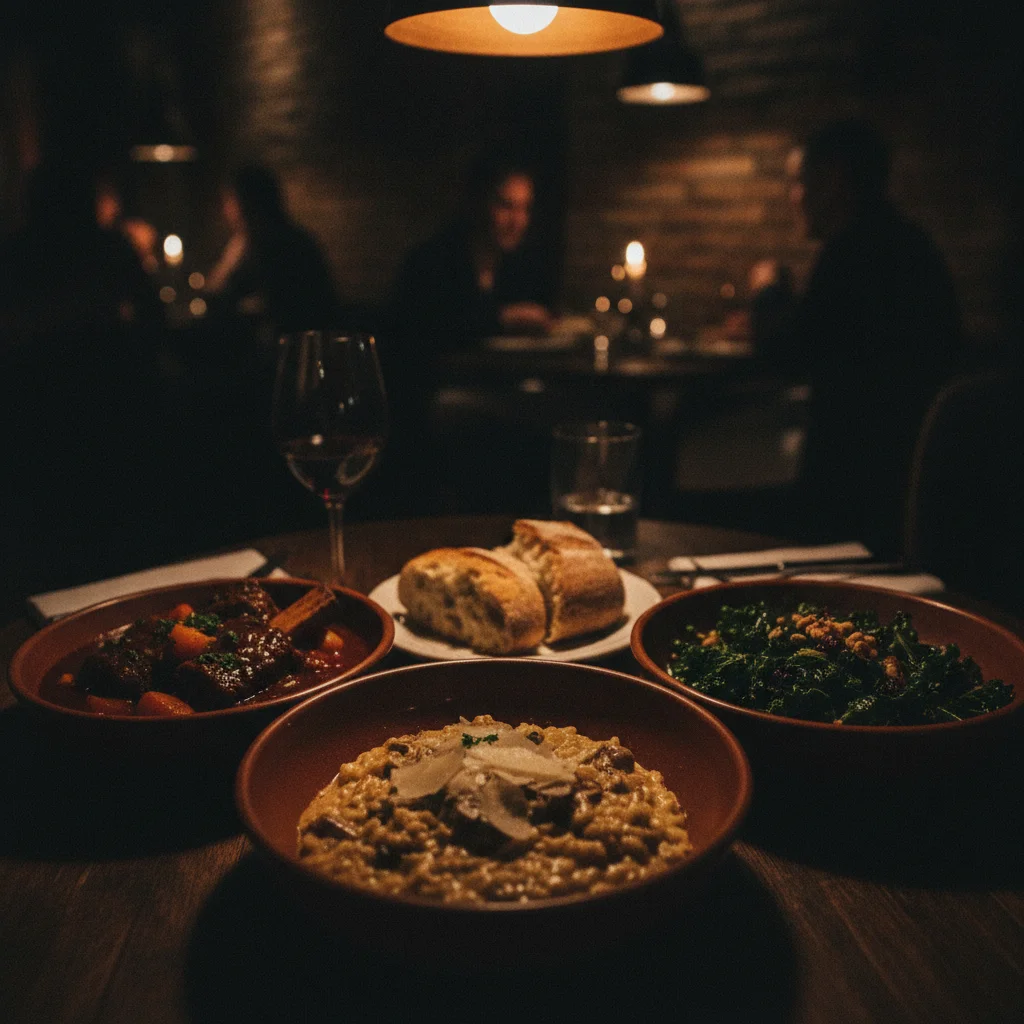
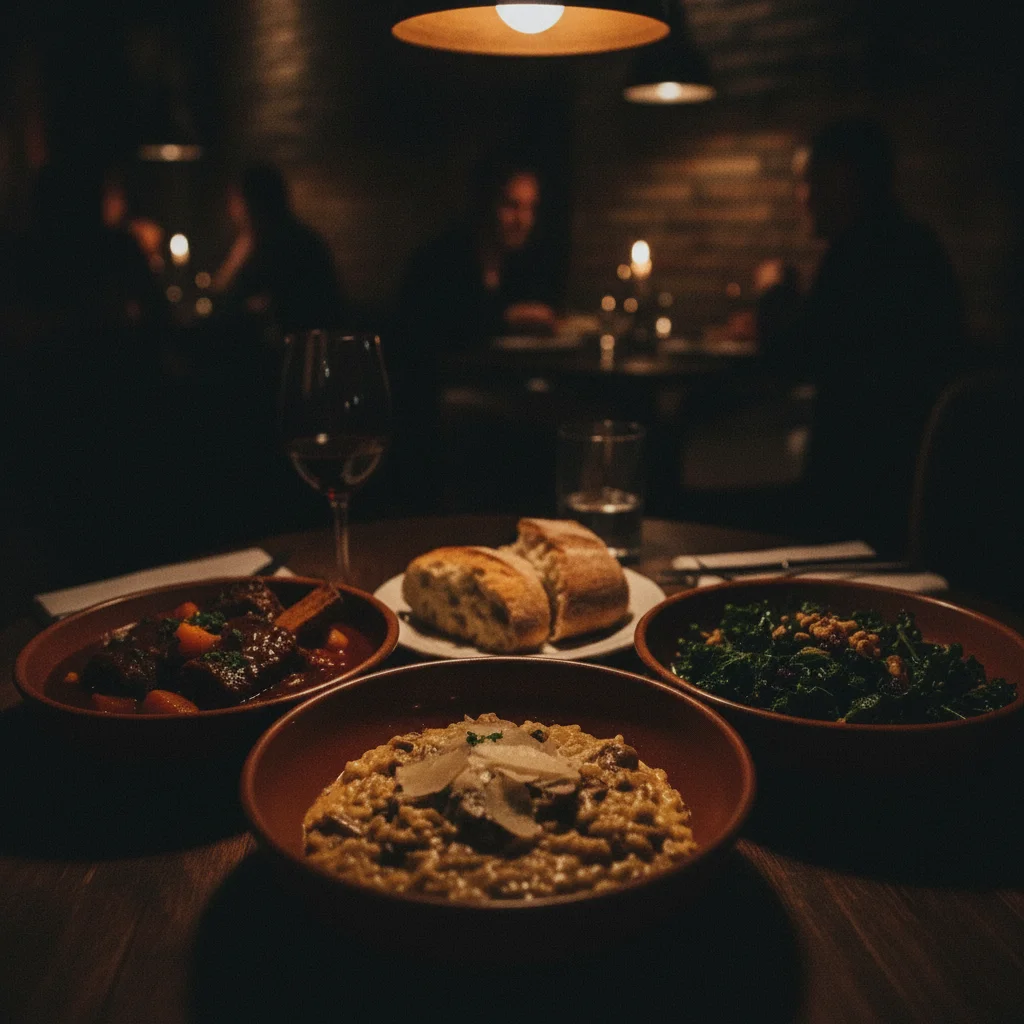
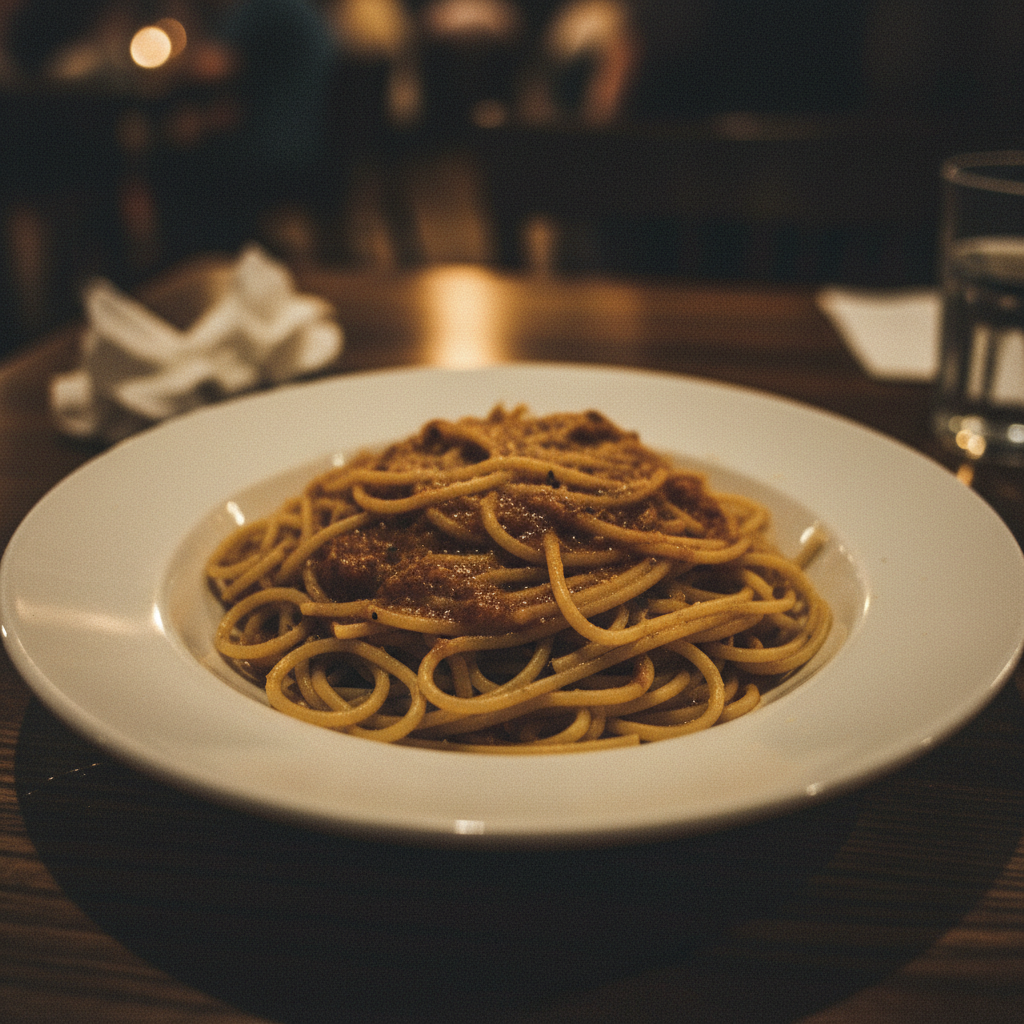
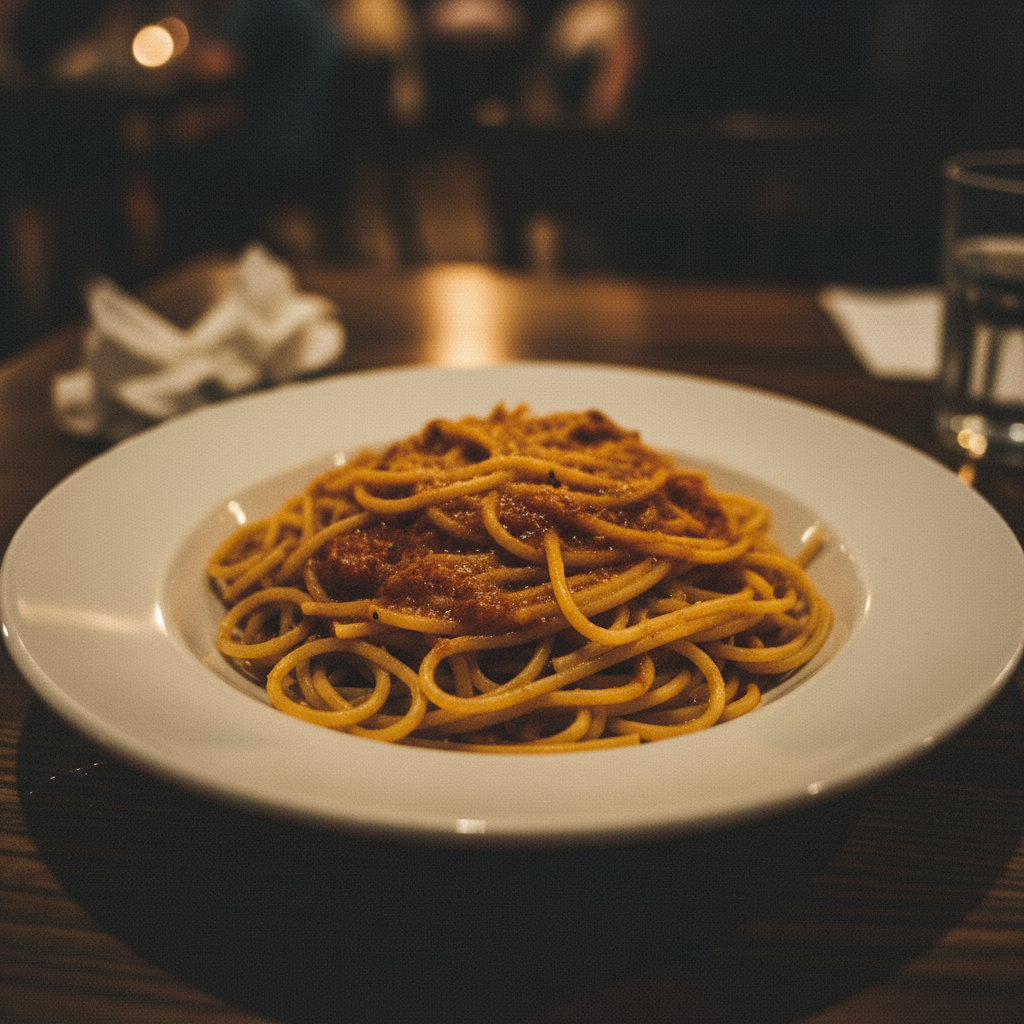
Dim Restaurant Photo to Menu-Ready
A phone photo taken in dim restaurant lighting cleaned up for the menu.
Adding Steam to a Hot Dish
A photo of a hot bowl that looked flat — steam added to read as freshly served.
FAQ
Is EditThisPic free for menu photos?
Yes. EditThisPic gives one free Fast edit per week with no signup. A restaurant editing a full menu will want at least a 10-edit pack ($4.99) or a 100-edit pack ($29.99) — both work out to less than what a single food-photographer hour costs.
How many edits do I need for a full menu?
A typical menu has 15-40 dishes. Most need 1-2 edits each (one for brightness and color, sometimes a follow-up for styling), so plan on 20-80 total edits for a full refresh. A 10-edit pack covers a small café, a 25-edit pack covers most full-service menus, and Studio Membership covers ghost kitchens with multiple brands.
Will the edited photo look fake?
Only if you ask for fake. Prompts like "brighten naturally" and "keep colors realistic" produce photos that look like a competent food photographer took them. Prompts like "make it look amazing" tend to over-saturate. Be specific.
Can I use these photos on Uber Eats, DoorDash, and Grubhub?
Yes. Delivery apps require photos that depict your actual dish — light editing (brightness, background cleanup, garnish) is standard. Avoid editing in ingredients that aren't actually in the dish; that's where you'd run into platform-policy or customer-complaint issues.
What resolution does the output download at?
Up to 2048px on the long edge with Pro. Most outputs land at 1024-2048px on the long edge — well above what delivery apps and printed menus require.
Will my dish look consistent across the whole menu?
Only if you give consistent prompts. Pick a background ("clean wooden table"), a lighting style ("soft natural light"), and an angle ("slight overhead"), and reuse them for every dish. Consistency beats individual brilliance for a menu grid.
Can EditThisPic remove the restaurant's logo or watermark?
Yes, for your own logo on your own photos. EditThisPic isn't designed to remove someone else's branding from a photo you don't own.
Will there be a watermark on the output?
Anything you purchase downloads completely clean — no watermarks, ever. The free weekly edit is a preview-quality result so you can see the edit before you buy.
Do I need to download software?
No, EditThisPic runs entirely in your browser.
Popular use cases
Ready to refresh your menu photos?
Free to try. No signup required.
Start Editing