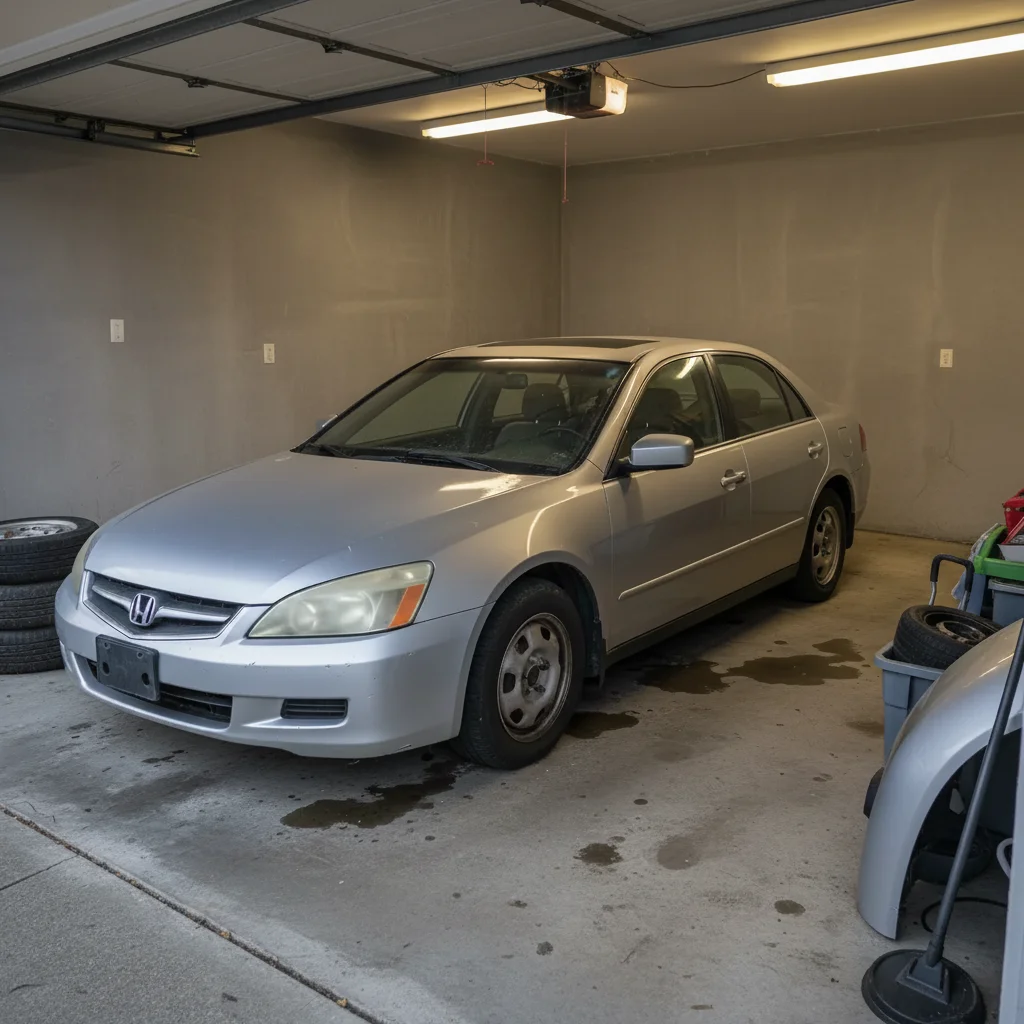
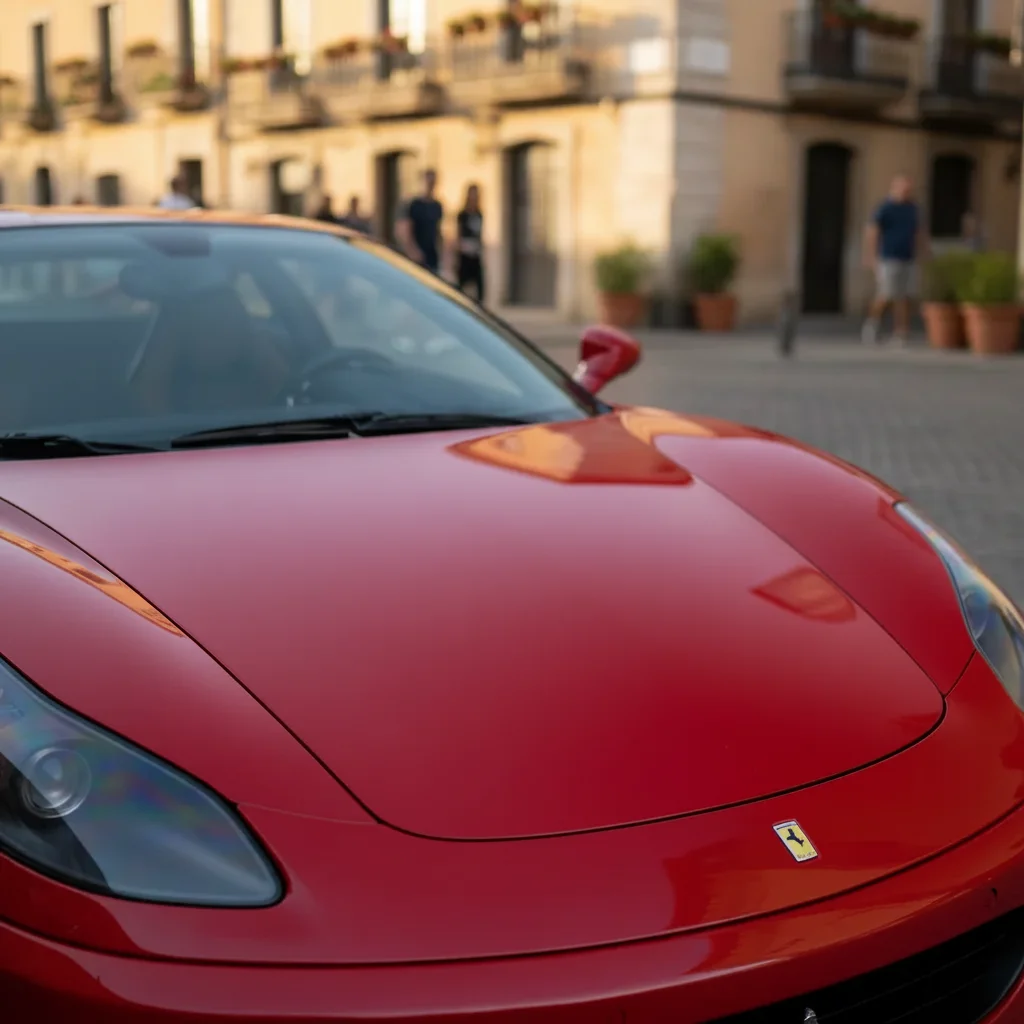
Free • No signup Change Car color · Free

AI Car Color Changer

Describe the new car color and AI changes it instantly. No marking needed.
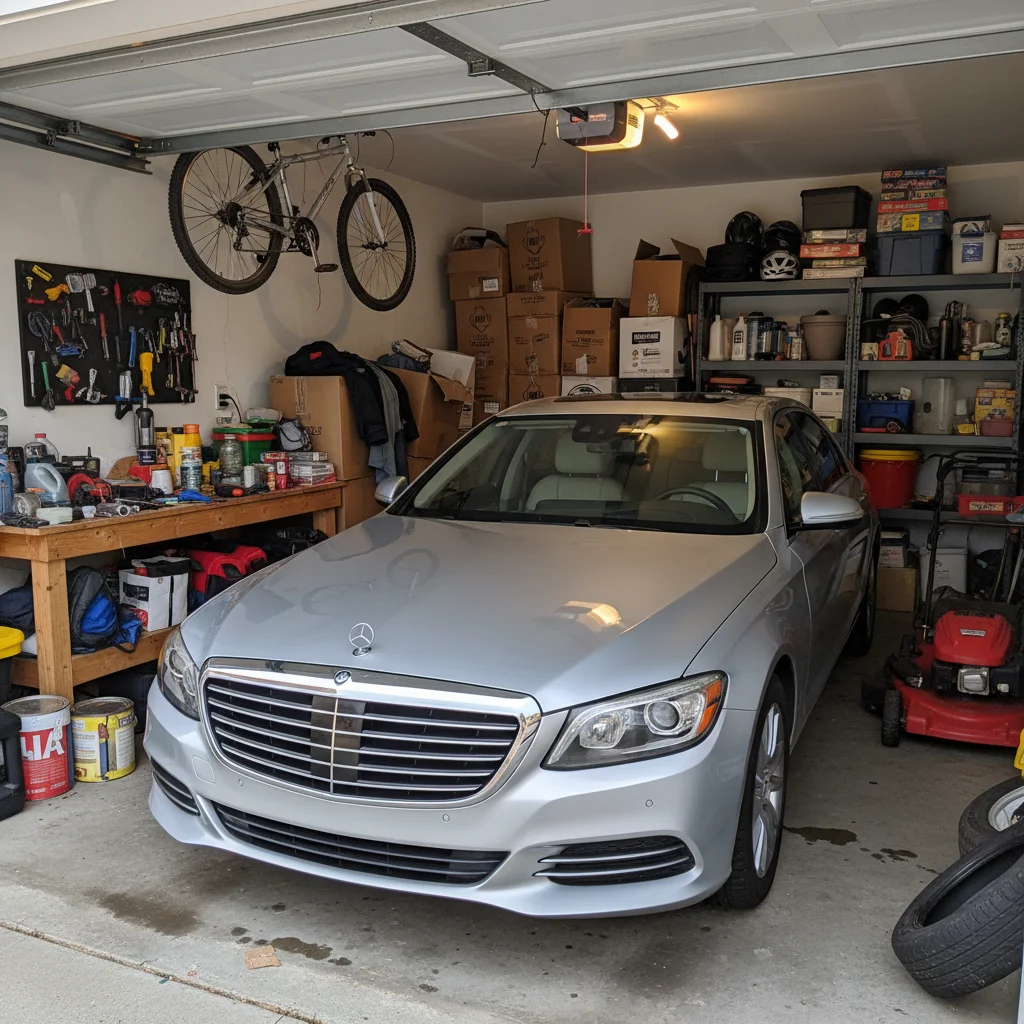
Bright red sedan in parking lot
Before
Same sedan changed to metallic silver with realistic reflections
After

AI Car Color Changer

Drop your photo here

or click to browse

Release to upload

Free • No signup

Advertisement
Popular use cases:
  • car visualization
  • automotive marketing
  • car sales listings
  • repaint preview
  • vehicle wrap mockup
  • car customization
  • dealer photography
  • automotive design

Cost
Free No signup required
Time
Instant results in 15-30 seconds
Works on
Any device - browser, phone, tablet, desktop
Powered by
AI-powered photo editing
Scenario Prompt Time
Solid color change change the car to bright red, glossy finish 35s
Metallic paint change to metallic silver with reflections 40s
Matte finish make the car matte black, no reflections 40s

How it works

  1. Upload your car photo

    Drop your image into EditThisPic. JPG, PNG, WebP up to 7MB. Photos with clear view of the vehicle work best. Side views, 3/4 angles, or front views all work well for color changes.

    Expect: Simple solid colors: 30-40 seconds. Metallic or complex finishes: 40-50 seconds.
  2. Describe the new color

    Type what you want: 'change the car to midnight blue' or 'make the car matte black.' Be specific about finish type if desired—glossy, matte, metallic, pearl. The AI understands car colors and applies them realistically.

    Tip: Include finish details for better results: 'glossy red', 'metallic silver', 'matte black' create different paint effects.

    Copy one of these to get started:

    Classic solid color change the car to bright red, glossy finish
    Metallic paint effect change the car to metallic silver with realistic reflections
    Matte finish look make the car matte black, flat finish with no reflections
    Deep blue automotive color change the car to midnight blue, glossy automotive paint
    3 more prompts
    Pearl white finish change the car to pearl white with subtle iridescent effect
    Forest green classic make the car forest green with a glossy deep finish
    Two-tone design change the car body to white and the roof to black
  3. Review the color change

    Check that the new color looks natural with proper reflections and shadows. Verify trim, windows, tires, and badges remained unchanged. Zoom in on edges and curved surfaces to ensure clean color application.

  4. Refine with markers if needed

    If color leaked onto windows, trim, or tires—or if the AI missed part of the car—tap markers on the correct areas and regenerate. Most color changes work perfectly on the first try.

    Tip: Markers are optional. The AI knows what 'car body' means and usually avoids windows and trim automatically.
Try it free

AI Car Color Changer

Drop your photo here

or click to browse

Release to upload

Free • No signup

"I run a used car lot. We shoot photos of cars as-is, then use this to show buyers how they'd look in different colors. Buyers can visualize their dream color before committing. Game changer for sales." @AutoDealer_Marcus

See it in action

Bright red sedan in parking lot
Before
->
Same sedan changed to metallic silver with realistic reflections
After

Red to metallic blue transformation

A red sedan completely recolored to metallic blue while preserving reflections, shadows, and chrome details.
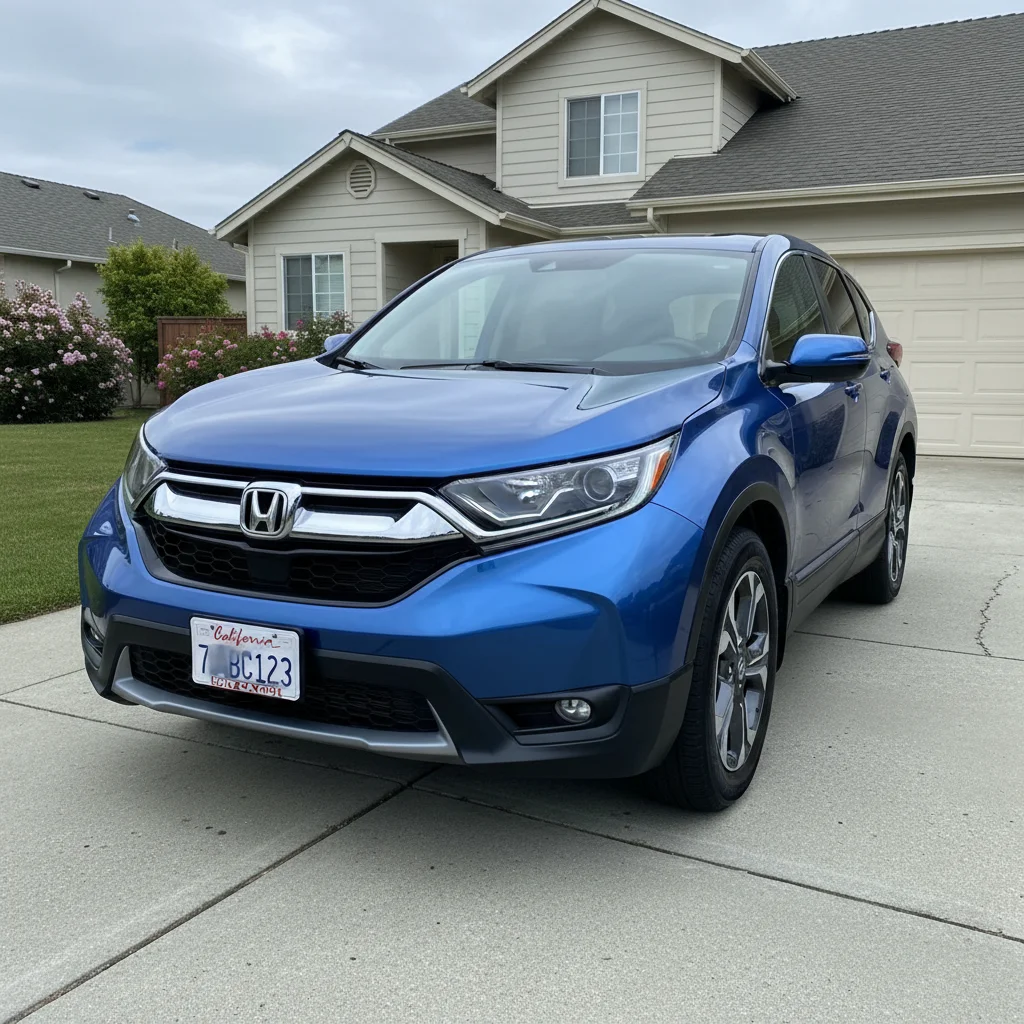
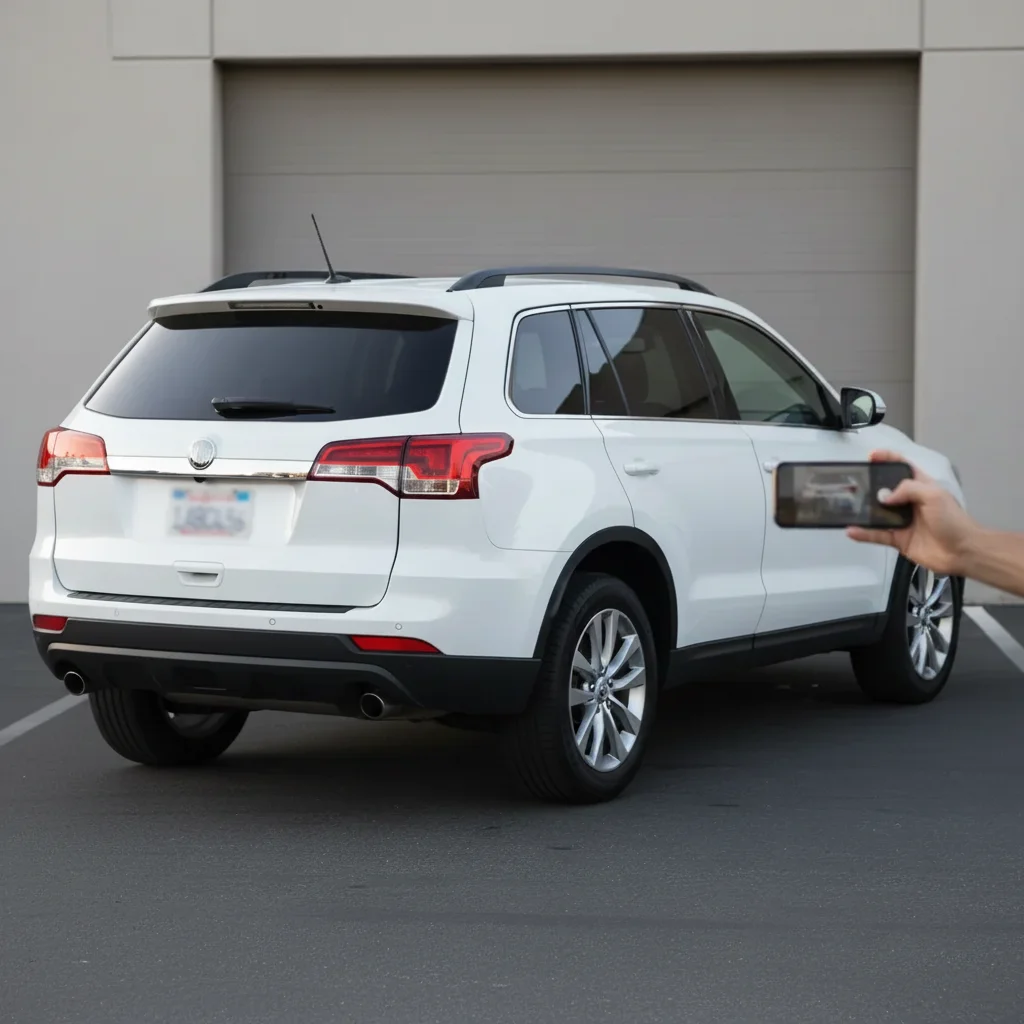
Prompt: change the car to metallic silver with realistic reflections
White SUV with glossy finish
Before
->
Same SUV in matte black flat finish
After

White to matte black conversion

A white SUV transformed to modern matte black finish, perfect for visualizing a wrap or repaint.
Prompt: make the car matte black, flat finish with no reflections
Light blue hatchback with faded paint
Before
->
Same hatchback in rich midnight blue glossy finish
After

Blue to midnight blue upgrade

A light blue car transformed to deep midnight blue automotive paint for a more premium look.

Prompt: change the car to midnight blue, glossy automotive paint
Advertisement

If something looks off

AI changed the wrong area or something I didn't want changed

Why: The AI couldn't determine exactly which area you meant from description alone.

Try: Tap a marker on the specific area you want to change, then regenerate with the same prompt

Tip: Markers tell the AI 'I mean THIS one specifically.' Use them when description alone is ambiguous.

AI changed color on windows, trim, or tires instead of just the car body

Why: Complex car photos with lots of reflections or similar tones can confuse the AI about boundaries.

Try: Tap markers on the car body panels only, then regenerate: change only the car body paint to [color], keep windows and trim original

Tip: Explicitly stating 'only the car body' or 'keep windows original' helps the AI respect boundaries.

New color doesn't have realistic reflections or looks flat

Why: Generic color prompts without finish details produce basic results without automotive paint realism.

Try: change the car to [color] with glossy automotive paint, realistic reflections and depth

Tip: 'Automotive paint', 'realistic reflections', and 'depth' create professional paint appearance.

Color change missed parts of the car or left original color showing

Why: Shadows, angles, or complex body lines can hide sections that the AI doesn't recognize as car body.

Try: Tap markers on the missed sections and regenerate: ensure the entire car body is [new color]

Tip: Markers help the AI understand 'this part is car body too' for complete coverage.

Metallic or pearl effect looks wrong or too intense

Why: Metallic and pearl finishes are complex—too much effect looks fake, too little looks like solid paint.

Try: change the car to [color] with subtle metallic/pearl effect, not overdone

Tip: 'Subtle' moderates the effect to realistic automotive finish levels, not chrome or glitter.

Shadows and lighting don't match the new color

Why: The AI changed color but didn't adjust how light interacts with the new paint tone.

Try: change the car to [color] and adjust shadows and highlights to match the new paint

Tip: Explicitly requesting shadow/highlight adjustment ensures lighting looks natural on the new color.

Two-tone design applied incorrectly

Why: Complex color changes like two-tone require precise area identification that description alone can miss.

Try: Use markers to separate areas: tap markers on roof, generate 'make roof black', then tap body markers, generate 'make body white'

Tip: Sequential edits with markers for different areas work better than trying to do two-tone in one prompt.

Quick answers

Do I need to mark the car before changing the color?

No! Just describe the color: 'change the car to midnight blue' or 'make the car red.' The AI recognizes car bodies in photos and applies color to the vehicle while keeping windows, trim, and tires original. Only use markers if color leaked onto wrong areas or you want two-tone designs.

Can I try multiple colors on the same car?

Yes! Upload once, then try different prompts: 'change to red', 'change to black', 'change to metallic blue.' Each generates a new result so you can compare options side-by-side before deciding on a real repaint or wrap.

How realistic do the color changes look?

Very realistic when you specify finish type. Include 'glossy', 'metallic', 'matte', or 'pearl' in your prompt. The AI preserves reflections, shadows, and lighting that make the new color look like actual automotive paint, not a flat overlay.

Can I change car color for sales listings or marketing?

Absolutely! This is perfect for dealers who want to show buyers how a car would look in different colors, or for creating marketing materials. The realistic results help customers visualize options without needing multiple photos of the same model in different colors.

What's the best free tool to change car color in photos?

EditThisPic offers free AI car color changing with no signup. Unlike manual tools that require careful masking and painting, just describe the color you want. The AI handles reflections, shadows, and trim preservation automatically, generating realistic automotive paint results in 30-40 seconds.

Ready to change your car's color?

Free to try. No signup required.

Try it free