Free • No signup Enhance Cheekbones · Free

AI Cheek Enhancer

Describe the cheekbone definition you want and AI enhances naturally.
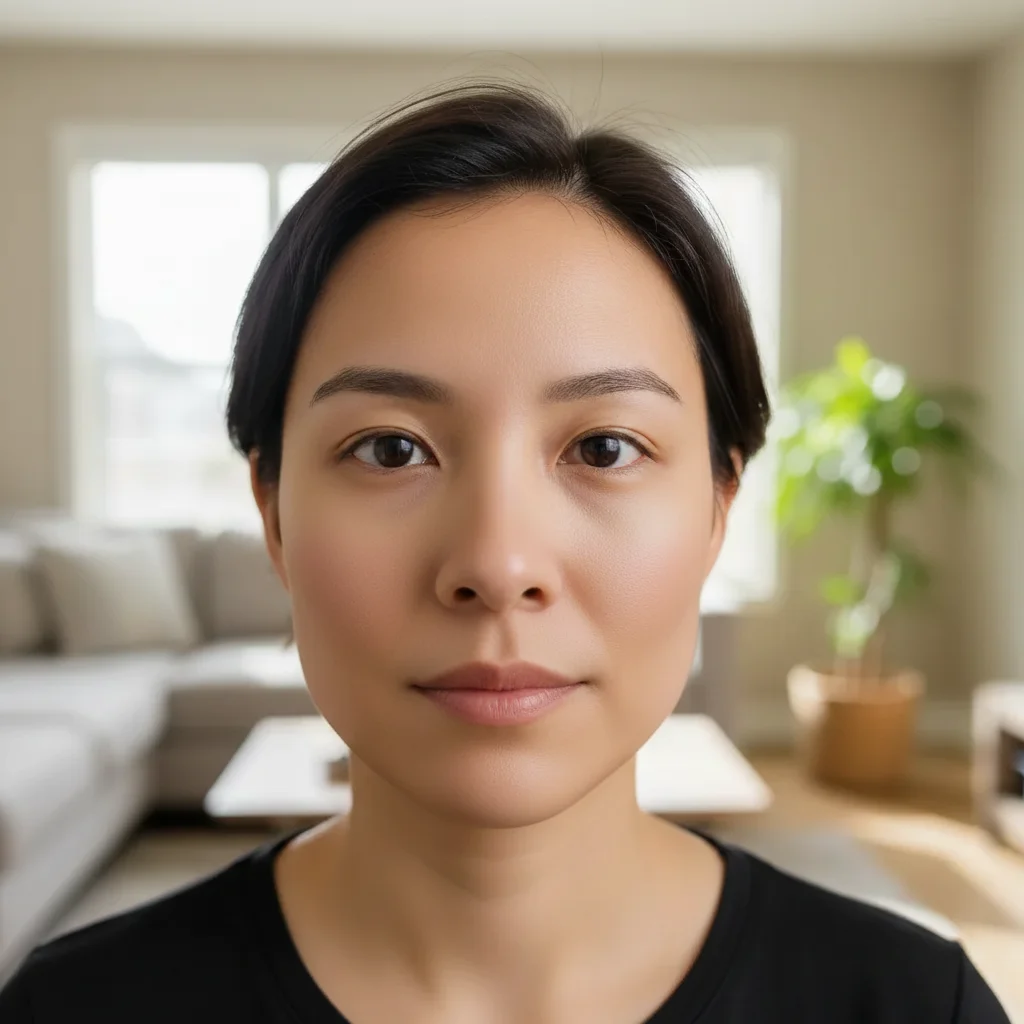
Portrait with flat undefined cheekbones
Before
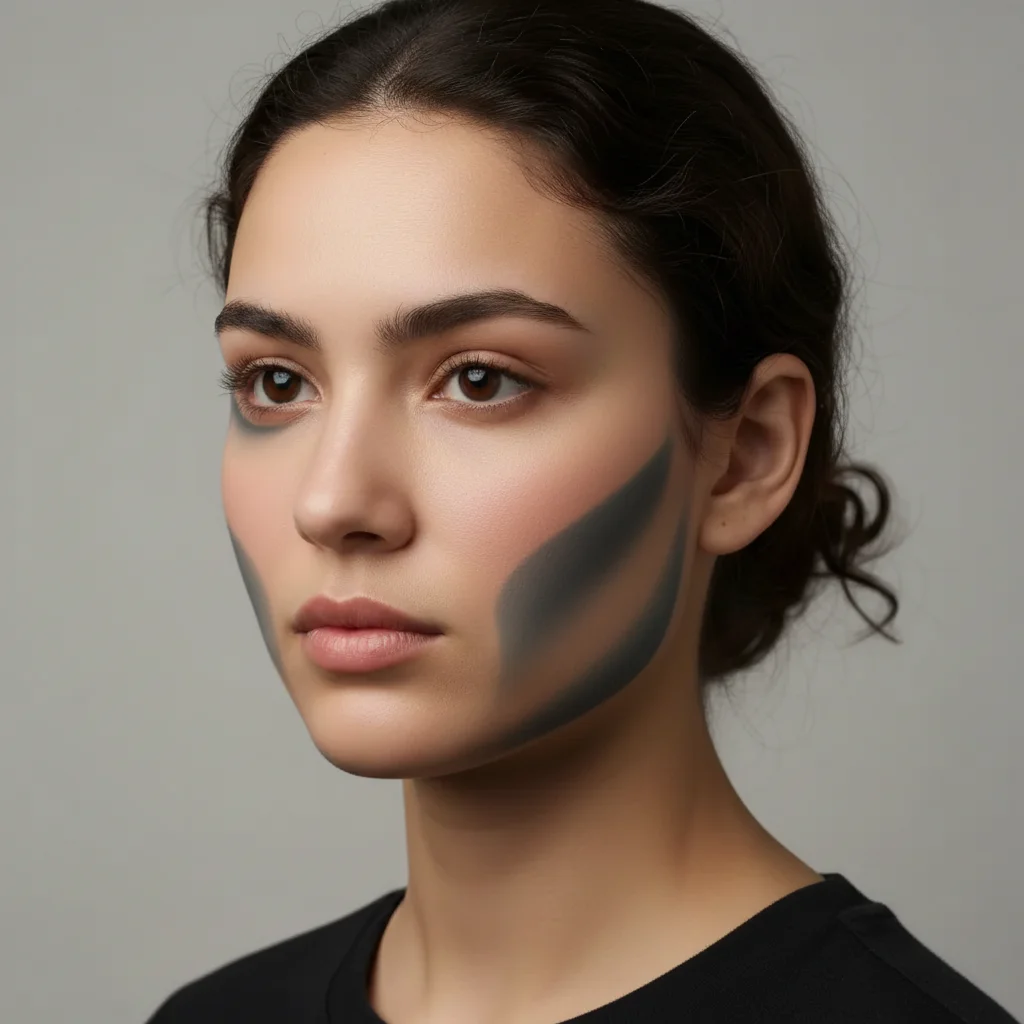
Portrait with subtly enhanced defined cheekbones
After

Enhance Cheekbones in Photo

Drop your photo here

or click to browse

Release to upload

Free • No signup

Advertisement
Popular use cases:
  • portrait photography
  • professional headshots
  • beauty photography
  • social media photos
  • modeling portfolios

Cost
Free No signup required
Time
Instant results in 15-30 seconds
Works on
Any device - browser, phone, tablet, desktop
Powered by
AI-powered photo editing
Scenario Prompt Time
Subtle enhancement enhance cheekbones with subtle contouring and definition 25s
Prominent definition add prominent cheekbone definition with natural shadows and highlights 30s
Natural emphasis bring out natural cheekbone structure with soft contouring 25s

How it works

  1. Upload your photo

    Drop your portrait into EditThisPic. Works best with front-facing or three-quarter view photos where cheekbones are visible. JPG, PNG, WebP up to 7MB.

    Expect: Subtle enhancements: 20-30 seconds. Dramatic contouring may need one refinement to balance.
  2. Describe what you want

    Type your instruction: 'enhance cheekbones with subtle contouring' or 'add prominent cheekbone definition with shadows.' Specify intensity and style. No marking needed—the AI understands facial anatomy and natural bone structure.

    Tip: Use 'subtle', 'moderate', or 'dramatic' to control enhancement intensity

    Copy one of these to get started:

    Natural subtle definition enhance cheekbones with subtle contouring and definition
    Prominent cheekbone structure add prominent cheekbone definition with natural shadows and highlights
    High fashion cheekbones enhance cheekbones dramatically like high fashion model contouring
    Natural bone structure emphasis bring out natural cheekbone structure with soft contouring
    3 more prompts
    Makeup-style contouring add cheekbone contouring that looks like professional makeup application
    Lifted cheekbones enhance and lift cheekbones for a more youthful appearance
    Masculine cheekbone definition enhance cheekbones with strong, angular definition for masculine look
  3. Generate and review

    Click Generate and watch AI enhance cheekbones with natural highlights and shadows. Check that enhancement matches your face shape and lighting. The AI preserves your natural features while adding definition.

  4. Refine with markers if needed

    If enhancement needs adjustment or you want to target very specific areas of the cheekbones, tap markers on those spots and regenerate. This is optional—most edits work without markers.

    Tip: Markers are for precision refinement, not required. Try without them first.
Try it free

Enhance Cheekbones in Photo

Drop your photo here

or click to browse

Release to upload

Free • No signup

"The cheekbone enhancement is perfect. Looks like professional makeup contouring but completely natural." @alex_photo

See it in action

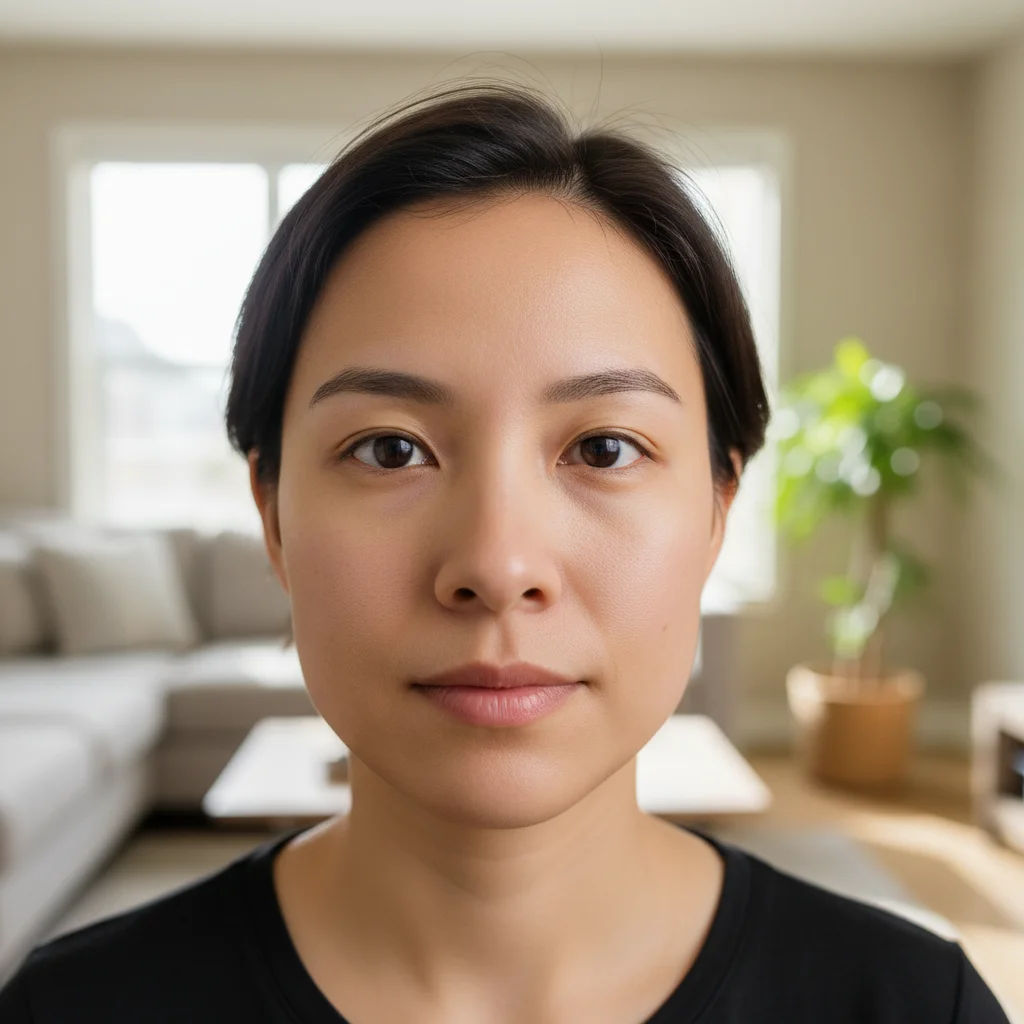
Portrait with flat undefined cheekbones
Before
->
Portrait with subtly enhanced defined cheekbones
After

Subtle cheekbone contouring

Added natural definition to cheekbones with soft shadows for a refined look.
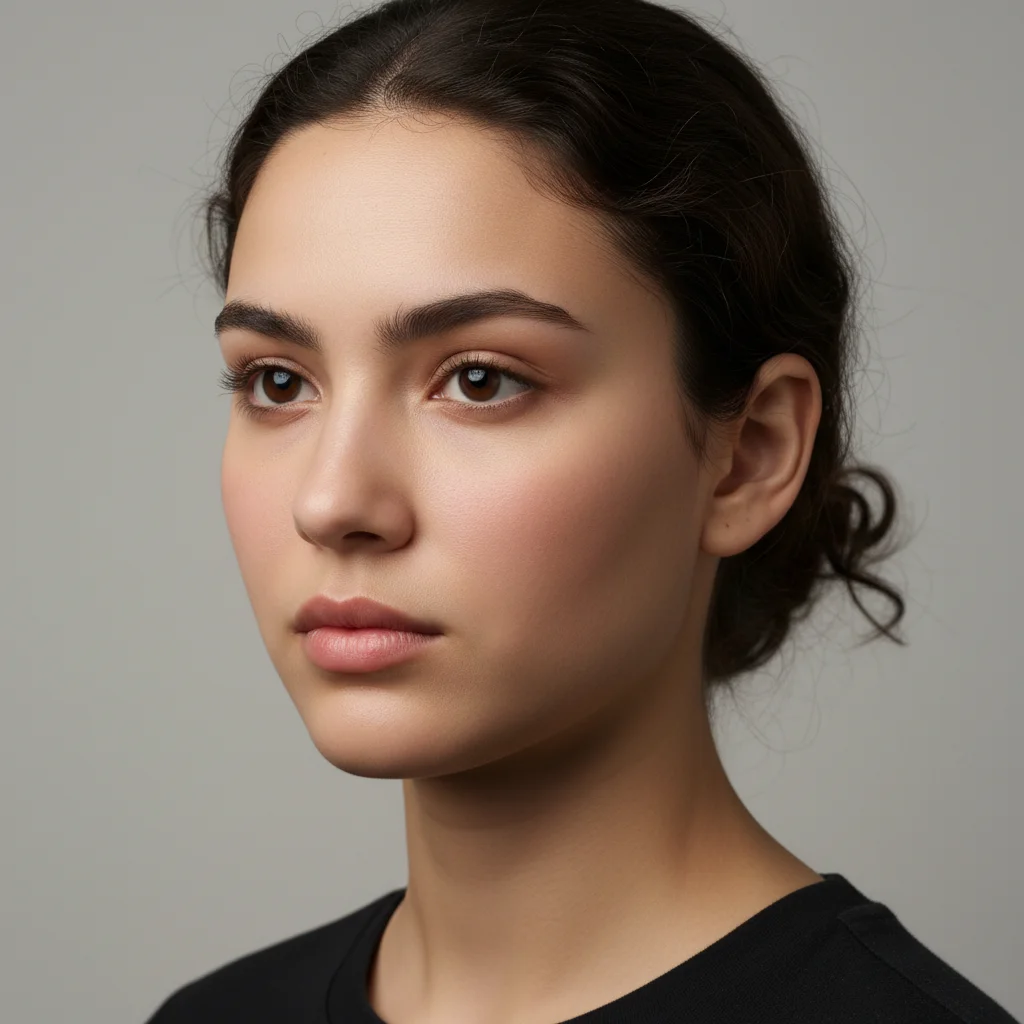
Prompt: enhance cheekbones with subtle contouring and definition
Portrait with soft rounded cheeks
Before
->
Portrait with dramatic high fashion cheekbone definition
After

Prominent high fashion cheekbones

Created dramatic cheekbone definition with strong shadows and highlights for editorial style.

Prompt: enhance cheekbones dramatically like high fashion model contouring
Portrait with subtle invisible bone structure
Before
->
Portrait with natural cheekbone structure enhanced
After

Natural bone structure emphasis

Brought out existing cheekbone structure with gentle contouring for a natural enhancement.

Prompt: bring out natural cheekbone structure with soft contouring
Advertisement

If something looks off

AI changed the wrong area or modified more than just cheekbones

Why: The AI couldn't determine exactly which areas you meant from description alone. This happens with ambiguous requests.

Try: Tap markers on the specific cheekbone areas you want enhanced, then regenerate with the same prompt

Tip: Markers tell the AI 'I mean THIS area specifically.' Use them when description alone is ambiguous.

Enhancement looks too strong or fake

Why: AI applied dramatic contouring that doesn't match your photo's lighting or style.

Try: Use 'subtle' or 'natural': 'enhance cheekbones with subtle natural contouring'
Enhancement is too weak or barely visible

Why: The AI interpreted your request conservatively.

Try: Use stronger descriptors: 'enhance cheekbones prominently' or 'add dramatic cheekbone definition'

Tip: Specify intensity: subtle, moderate, prominent, or dramatic

Shadows look painted on or don't match lighting

Why: Contouring doesn't align with the photo's existing light direction.

Try: Add 'matching the existing lighting direction' to your prompt
Face looks gaunt or too thin

Why: Enhancement removed too much volume from the cheek area.

Try: Use 'define cheekbones' instead of 'hollow cheeks': 'define cheekbones with highlights only, no hollowing'
Enhancement is asymmetric

Why: Photo angle or existing facial asymmetry affected results.

Try: Add 'with symmetric enhancement on both sides' to your prompt

Tip: Slight natural asymmetry often looks more realistic

Quick answers

Do I need to mark the cheekbone areas before describing what I want enhanced?

No! Just describe what you want: 'enhance cheekbones with subtle contouring' or 'add cheekbone definition.' The AI understands facial anatomy and natural bone structure. Only use markers when you need precision—like targeting very specific areas or refining after your first attempt.

How do I enhance cheekbones in a photo for free?

Upload your photo to EditThisPic and type 'enhance cheekbones with subtle contouring and definition.' The AI adds natural highlights and shadows to define your cheekbones in 20-30 seconds. Completely free, no signup required.

Will the enhancement look natural or like heavy makeup?

The AI creates natural-looking definition by default. Use 'subtle' for barely-there enhancement or 'dramatic' for high-fashion looks. The key is matching your photo's existing lighting for realistic results.

Can I control how strong the cheekbone enhancement is?

Yes. Use intensity descriptors in your prompt: 'subtle' for gentle enhancement, 'moderate' for noticeable definition, 'prominent' or 'dramatic' for strong contouring.

What's the difference between cheek enhancement and face slimming?

Cheek enhancement adds definition and highlights to existing bone structure without changing face shape. Face slimming actually narrows the face. For pure definition without slimming, use 'enhance cheekbones with highlights, no slimming'.

Ready to enhance your cheekbones?

Free to try. No signup required.

Try it free