Free • No signup Fix Group photo issues · Free

AI Group Photo Fixer
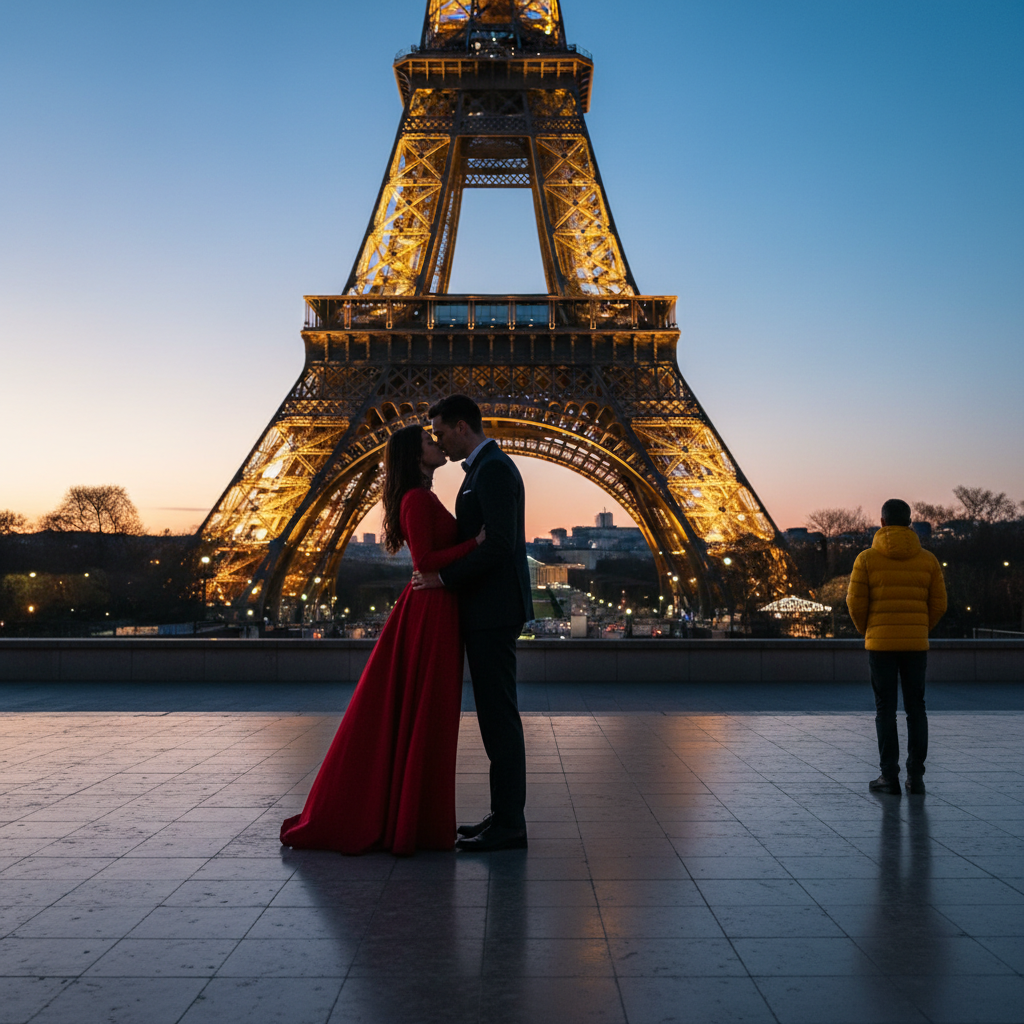
Before
Before
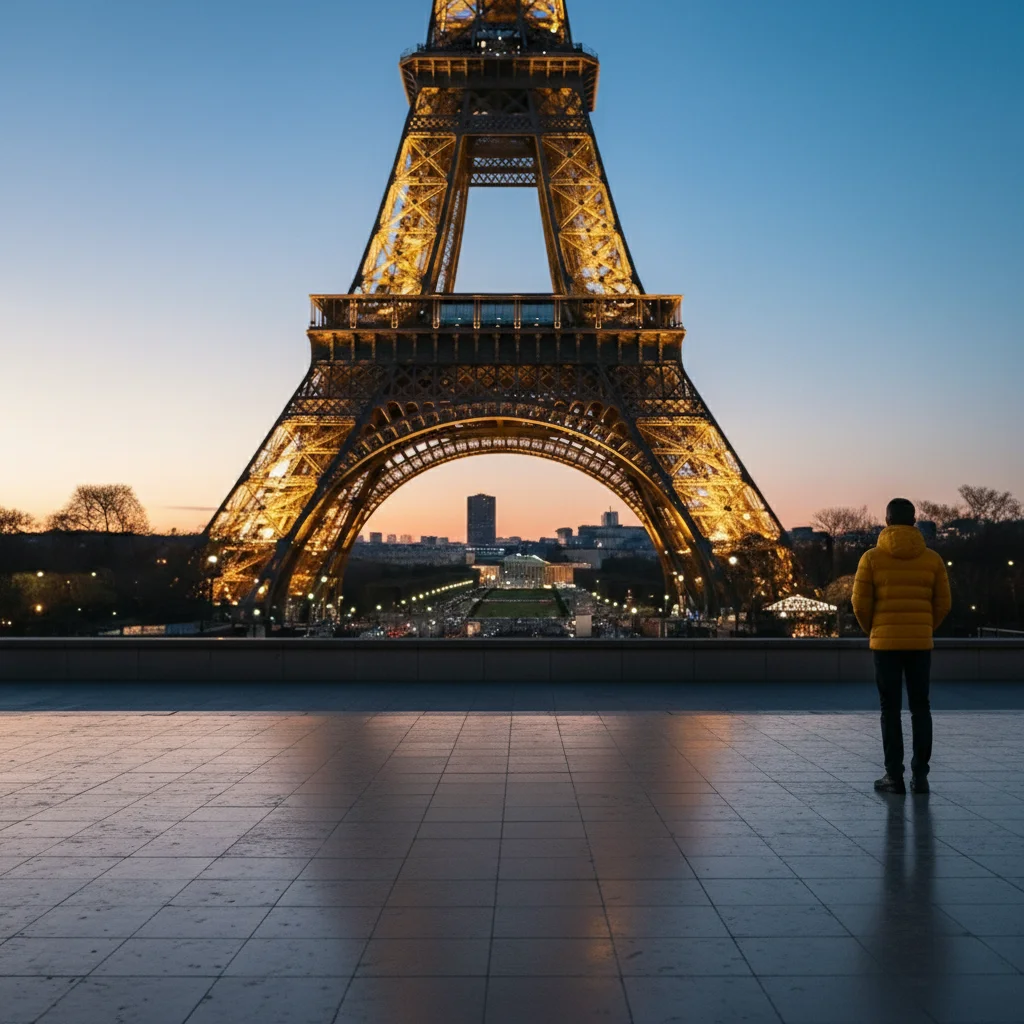
After
After

Free AI Group Photo Fixer

Drop your photo here

or click to browse

Release to upload

Free • No signup

Advertisement

Cost
Free No signup required
Time
Instant results in 15-30 seconds
Works on
Any device - browser, phone, tablet, desktop
Powered by
AI-powered photo editing

How it works

  1. Upload your group photo

    Choose the group photo that needs fixing. Works with any number of people. Make sure faces are reasonably clear and visible, though the photo doesn't need to be perfect - that's what you're fixing.

    Expect: Single person fix: 15-25 seconds. Multiple people or complex issues: 30-50 seconds and may need multiple iterations to perfect each person's corrections.
  2. Describe what needs fixing

    Just describe the problems in plain English - like 'the person on the left has closed eyes' or 'make everyone look at the camera.' The AI identifies the people and applies the fixes. For clearer results with multiple people, you can use markers to indicate exactly who needs fixing.

    Tip: Be specific about who has the problem using position ('person on the left'), clothing ('man in the blue shirt'), or other identifiers. For multiple fixes, start with one issue at a time for best results, then fix others in the edited version.

    Copy one of these to get started:

    fix Open the closed eyes of the person on the left
    fix Make the person on the right look at the camera
    fix Make everyone in the photo smile naturally
    fix Fix the woman in the middle so her eyes are open and she's looking at the camera
    3 more prompts
    fix Make everyone look at the camera with natural smiles and open eyes
    fix Fix the man in the blue shirt on the left (open eyes and straighten head position)
    fix Correct the awkward expression on the tall person in the back row
  3. Review the result

    Check that all the fixes look natural and everyone looks good. Make sure facial features and expressions remain authentic. If you need additional fixes, describe them and regenerate using the already-fixed version.

  4. Download Your Fixed Group Photo

    Save the high-resolution corrected group photo with no watermark. Perfect for family photos, wedding photos, team photos, and any group shots where someone blinked or looked away.

Try it free

Free AI Group Photo Fixer

Drop your photo here

or click to browse

Release to upload

Free • No signup

See it in action

Before
Before
->
After
After

Fixing Closed Eyes in Group

Open the closed eyes of the person on the left

Prompt:
Before
Before
->
After
After

Fixing Eye Contact

Make the person on the right look at the camera

Prompt:
Before
Before
->
After
After

Multiple Fixes

Make everyone look at the camera with natural smiles and open eyes

Prompt:
Advertisement

If something looks off

AI changed the wrong area or something I didn't want changed

Why: The AI couldn't determine exactly which area you meant from description alone.

Try: Tap a marker on the specific area you want to change, then regenerate with the same prompt

Tip: Markers tell the AI 'I mean THIS one specifically.' Use them when description alone is ambiguous.

Quick answers

Do I need to mark each person before describing what I want fixed?

No! Just describe who has the problem using position or clothing descriptions. The AI identifies people automatically. Use markers only when your description might be ambiguous or for very large groups.

Can I fix multiple people's problems in one edit?

You can try fixing multiple issues at once (like 'make everyone look at the camera'), but for best results with different problems, fix one person or issue at a time. Download the result, then upload and fix the next issue.

What common group photo problems can this fix?

Closed eyes, people looking away from camera, bad expressions, awkward head positions, people not smiling, someone with a serious expression when others are smiling, and similar issues. Each person can have different fixes applied.

How many people can be in the group photo?

The tool works with any size group - from 2 people to large groups of 20+. Larger groups may require more specific descriptions (use clothing colors or positions) or markers to identify exactly who needs fixing.

Will everyone's face stay recognizable after fixing?

Yes, the AI maintains each person's unique facial features while fixing the specific issues you describe. The goal is to fix problems, not change how people look. Faces should remain natural and recognizable.

Ready to fix your group photos?

Free to try. No signup required.

Try it free