Free • No signup Create Photo grid · Free

AI Photo Grid Maker - Create Collages

Describe your grid layout and AI arranges photos automatically.
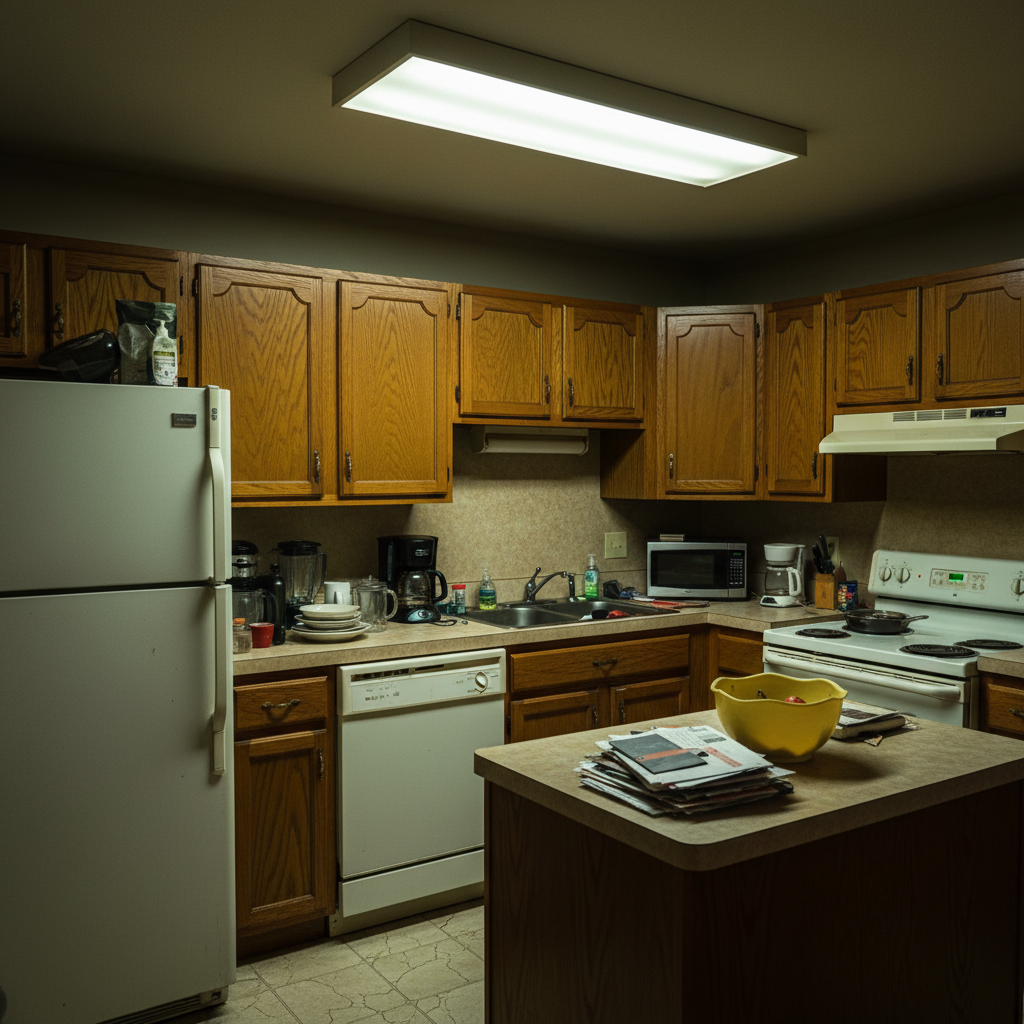
Nine unorganized travel photos
Before
Clean 3x3 Instagram grid with travel photos evenly spaced
After

AI Photo Grid Maker

Drop your photo here

or click to browse

Release to upload

Free • No signup

Advertisement
Popular use cases:
  • Instagram grids
  • Facebook collages
  • Pinterest pins
  • photo printing
  • social media posts
  • family albums

Cost
Free No signup required
Time
Instant results in 15-30 seconds
Works on
Any device - browser, phone, tablet, desktop
Powered by
AI-powered photo editing
Scenario Prompt Time
Instagram 3x3 create 3x3 photo grid with thin white spacing, square format for Instagram 20s
Simple 2x2 create 2x2 photo grid with equal spacing and white borders 15s
Seamless grid arrange photos in 3x3 grid with no spacing between images 20s
4x4 Pinterest create 4x4 photo grid with thin black dividers and light gray background 25s

How it works

  1. Upload your photos

    Drop your images into EditThisPic. You can upload multiple photos at once—JPG, PNG, WebP up to 7MB each. The AI works with any number of photos and automatically determines the best grid dimensions.

    Expect: Simple 2x2 or 3x3 grids: 15-20 seconds. Complex layouts with 6+ photos may take 30-40 seconds.
  2. Describe your grid layout

    Type your instruction: 'create 2x2 photo grid with equal spacing' or 'arrange in 3x3 collage with white borders.' Specify grid dimensions (2x2, 3x3, 4x4), spacing, borders, and background color. No manual positioning needed—the AI handles all alignment and sizing.

    Tip: Include spacing size ('thin spacing' or 'wide gaps') and border color ('white borders' or 'black dividers') for precise control.

    Copy one of these to get started:

    Instagram-perfect square grid create 3x3 photo grid with thin white spacing, square format for Instagram
    Simple collage with borders create 2x2 photo grid with equal spacing and white borders
    Tight grid with no gaps arrange photos in 3x3 grid with no spacing between images
    Pinterest-style collage create 4x4 photo grid with thin black dividers and light gray background
    2 more prompts
    Wide-gap aesthetic grid arrange in 2x3 photo grid with wide white spacing for minimalist look
    Square photos with custom background create 3x3 grid of square-cropped photos with cream-colored background
  3. Generate and download

    Click Generate and the AI creates your grid, automatically cropping and positioning each photo for perfect alignment. Download the finished collage in full resolution—ready for Instagram, Facebook, or printing.

Try it free

AI Photo Grid Maker

Drop your photo here

or click to browse

Release to upload

Free • No signup

"Made a perfect Instagram grid in seconds. Just told it what layout I wanted and it arranged everything beautifully." @socialmediapro

See it in action

Nine unorganized travel photos
Before
->
Clean 3x3 Instagram grid with travel photos evenly spaced
After

Instagram 3x3 Grid

Created a perfect square grid for Instagram with thin white spacing between travel photos.
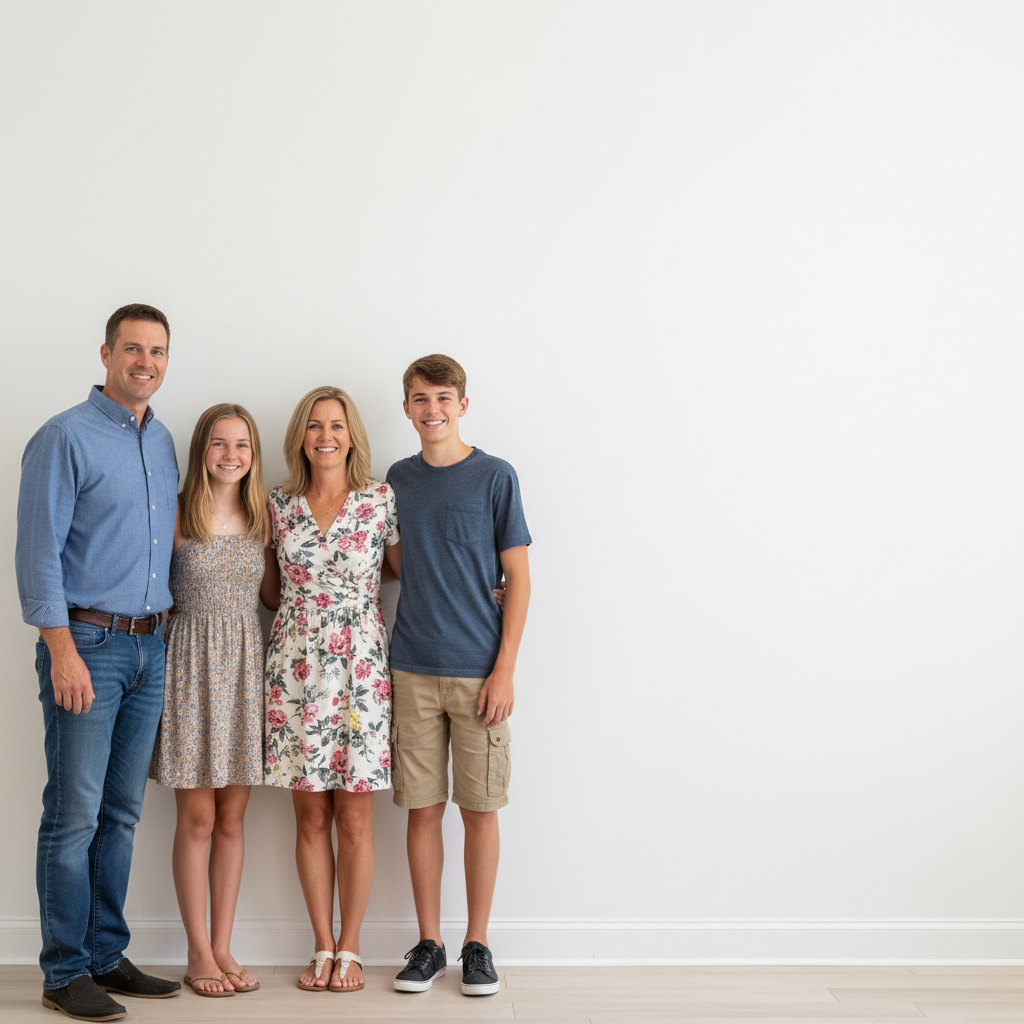
Prompt: create 3x3 photo grid with thin white spacing, square format for Instagram
Four separate family birthday photos
Before
->
2x2 grid collage with white borders showing family moments
After

Family Photo Collage

Arranged family event photos in 2x2 grid with equal white borders for printing.

Prompt: create 2x2 photo grid with equal spacing and white borders
Advertisement

If something looks off

Photos are cropped too tightly or cut off important parts

Why: The AI automatically crops photos to fit grid dimensions, which may remove content from edges.

Try: Try: 'create 3x3 grid with minimal cropping, fit entire photos' or upload pre-cropped images

Tip: If you have photos with important content at edges, crop them to square format before uploading

Spacing is uneven or inconsistent

Why: The prompt didn't specify spacing clearly, so the AI used default gaps.

Try: Be explicit: 'create grid with exactly 10 pixels spacing between all photos' or 'equal spacing on all sides'

Tip: Use specific measurements like '10 pixels' or relative terms like 'thin', 'medium', 'wide' for consistent results

Grid dimensions don't match what I asked for

Why: Ambiguous prompt or photo count doesn't match specified grid size.

Try: Verify your photo count matches grid size (e.g., 9 photos for 3x3). State dimensions clearly: 'exactly 3 rows by 3 columns'

Tip: Upload the exact number of photos for your desired grid: 4 for 2x2, 9 for 3x3, 16 for 4x4

Background color is wrong or unexpected

Why: Without specifying background, the AI chooses automatically based on photo content.

Try: Add background to your prompt: 'create grid with white background' or 'pure black background'

Tip: Always specify background color in your prompt if you have a preference—don't leave it to chance

Quick answers

Do I need to position or arrange the photos myself?

No! Just describe the grid layout you want: 'create 3x3 photo grid with white spacing' or 'arrange in 2x2 collage with borders.' The AI automatically positions, sizes, and aligns all photos. Only use markers if you want to specify which photo goes in which grid position.

How do I make a photo grid for Instagram?

Upload your photos and use the prompt: 'create 3x3 photo grid with thin white spacing, square format for Instagram.' The AI will create a perfectly-sized square grid ready to post. Download and upload directly to Instagram without additional editing.

Is there a free photo grid maker that doesn't need an account?

Yes. EditThisPic is completely free to try with no signup required. You get free daily edits to create photo grids with AI. No watermarks, no subscriptions, no credit card needed.

What is the best free AI tool for making photo collages?

EditThisPic's AI Photo Grid Maker automatically handles spacing, alignment, and sizing—no manual dragging or resizing needed. Just describe your layout and the AI creates professional grids instantly.

Ready to create your photo grid?

Free to try. No signup required.

Try it free