Enhance Your Engagement Ring Photos
That ring deserves to sparkle in photos the way it sparkles in person.
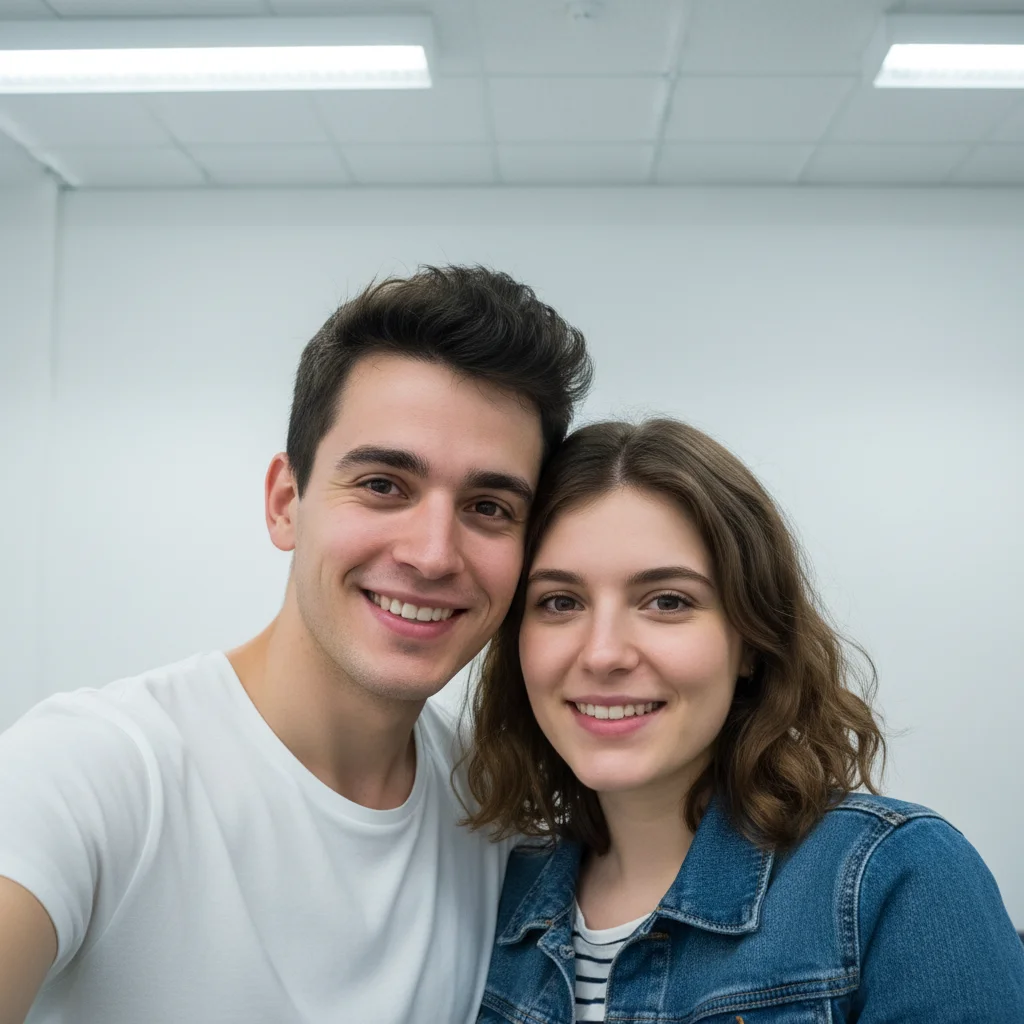
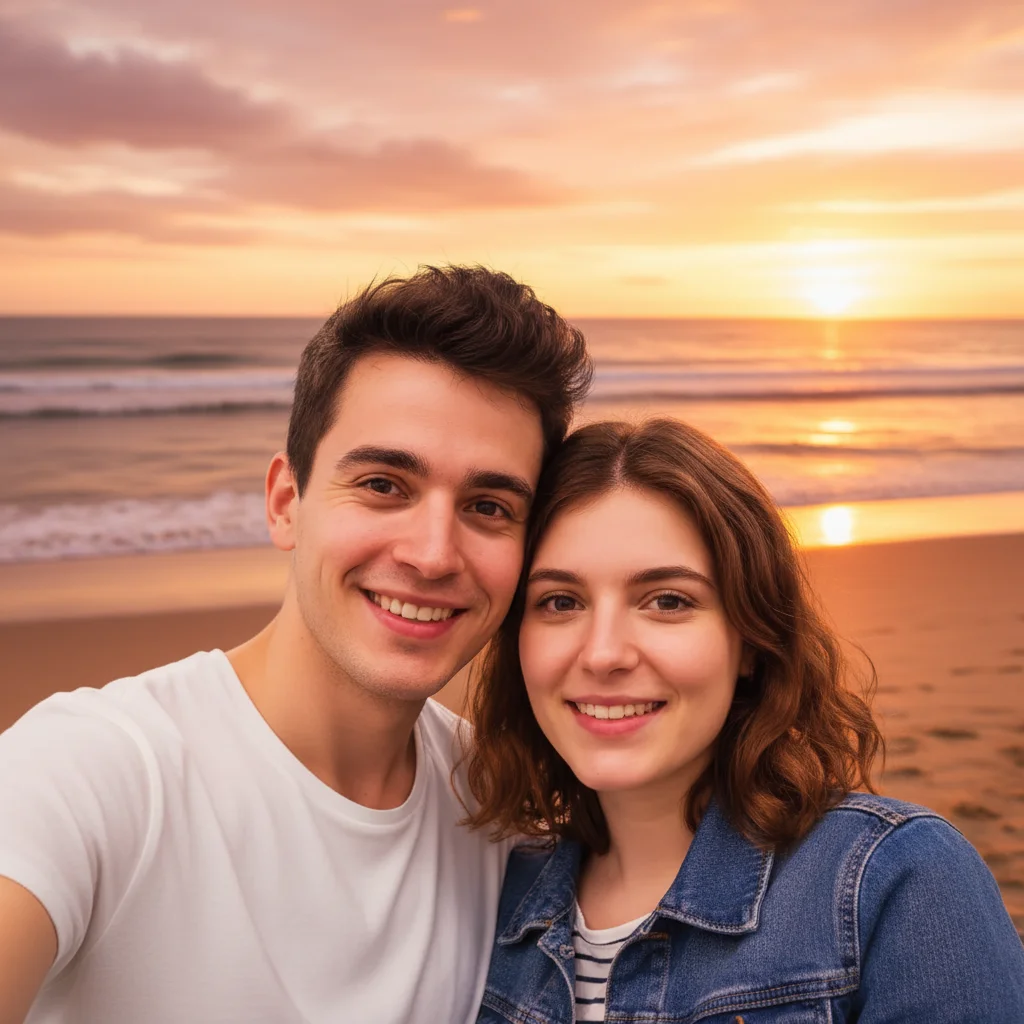
Drop your photo here
or click to browse
Release to upload
Free • No signup
"The proposal was perfect but the ring looked dull in every photo we took. Fixed the sparkle here and now the photos match how beautiful it actually is. These are the photos going in our announcement." @JustEngaged
Built for Newly Engaged Couples
You've waited for this moment and chosen the perfect ring. But cameras struggle to capture diamond sparkle - they flatten brilliance and miss the fire. EditThisPic enhances what the camera couldn't capture, making your ring photos look as breathtaking as the moment felt. Perfect for announcements, social media, and memories.
Tools for Ring Photo Enhancement
Enhance Photo
Overall enhancement including sparkle and clarity
Enhance Lighting
Fix dim or harsh proposal lighting
Blur Background
Create professional focus on the ring
Fix Color
Correct color to show true ring appearance
How to Enhance Your Engagement Ring Photos
-
Select your best ring photos
Choose ring or proposal photos where the ring is visible but doesn't look as stunning as it does in person. Close-ups of the ring and shots showing the moment both work well for enhancement.
Sparkle enhancement: 20-25 seconds. Full photo enhancement: 35-45 seconds.Photos taken near windows or in natural light enhance best - they have more light data to work with. -
Upload and describe the enhancement
Drop your ring photo into EditThisPic and describe what you want: 'enhance the diamond sparkle and brilliance, brighten the stone to show its fire, keep the hand and background exactly as is.' Be specific about the ring while preserving the authentic moment.
Mention specific aspects: 'sparkle,' 'brilliance,' 'fire,' 'clarity' - these help the AI understand what makes diamonds beautiful. -
Review the sparkle
Examine the enhanced ring. Diamonds should appear more brilliant without looking fake. Metal should look polished. The overall photo should look professional while remaining authentic to the moment.
-
Download and share
Download your enhanced ring photos for announcements, social media, or printing. Create multiple versions - close-up ring shots and full proposal moment shots.
Create a vertical crop for Instagram Stories and a square crop for the grid - both from the same enhanced photo.
Copy-Paste Prompts for Ring Enhancement
enhance the diamond sparkle and brilliance, make it look as stunning as it does in person, keep everything else exactly as is
'As it does in person' tells the AI to enhance reality, not create fantasy
enhance this ring close-up: brighten the diamond, make the sparkle more visible, polish the metal appearance, keep natural looking
Include metal enhancement for a complete jewelry photo upgrade
brighten this dim proposal photo, enhance the ring sparkle, make the moment look as magical as it felt, keep our expressions exactly as is
Many proposals happen in romantic low light that cameras struggle with
blur the background softly, enhance the ring sparkle, professional jewelry photo look, keep hand position natural
Background blur creates professional jewelry photography feel
Show 4 more prompts
balance the sunset lighting with the ring, enhance diamond visibility against the sunset, keep the romantic colors
Sunset proposals are beautiful but the bright background makes rings look dark
correct the color cast to show true diamond and gold/platinum color, remove the yellow/blue tint from indoor lights
Wrong lighting makes gold look wrong and diamonds look dull
enhance the ring sparkle, slightly smooth skin on hand, subtle manicure enhancement, professional engagement photo look
Complete enhancement for engagement announcements
remove the coffee cup in the background, blur the table, keep the hand and ring in sharp focus with enhanced sparkle
Clean backgrounds put all focus on the ring
| Edit Type | Prompt | Time | |
|---|---|---|---|
| Sparkle boost | enhance diamond sparkle and brilliance |
20s | Try This → |
| Dim light fix | brighten image, enhance ring sparkle |
25s | Try This → |
| Pro look | blur background, enhance ring sparkle |
25s | Try This → |
| Full enhancement | sparkle, lighting, background blur, natural look |
35s | Try This → |
Real Examples
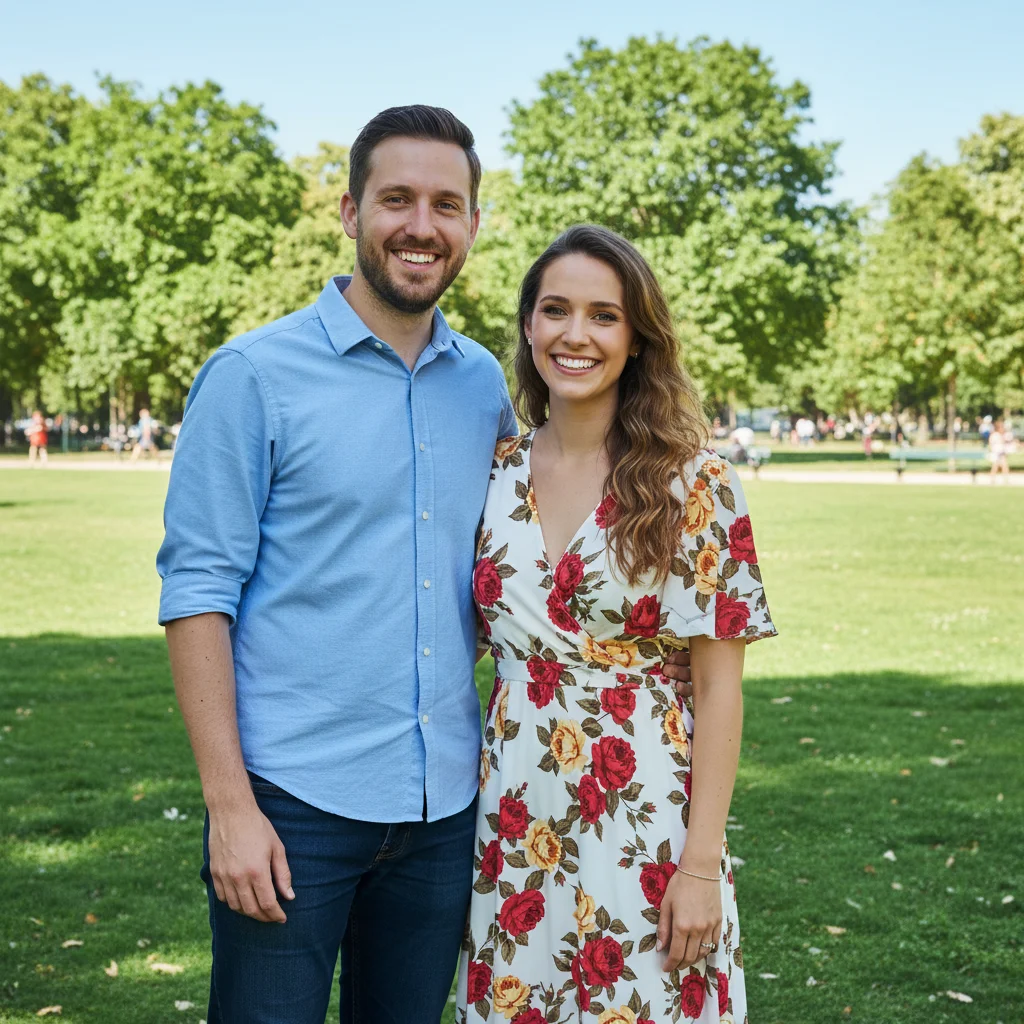
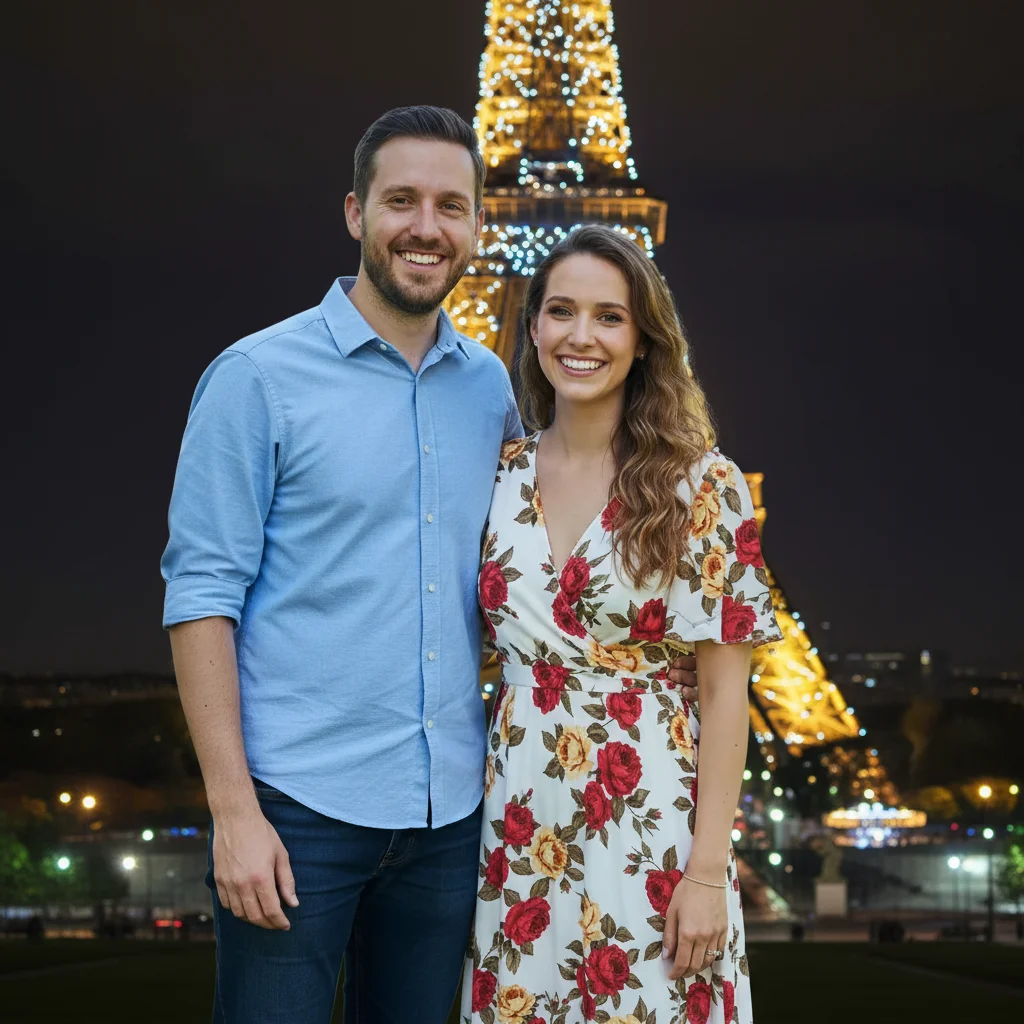
Diamond brilliance restored
Beautiful ring looked flat and dull in the photo. Enhanced to show its true sparkle.
enhance the diamond sparkle and fire, make the brilliance visible like it is in person, keep the hand and background exactly as is
Restaurant proposal saved
Dim restaurant lighting made the ring hard to see. Enhanced to capture the magic.
brighten the overall image, enhance the ring sparkle significantly, keep the romantic candlelit atmosphere, preserve the genuine surprise expression


Hand on coffee cup cropped and polished
Casual ring shot on coffee cup needed professional polish for the announcement.
blur the coffee cup and background softly, enhance the ring sparkle, slight skin smoothing on hand, professional engagement photo look
When Things Go Wrong
Ring looks fake or over-sparkled
Why: Enhancement may have been too aggressive, creating unrealistic brilliance.
enhance ring sparkle subtly, keep it looking real and natural, just improve what's already there
'Subtly' and 'natural' help prevent over-processing.
Diamond color looks wrong
Why: Color correction may have affected the diamond's natural tint.
keep the natural diamond color while enhancing sparkle, don't change the stone's actual color
Diamonds have natural color variations - specify to preserve them.
Background blur is too strong
Why: The AI may have over-blurred, losing important context of the moment.
subtle background blur, keep the location recognizable, just soften the background slightly
For proposal photos, location context is part of the memory - don't blur it completely.
Hand looks different after enhancement
Why: Face/skin enhancement may have over-processed the hand.
Specifying 'only the ring' prevents unwanted changes to skin.
AI changed the wrong area
Why: The AI couldn't determine exactly which area you meant from description alone.
Tap a marker on the specific area you want to change, then regenerate with the same prompt
Markers tell the AI 'I mean THIS one specifically.' Use them when description alone is ambiguous.
Frequently Asked Questions
Do I need to mark the ring before describing what I want enhanced?
No. Just type 'enhance the ring sparkle' or 'brighten the diamond' - the AI knows what an engagement ring is and will focus on it. Only use markers if you have multiple pieces of jewelry and need to specify which one.
How do I make my engagement ring photos look better for free?
Upload your ring photo to EditThisPic and type 'enhance the diamond sparkle and brilliance, make it look as stunning as it does in person.' The AI brings out the sparkle cameras often miss. Free to try, no account needed.
Will the enhanced ring look fake?
Not if you use natural-sounding prompts. 'Enhance the sparkle' and 'make it look as it does in person' produce realistic results. Avoid extreme requests like 'maximum sparkle' which can look artificial.
Can I fix a blurry ring photo?
Slightly blurry photos can be improved, but significant blur is hard to fix. The AI can enhance detail and sharpness to some degree. For best results, start with a photo where the ring is reasonably in focus.
What's the best free engagement ring photo editor?
EditThisPic handles ring sparkle enhancement, lighting fixes, and background improvements without signup or watermarks. Upload, describe what you want, and download your announcement-ready ring photo.
Can I enhance proposal moment photos too?
Absolutely. EditThisPic can enhance the ring while also improving the overall photo - fixing dim lighting, warming colors, softening backgrounds. Just describe everything you want: 'enhance ring sparkle, brighten the dim lighting, keep our expressions exactly as is.'
Is EditThisPic's AI enhance your engagement ring photos really free?
Yes — you get 1 free edit per week, no account needed. For unlimited edits, plans start at $3.99/month.
Can I engagement ring on my phone?
Yes. EditThisPic works in any mobile browser — iPhone, Android, tablet. No app download needed.
Ready to make your ring shine?
Free to try. No signup required. No watermarks.
Enhance Your Ring Photos