Enhance Food Photos for Restaurant Menus
Your food tastes amazing. Now make it look that way on the menu.
Drop your photo here
or click to browse
Free • No signup
Release to upload
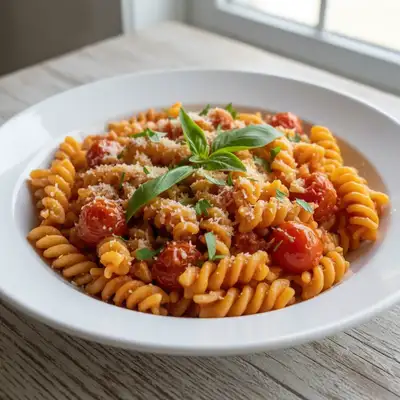
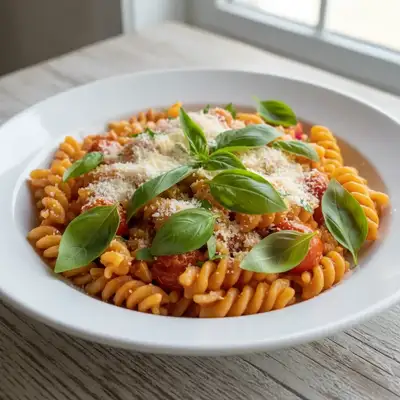
Built for Restaurant Owners and Food Businesses
Great food photography sells. Studies show menus with appetizing photos increase orders significantly. But professional food photography costs hundreds per dish. EditThisPic transforms the photos you can take yourself into menu-worthy images - boosting colors, fixing restaurant lighting, making your food look as delicious as it tastes.
Tools for Food Photo Enhancement
Enhance Photo
Overall food photo enhancement
Enhance Lighting
Fix dark kitchen and restaurant lighting
Fix Color
Correct color casts from kitchen lighting
Blur Background
Focus attention on the dish
How to Enhance Food Photos for Restaurant Menus
-
Take photos of your dishes
Photograph your dishes in the best available light - near windows if possible. Shoot from a 45-degree angle or straight down for flat dishes. Don't worry about perfection - the enhancement will help.
Basic enhancement: 20-25 seconds. Full menu treatment: 35-45 seconds.Natural daylight makes food look best. If shooting in kitchen, use a small table near a window. -
Upload and describe the enhancement
Drop your food photo into EditThisPic and describe what you need: 'enhance this dish for menu use: boost colors to look appetizing, brighten the lighting, make the food look fresh and delicious, keep it realistic.'
'Keep it realistic' prevents over-processing - customers should recognize the actual dish. -
Review for appetizing realism
Check that the enhanced photo makes you hungry but still looks like your actual dish. Colors should be vibrant but not neon. Food should look fresh and delicious, not artificially perfect.
-
Download for menu and apps
Download your enhanced food photos. Use for printed menus, digital menus, delivery apps, social media, and website. Consider creating consistent style across all menu items.
Save at highest quality for print menus, create compressed versions for apps.
Copy-Paste Prompts for Food Photos
enhance this food photo for menu: boost colors to look appetizing, brighten the lighting, make it look fresh and delicious, keep realistic
'Keep realistic' ensures customers recognize the actual dish
brighten this food photo significantly, enhance colors to look vibrant and appetizing, correct the yellow lighting from kitchen, natural daylight look
Kitchen lighting often adds yellow cast that makes food look unappetizing
enhance for professional menu: food photography lighting, vibrant but natural colors, slight background blur to focus on dish, appetizing presentation
Background blur creates professional food photography depth
remove the items around the plate edges, extend the table surface, keep focus on the main dish, enhance colors for menu
Removing clutter keeps focus on what you're selling
Show 4 more prompts
enhance the green vegetables and herbs to look fresh and vibrant, don't over-saturate other elements, natural appetizing look
Greens often photograph dull but should look garden-fresh
enhance the meat to show perfect grill marks and texture, appetizing sear color, keep natural meat tones, professional food photo look
Meat benefits from enhanced contrast to show texture and cooking
enhance this dessert photo: make it look indulgent and tempting, boost richness of chocolate/cream/fruit, glamorous lighting, irresistible presentation
Desserts should look indulgent - don't hold back on richness
enhance for delivery app: bright appetizing colors, clean simple look, high contrast so it stands out in small thumbnail, professional food photography style
Delivery app photos need to pop at small sizes
| Edit Type | Prompt | Time | |
|---|---|---|---|
| Basic enhancement | enhance for menu, boost colors, brighten |
20s | Try This → |
| Fix kitchen lighting | correct yellow cast, enhance colors, brighten |
25s | Try This → |
| Pro food photo look | professional food photo, background blur, vibrant |
30s | Try This → |
| Delivery app ready | bright colors, high contrast, clean professional |
25s | Try This → |
Real Examples
Burger photo made appetizing
Kitchen photo made the burger look gray and flat. Enhanced to show the juicy appeal.
enhance this burger photo for menu: boost colors to look appetizing, make the meat look juicy and fresh, enhance the lettuce green, brighten overall, keep realistic
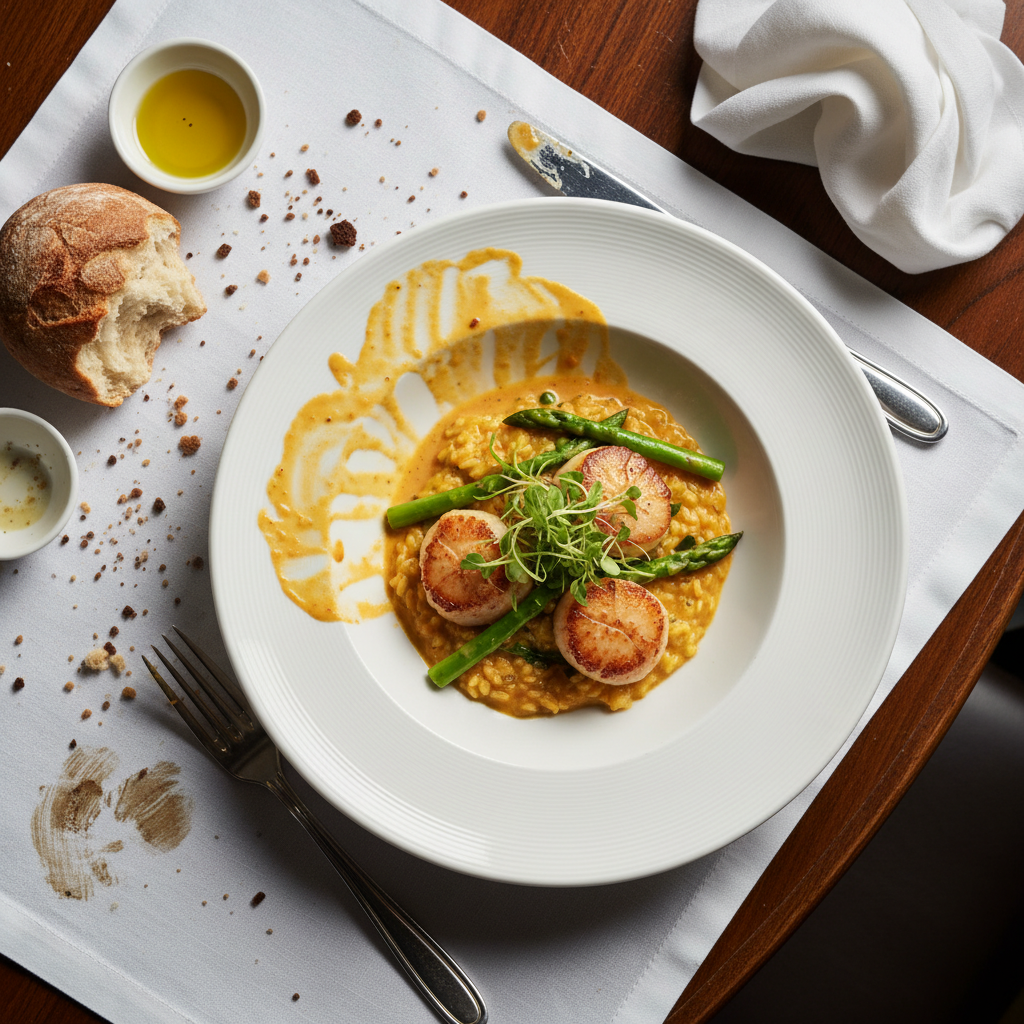
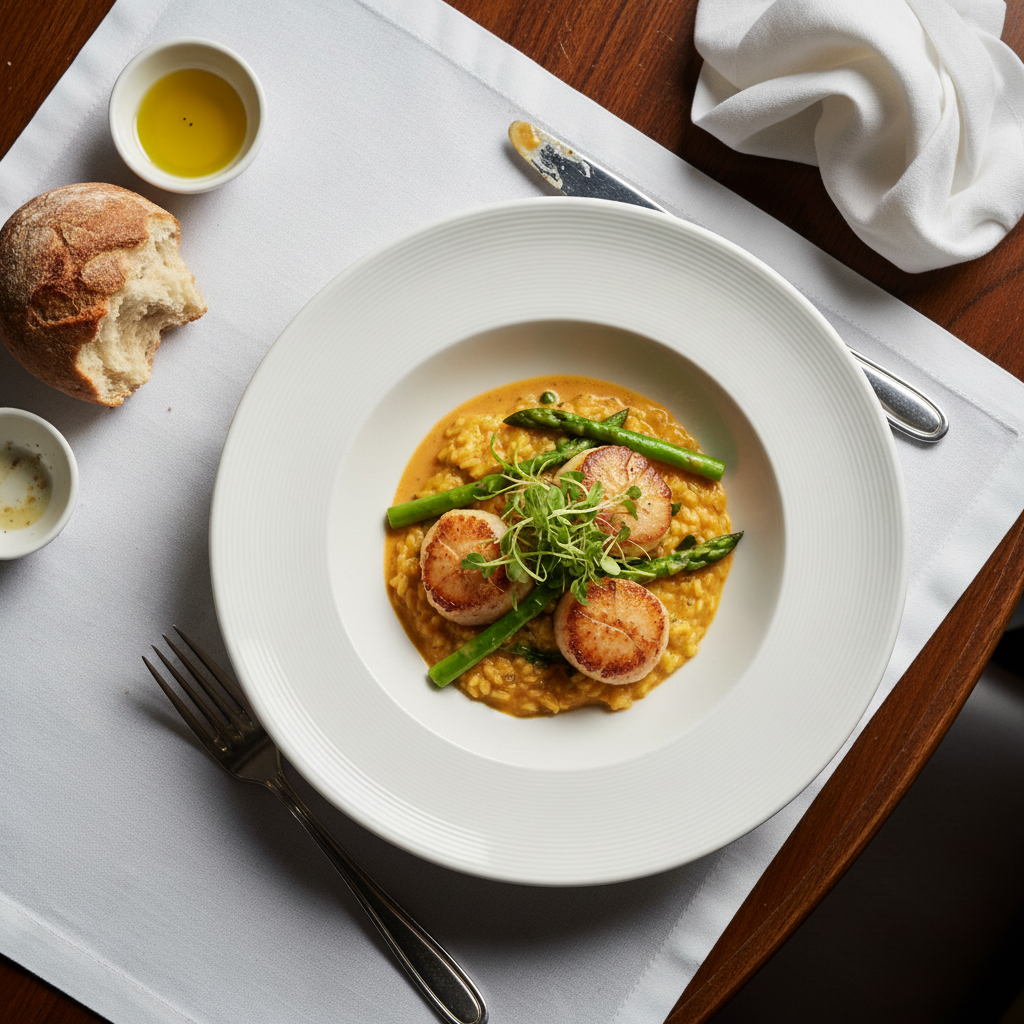
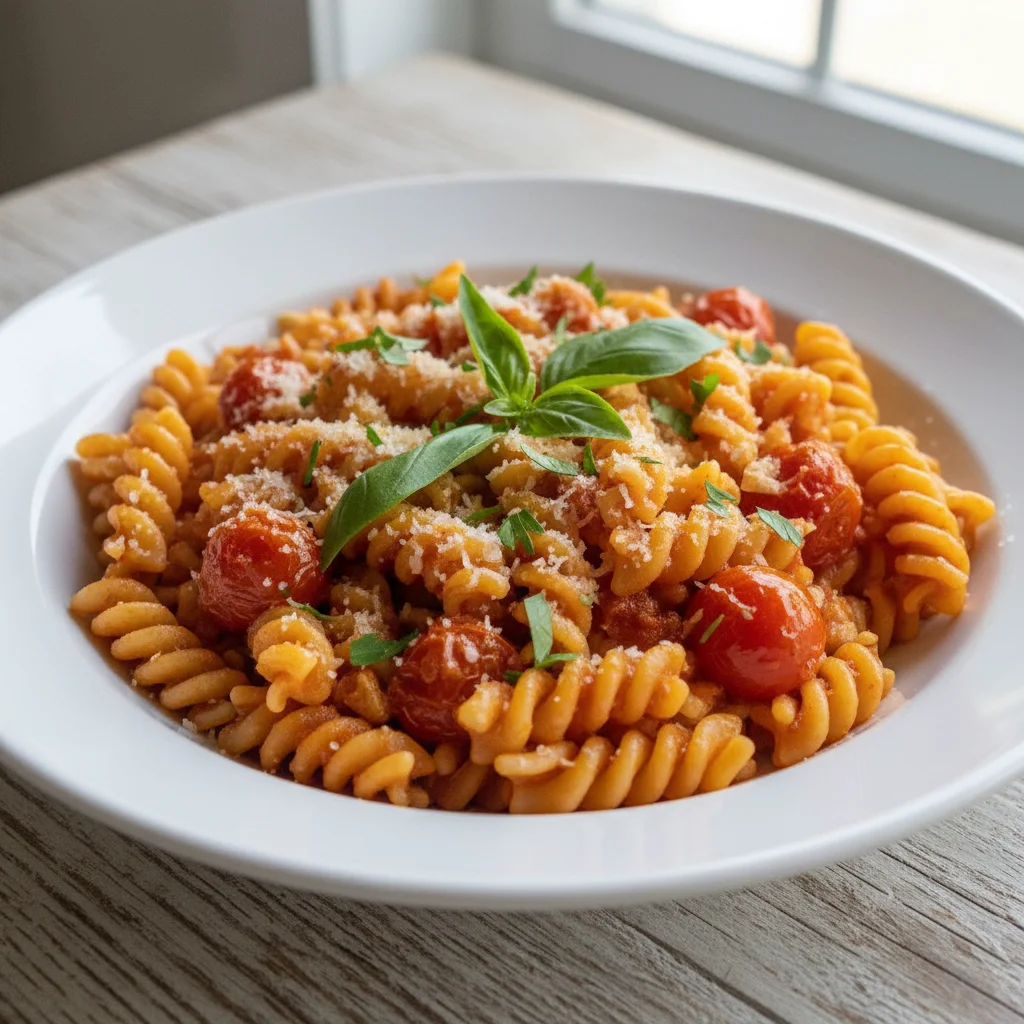
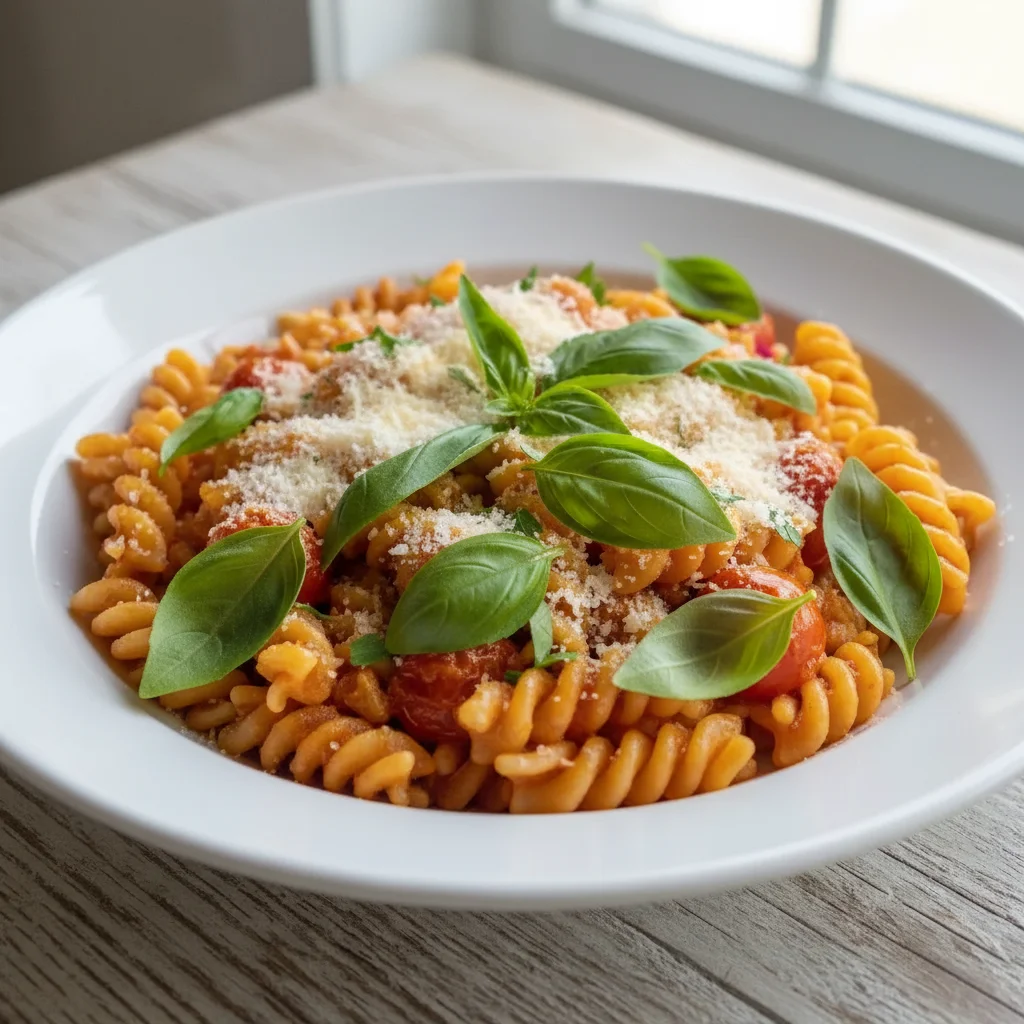
Pasta dish lighting corrected
Yellow tungsten lighting made this pasta look unappetizing. Color corrected and enhanced.
correct the yellow color cast from restaurant lighting, enhance colors to look fresh and appetizing, brighten to professional food photography level, keep dish looking realistic
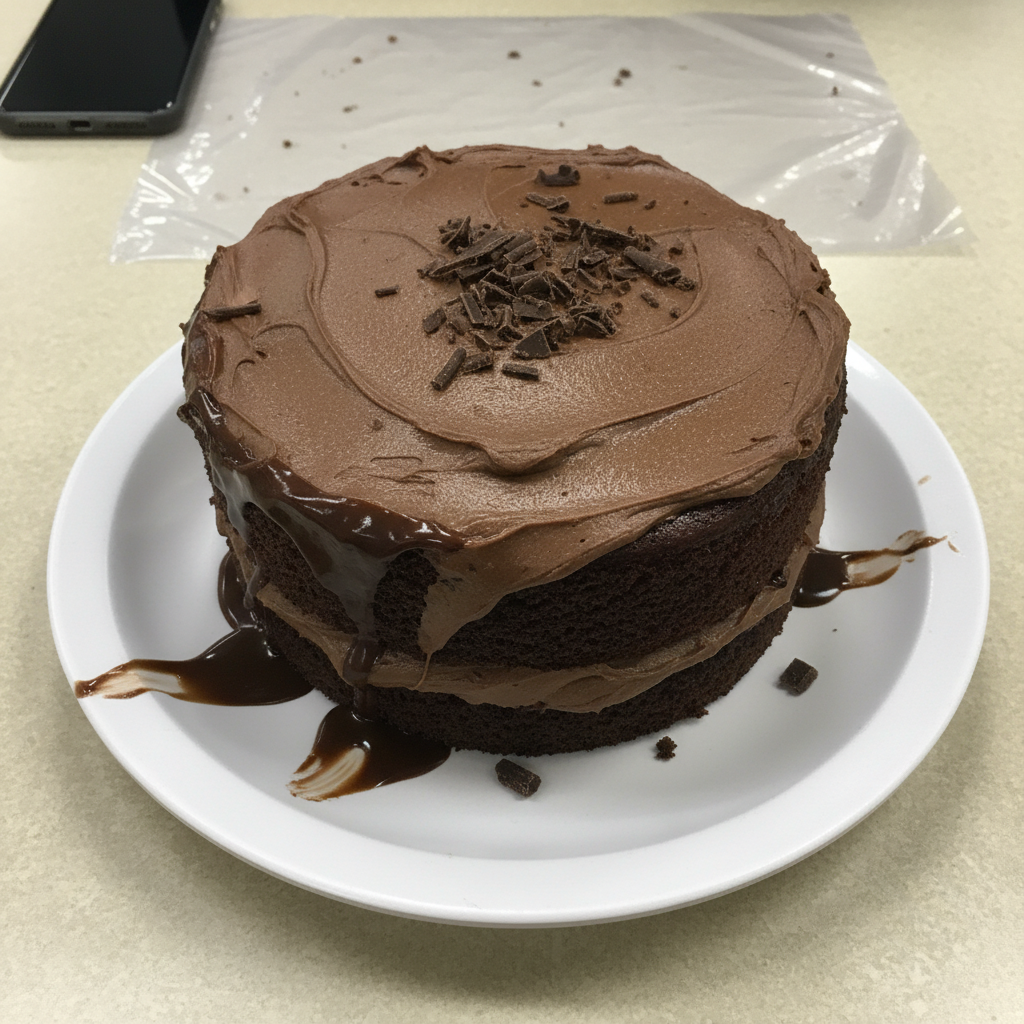
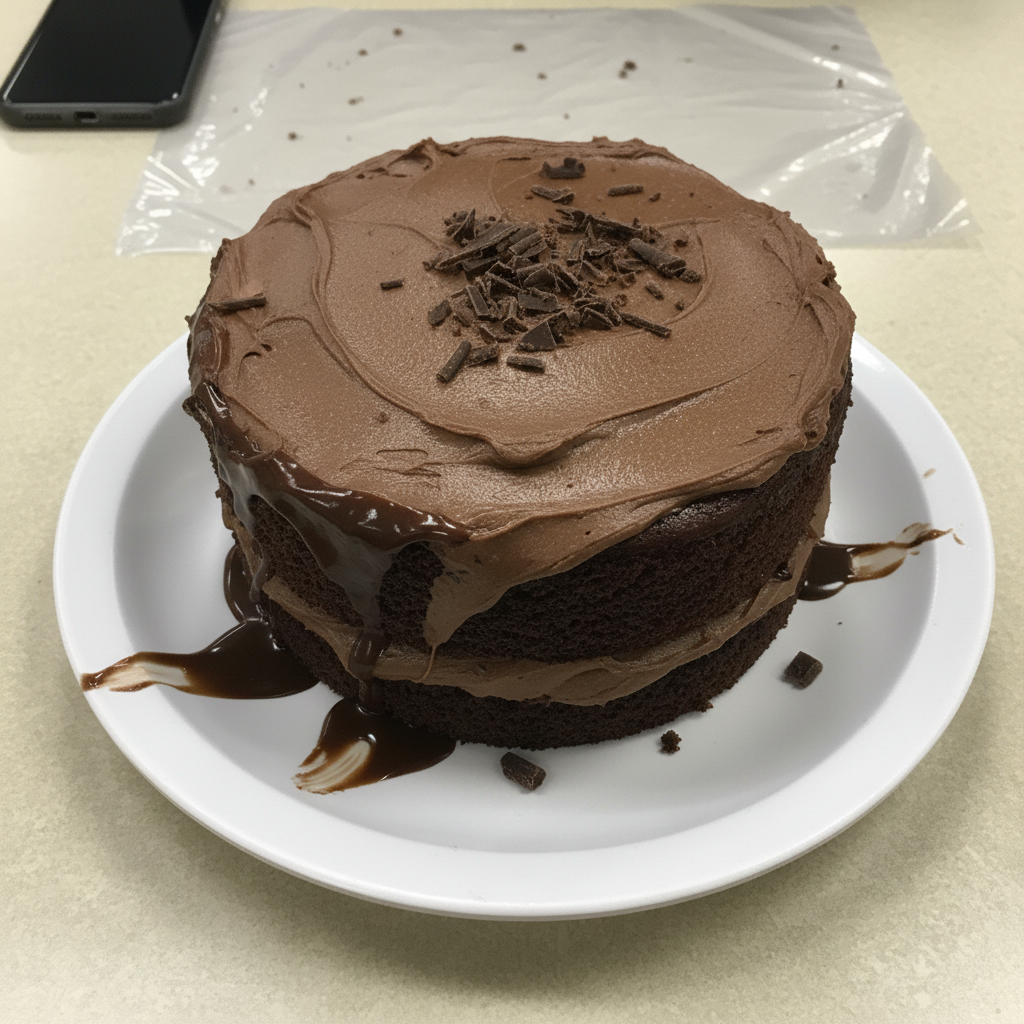
Salad made fresh and vibrant
Phone photo made the salad look limp. Enhanced to show the fresh, crisp ingredients.
enhance this salad for menu: make greens look fresh and crisp, vibrant vegetable colors, appetizing healthy appearance, bright natural lighting, professional food photo
When Things Go Wrong
Food looks fake or over-saturated
Why: Enhancement may have boosted colors too much, creating artificial appearance.
enhance subtly for menu, keep colors natural and realistic, appetizing but believable
'Subtle' and 'realistic' prevent the neon food look that makes customers suspicious.
Customers say food doesn't match photos
Why: Enhancement may have gone beyond what your actual dishes look like.
light enhancement only: slight brightness boost, minor color correction, keep close to original appearance
Photos should make food look its best, not like a different dish entirely.
Enhancement changed the wrong part of image
Why: AI may have enhanced table or background instead of just food.
Markers help focus enhancement on just the dish if needed.
Colors look unnatural for the cuisine type
Why: Generic enhancement may not suit specific cuisine color profiles.
enhance for [cuisine type] menu: authentic [cuisine] food colors, traditional presentation look
Mentioning cuisine type helps AI understand expected color profiles.
AI changed the wrong area
Why: The AI couldn't determine exactly which area you meant from description alone.
Tap a marker on the specific area you want to change, then regenerate with the same prompt
Markers tell the AI 'I mean THIS one specifically.' Use them when description alone is ambiguous.
Frequently Asked Questions
Do I need to mark the food before enhancing?
No. Just describe what you want: 'enhance this food photo for menu, boost colors, brighten lighting.' The AI focuses on making the food look appetizing. Only use markers if you need to enhance specific parts differently.
How do I make food photos look good for my restaurant menu for free?
Upload your dish photos to EditThisPic and type 'enhance for menu: boost colors, brighten lighting, make it look appetizing, keep realistic.' The AI transforms phone photos into menu-worthy images in 30 seconds. Free to try, no account needed.
Will the enhanced photos look like my actual food?
Yes, if you include 'keep realistic' in your prompt. EditThisPic enhances what's there - fixing lighting and boosting colors - rather than creating fake food. The dish should be recognizable when customers order it.
Can I use enhanced photos on delivery apps?
Absolutely. Enhanced photos work great for DoorDash, UberEats, Grubhub, and other delivery platforms. In fact, appetizing photos on delivery apps can significantly increase orders - your food is competing with photos from every other restaurant.
What's the best free food photo editor for restaurants?
EditThisPic is specifically useful because it understands context. Saying 'enhance for menu' triggers food-appropriate enhancements. No signup, no watermarks, free to try for your whole menu.
Should I enhance all my menu photos or just some?
Consistency matters. If some photos look professional and others look like phone snapshots, it creates an uneven impression. Consider enhancing your entire menu for a cohesive, professional look.
Is EditThisPic's AI enhance food photos for restaurant menus really free?
Yes — you get 1 free edit per week, no account needed. For unlimited edits, plans start at $3.99/month.
Can I menu photos on my phone?
Yes. EditThisPic works in any mobile browser — iPhone, Android, tablet. No app download needed.
Ready to make your menu irresistible?
Free to try. No signup required. No watermarks.
Enhance Your Food PhotosTrusted by 15,000+ users