AI Photo Editing for Portrait Photographers
Last updated
AI-powered photo editing designed for portrait photographers. Just describe what you want.
Drop your photo here
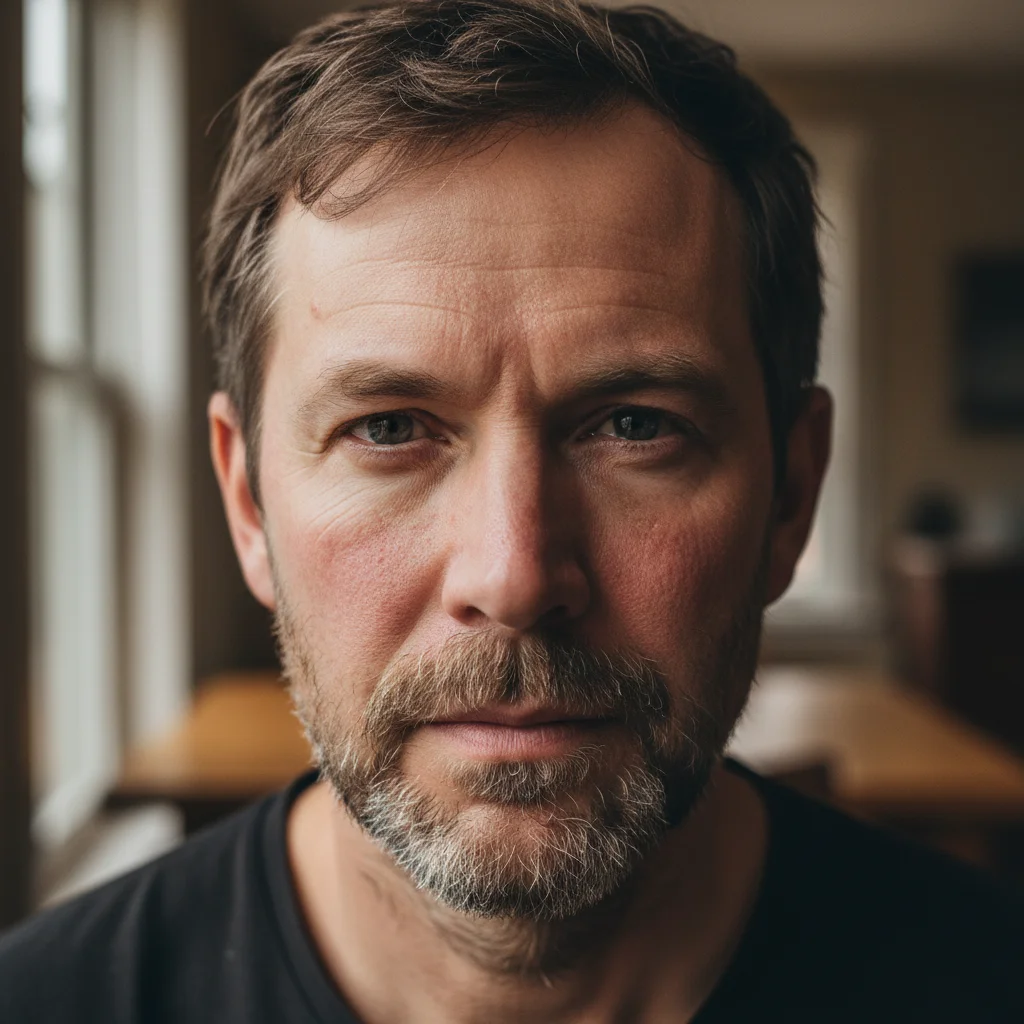
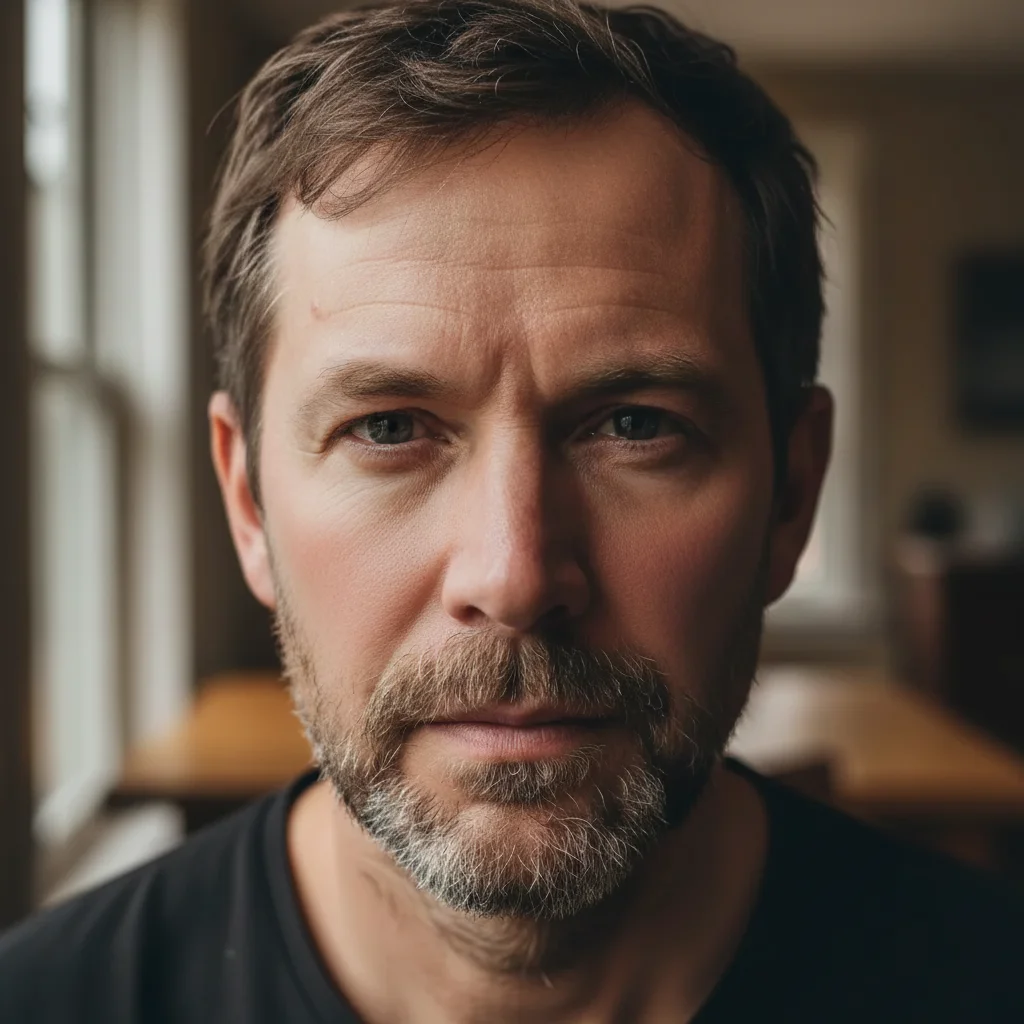
"smooth skin naturally, keep texture — make it look natural and professional"
Release to upload
How It Works
-
Upload your photo
Drop your portrait photographers photo into EditThisPic. JPG, PNG, WebP up to 7MB.
Most edits complete in 20-45 seconds. -
Describe the edit
Type what you want in plain English. The AI understands portrait photographers editing needs.
Be specific about colors, styles, and positions. -
Download your result
Review the edit, adjust if needed, and download. No watermark, full quality.
Popular Prompts
smooth skin naturally, keep texture — make it look natural and professional
Be specific for best results.
replace the background with a soft blurred studio bokeh, neutral gray
Be specific for best results.
balance the lighting — lift shadows under eyes and soften harsh highlights
Be specific for best results.
brighten and sharpen the eyes, whiten slightly
Be specific for best results.
Show more prompts
add a warm cinematic color grade with lifted shadows
Be specific for best results.
remove all blemishes and temporary skin imperfections
Be specific for best results.
Examples
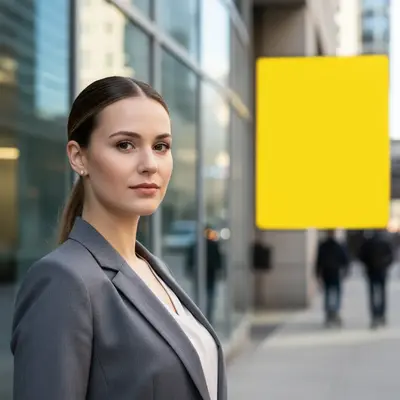
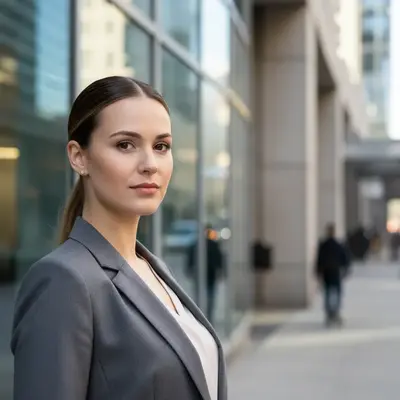
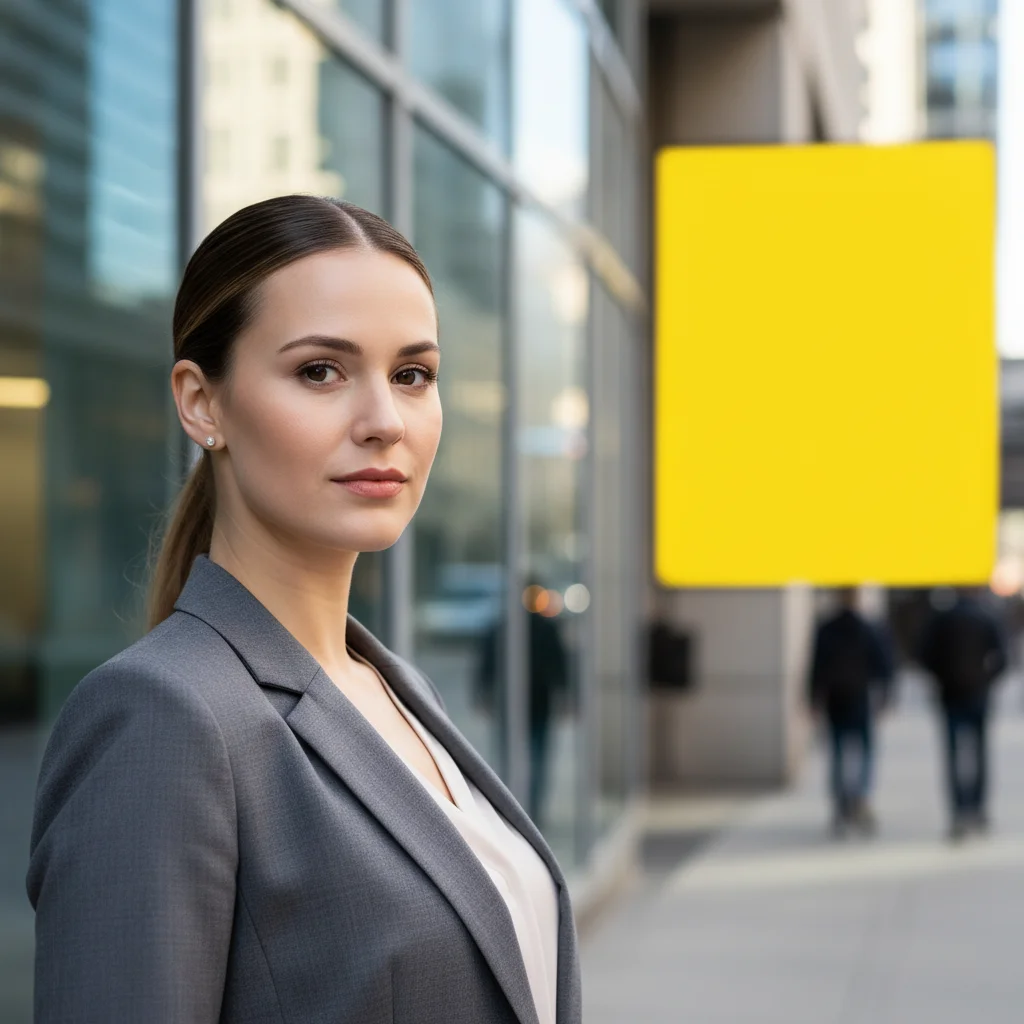
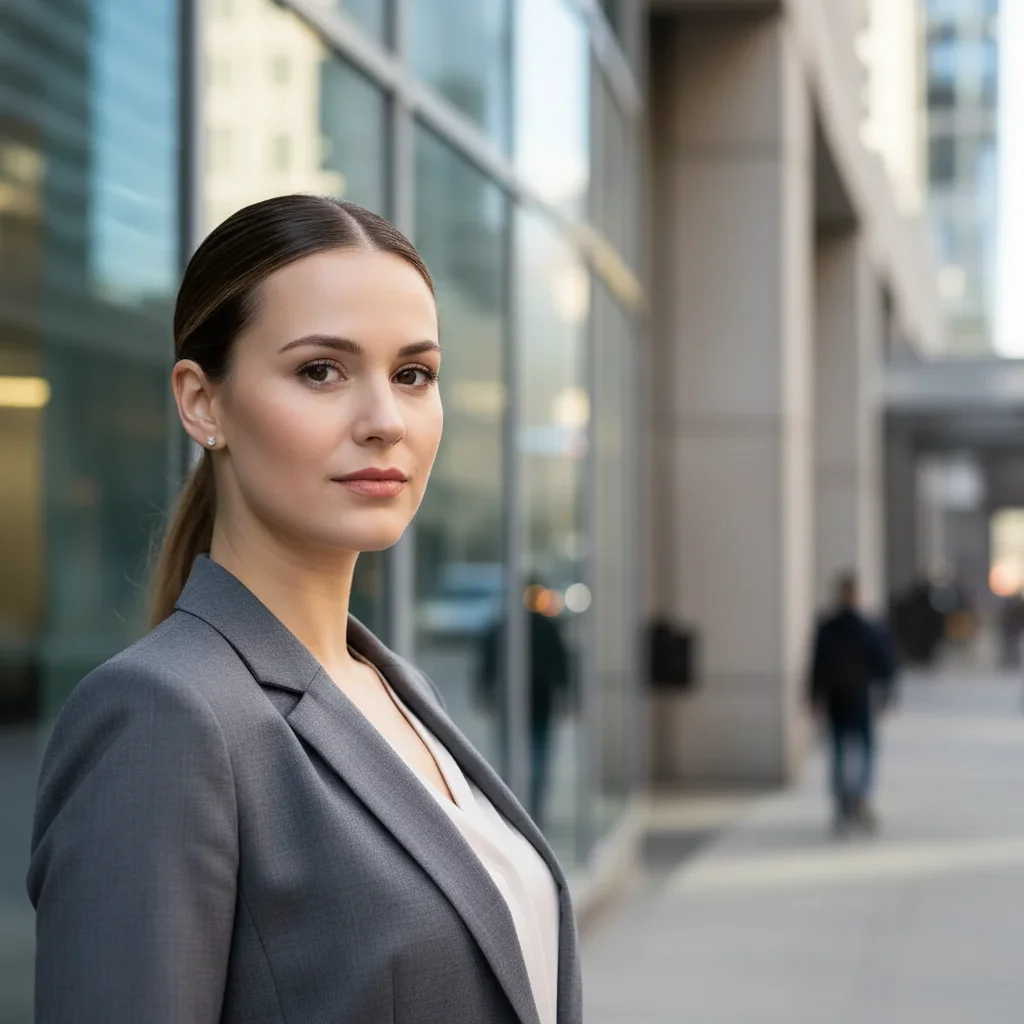
Portrait skin smoothed and polished for print
A natural-light portrait of a woman with her hair pulled back, typical of a client session photo. The AI smoothed skin texture and evened out tone while preserving the natural look — the kind of retouching portrait photographers deliver to clients.
Smooth skin texture, even out tone, keep the portrait looking natural and unretouched
Cluttered table cleared to isolate necklace for product photography
A turquoise pendant necklace was photographed on a cluttered kitchen table with dishes, newspapers, and a coffee mug in frame. The AI removed the background entirely, leaving the necklace isolated on a clean white surface ready for product use.
remove the cluttered table background and isolate the necklace on a clean white background
FAQ
Is EditThisPic free for portrait photographers?
Yes. EditThisPic offers one free edit per week with no signup. For more edits, affordable plans start at $1.99.
Do I need design skills to edit portrait photographers photos?
No. Just describe what you want in plain English and the AI handles the rest. No Photoshop skills needed.
What file formats work for portrait photographers photos?
EditThisPic accepts JPG, PNG, and WebP up to 7MB. Results download in the same format.
Will there be a watermark?
No. EditThisPic never adds watermarks, even on free edits.
Is EditThisPic really free?
Yes, EditThisPic offers one free Fast edit per week — no signup or credit card required. For more edits, affordable packs start at $1.99.
Do I need to download any software?
No, EditThisPic runs entirely in your browser. No downloads, no plugins, no app installation needed. It also has an iOS app on the App Store.
Popular use cases
Ready to edit your portrait photographers photos?
Free to try. No signup required.
Start EditingTrusted by 15,000+ users