Pricing Edit Wedding photography · Free

AI Photo Editor for Wedding Photographers

← Browse all creative effects

Last updated

Remove photobombers, fix distracting backgrounds, enhance portraits — describe the fix and AI handles it.
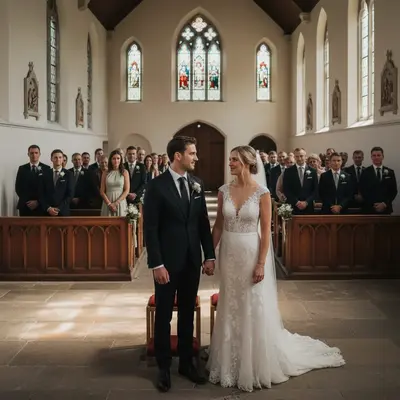
Wedding ceremony with unwanted guest in red dress in background Clean ceremony shot with background filled naturally

Upload photo to edit wedding photography

"remove the person walking through the background behind the couple and reconstruct the background naturally"

Free to try · no sign-up · photos are never shared

Release to upload

<30stypical edit
1 freeedit weekly
Photo on your phone? Scan to open this editor there — free edit works on your phone too.

1 free edit every week·packs from $4.99

How it works

  1. Upload the wedding photo

    Drop your photo into EditThisPic. Works with ceremony shots, portrait sessions, reception photos. Best for cases where a specific element needs removing or adjusting without reshooting.

    Expect: Most wedding photos process in 25-50 seconds. Complex scenes with multiple people may take closer to a minute.
  2. Describe what needs changing

    Type exactly what you want fixed. 'Remove the guest standing in the background on the left side', 'fix the harsh shadow across the bride's face', 'remove the catering staff visible behind the couple'. Be specific about position and what should stay. No selection or masking needed — just describe it.

    Tip: The more specific you are about position, the more accurate the result. 'Remove the person in the blue shirt on the far left' beats 'remove the person'.

    Copy one of these to get started:

    Guest visible in ceremony background remove the person in the dark suit visible behind the couple on the right side and fill with the natural background
    Photobomber at the reception remove the person walking through the background behind the couple and reconstruct the background naturally
    Harsh shadow on face soften the harsh shadow across the bride's face and even out the skin tone lighting
    Distracting element near couple remove the exit sign visible above and to the right of the couple and fill with the wall behind
    4 more prompts
    Overexposed window in ceremony reduce the overexposed bright window behind the altar and balance the interior exposure
    Catering staff in reception shot remove the catering staff visible on the right side of the frame and fill with the venue background
    Clean up table or venue clutter remove the empty glasses and plates from the edge of the frame and fill with the tablecloth
    Stray wiring or equipment visible remove the audio cable visible along the bottom of the frame and fill with the floor
  3. Review the edit

    Check that the removed element is gone and the background fill looks natural. For people removed from behind the couple, check that the couple's edges remain clean and the background fills correctly.

See it in action

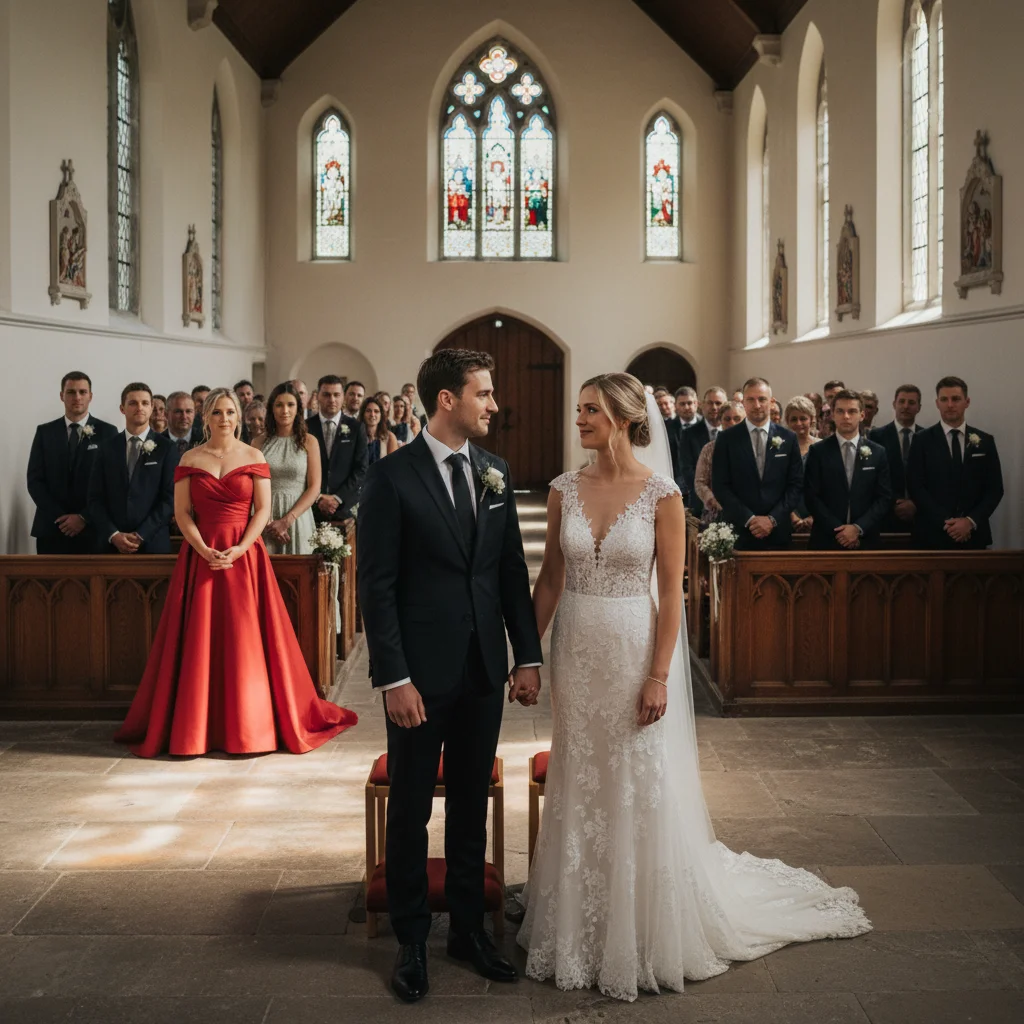
Wedding ceremony with unwanted guest in red dress in background
Before
->
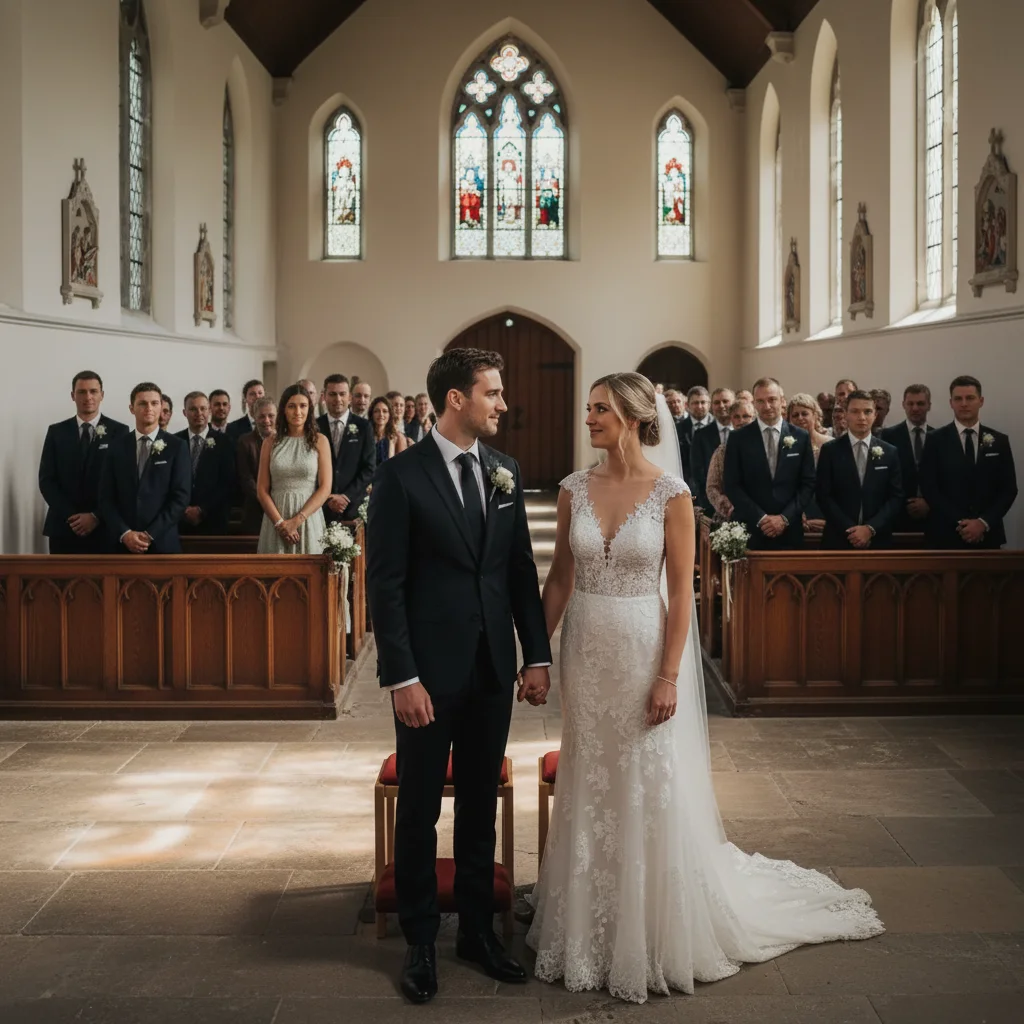
Clean ceremony shot with background filled naturally
After

Unwanted guest in ceremony background

A guest walked into the background just as the couple exchanged vows. The shot is otherwise perfect. Removal preserves the ceremony moment without reshooting.

Prompt: remove the woman in the red dress visible in the background behind the couple and fill naturally with the aisle behind them
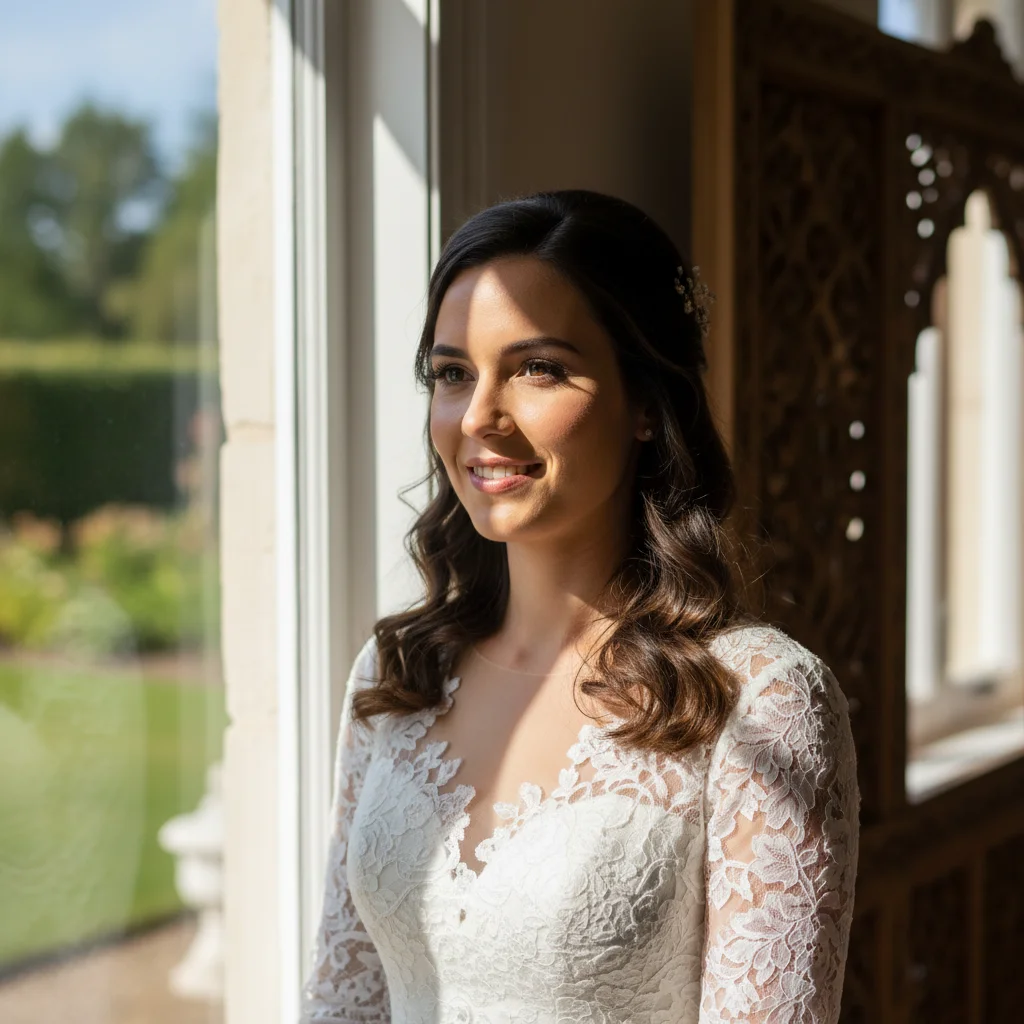
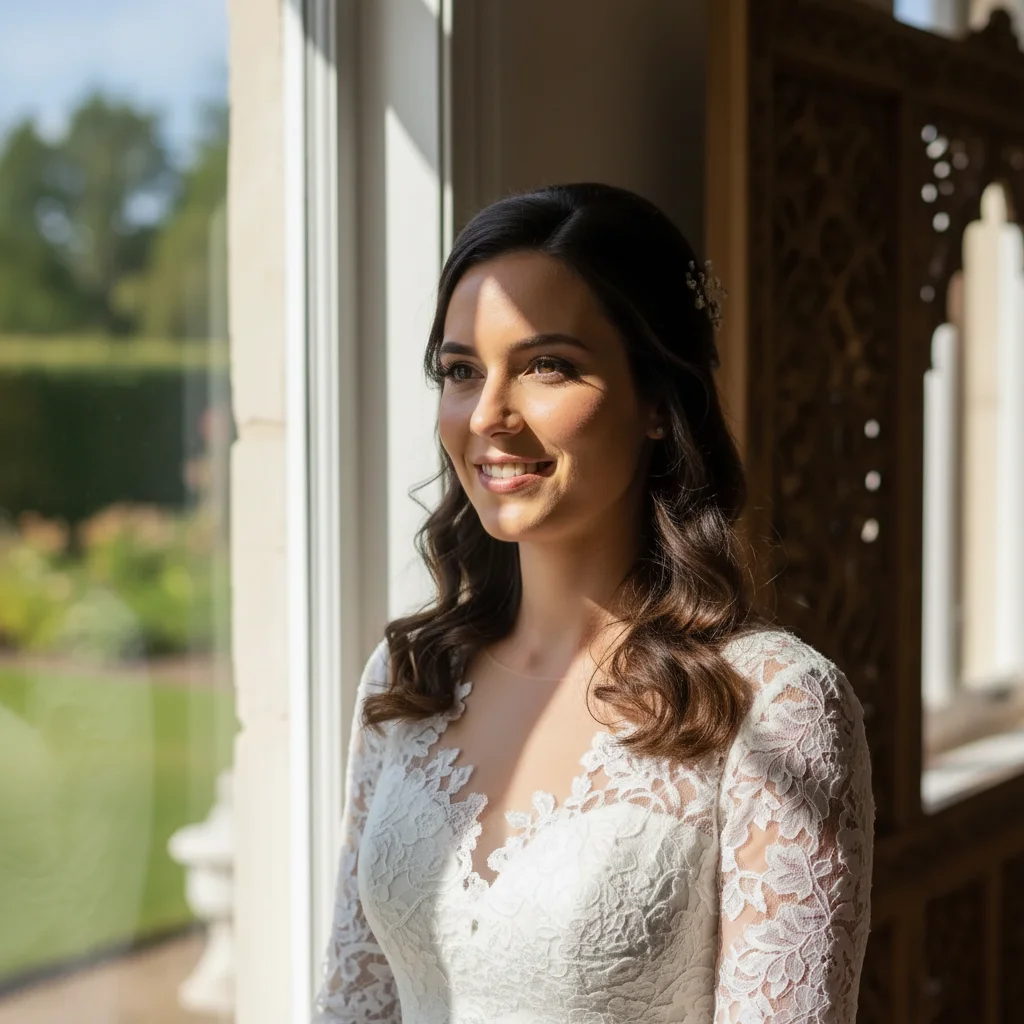
Bride portrait with harsh shadow across face
Before
->
Bride portrait with even, natural lighting
After

Harsh lighting across the bride's face

Dappled light from a window created uneven shadows across the bride's face during portrait session. AI softens the shadow without changing the look of the portrait.

Prompt: soften the harsh shadow across the bride's face and balance the facial lighting to be even and natural

Quick answers

How specific should my prompt be to get a good AI Photo Editor for Wedding Photographers result on the first try?

One sentence is usually enough: 'edit the wedding photography.' If the first result is off, refine with details — color, position, lighting, or what to keep. Each pass takes 20-45 seconds and runs separately, so you can compare. Free first edit per week, no signup.

Can this replace professional wedding photo editing software?

No — EditThisPic handles specific targeted fixes: removing people from backgrounds, adjusting shadows, cleaning up distractions. For culling, colour grading, skin retouching at scale, or album delivery, you'll still use your main editing workflow. This fills the gap for quick targeted fixes.

Is there a free AI wedding photo editing tool with no login?

EditThisPic is free to try with no account required. You get 1 free preview edit per week. Credit packs start at $4.99 for 10 edits — useful for batches of problem shots from a wedding. Purchased downloads are clean, full quality.

Can I remove a specific guest who appears in many shots?

Yes, but each photo needs to be edited separately. There's no batch processing — each image is processed individually. For a problem guest who appears in 10 photos, you'd edit each one and describe their position in each.

Will this help with ceremony shots where guests were in the aisle?

Yes — aisle removals work well when guests are clearly behind the couple. The AI reconstructs the aisle behind them. Works best when the guest is fully visible (not partially hidden by the couple) and position is described clearly.

How much does EditThisPic cost?

You get 1 free edit per week — no account needed. After that, one-time credit packs start at $4.99 for 10 edits, valid 12 months, no subscription. Power users who edit daily can pick Studio Membership, a monthly workspace at $49.99/mo for 300 edits. Purchased downloads are clean with no watermark.

Fix Wedding Photos That Can't Be Reshot

Describe the problem, AI handles the fix. Free to try, no signup.

1 free edit included·Credit packs from $4.99